
TrazaLink
One link. One complete case.
You create the case link and send it to the dentist. They open the packet with your logo, complete the Digital Rx, upload the scan and the photos, and approve the design. No account and nothing to install.
For laboratories that receive cases from clinics without an account
The laboratory
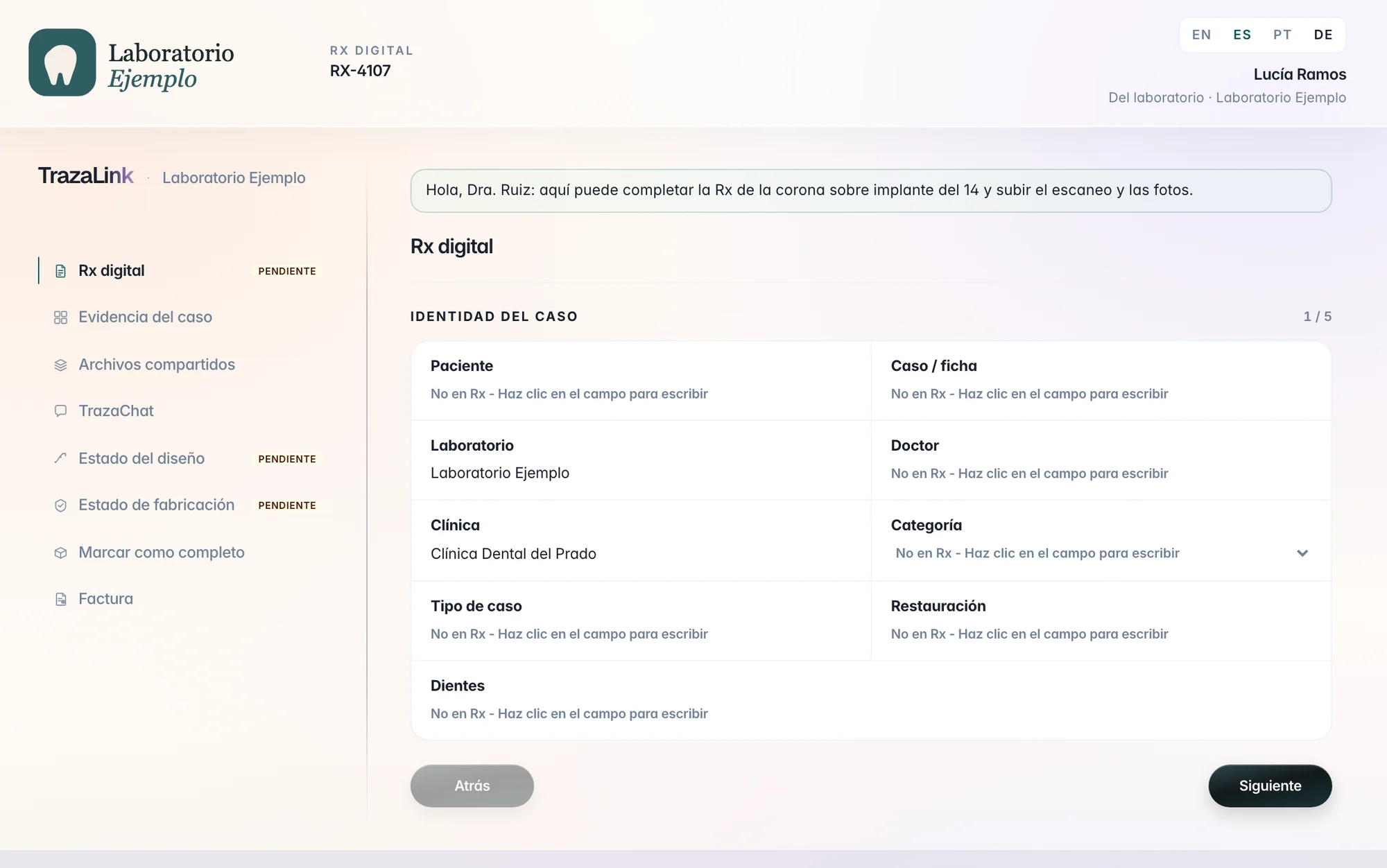
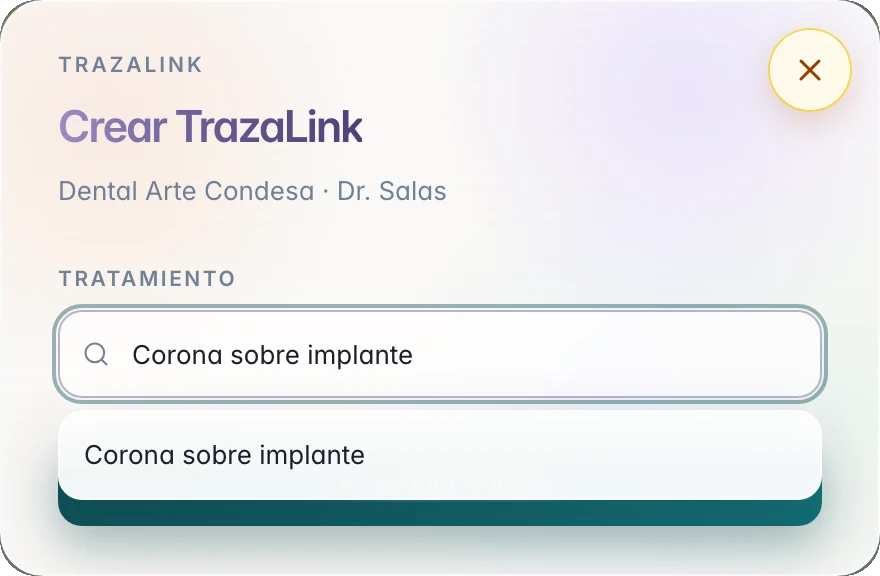
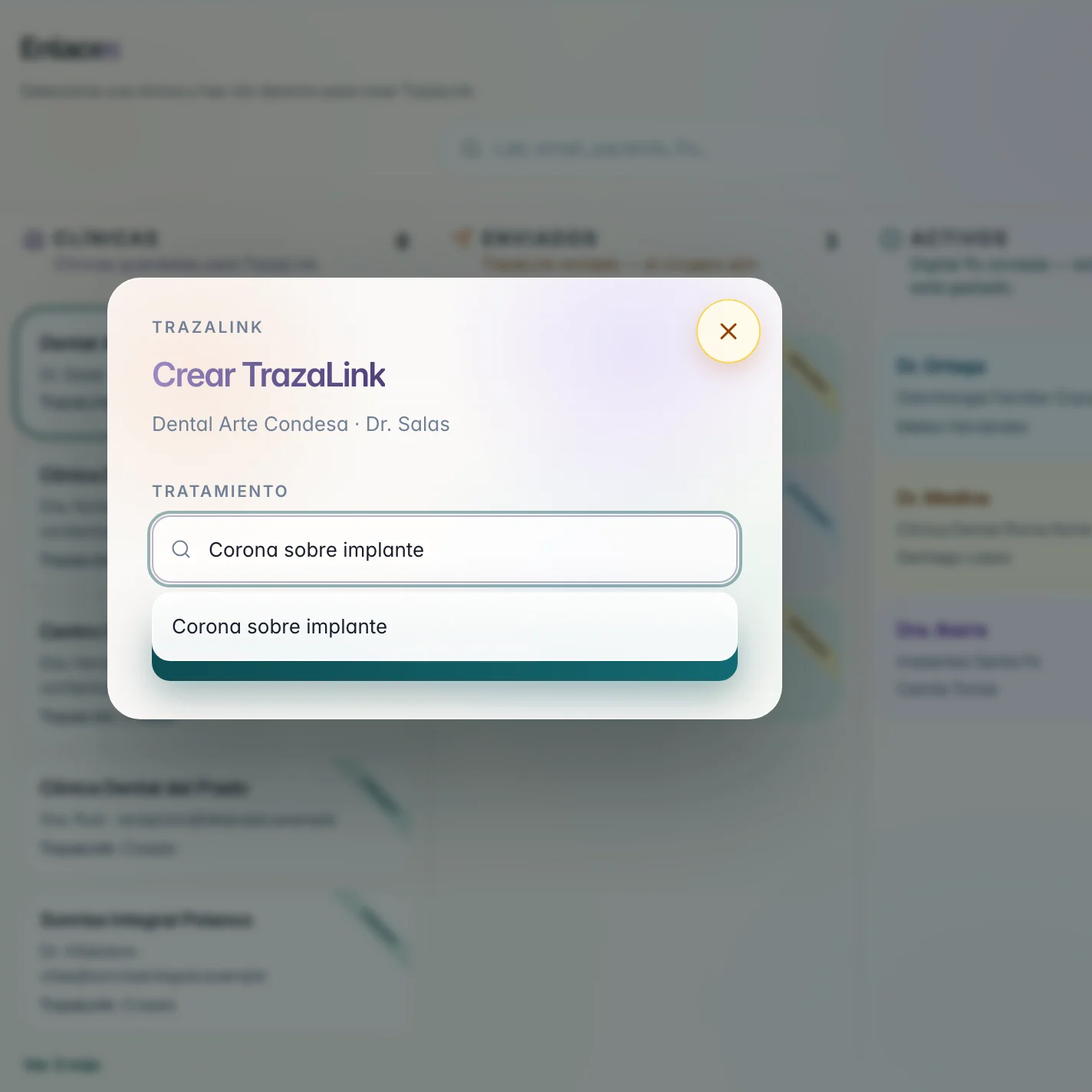
You create the link in two clicks.
In TrazaLink, on your desk, you right-click the clinic, choose the treatment, and copy the packet link.
The dentist
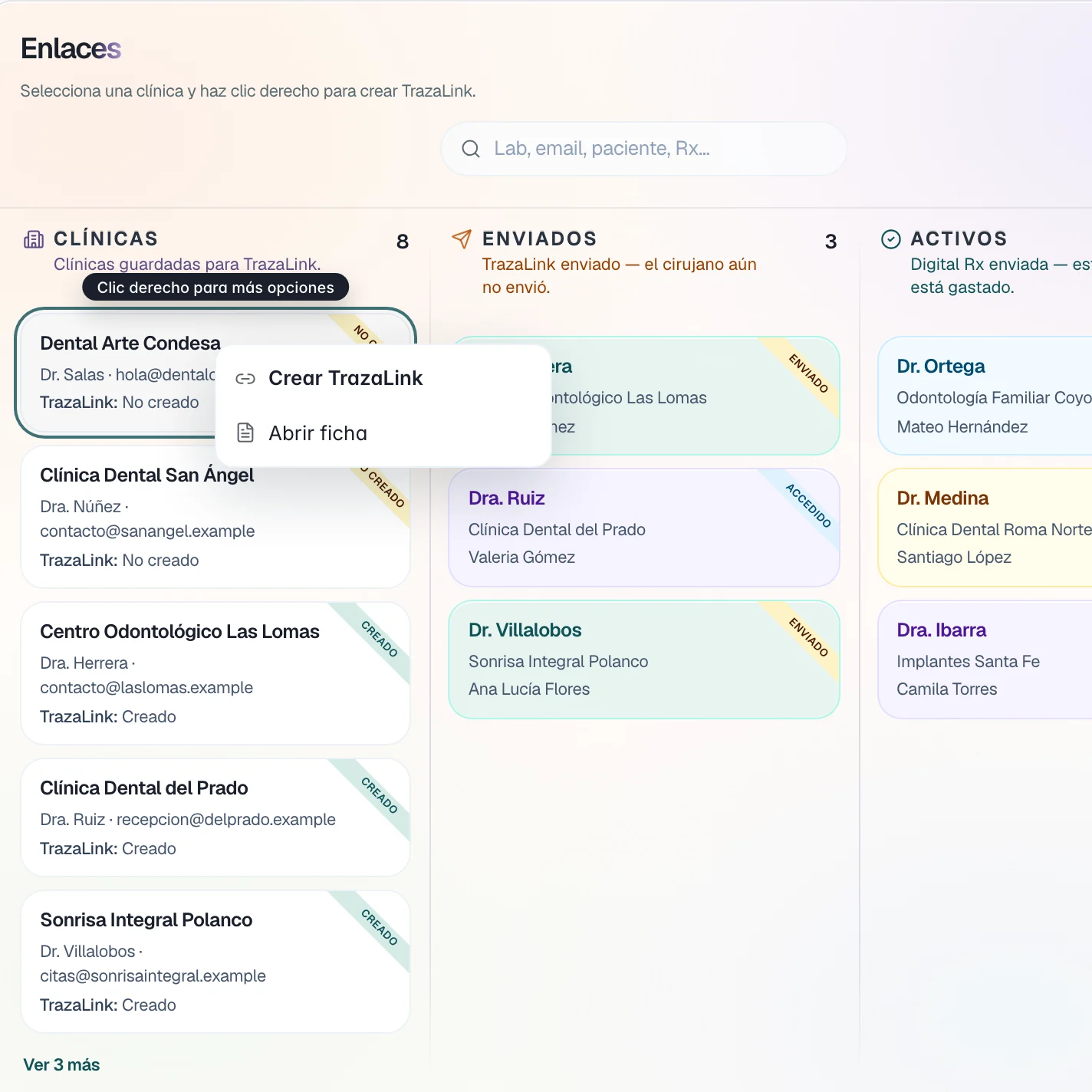
They open the packet with your logo.
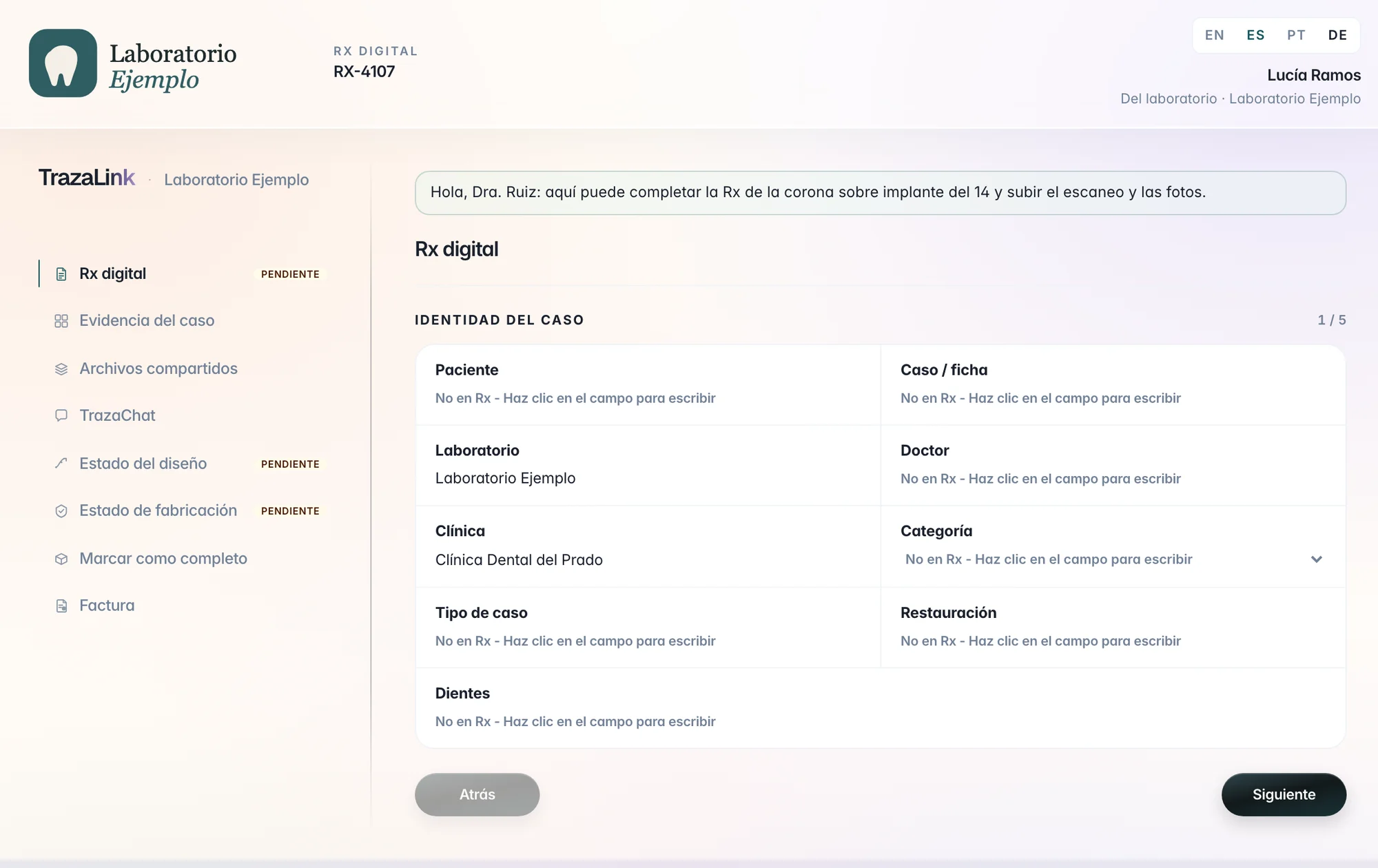
The link opens the case packet in the browser, with no account and nothing to install. At the top they see your laboratory's logo and name and the message you left; on the left, the case tabs, starting with the Digital Rx.
Digital Rx
They complete the Rx step by step.
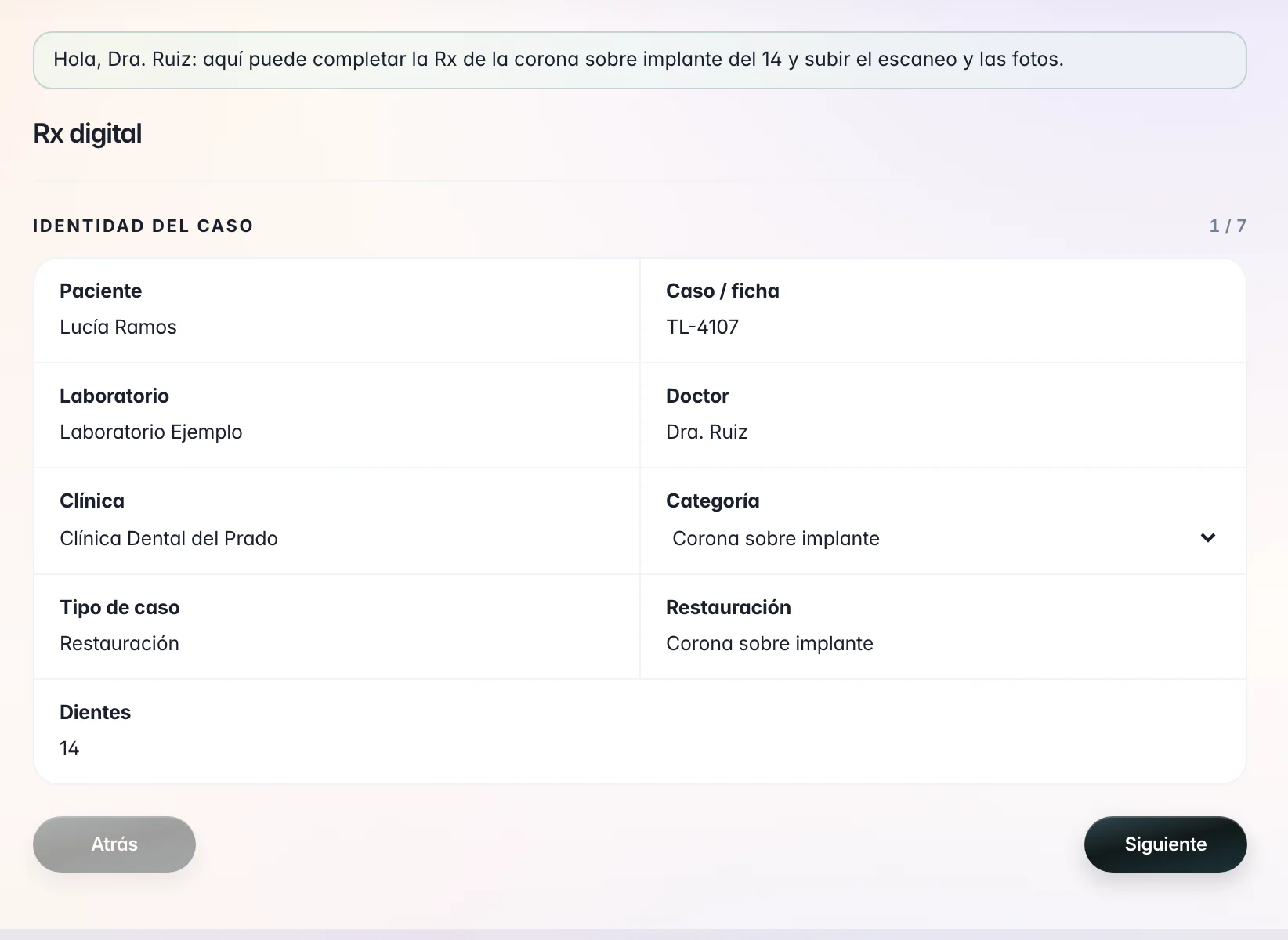
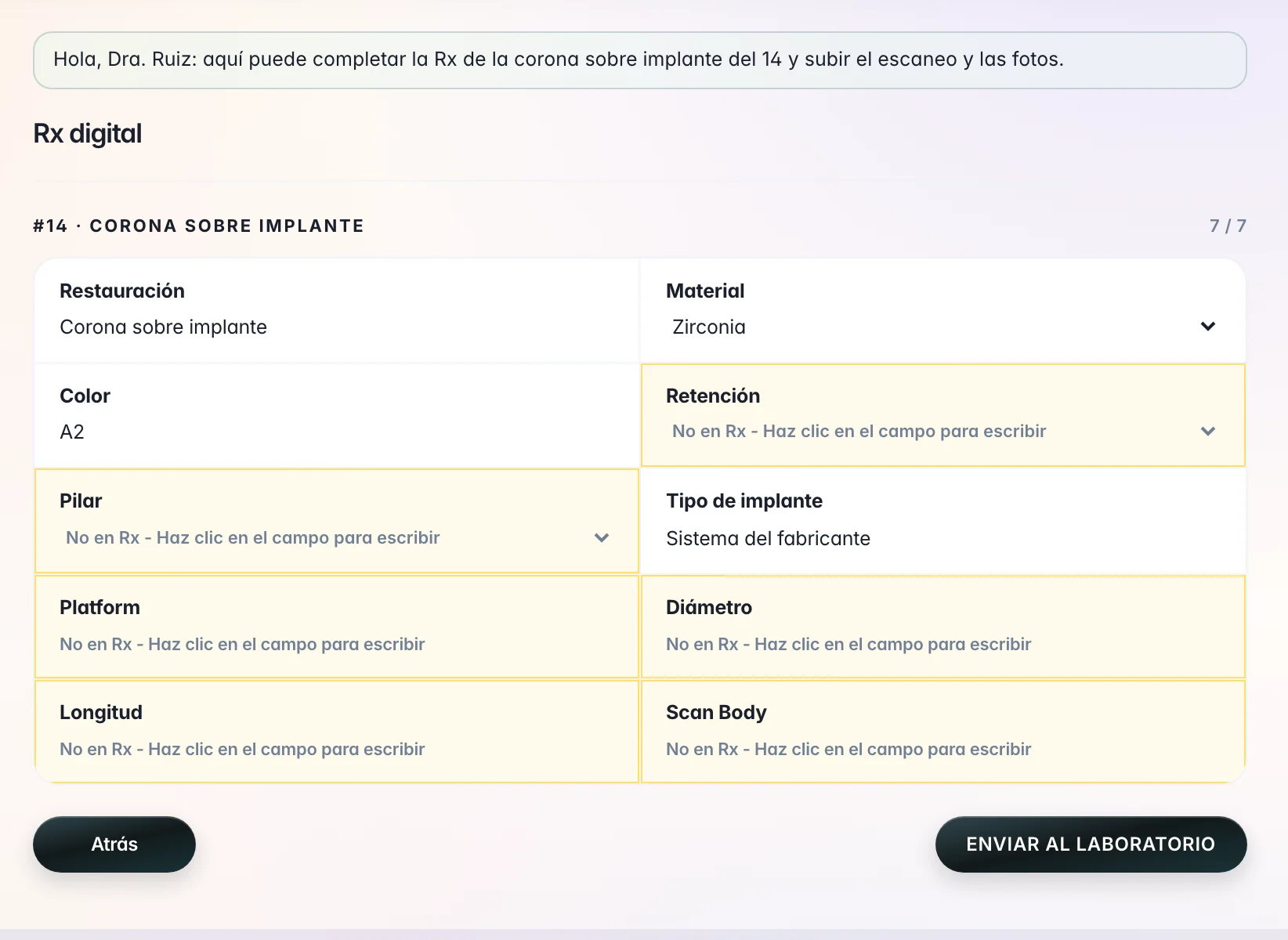
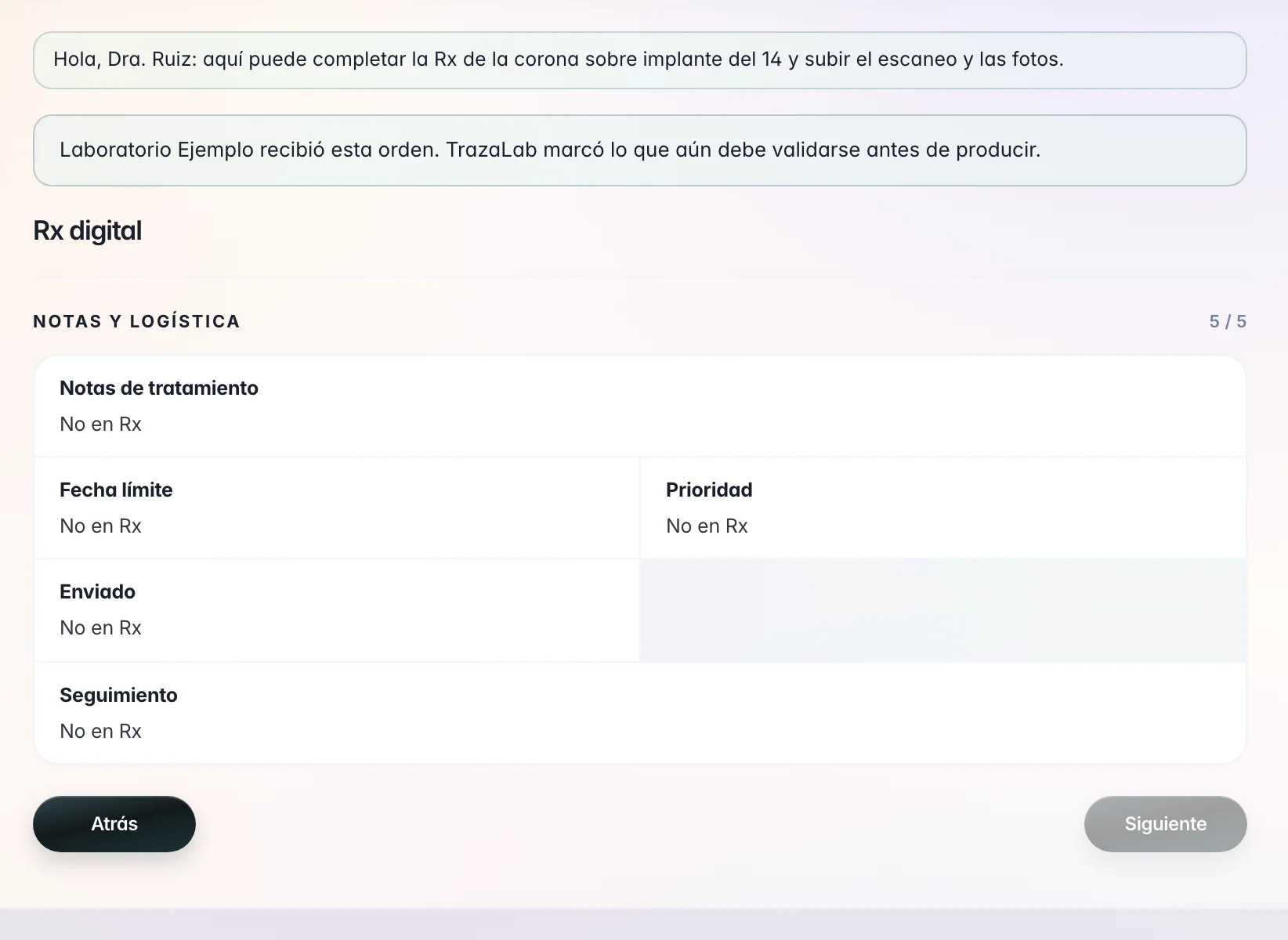
The Digital Rx asks for what the case needs: identity, material and shade, preparation, implant, indicators, and logistics.
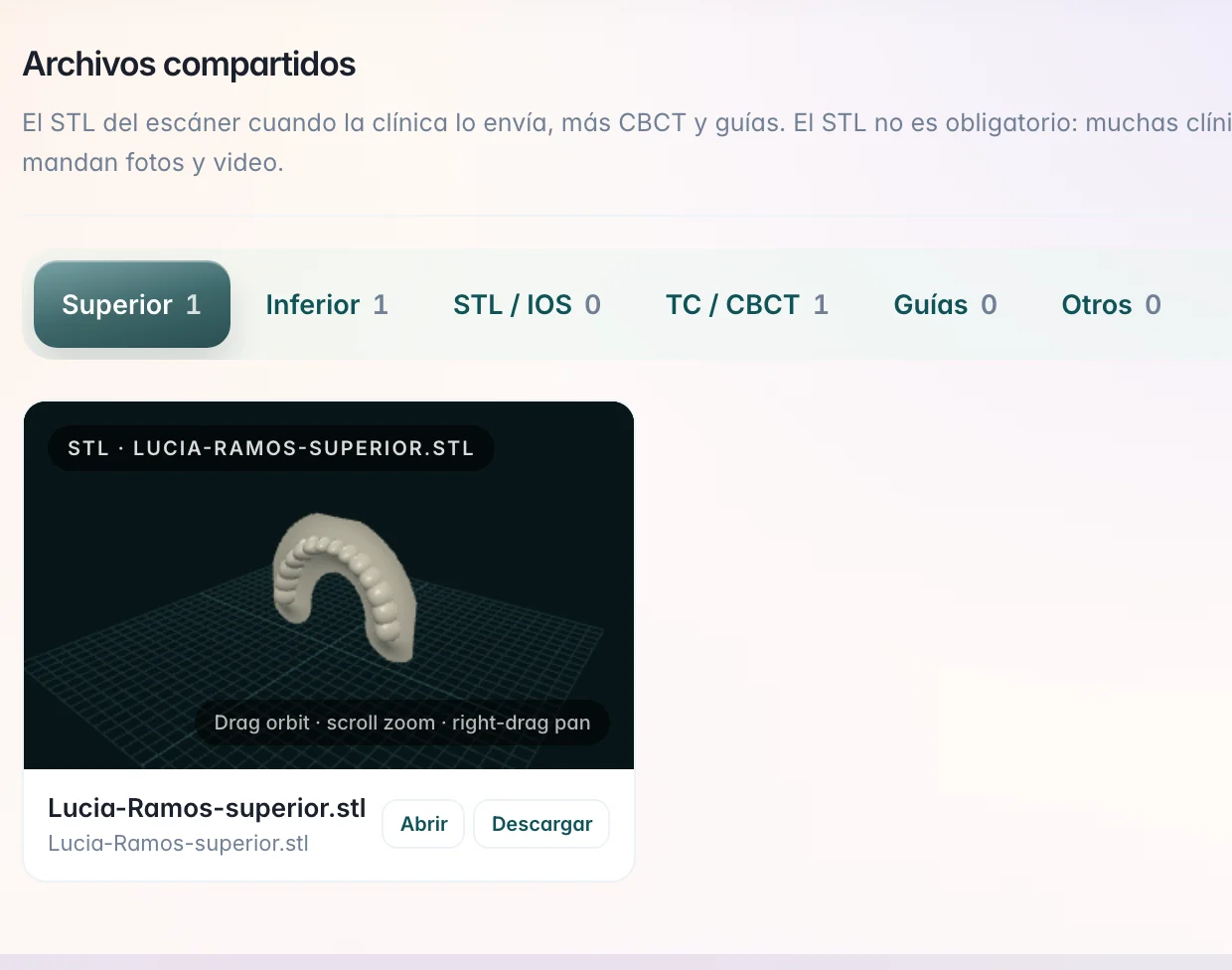
Shared files
Upload the scan and the CBCT.
The scanner STL, the CBCT, and the guides arrive on the case, each in its place: upper, lower, CT / CBCT, guides, and other.
- The STL is not required.
Many clinics send photos and video instead.
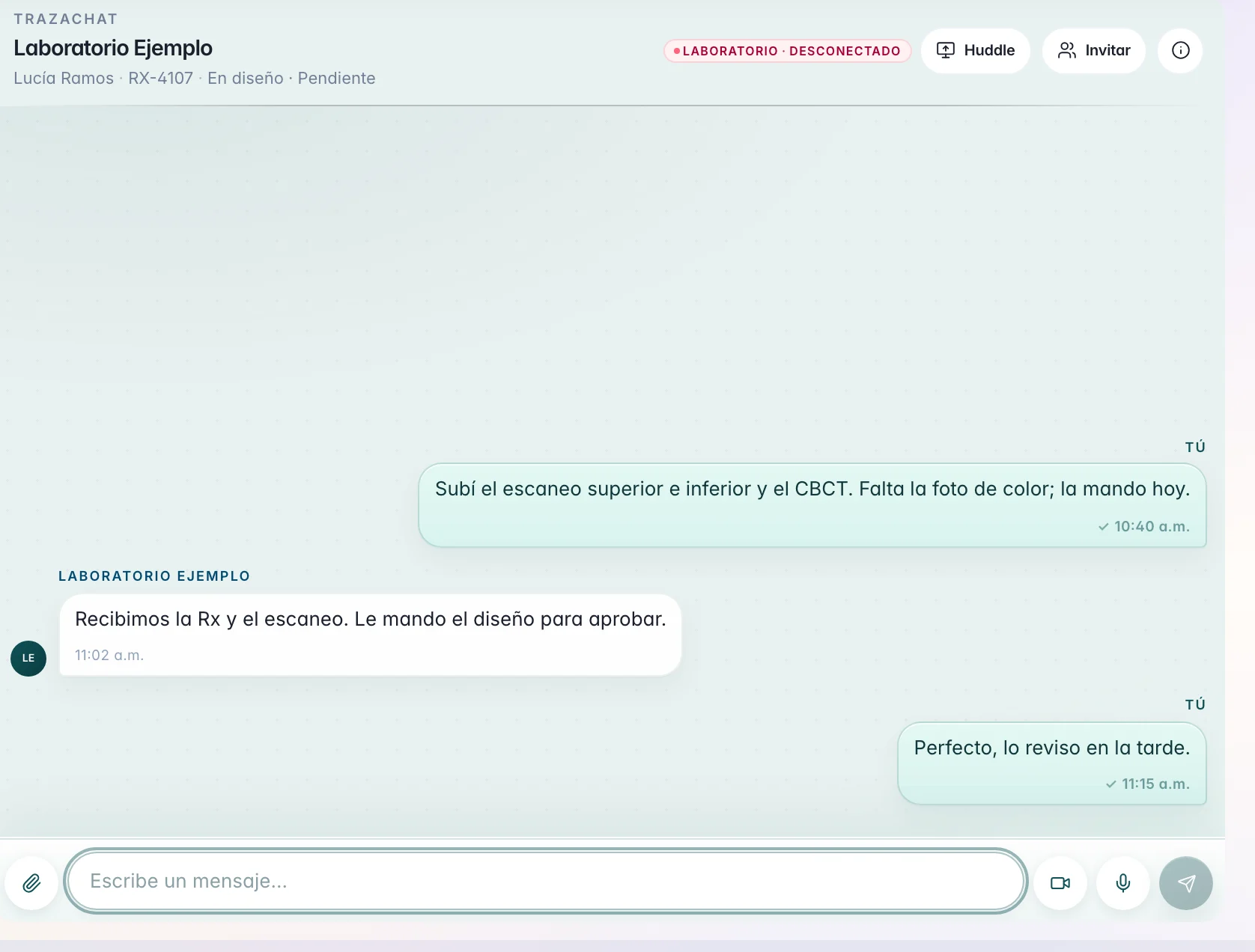
TrazaChat
The conversation, inside the packet.
The dentist and your laboratory talk about the case in the same packet, not in a separate chat.
- Invite someone.
From the chat header, when the case calls for it.
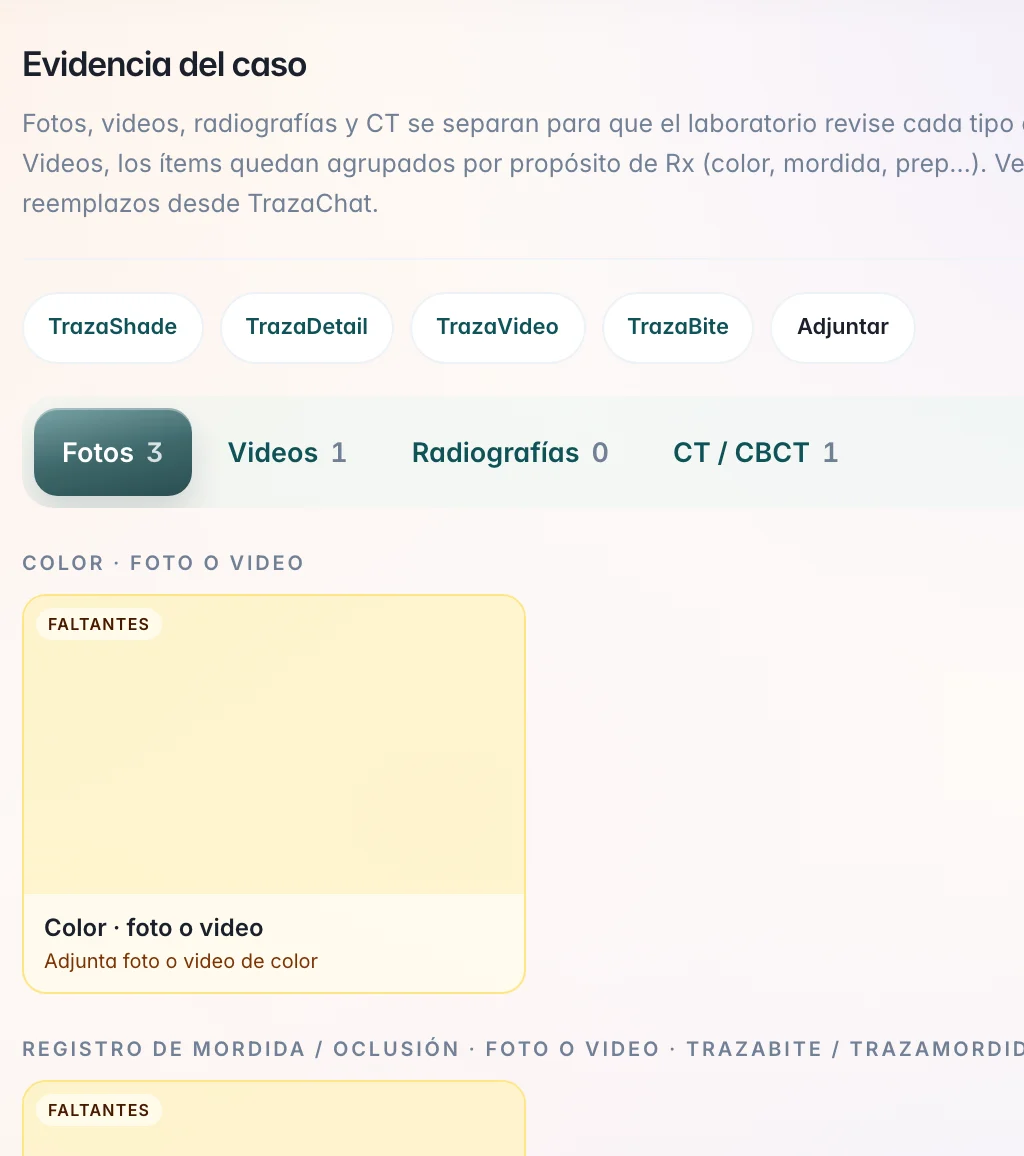
Case evidence
Photos and video, by purpose.
Photos, videos, radiographs, and CT are separated by type and by what they show: shade, bite, preparation. The dentist captures with TrazaShade, TrazaDetail, TrazaVideo, or TrazaBite, or attaches a file. Each purpose the case asks for shows as missing until it arrives.
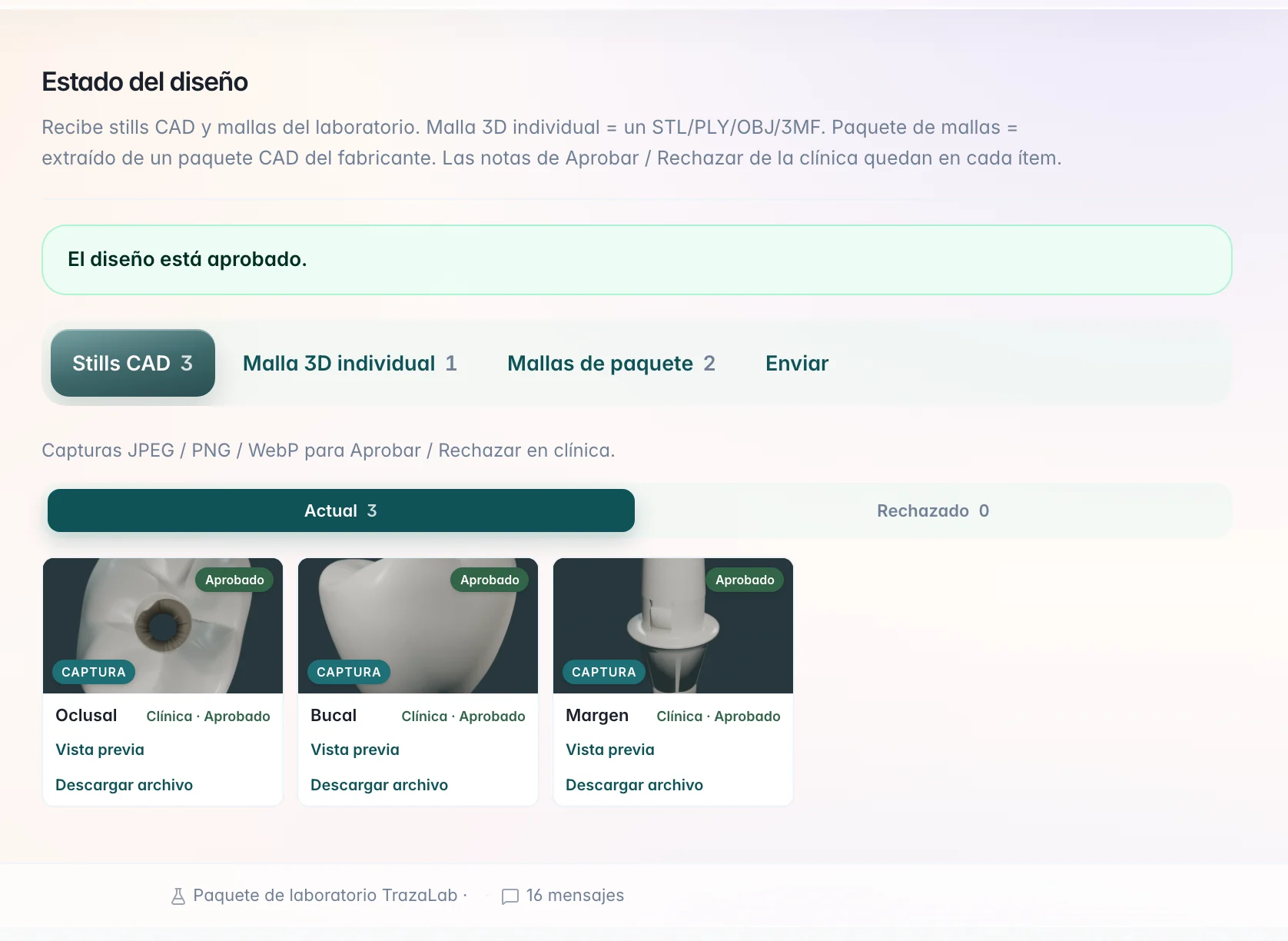
Design status
The dentist approves the design.
You send CAD captures and meshes to the packet. The dentist reviews each one on the same link.
- Approve or reject.
CAD stills, an individual 3D mesh, or packet meshes, one by one.
- It stays on the record.
Each capture shows Clinic · Approved, with its note.
Fabrication and invoice
From milling to the invoice.
With the design approved, the same packet follows the case through to the invoice.
- Released to milling.
The pre-checks are confirmed and the release is signed.
- Complete.
The case is marked complete and the clinic confirms receipt.
- Invoice.
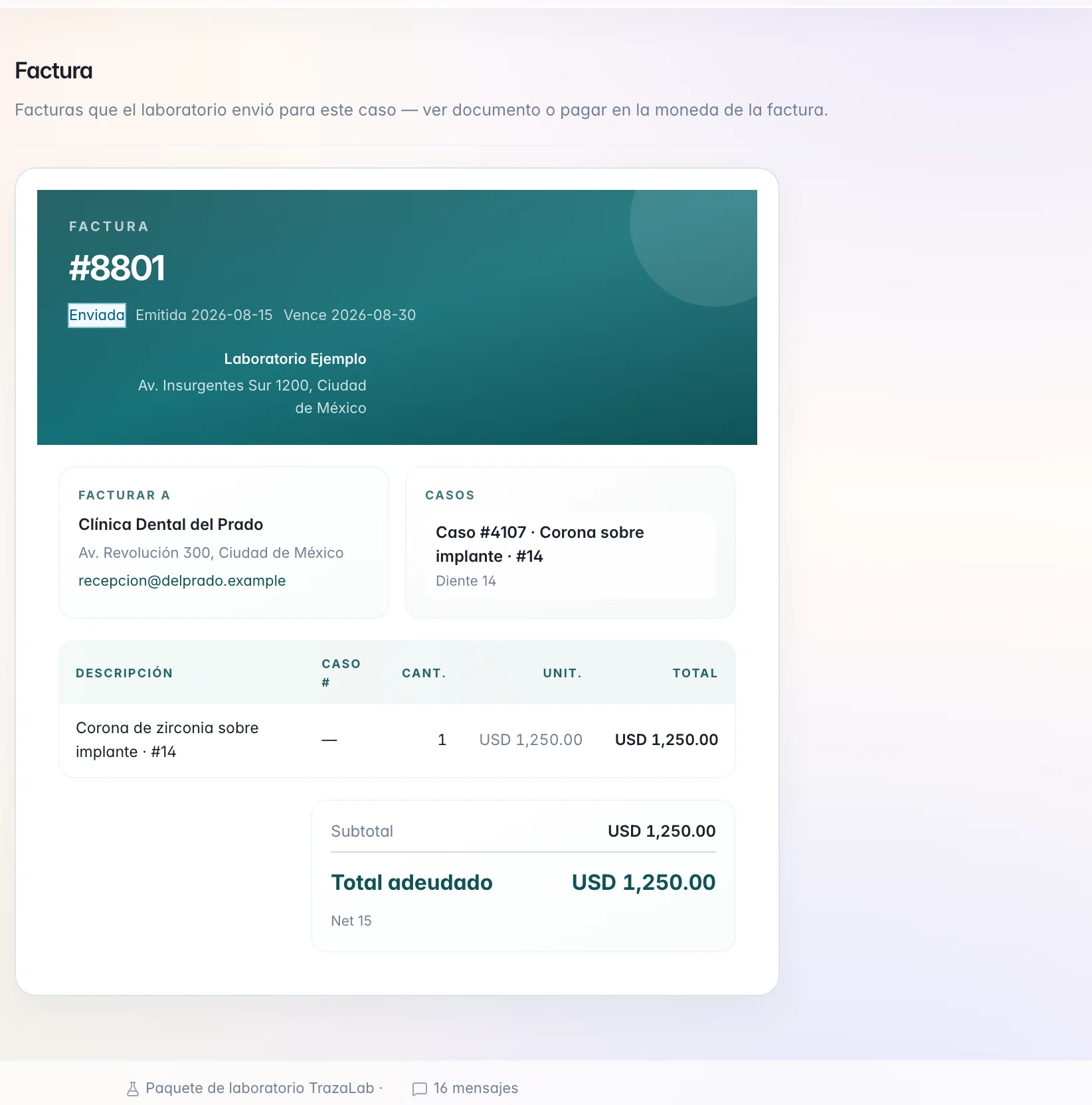
The case invoice, to view or pay in its currency.
The packet
Tab by tab.
The eight tabs the dentist and your laboratory share on every TrazaLink.
- 01Digital Rx
The case Rx, step by step, with what is missing marked.
- 02Case evidence
Photos, videos, radiographs, and CT, by purpose.
- 03Shared files
Intraoral scan, CBCT, guides, and other.
- 04TrazaChat
The case conversation with your laboratory.
- 05Design status
CAD captures and meshes to approve or reject.
- 06Fabrication status
The checks and the release to milling.
- 07Mark as complete
Case close and receipt confirmation.
- 08Invoice
The case invoice, to view or pay.
One link
The case, in one place.
Nothing travels by a PDF, an email, or a separate chat.
The dentist opens the link and works in the browser.
The packet opens with your laboratory's logo and name.
From the Rx to the invoice, on the same link.
Two sides
Laboratory and dentist.
What each one does with the same link.
Laboratory
Creates, reviews, and fabricates.Dentist
Opens, completes, and approves.Creates it and copies it from TrazaLink.
Opens it in the browser, with no account.
Receives it with what is missing marked.
Completes it step by step.
Reviews them separated by type.
Uploads scan, CBCT, photos, and video.
Sends CAD captures and meshes.
Approves or rejects each one.
Sends it in the packet.
Views it or pays it.
Questions
Questions about TrazaLink.
No. They open the packet link in the browser and complete the case there.
The dentistThe missing fields stay marked before sending. When the order arrives, TrazaLab marks what still has to be validated before production.
Digital RxNo. The packet receives the intraoral scan, the CBCT, and the guides, but many clinics send photos and video instead of the STL.
Shared filesYes. The packet opens with your laboratory's logo and name, and with your message for the dentist.
The dentistLab Network includes 10 TrazaLinks. On the TrazaLink board you see how many you are using.
See plansYes. On the Invoice tab they see the case invoice and can pay it in the invoice currency.
Quotes and invoicesNext step
Send your first TrazaLink.
Choose a clinic and a treatment, and copy the link.