
Create cases
The full case, in a few clicks.
You mark the treatment on the odontogram, the Digital Rx fills with those sites, you upload the scan and the photos, and you send the case to your laboratory.
For dentists and clinics
New case
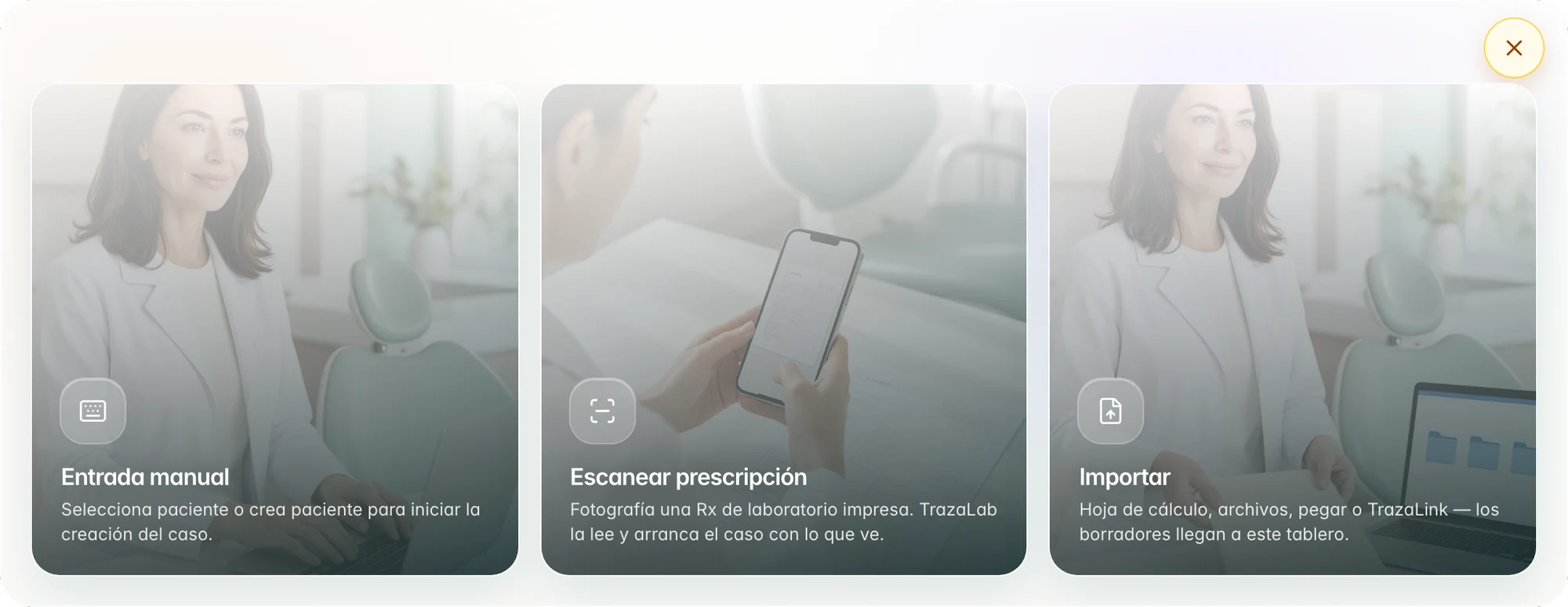
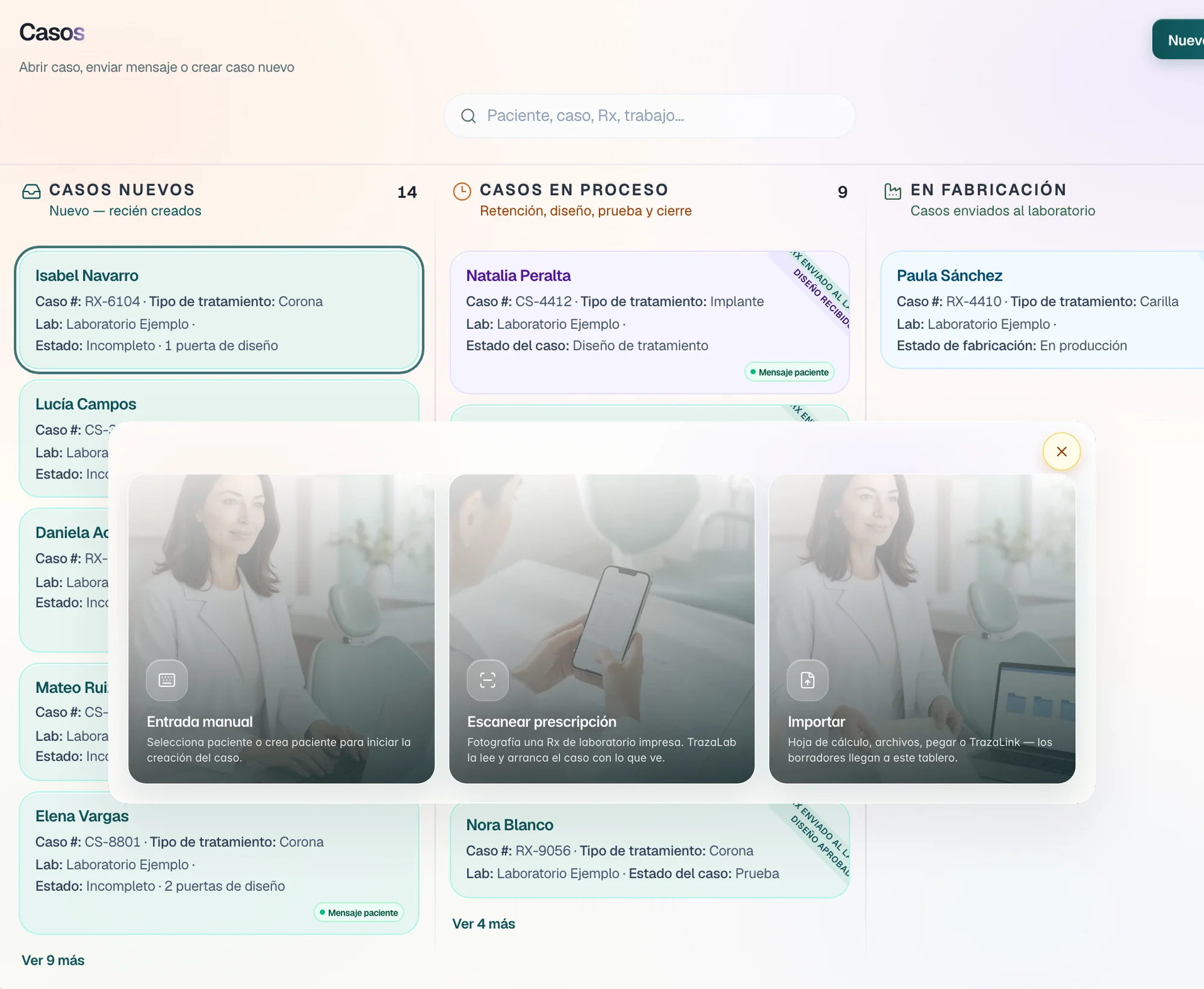
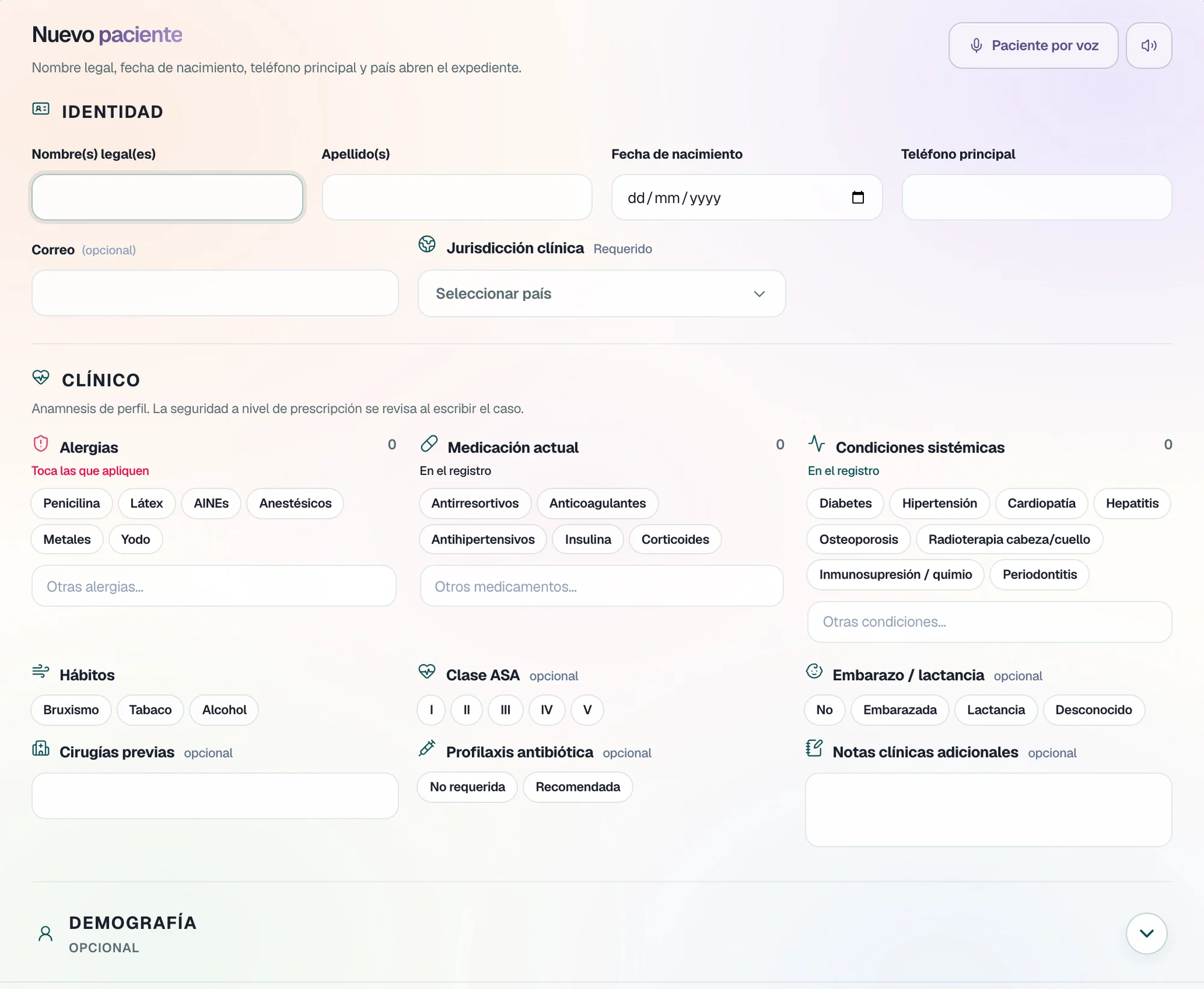
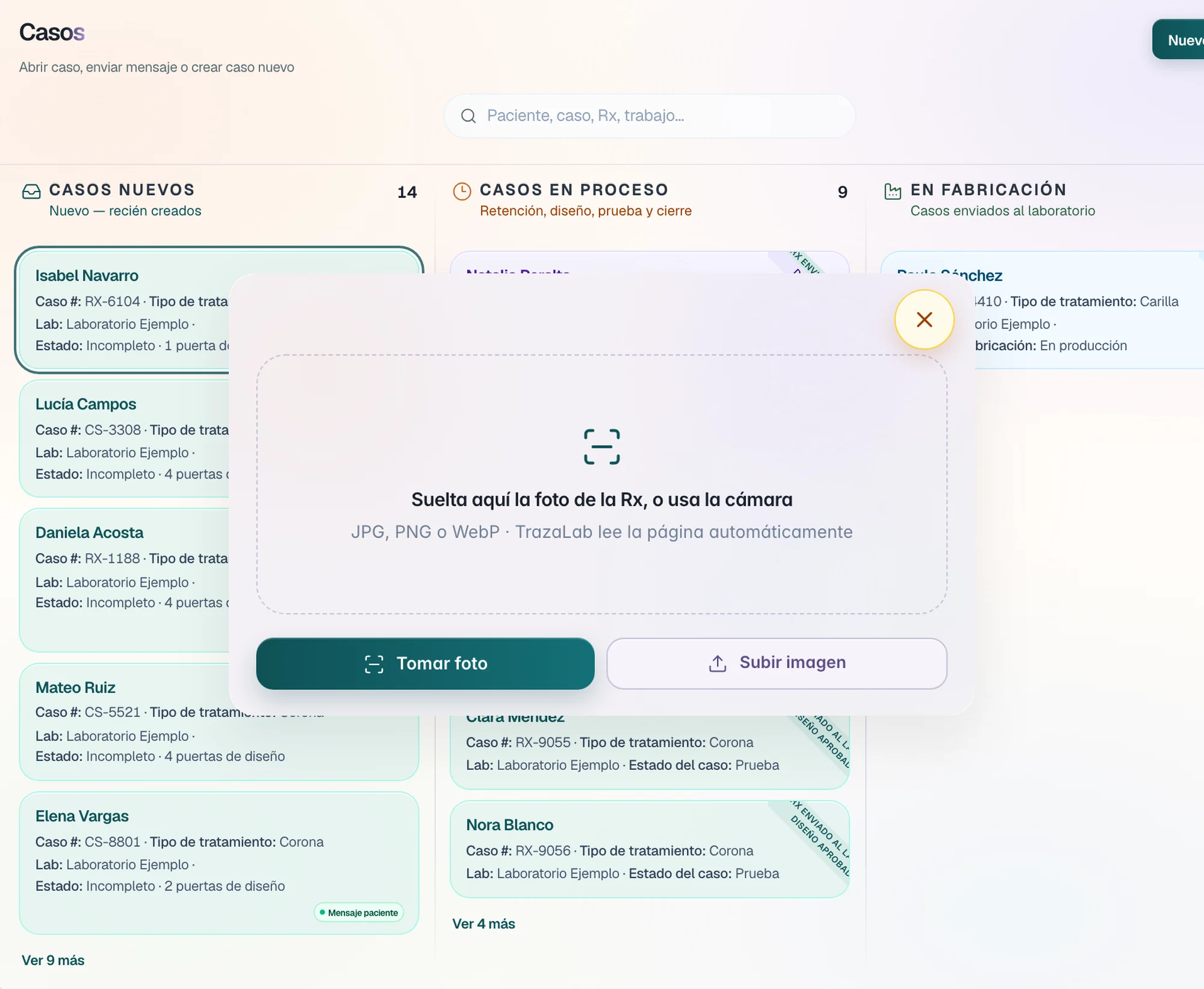
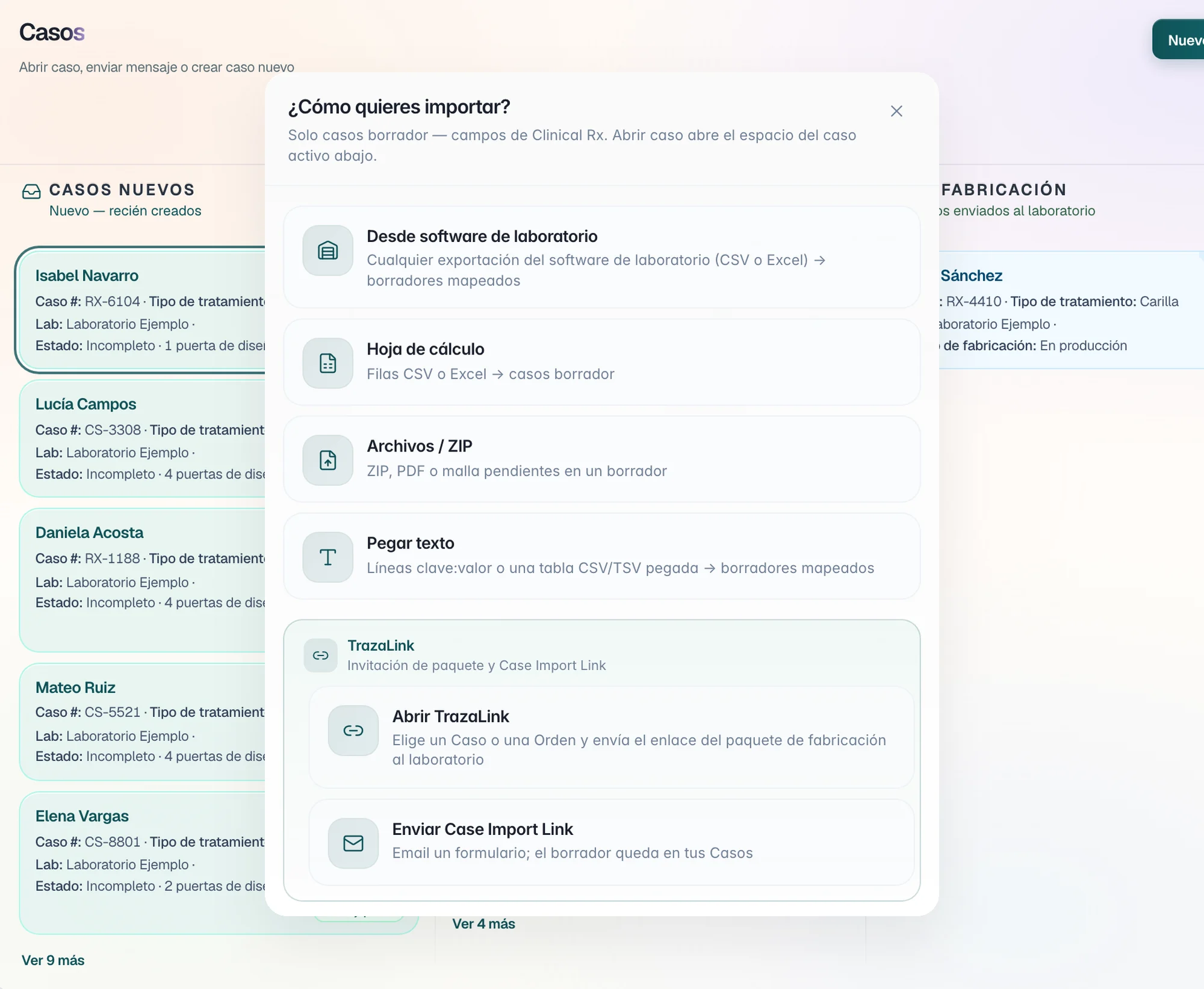
Three ways to start.
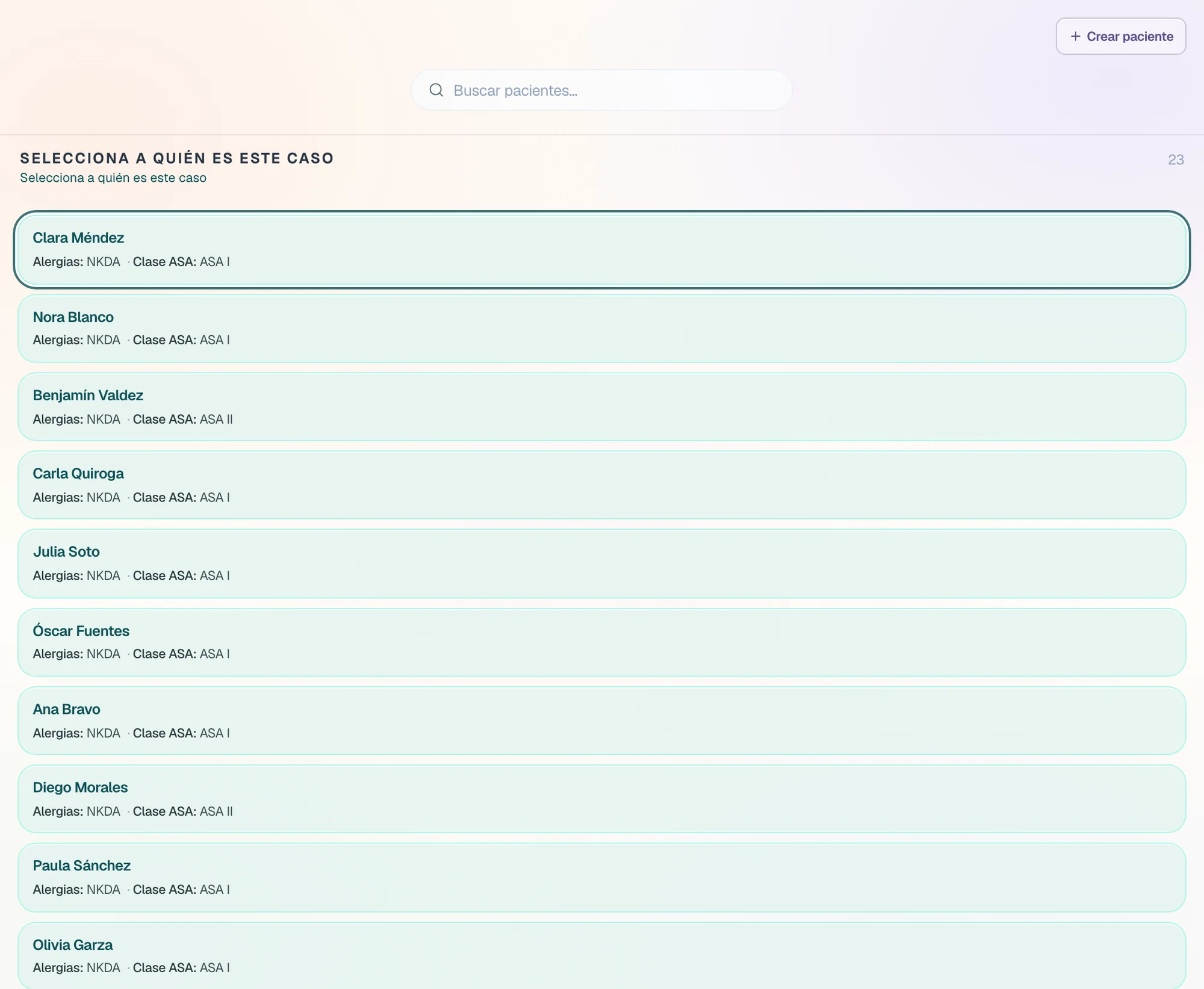
In Cases, New case opens three entries. All three end in the same case.
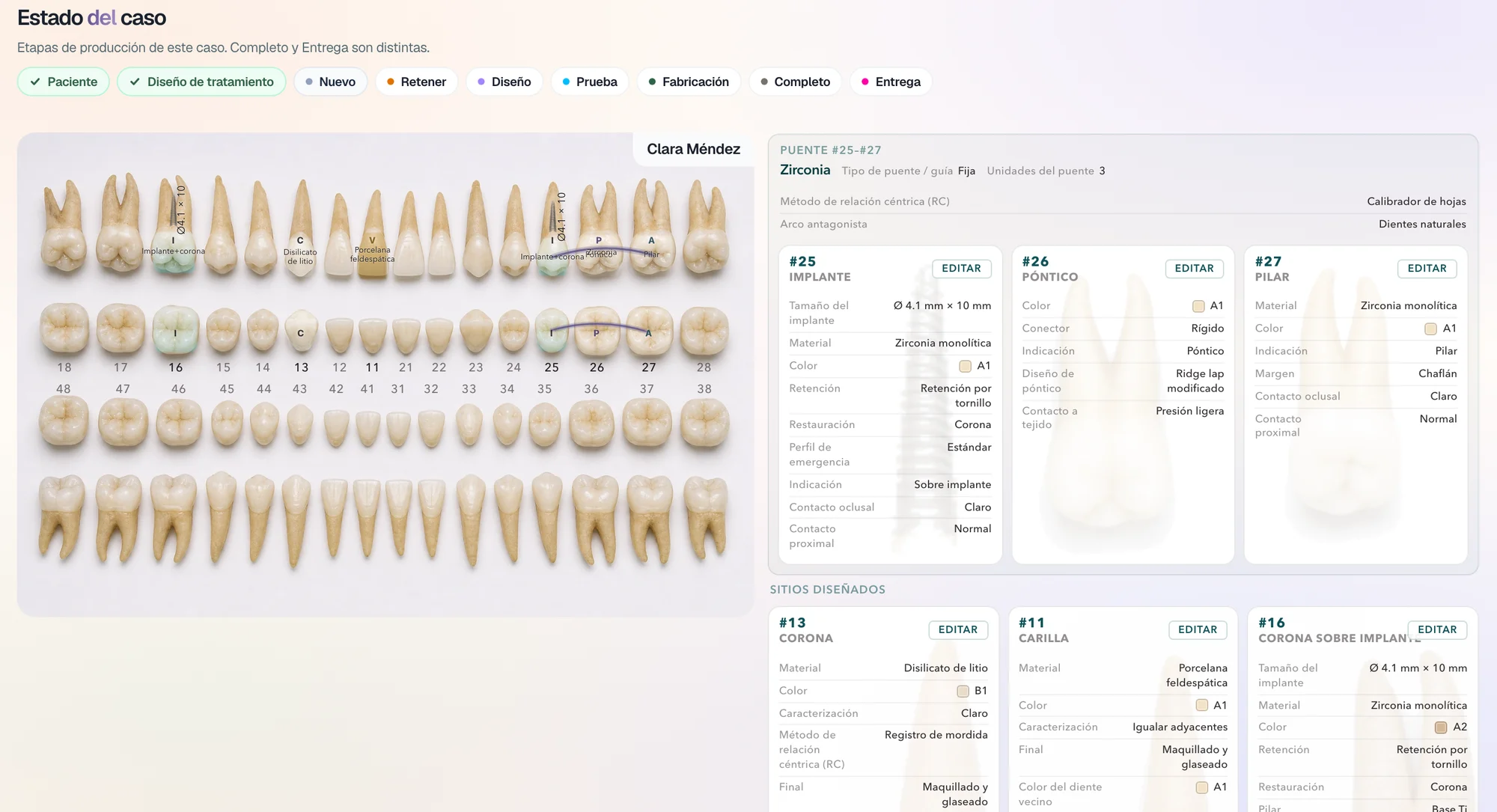
Odontogram
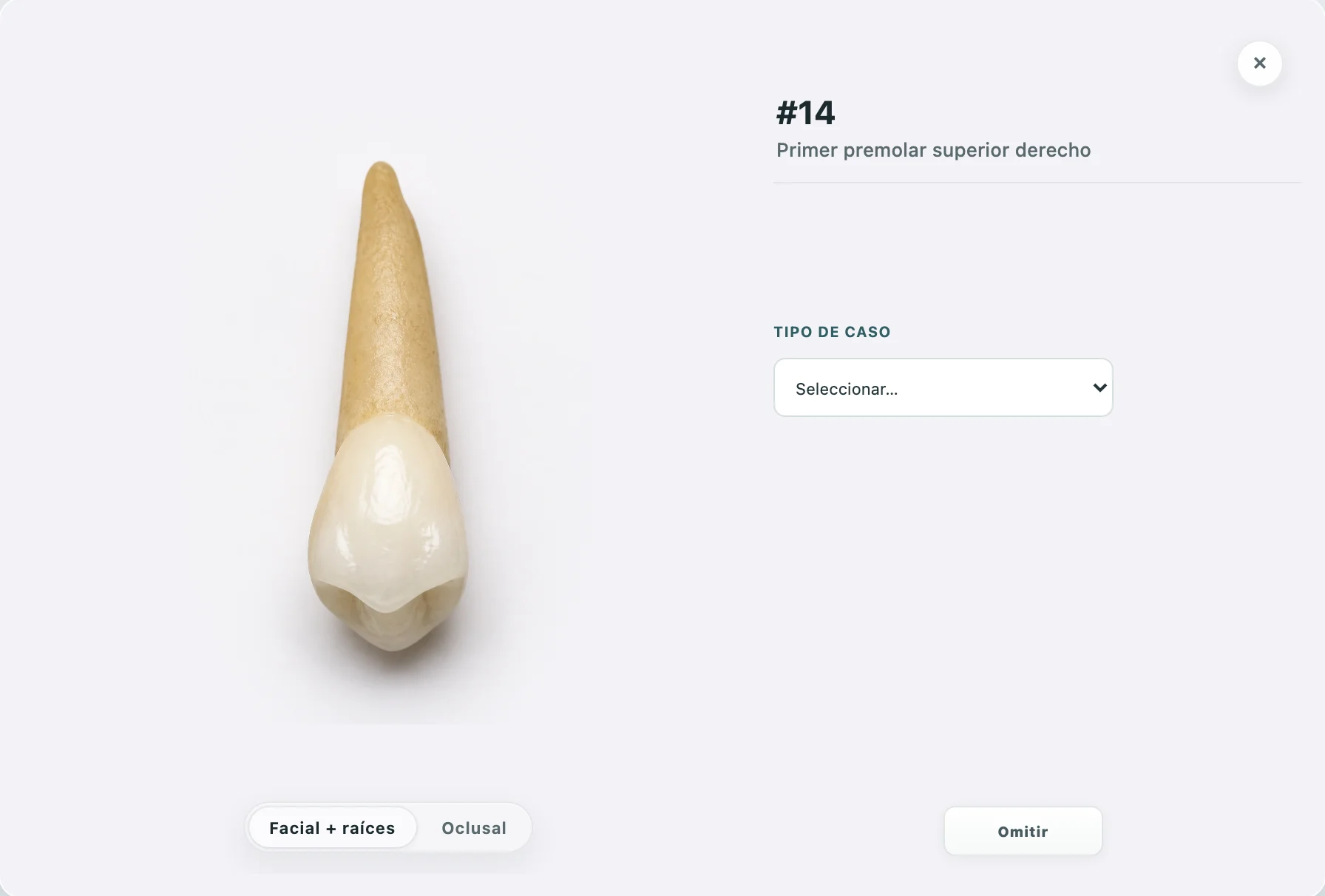
The treatment, tooth by tooth.
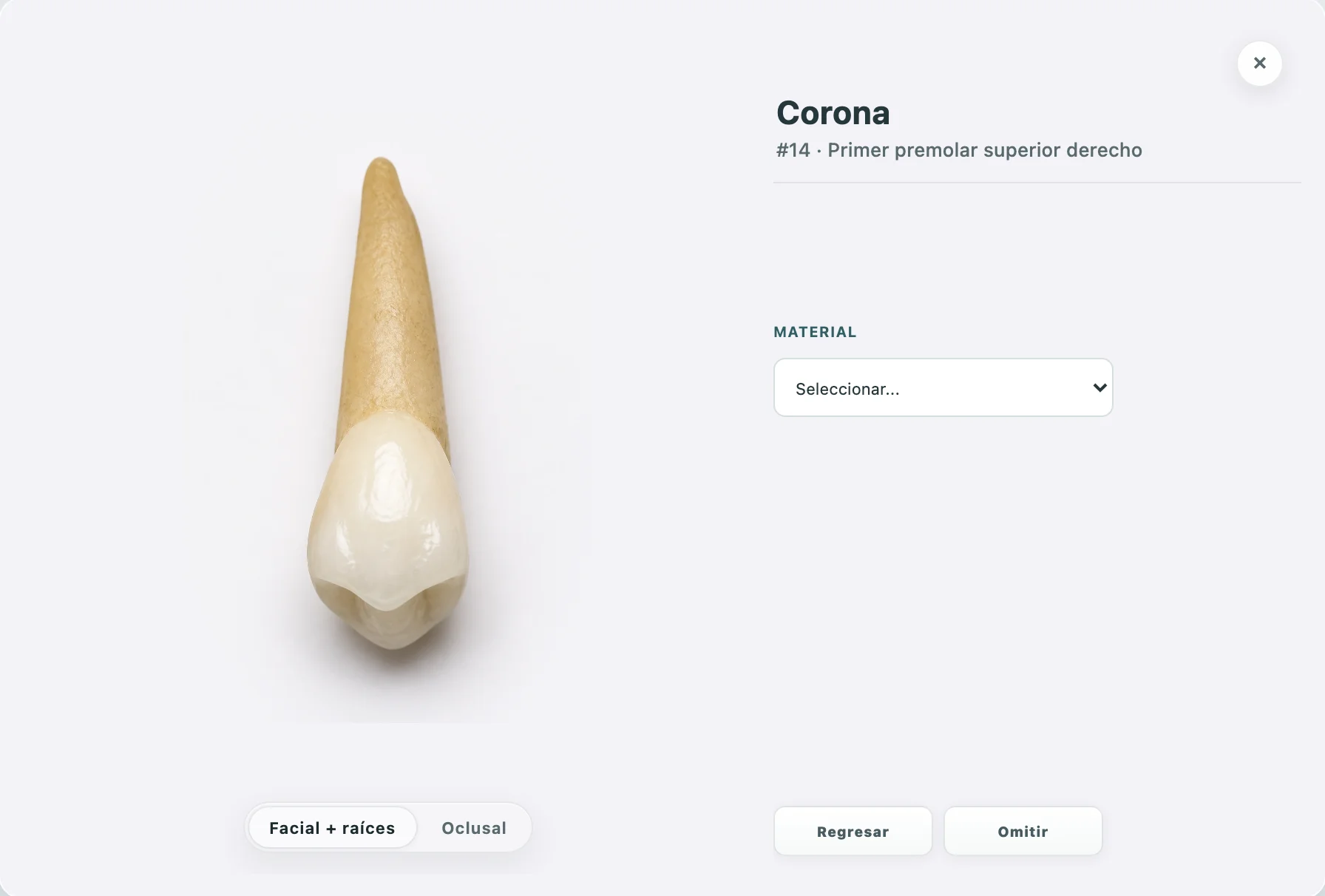
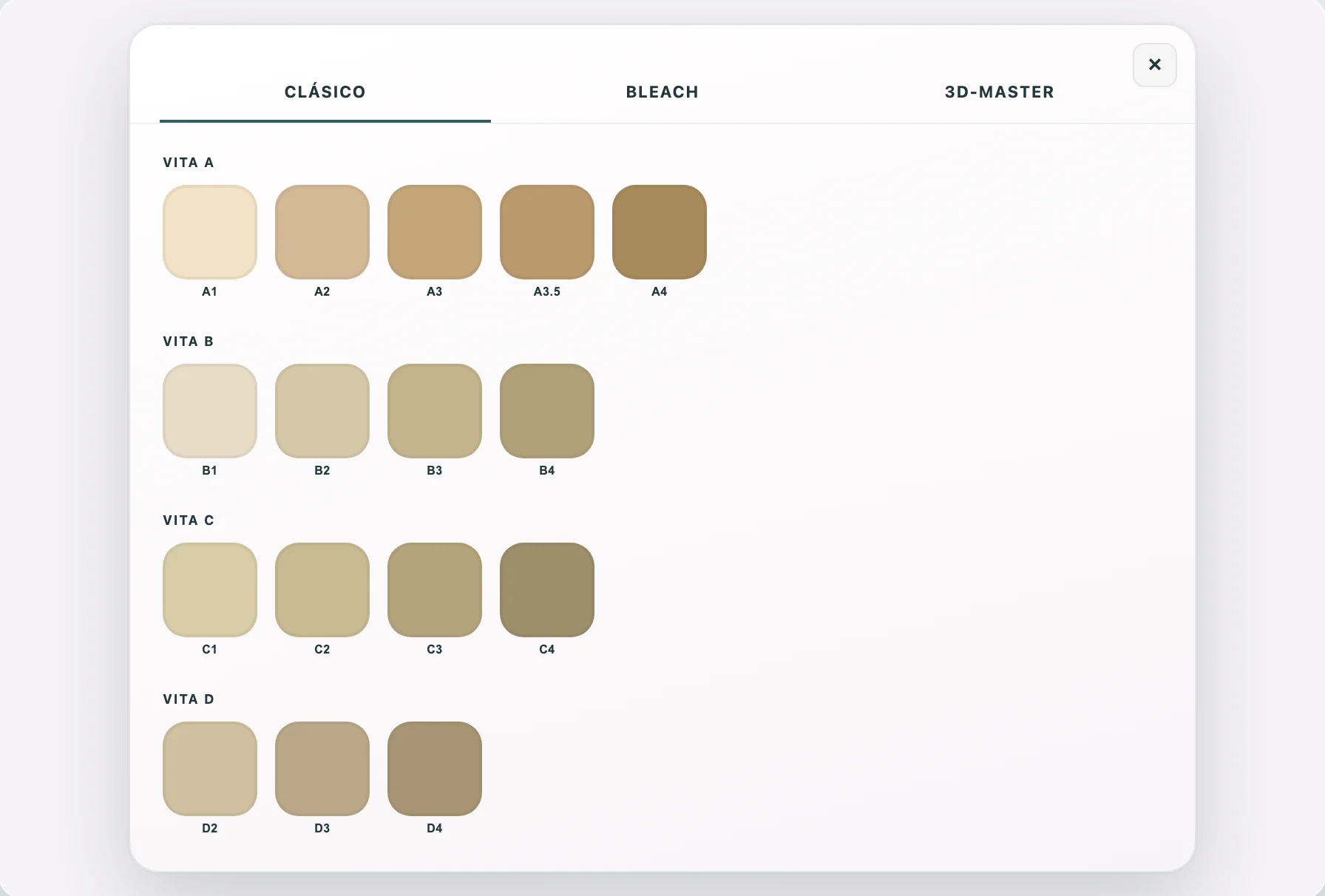
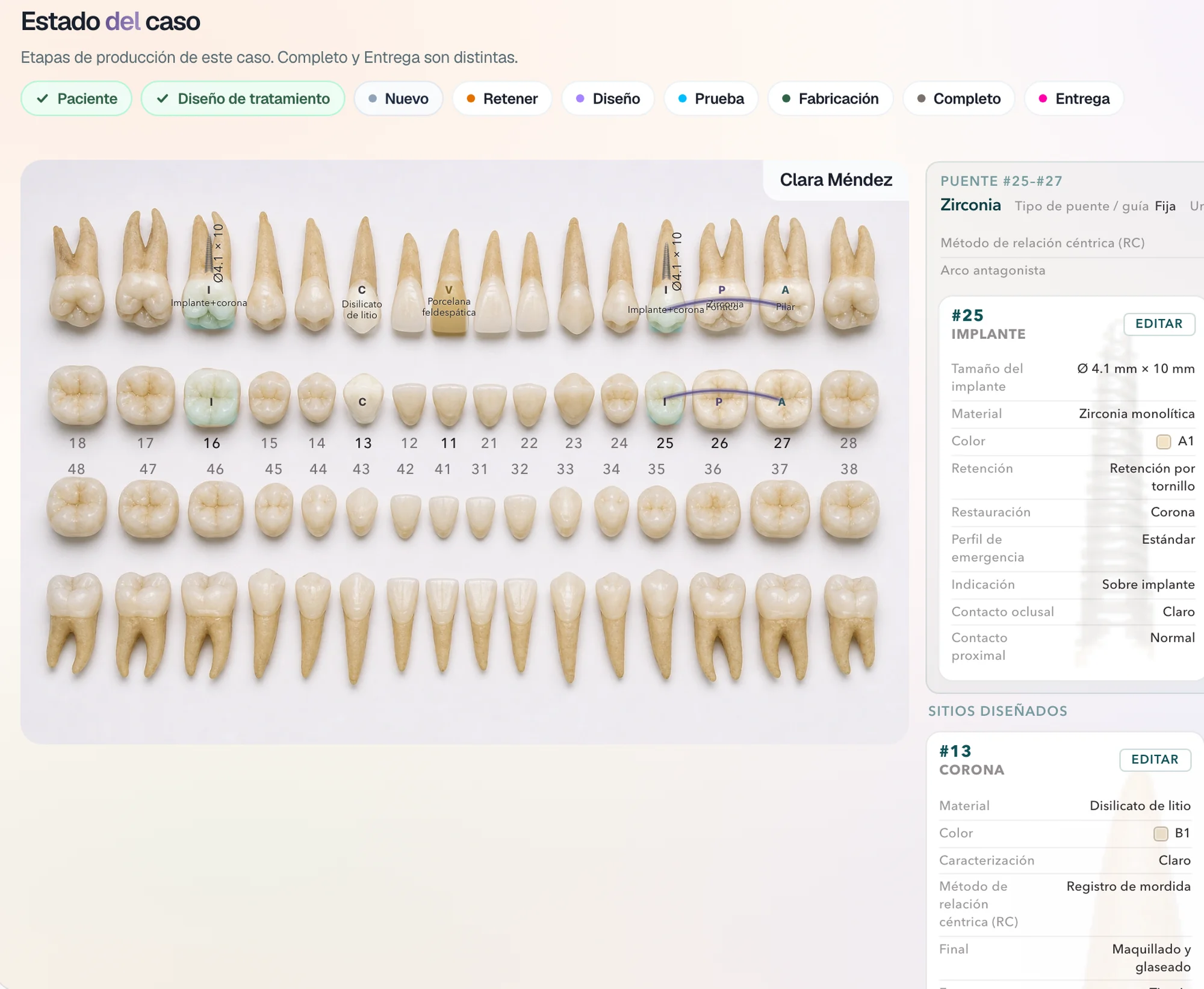
You touch a tooth and its record opens, with the photograph of the tooth. Each choice changes the image: the tooth becomes a crown and takes the shade you choose.
Right-click
The specialist services, on the tooth.
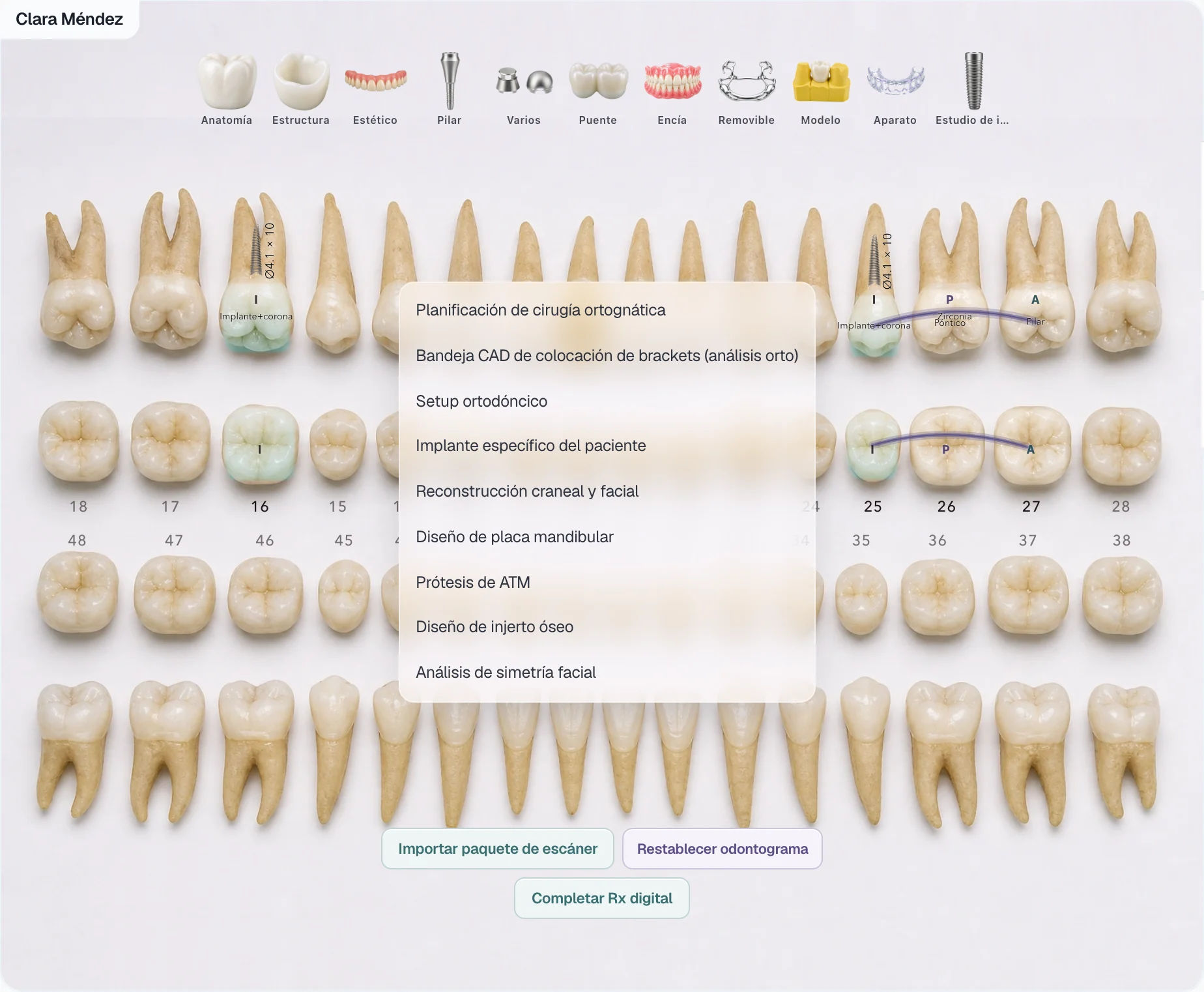
A right-click on a tooth opens the specialist services: orthognathic surgery, CAD bracket tray, orthodontic setup, patient-specific implant, cranial and facial reconstruction, mandibular plate, TMJ prosthesis, bone graft, and facial symmetry. Each one asks for what it needs before the case is created, such as the CBCT, the intraoral scan, and the frontal and lateral photos.
Digital Rx
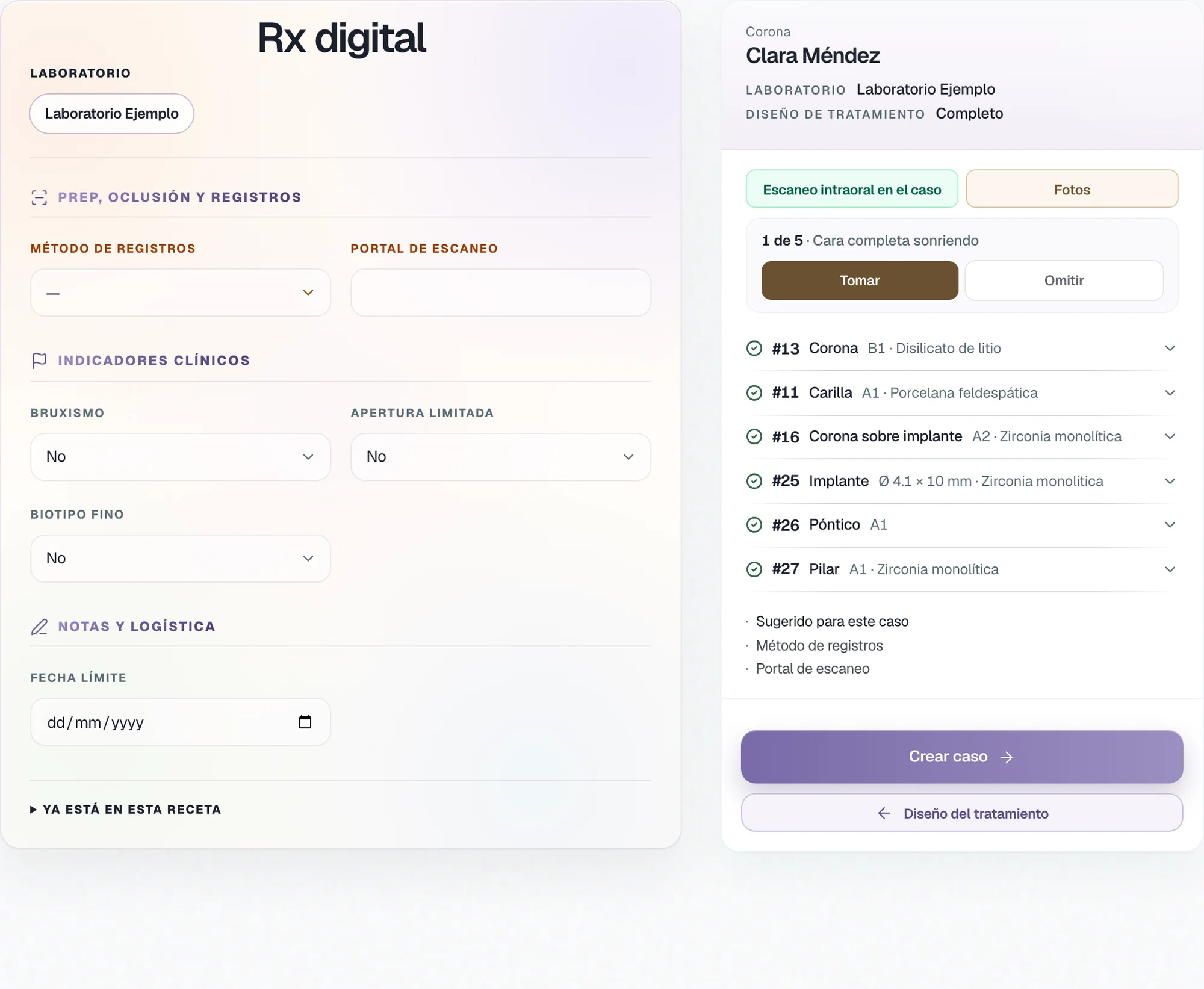
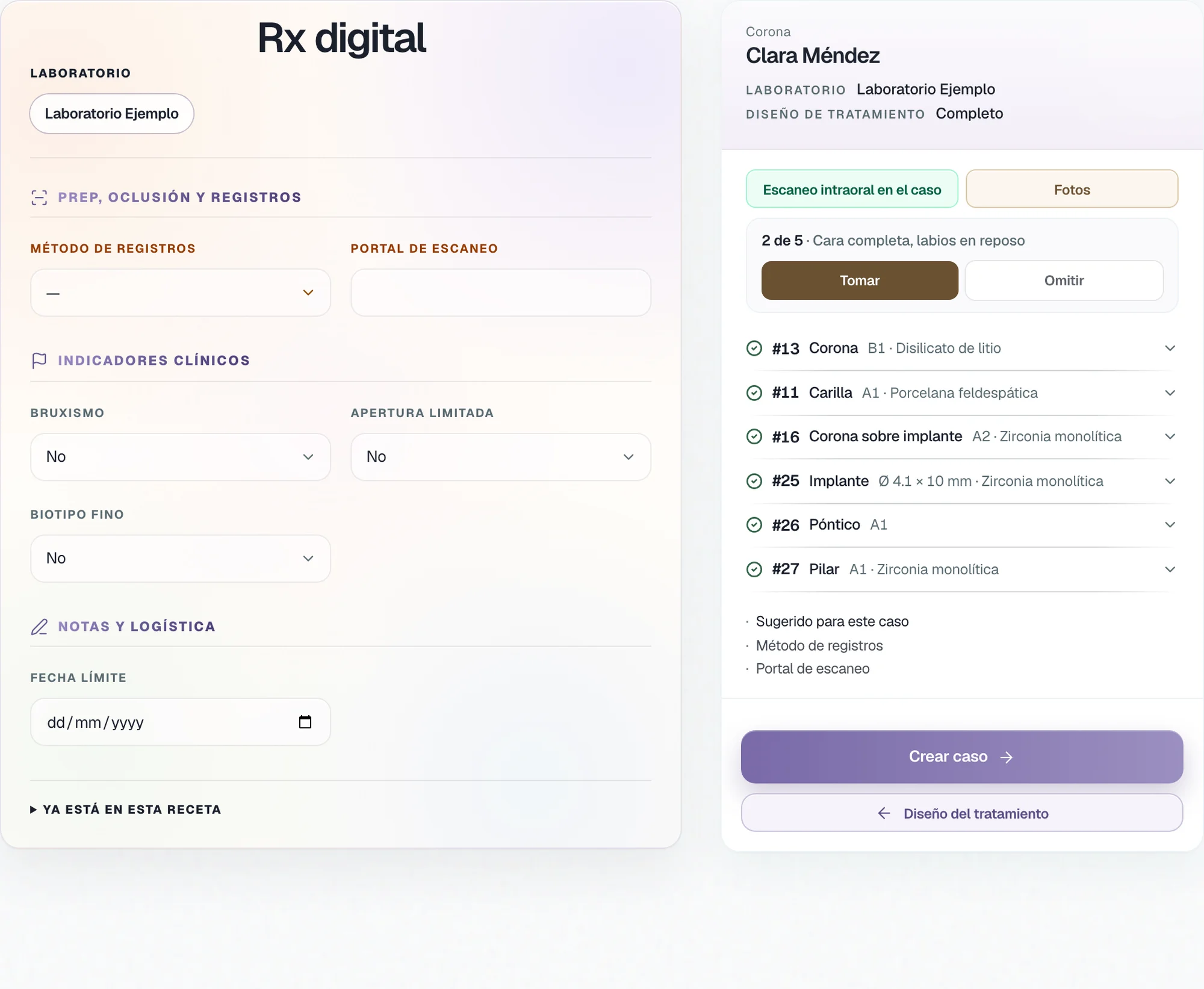
The Digital Rx already carries the sites.
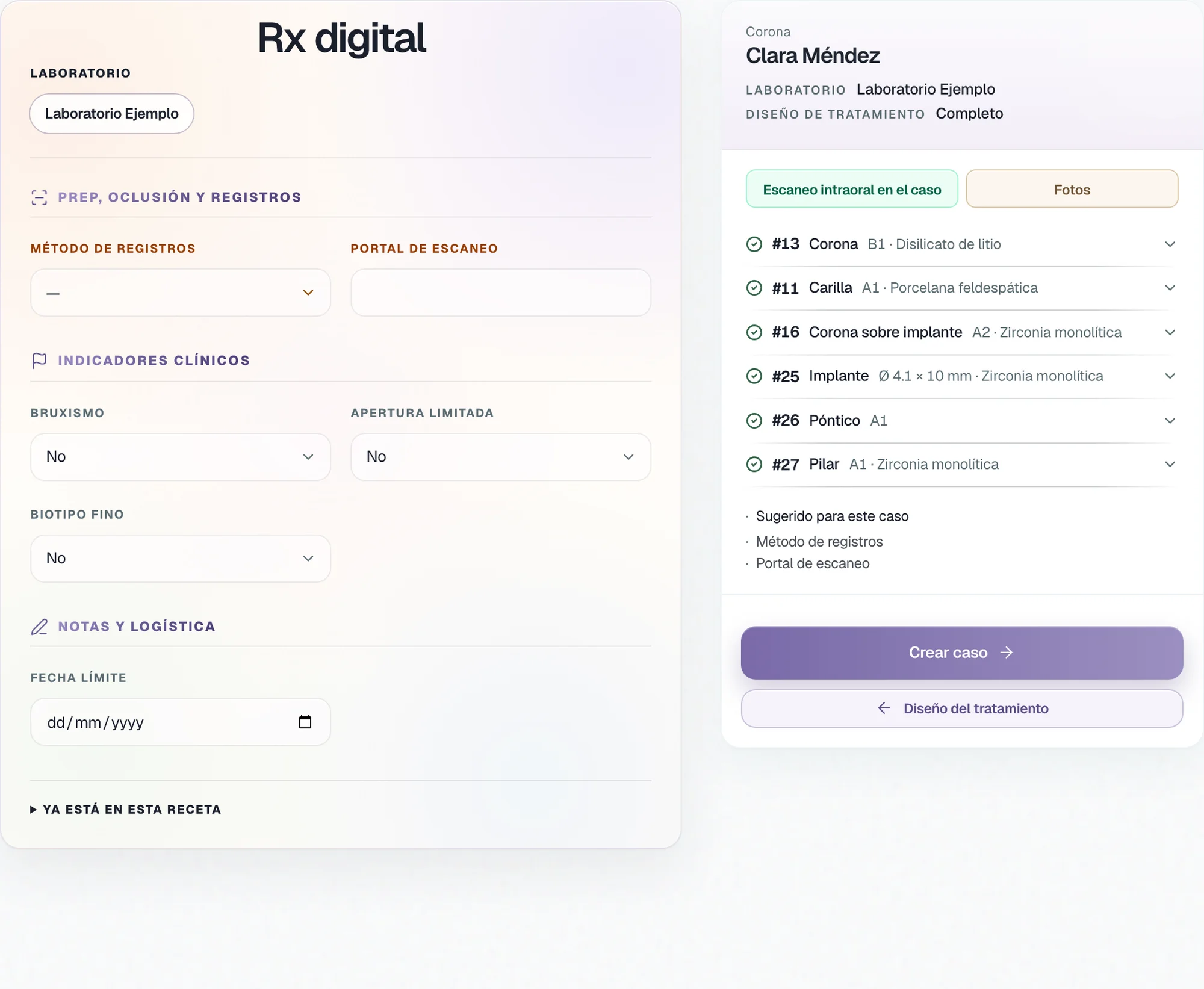
The Digital Rx takes the sites from the odontogram, with their material and their shade. In the same panel, the dentist imports the intraoral scan and uploads the photos the case asks for.
Case view
The whole case, in one view.
The dentist works the case by tabs: Treatment, Digital Rx, Patient, Laboratory, and TrazaChat.
To the laboratory
From the case to the laboratory.
On the Laboratory tab, the dentist connects the case to their laboratory: through their desk, through TrazaLink, or through TrazaFolder. The fabrication status stays on the case.
How TrazaLink works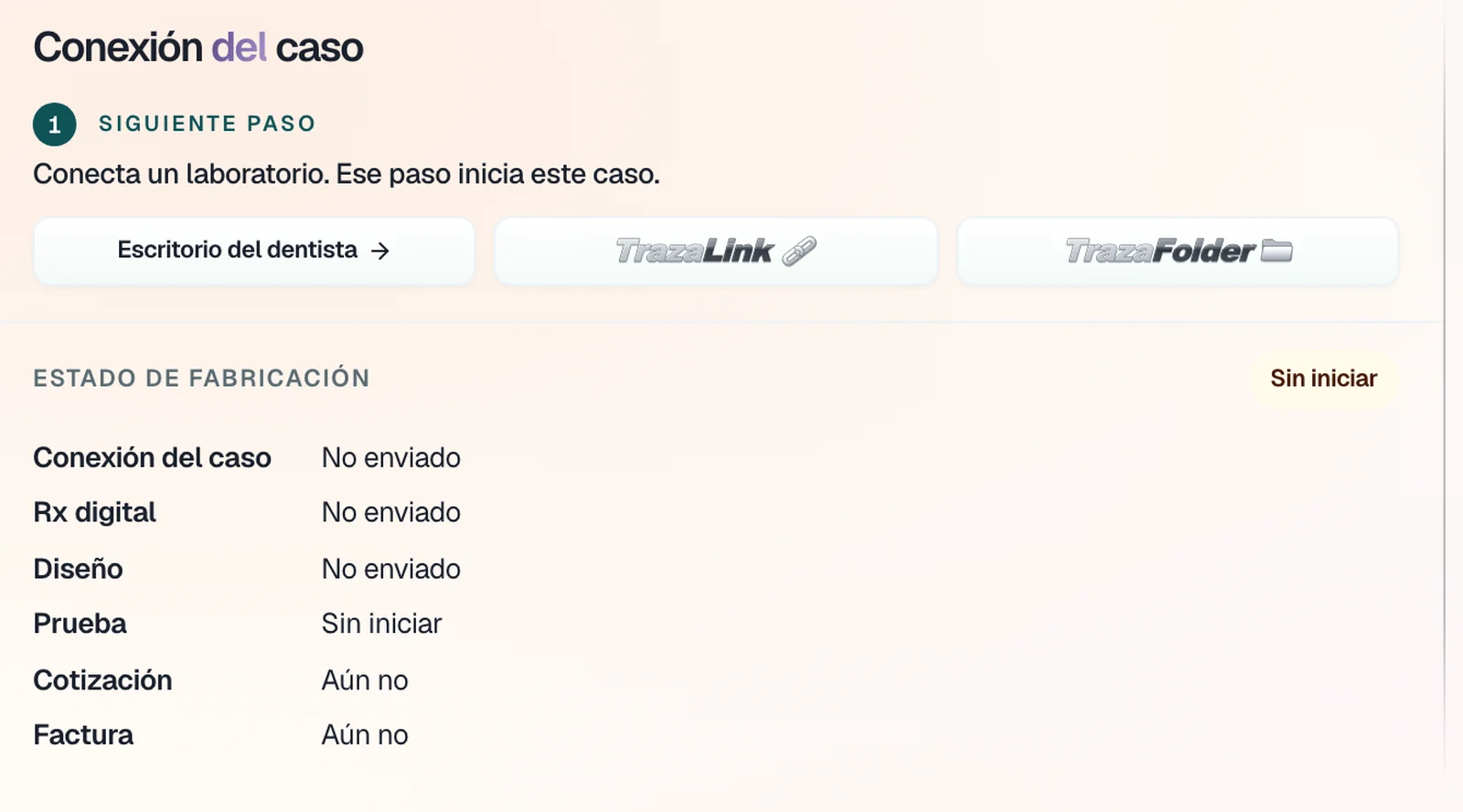
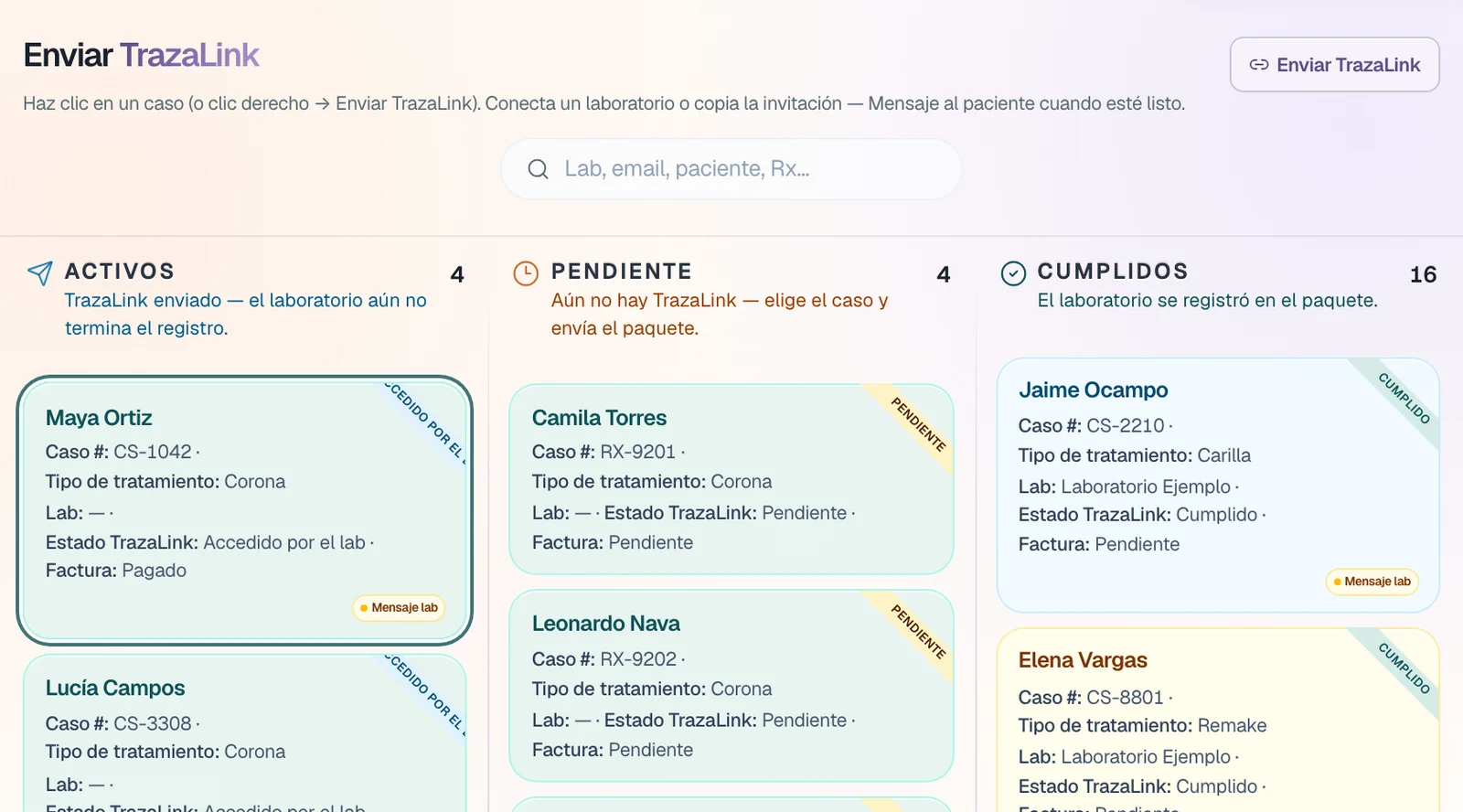
For the dentist
Click, click, and on to the laboratory.
Nothing to install, and no technical steps.
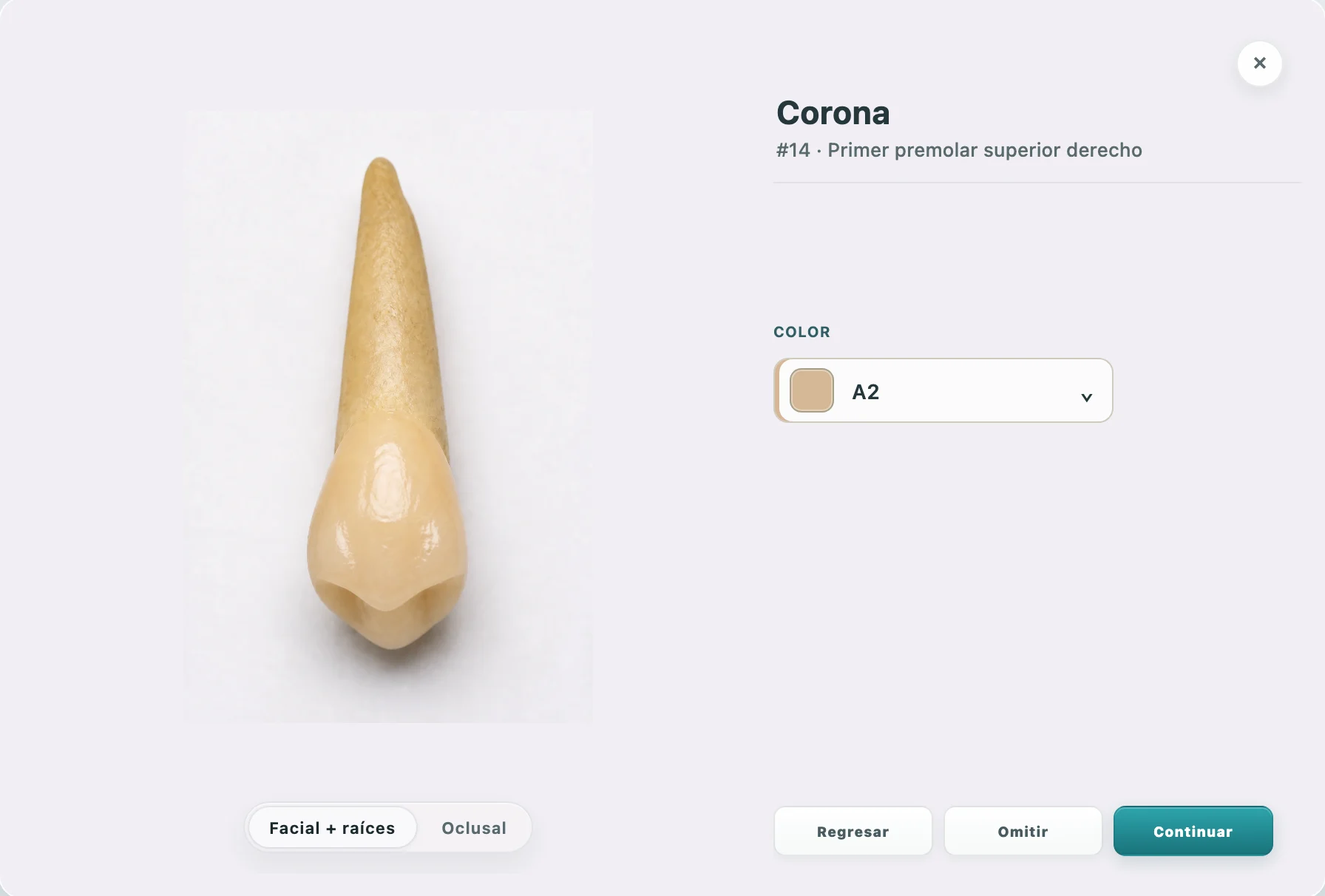
Type, material, and VITA shade on the tooth record.
The odontogram sites are already on the Digital Rx.
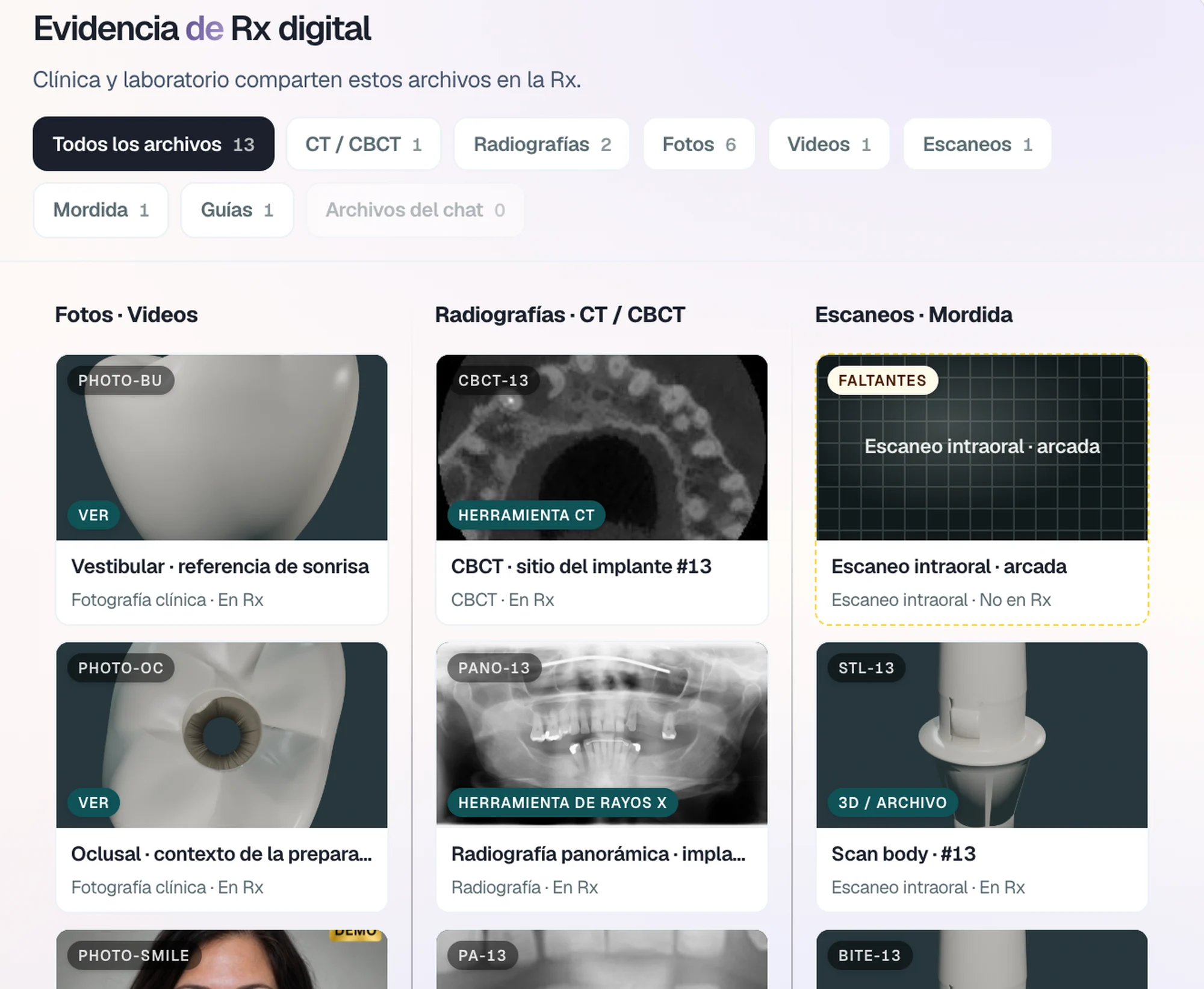
Scan, photos, and radiographs, in view for the laboratory.
Questions
Questions from the dentist.
In Cases, New case: manual entry, a photo of a printed laboratory Rx, or import a spreadsheet, files, or a TrazaLink.
New caseCrown, veneer, inlay, post and core, implant crown, full arches, surgical guide, partial and complete prostheses, among others, tooth by tooth.
OdontogramThe VITA Classical, Bleach, and 3D-Master guides, on each tooth's record.
VITA shadeOn the Digital Rx: Import scanner package uploads the scan, and Photos walks you through photo by photo, with Take or Skip.
Digital RxOn the case's Laboratory tab: through your desk, through TrazaLink, or through TrazaFolder.
To the laboratoryNext step
Create your first case.
Mark a tooth, complete the Rx, and send it to your laboratory.