REMAKE PREVENTION · CASE READY BEFORE FABRICATION

Prevent the remake before fabrication.

TrazaLab is software for the dental surgeon to prepare and validate the case for the laboratory: patient, planned treatment, prescription, records, files, and decisions in one place.

It is not limited to transferring files: it keeps the context, the gaps, and two human decisions, with physical impression or intraoral scanner. It does not replace clinical software, the scanner, or CAD.

Helps reduce avoidable rework, chair time spent on corrections, and delays that frustrate the patient.

CASE IN PREPARATION
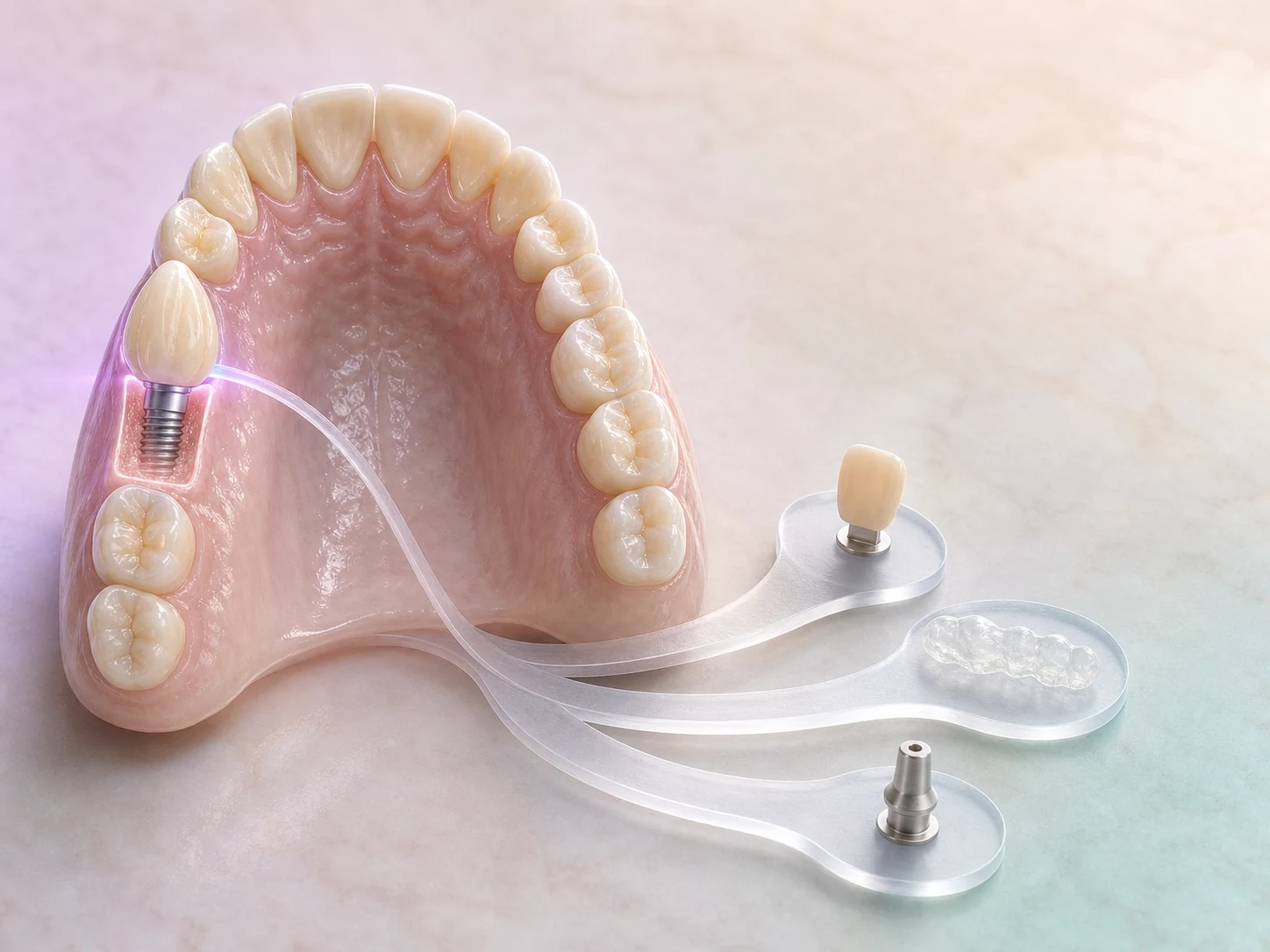
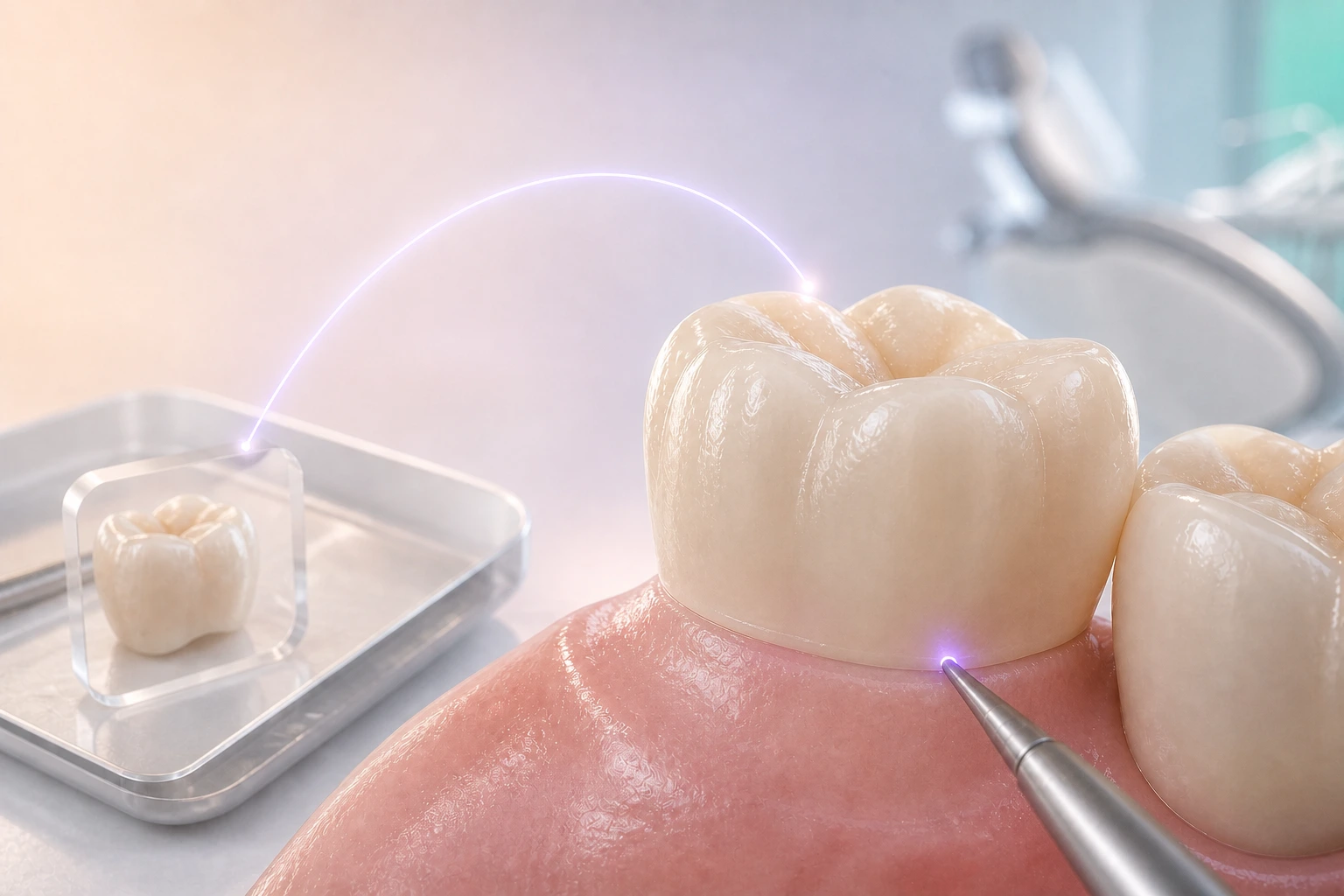
Case TL–2841 with FDI position 13 and a planned implant crown
01 · CREATE CASE

The surgeon creates the clinical case.

TL–2841 brings together patient data, the clinical condition, FDI position 13, the planned implant crown, and the laboratory prescription.

Case TL–2841 · clinical draft
01 · CREATE CASE. The surgeon creates the clinical case. Case TL–2841 · clinical draft.

REMAKE IMPACT · COST, CHAIR TIME, AND PATIENT

Each stage adds cost.

A remake can consume another restoration, laboratory work, chair time, and a new appointment. TrazaLab helps surface gaps before they become that rework and delay for the patient.
Stage 01: Review. Fix it before you send. Resolving the gap here keeps an incomplete order from reaching the laboratory and reduces follow-up messages. Complete, correct, or document.

HOW IT IS ORGANIZED · CASE AND TREATMENT

Two pieces.
One story.

The case keeps the clinical history and planned treatment; the prescription, records, files, and instructions the laboratory will review live on the same case.

CLINICAL RECORDS · IMPRESSION OR SCANNER

Two media.
One shared context.

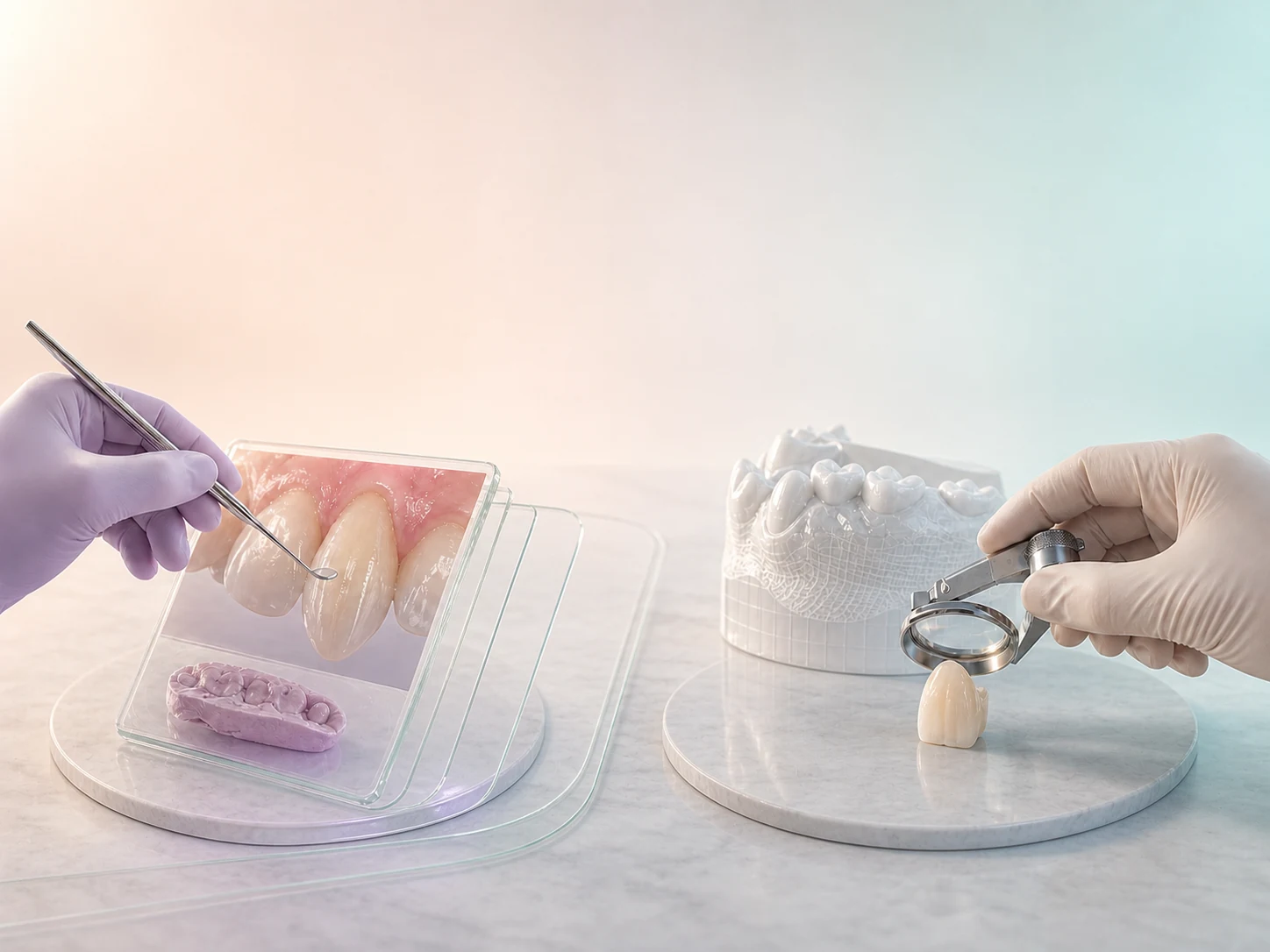
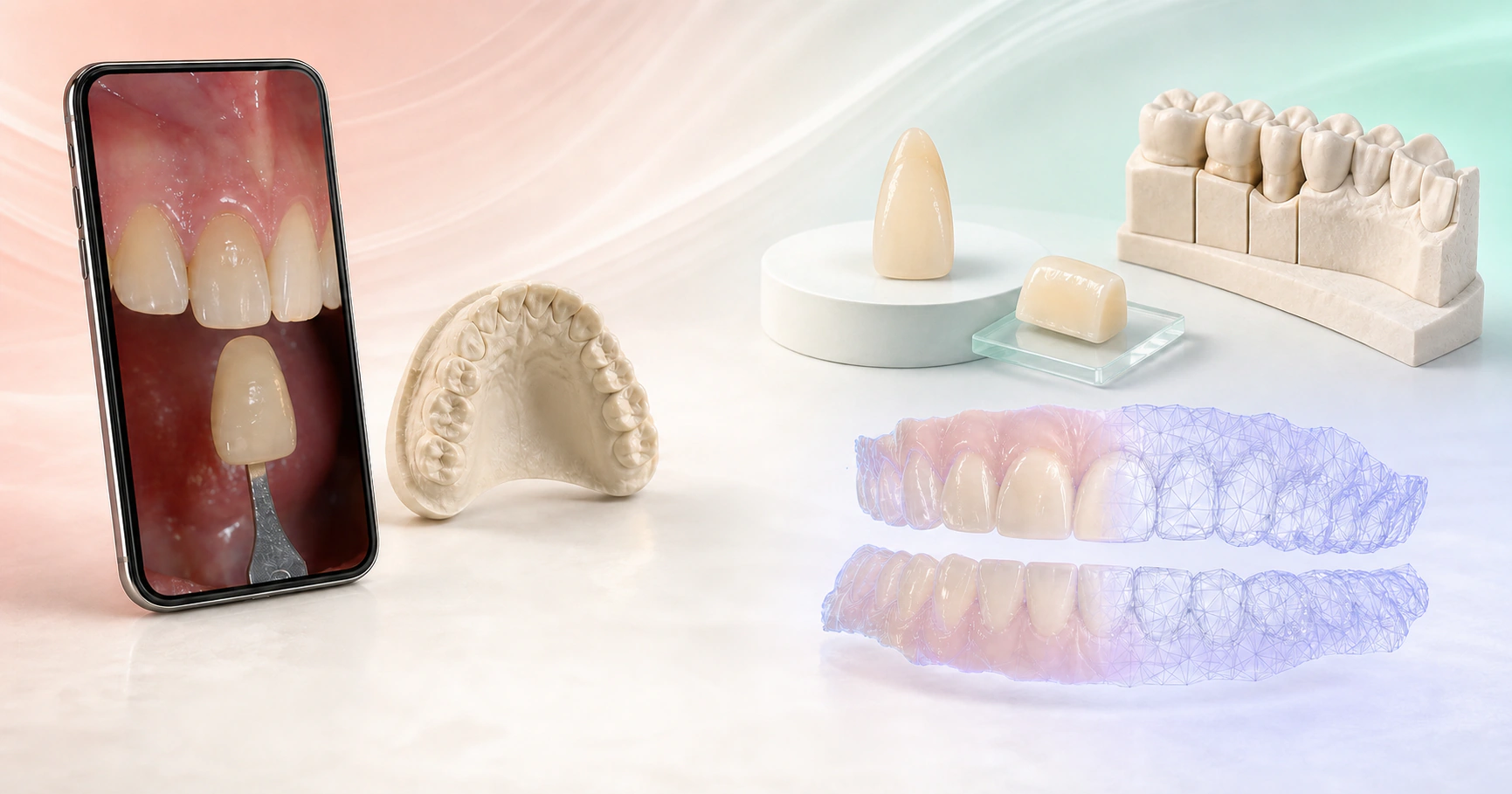
The right record depends on the indication. TrazaLab supports physical impression and intraoral scan without declaring one technique universally superior, and links each medium to the order in preparation.

REQUIRED RECORDS · MARGIN, SHADE, AND OCCLUSION

The laboratory should
not have to guess.

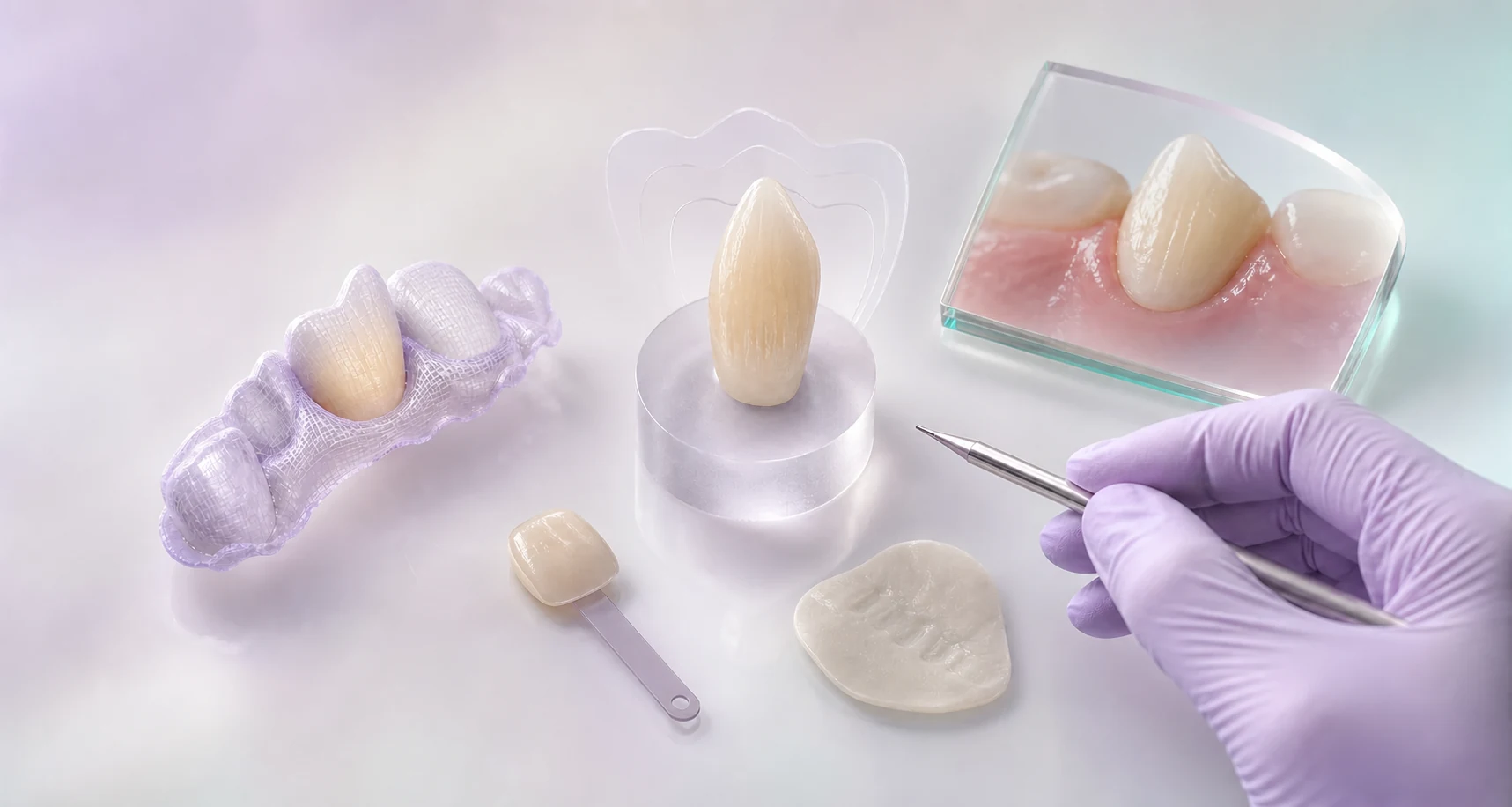
Based on the planned treatment, TrazaLab requests the matching clinical record and links it to the position and the order. That way a photo, a reference, or a video arrives with a concrete question.
Macro capture of the margin and emergence profile at FDI position 13 guided from the phone
CLINICAL RECORD · MARGIN

The margin needs a concrete view.

TrazaCaptura requests the position framing and keeps the photograph with its author and the matching order. Capture quality and acceptance remain a human responsibility.

View linked to the order

VALIDATION · TWO HUMAN REVIEWS

Two decisions
before fabrication.

Validation Gate runs rule-based checks before send and on order receipt. The surgeon authorizes the send; the laboratory accepts the order for design or requests information. TrazaLab does not decide for them.
Editorial detail of the clinical review of case V03 before sending it to the laboratory
CLINIC · CASE V03

The surgeon authorizes the send.

Reviews the laboratory prescription, position, records, and files. Completes or corrects what is needed before sending case V03.

Editorial detail of the laboratory inspecting case V03 before accepting it or requesting information
LABORATORY · CASE V03

The laboratory accepts or requests information.

On receiving the same case V03, the laboratory reviews the prescription, records, and files before accepting it for design.

AFTER BOTH REVIEWSMake gaps visible before they consume design hours, material, or chair time.

Start freeExplore the tour

DESIGN · REVIEW BEFORE FABRICATION

Review the design
before fabricating.

When the order includes compatible 3D files, the viewer, measurements, sections, and annotations help document distinct questions. The surgeon and the laboratory keep the decision.
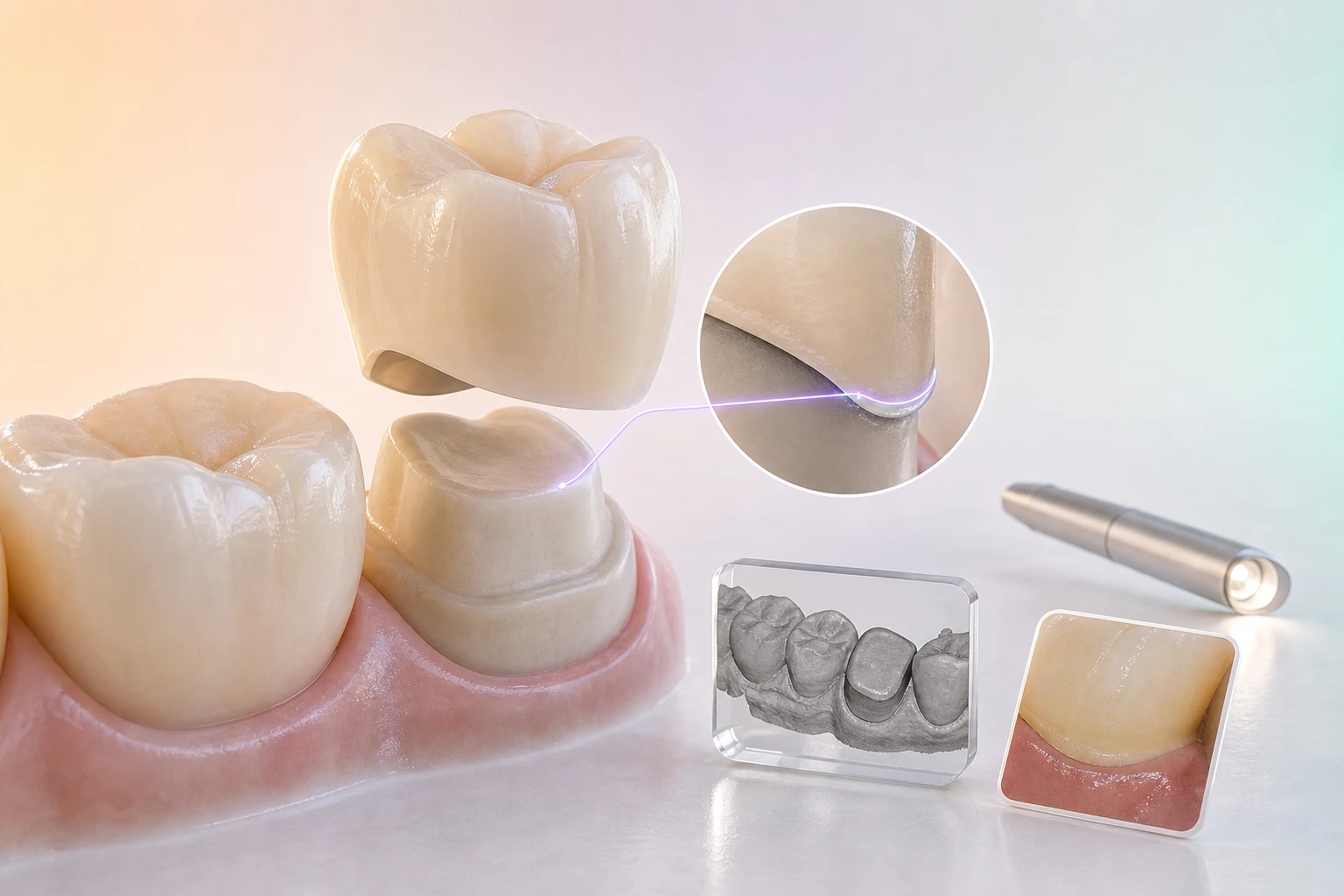
Posterior preparation and translucent crown showing occlusal space, margin, and path of insertion for review
SPACE AND PATH OF INSERTION

Preparation is reviewed in context.

On the available files, views, measurements, and annotations help review reduction, occlusal space, path of insertion, and undercuts. The professional decides whether to correct, document, or continue.

Design version · open review

FABRICATION AND DISPATCH · TRACEABILITY

Traceability
continues.

After the case is accepted and the required design review is resolved, configured flows can record fabrication and dispatch without losing the link to case V03. Each laboratory defines the fields it requires; decisions remain human.
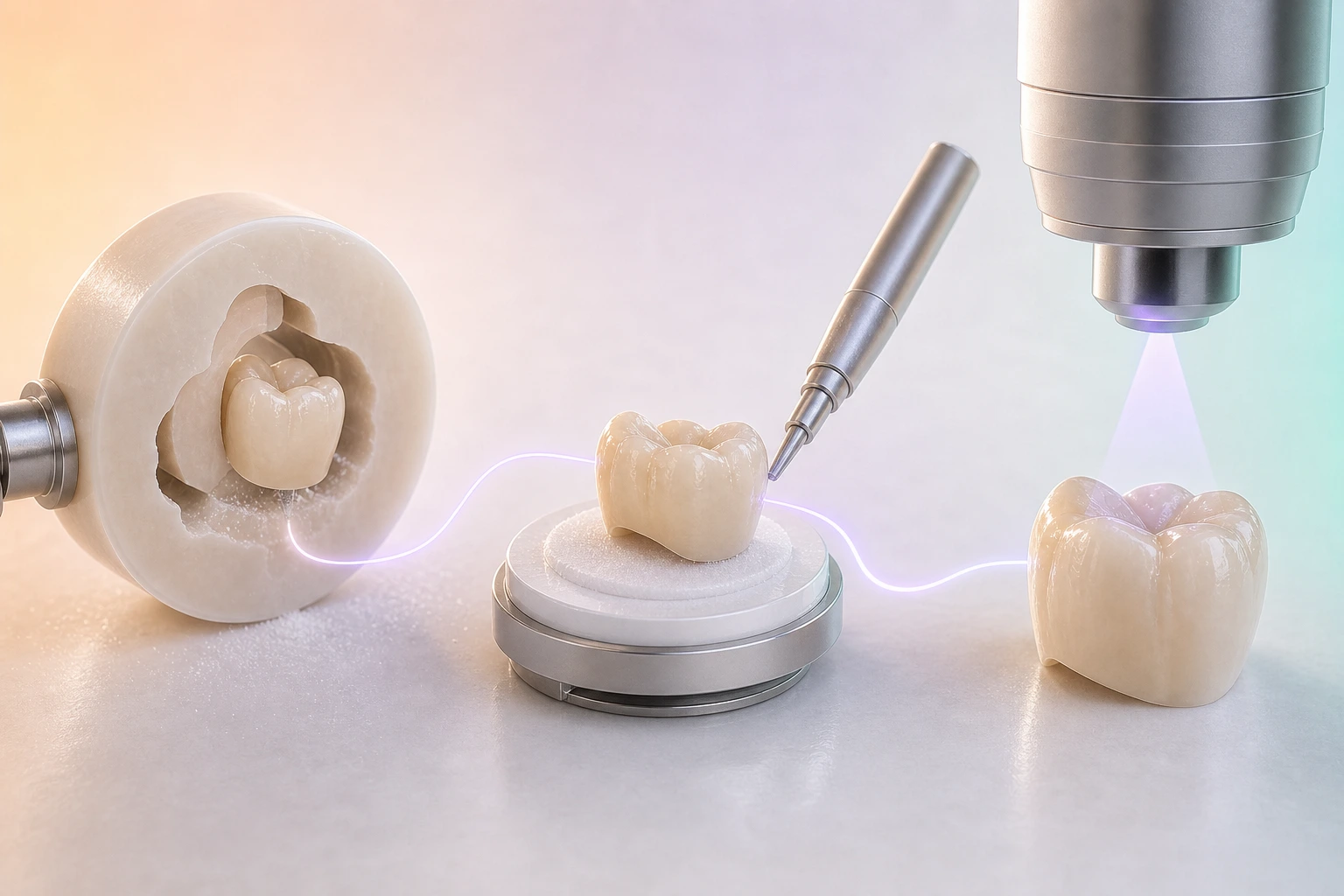
Material, component, tool, calibration, and cycle connected to a single crown from case TL–2841
FABRICATION · OPERATIONAL TRACEABILITY

Production keeps its trail.

When the laboratory enables a fabrication profile, it can keep the fields it configures for technician, file, material, machine, lot, and cycle. That is operational traceability, not automatic certification.

Configured profile · laboratory record
RISKMaterial · equipment · lot · cycle without a linkSOFTWAREConfigured profile · operational recordDECISIONRecord, stop, or justifySTATUSProcess linked to the case
Controls depend on the prescription, the requested work, and the laboratory configuration. TrazaLab structures the record; it does not automatically certify fabrication.

CLINICAL RECEIPT · WORK OUTCOME

Fabricated does not mean
accepted.

Laboratory dispatch does not close the story. The clinic confirms receipt, the professional evaluates the restoration, and the outcome stays linked to the case.
Clinical try-in of a posterior crown under mirror inspection before accepting the restoration
CLINIC · RESTORATION RECEIVED

The clinic confirms what arrived.

The laboratory already recorded dispatch. Now the clinic confirms receipt of the restoration and opens the matching professional evaluation.

RISKDelivery without clinical confirmationCONTROLDispatch · receipt · statusDECISIONConfirm what was received
Clinical receipt confirmed
Clinical verification of an occlusal contact with articulating paper and an instrument before deciding the outcome
Restoration reviewed in clinic before recording a final human accept or return decision
LABORATORY DISPATCHESCLINIC CONFIRMSEVALUATES · CLASSIFIES · DOCUMENTS

IF A REMAKE OCCURS · RETROSPECTIVE LEARNING

Every remake leaves
a lesson.

Tracker keeps attributed cause, severity, and captured cost so the team can review patterns retrospectively. That history does not diagnose, predict, or guarantee the next outcome.
Editorial macrophotograph of the marginal adjustment attributed as the cause of a restorative remake
TRACKER · RECORDED EVENT

Record the attributed cause.

The attributed cause stays with the case and the planned treatment so the remake is not reduced to a simple redo.

Marginal adjustment · recorded

Frequently asked questions.

See the full workflow
What is TrazaLab?

TrazaLab organizes the clinical case for the laboratory. It keeps the prescription, records, files, owners, and decisions together from case preparation through the case history.

Walk through a complete case
How does it help prevent dental remakes?

Before send and on receipt, TrazaLab reviews the prescription, required records, scan quality when applicable, and configured rules. It flags risks to help avoid rework, extra appointments, and delays; it does not guarantee the clinical outcome.

See prevention before fabrication
Can teams work without an intraoral scanner?

Yes. In those cases, the physical impression remains the primary record; TrazaLab keeps the prescription, photographs, and shade references linked to the same case.

See the clinic workflow
What changes when we use an intraoral scanner?

Scanner files are linked to the case and prescription so they can be reviewed before sending or accepting the case at the laboratory. Compatibility depends on the formats each laboratory accepts.

See 3D package review
Does TrazaLab automatically approve preparation or fit?

No. Measurements, sections, and annotations help document what is visible in the files; the surgeon and the laboratory keep the clinical and technical decision.

See inspection and 3D review
What happens when clinical information is missing?

TrazaLab shows the gap and the required action inside the case. Once corrected, the surgeon reviews it again before sending.

See how it returns to the owner
Who authorizes each advance?

The surgeon authorizes the send. The laboratory reviews the received case and decides whether to accept it for design or request information; TrazaLab does not authorize fabrication on its own.

See laboratory intake
Does it replace clinical software, CAD, or professional judgment?

No. TrazaLab does not replace practice-management software, the scanner, CAD, or professional judgment. It focuses on preparing and validating the case, keeping its context, and documenting decisions before fabrication.

See the workflow that connects clinic and lab
What happens when the restoration returns?

The laboratory records the dispatch and the clinic confirms receipt inside the case. The professional evaluates the restoration and records acceptance, adjustment, or return; TrazaLab does not automatically validate the clinical outcome.

See the complete case history
What does TrazaLab learn from a remake?

Tracker keeps the attributed cause, severity, and recorded cost. Those records support retrospective pattern review; they do not diagnose, predict, or guarantee the next outcome.

See the prevention and learning cycle

Choose the right next step

Start with one case.

Create an account now or walk through a complete case before deciding. Both paths are available today.

Already using TrazaLab? Log in

Choose based on what you need

ACCOUNTStart nowCreate an account through the functioning TrazaLab signup journey.
TOURUnderstand before decidingFollow the complete self-guided case without registration or a sales conversation.
CASECompare it with your flowUse the tour as a guide and activate TrazaLab when the process fits your team.