
Contracts and payments
The signed consent, and the paid invoice.
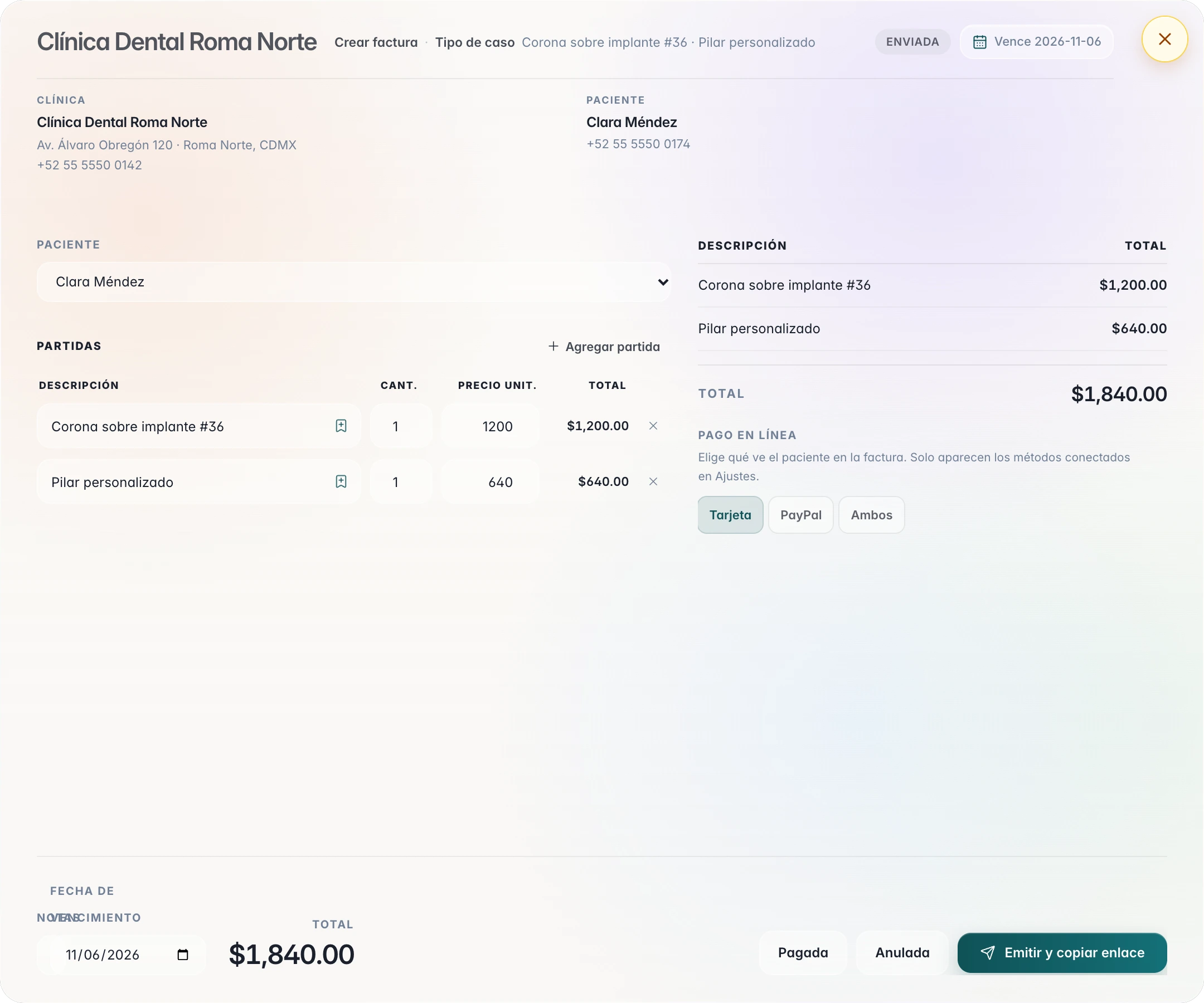
You write the consent with your clinic’s letterhead, sign it on screen, and send it to the patient by TrazaChat, by link, or as a PDF. The invoice comes from the accepted quote, and the patient pays by card or PayPal.
For dentists and clinics
Write
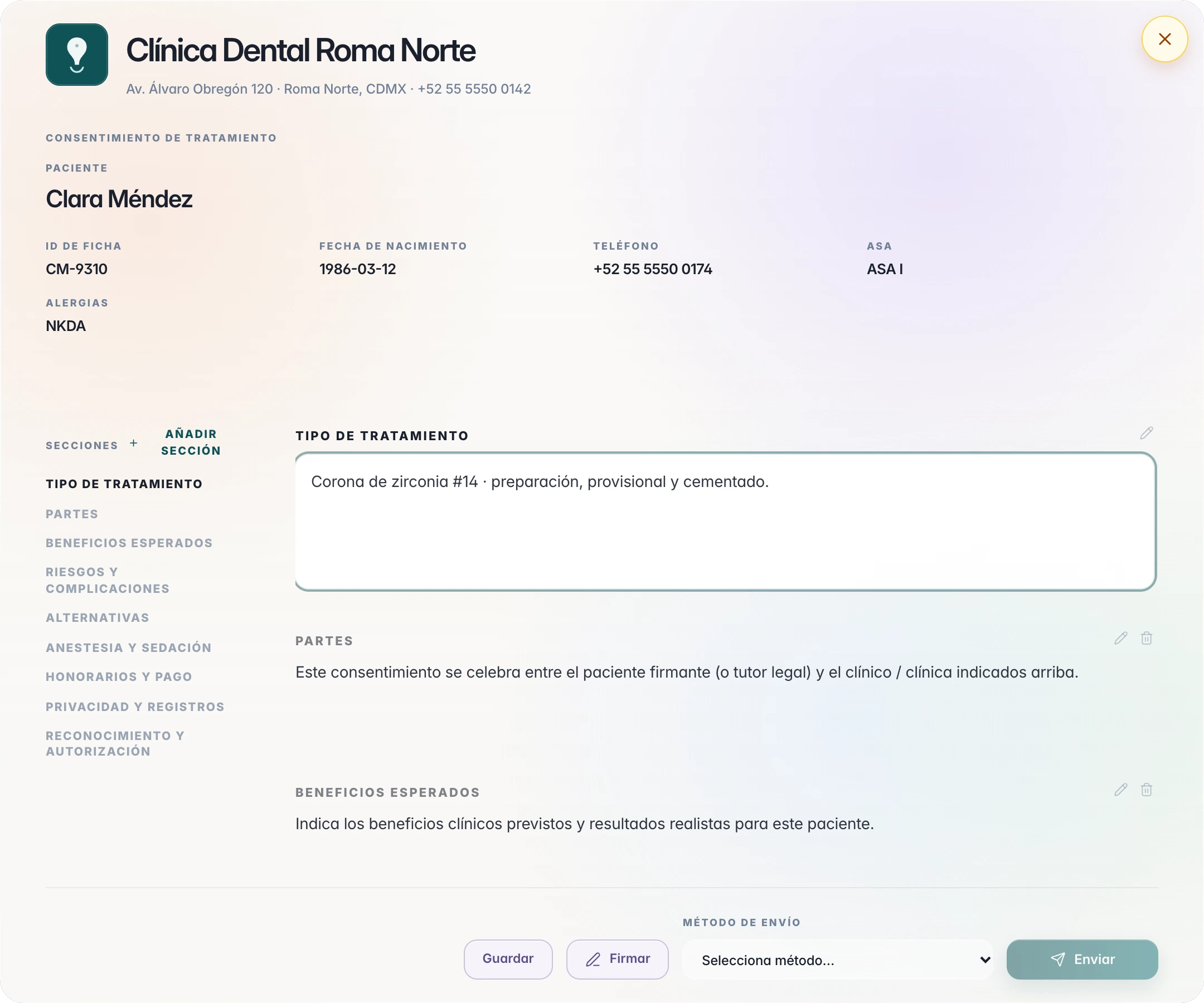
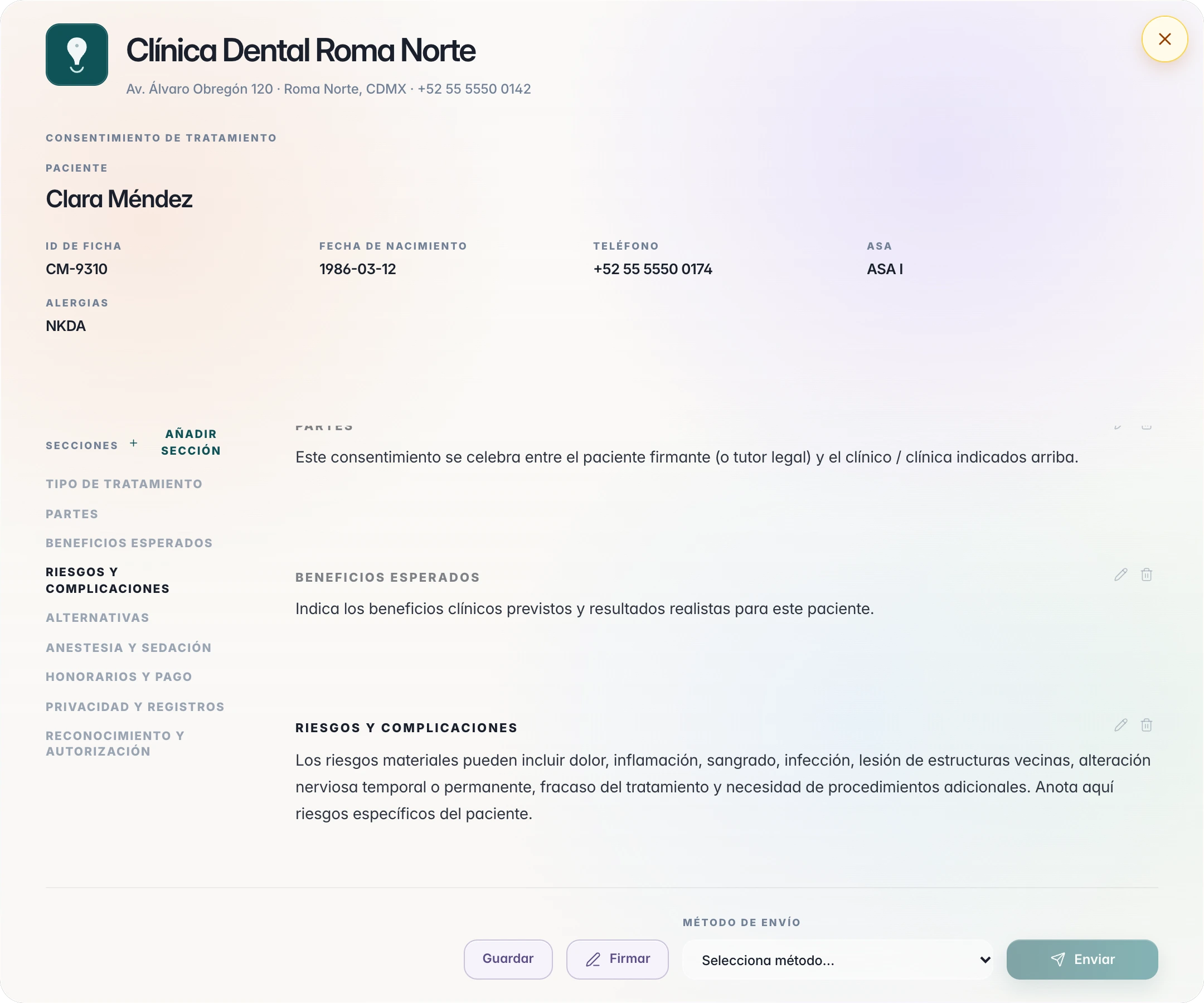
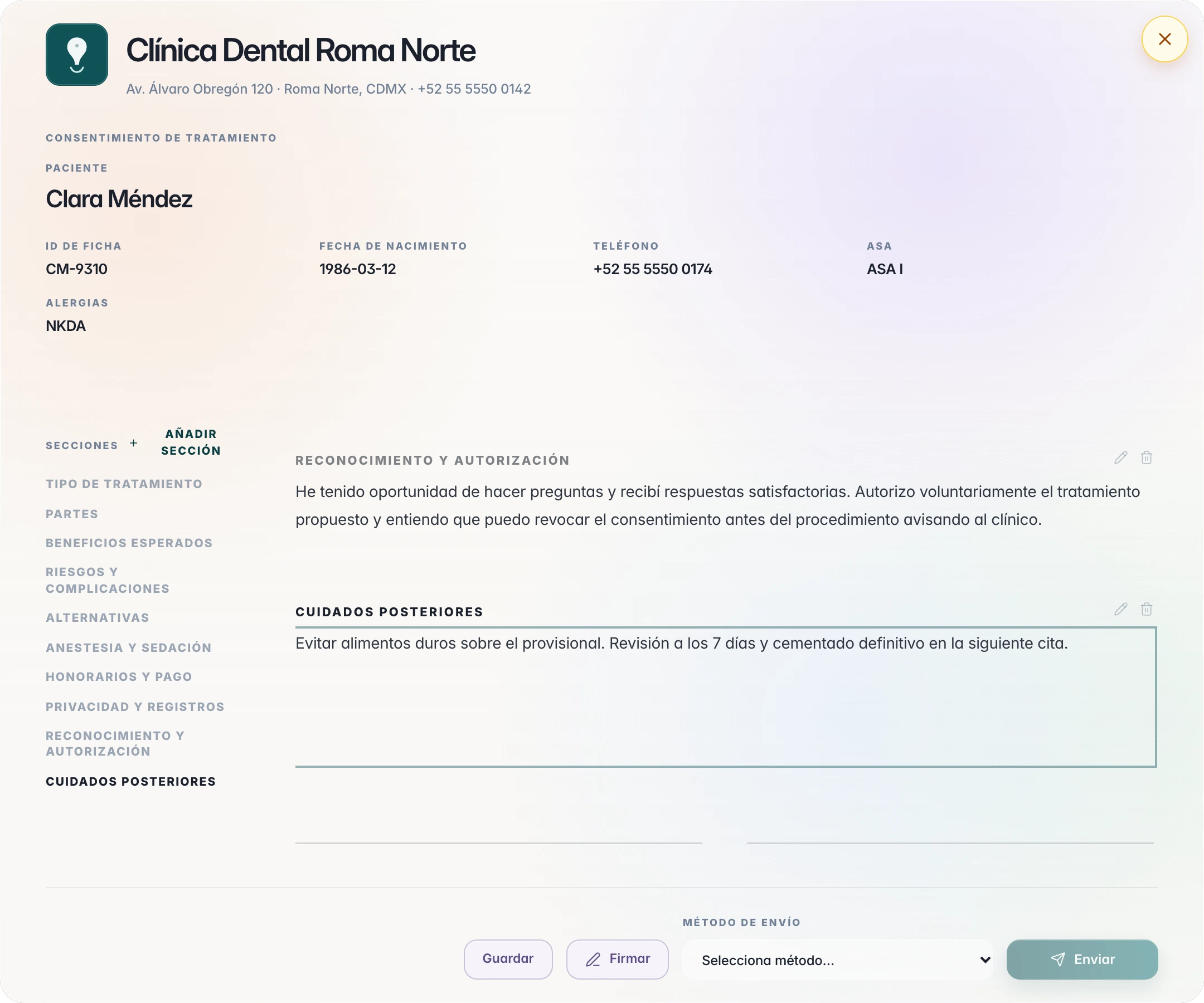
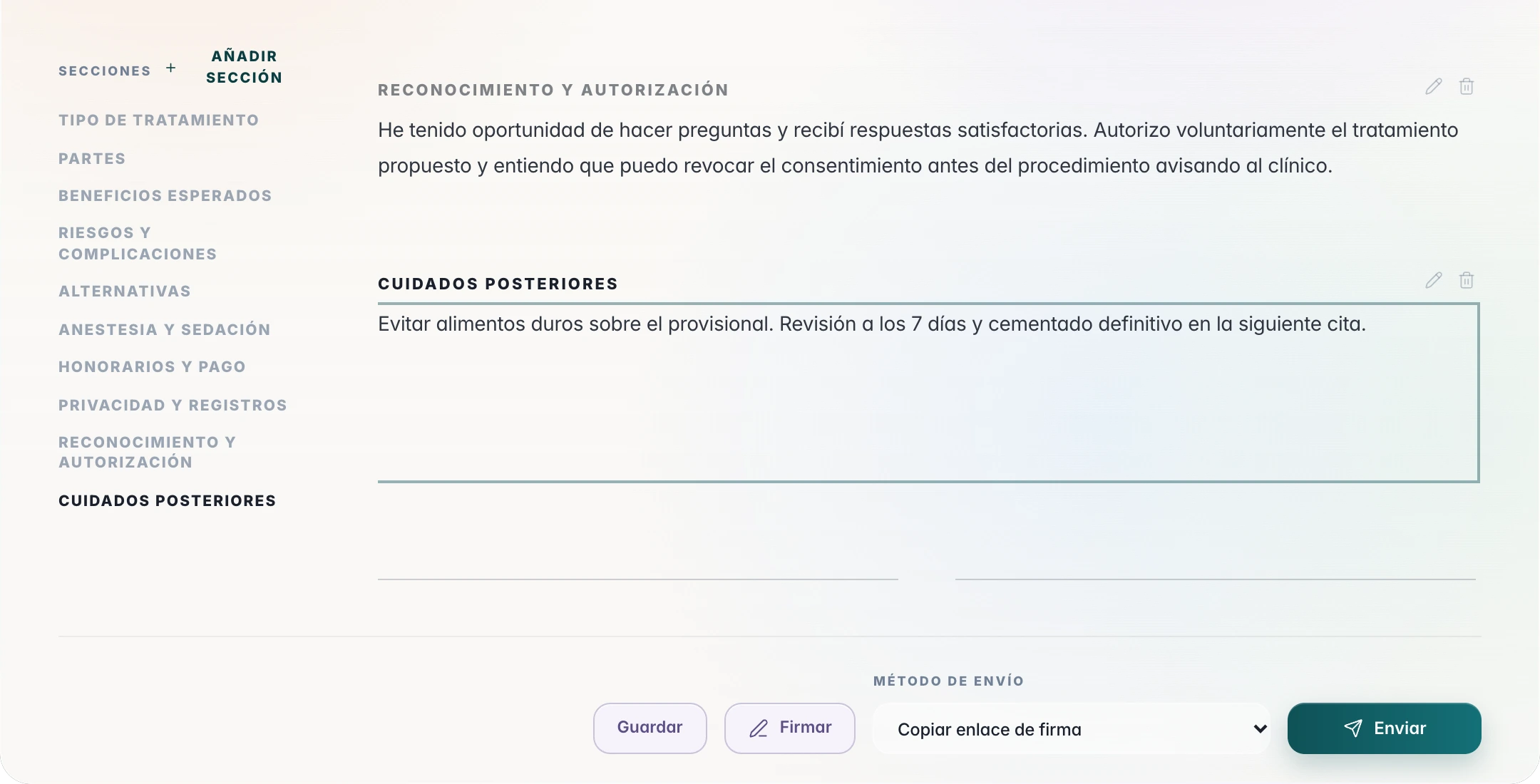
The consent, section by section.
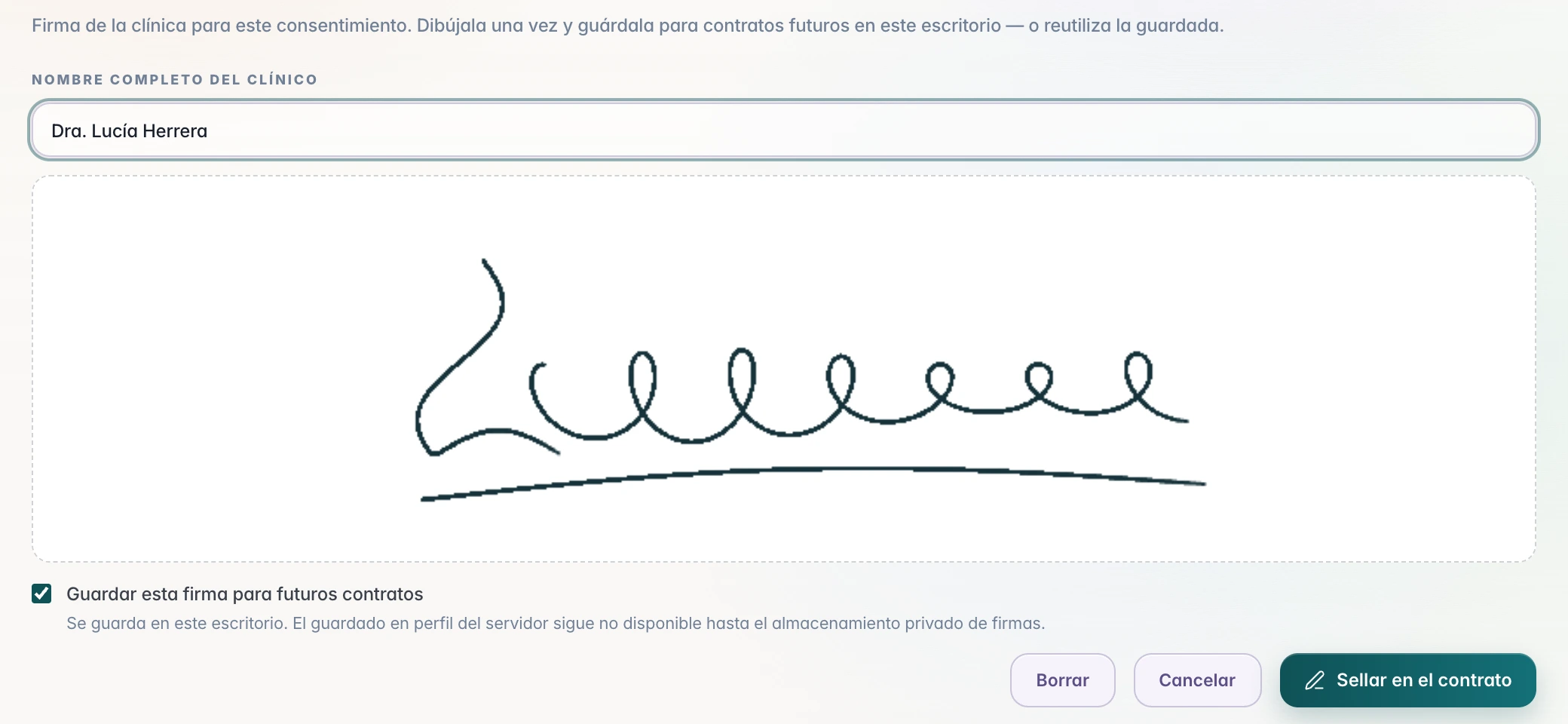
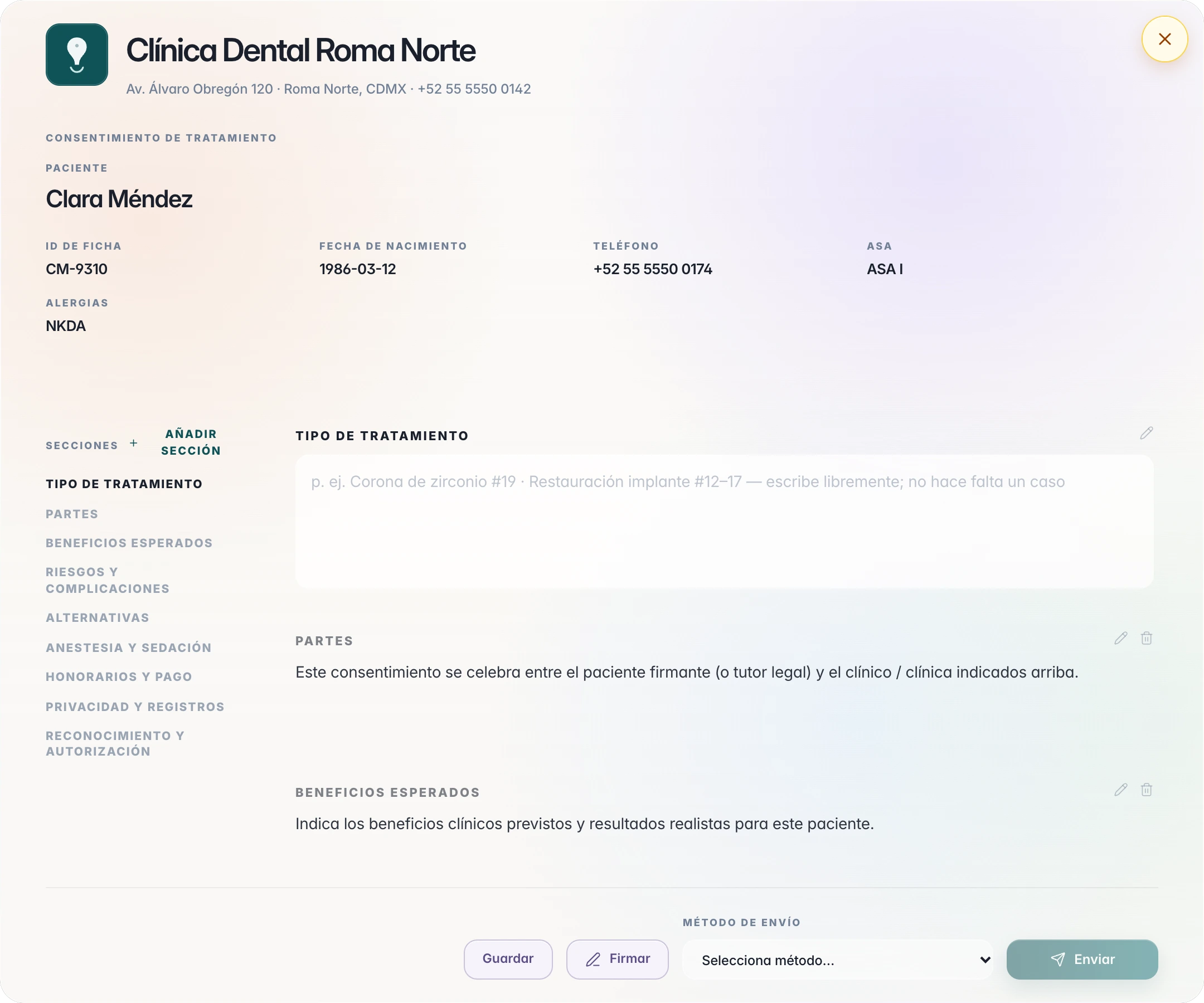
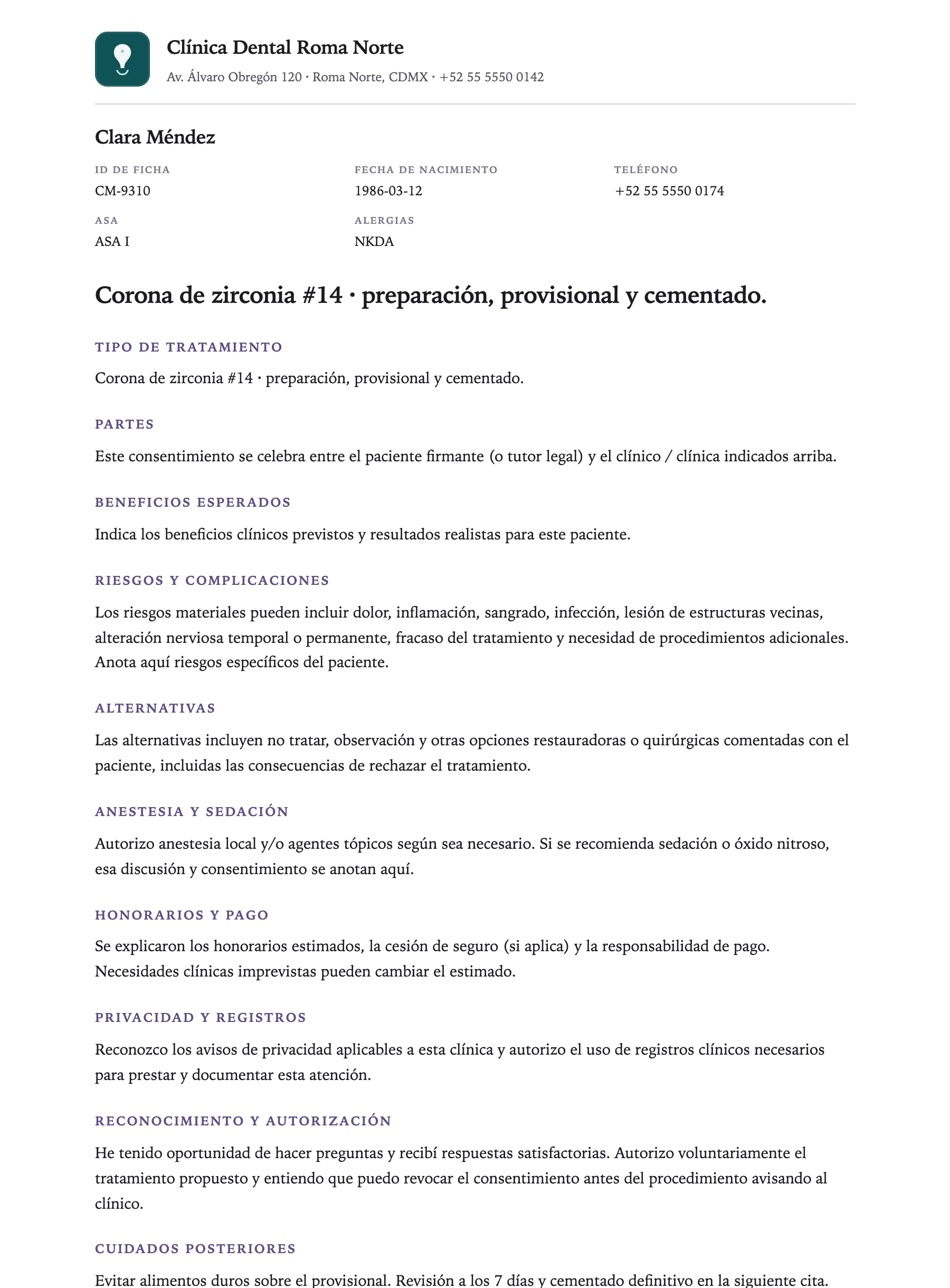
On the patient chart, New contract opens the document with your clinic's letterhead and the patient details already in place. You write the treatment.
Electronic signature
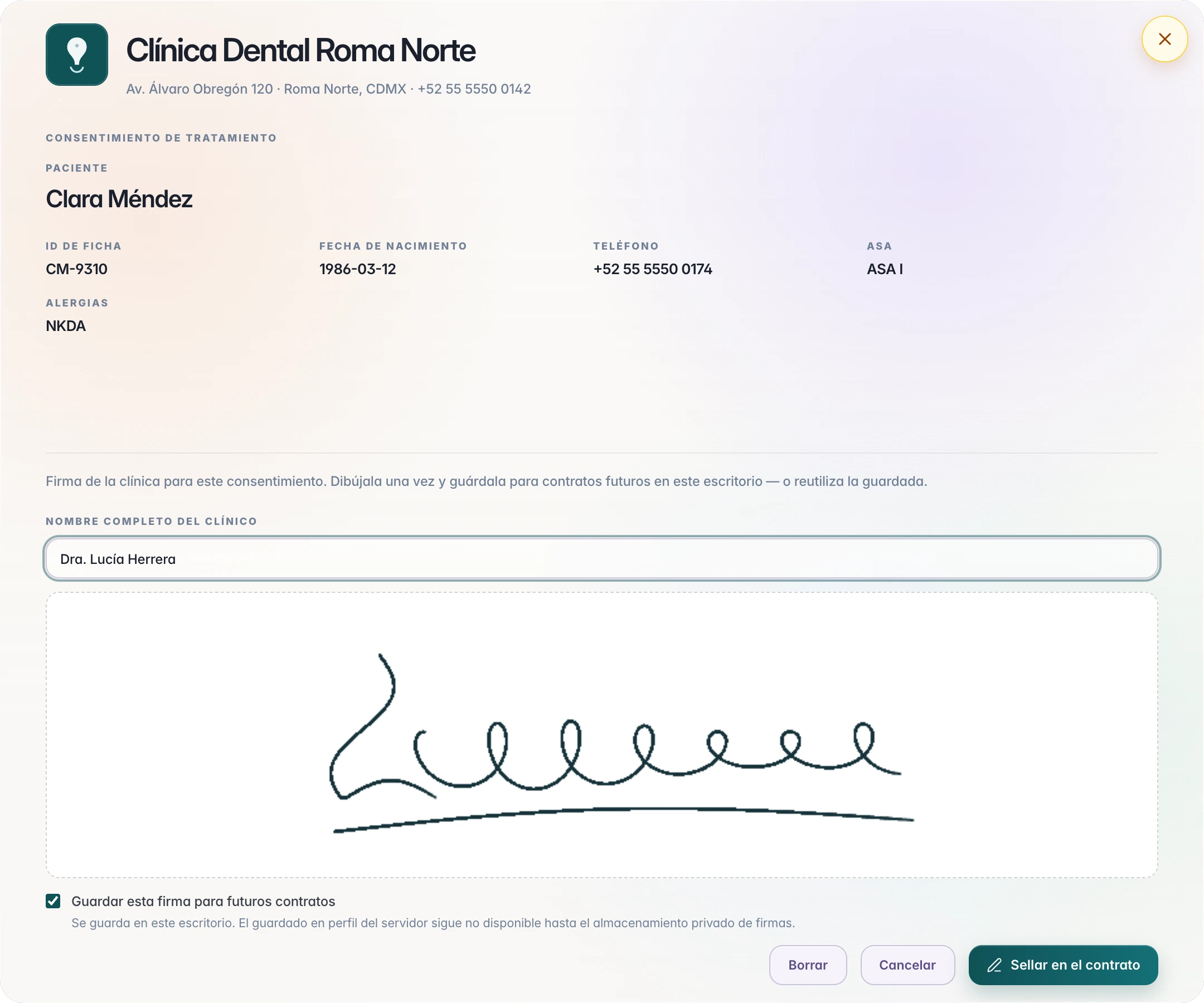
The clinician's signature, sealed on the contract.
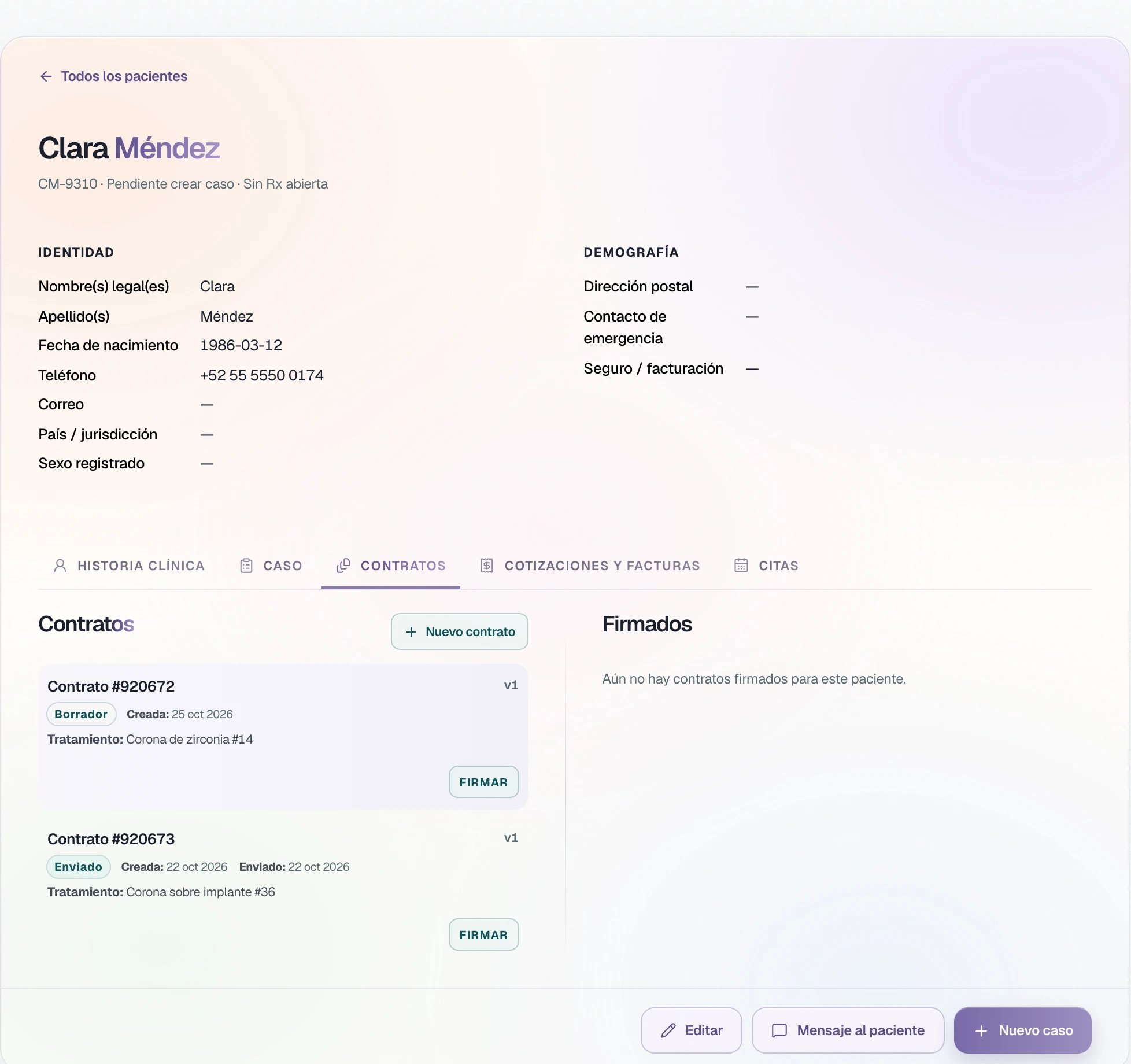
Sign opens the signature box. The clinician writes their full name, signs with the mouse or a finger, and seals the contract. The signature can be saved on that desk for the contracts that follow.
Send to the patient
By TrazaChat, by link, or as a PDF.
In Send method you choose how the consent arrives.
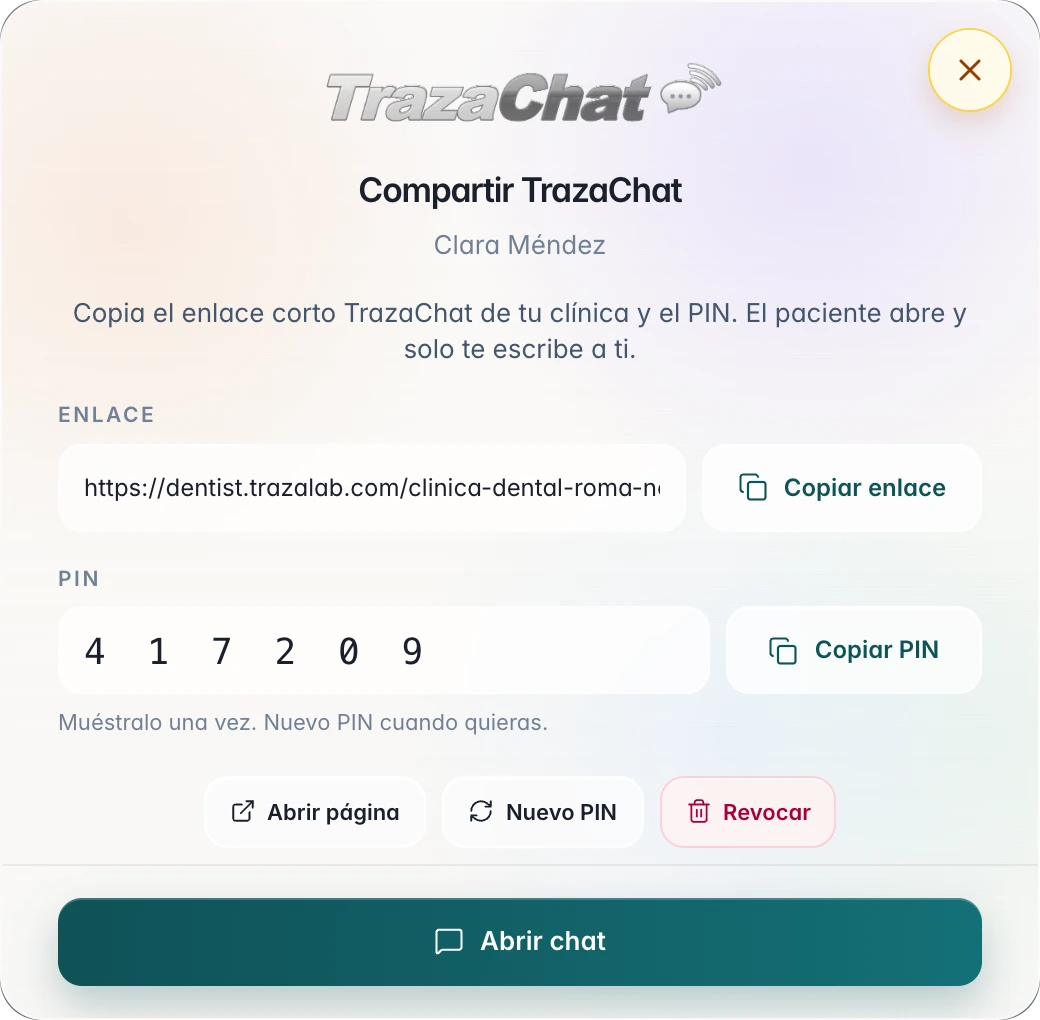
The consent arrives in the patient chat with the file attached. If the patient is not connected yet, you share your clinic's TrazaChat link and a PIN; the consent goes out as soon as the link is ready.
The record
Every signature is recorded.
With each signature, TrazaLab stores on the patient’s record who signed, when, and from where.
It is an electronic signature drawn on screen, not a digital certificate. Check what your jurisdiction asks for each consent.
- Signer
- The full name of the person who signs.
- Date and time
- The exact moment it was sealed.
- IP address
- Where it was signed from.
- Browser
- Which device it was signed with.
- Version
- Each new consent for the patient is a version; earlier ones stay on the patient's record.
Patient payments
From the accepted quote, to payment.
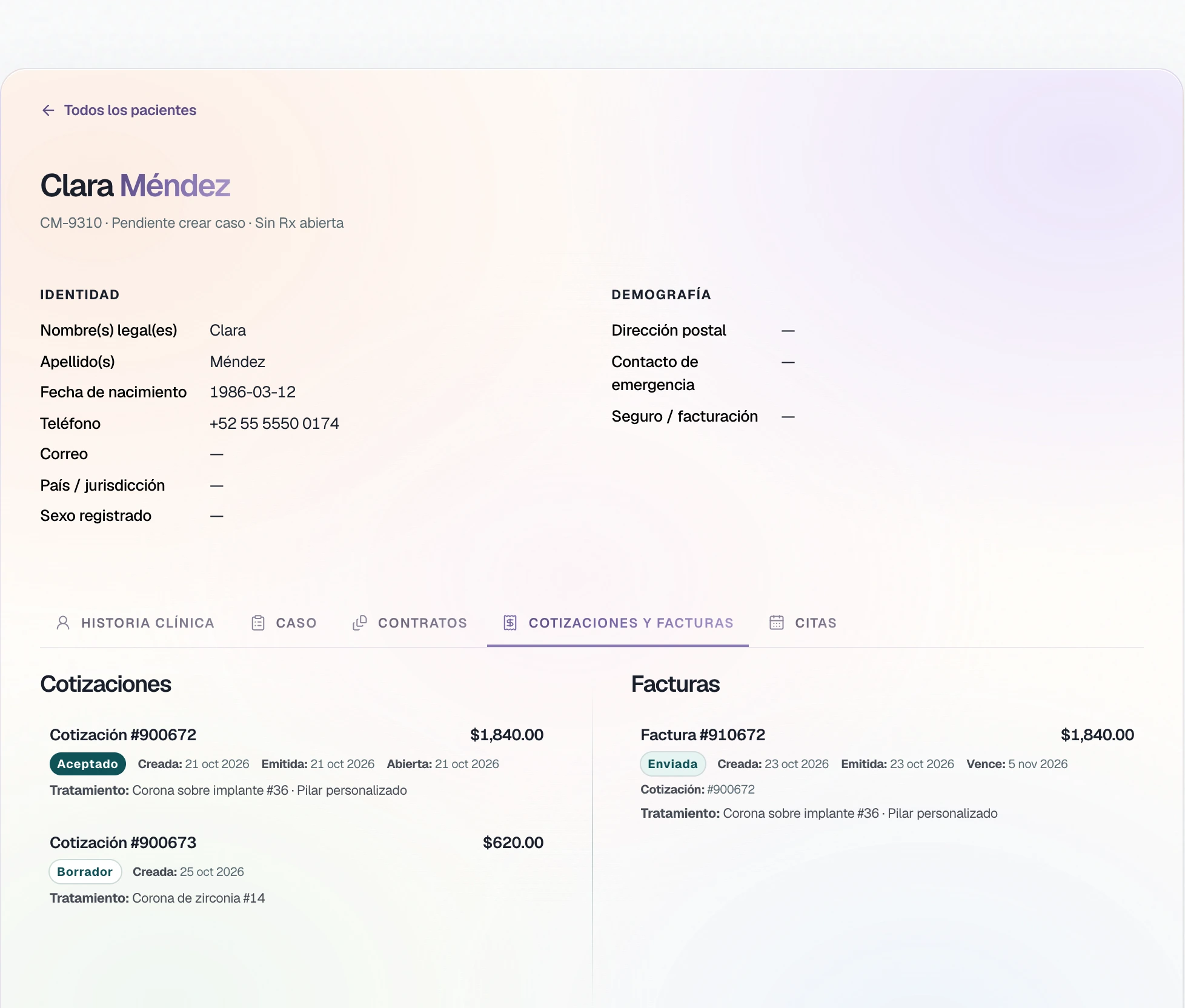
In Quotes and invoices, the invoice comes from the quote the patient accepted, with its line items. The patient pays it from their link.
Questions
The dentist’s questions.
Yes. Each section is edited or removed, and Add section adds your own. The treatment type is written freely.
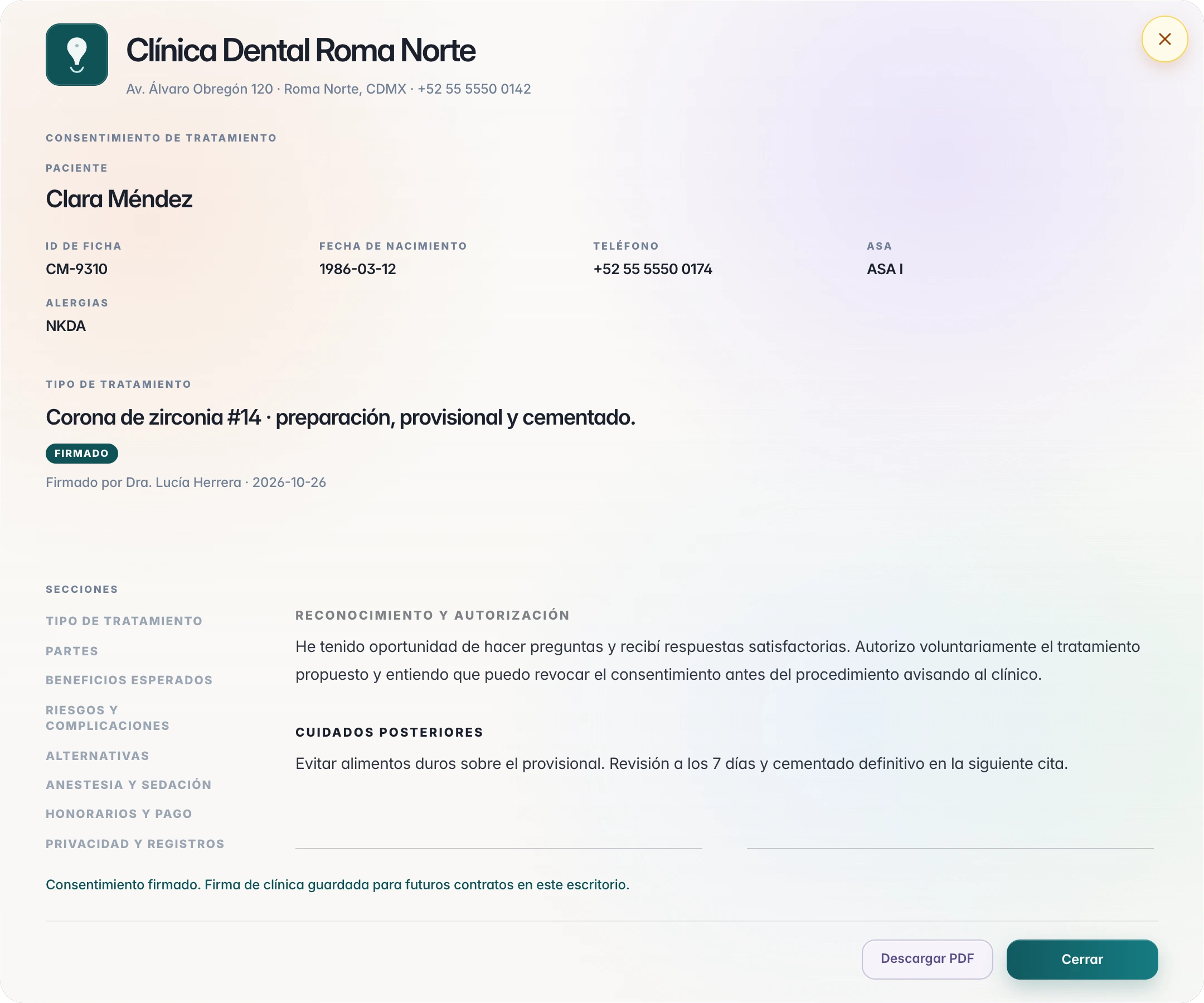
WriteThe clinician writes their full name, signs in the box, and seals the contract. The document carries the patient's signature line and the clinician's, with the date.
SignatureBy TrazaChat with the file attached, with a link to the document, or as a PDF from the print view.
SendThe name of the person who signs, the date and time, the IP address, and the browser, on the patient's record.
The recordNo. It is an electronic signature drawn on screen, with a record of who signed, when, and from where. Check what your jurisdiction asks for.
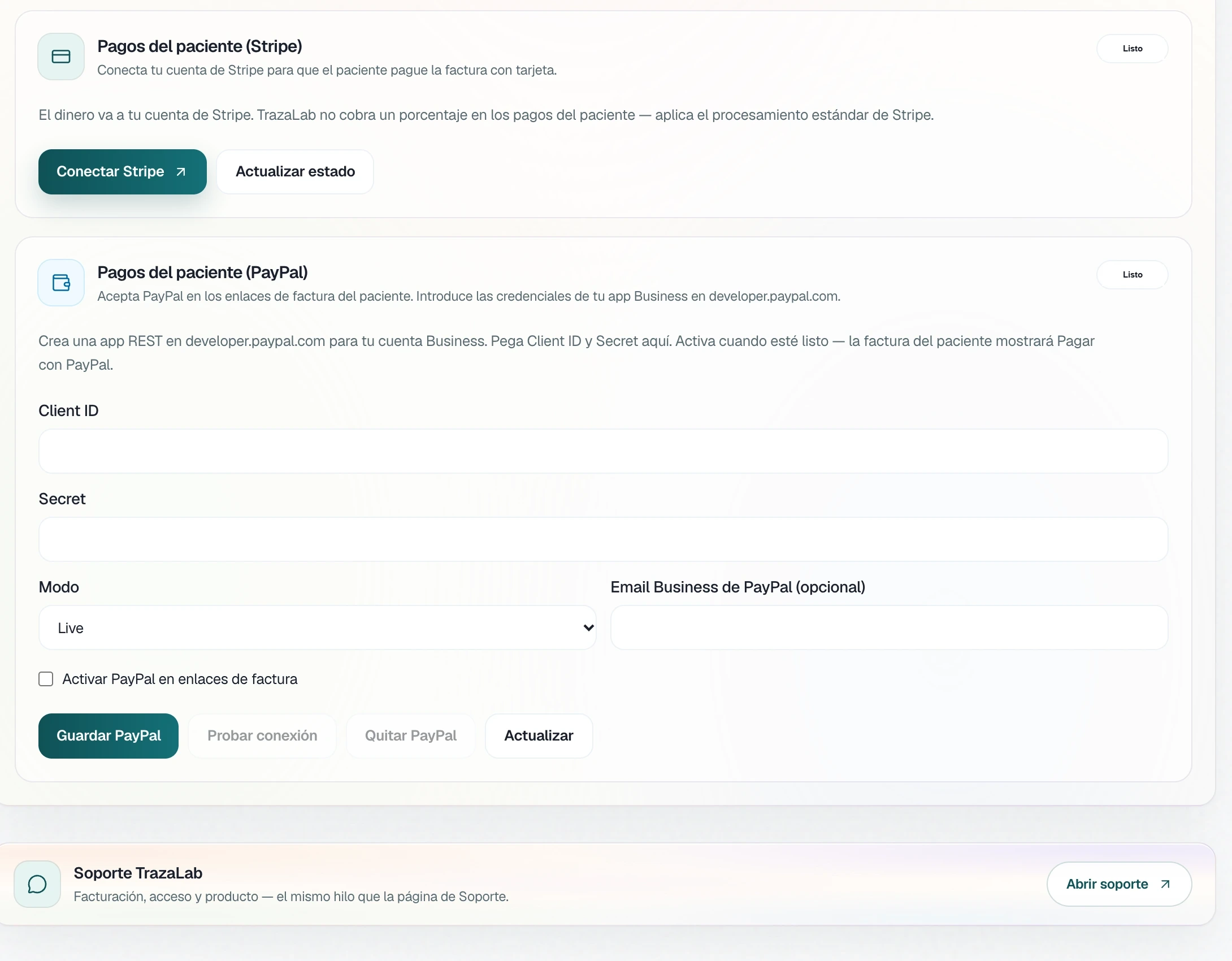
The recordFrom the invoice link, by card or PayPal. You connect Stripe and PayPal in Settings; the money goes to your account and TrazaLab does not charge a percentage.
PaymentsNext step
Write your first consent.
Open a patient’s chart, write the treatment, and sign it.