
Case creation rules
Your rules, in each case.
You tell us what a case must carry before fabrication can start: an intraoral scan, DICOM, photos at specific angles, videos, or the treatment design. We program it on your account, exactly as you ask.
For laboratories and dentists · Enterprise plan
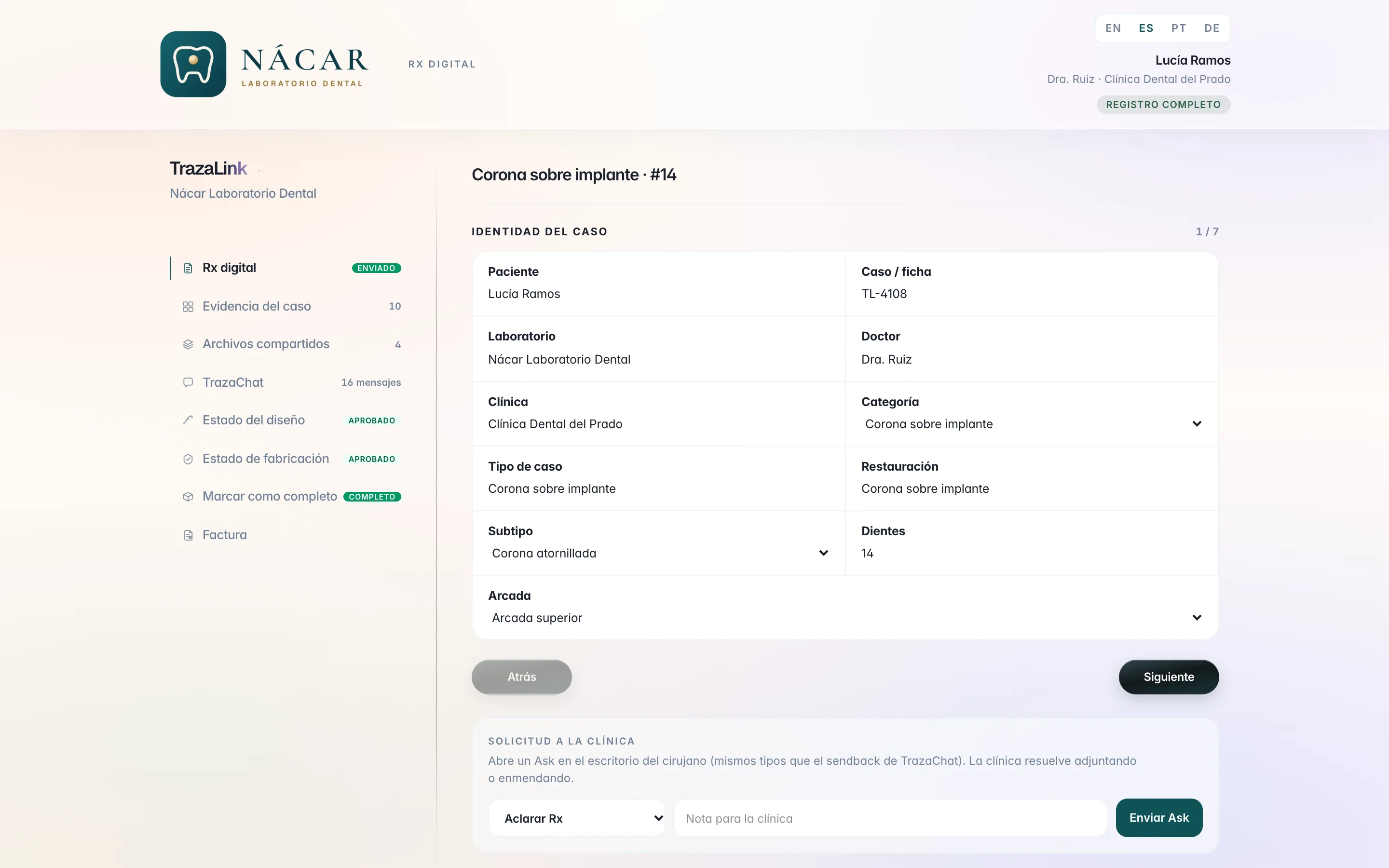
A rule, in writing
This is how you send it.
One rule per case type: what you need, and in what order. Without that, the case is not created.
- Rule 1
Implant crown
- IOS · STL
- Scan body
- DICOM
- Complete treatment design
- Intraoral scan with scan body
- CBCT of the site (DICOM)
- Create case
- Rule 2
Veneers
- Photos × 4
- Video
- Full face smiling
- Lips at rest
- Right profile
- Anterior with retractors
- Phonetics video
- Rule 3
Surgical guide
- IOS · STL
- DICOM
- Intraoral scan of the arch
- CBCT (DICOM)
- Create case
Programmed by the TrazaLab team on the laboratory account.
Treatment design
What you need to fabricate.
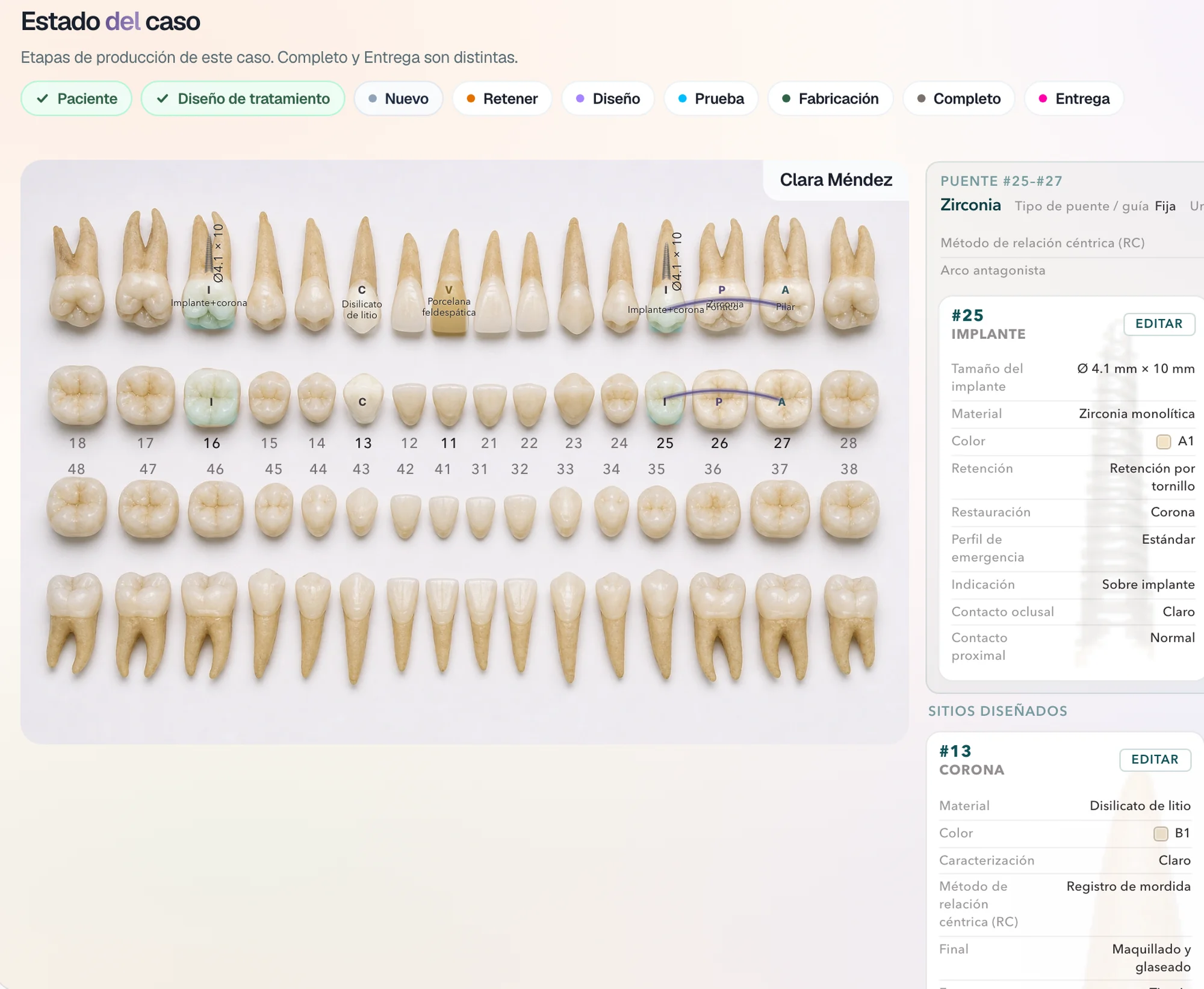
You define what the treatment design must carry so your laboratory can start, site by site.
- Every site, complete.
Material, shade, retention, restoration, and emergence profile.
- What your laboratory asks for.
Contacts, centric relation method, or the detail your workflow needs.
Case sequence
In the order you ask for.
If your laboratory works with a sequence, the case follows it: what is filled in first, what comes next, and when it can be created.
- Treatment design.
Site by site, on the odontogram.
- Digital Rx.
Records, files, and photos.
- Create case.
When the case carries what you ask for.
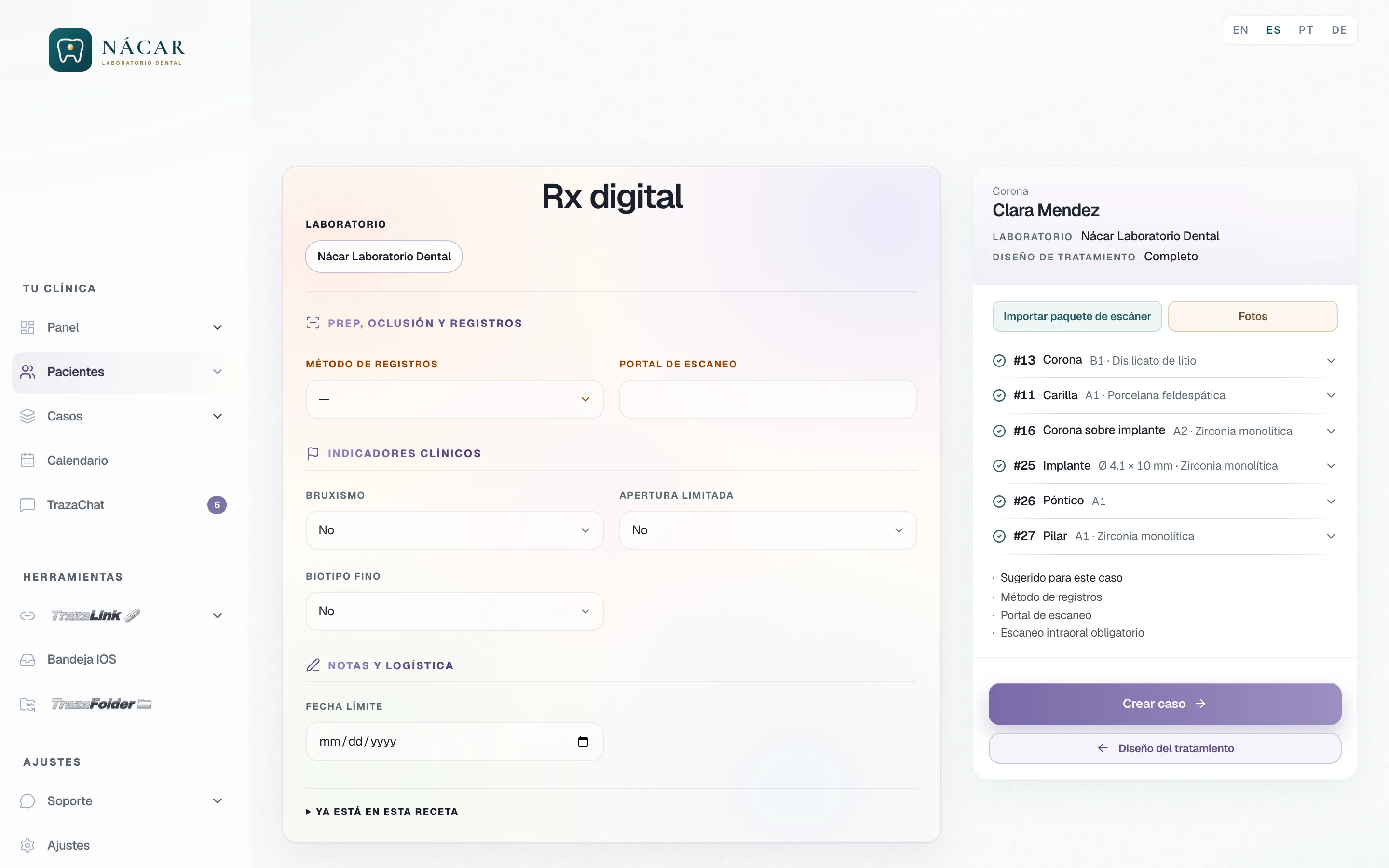
Intraoral scan
No scan, no case.
If your laboratory needs the intraoral scan to start, your dentists' Digital Rx requires it before Create case.
- The rule, on their list.
Intraoral scan required appears in what the case is missing.
- Create case waits.
The case is created when the scanner package arrives.
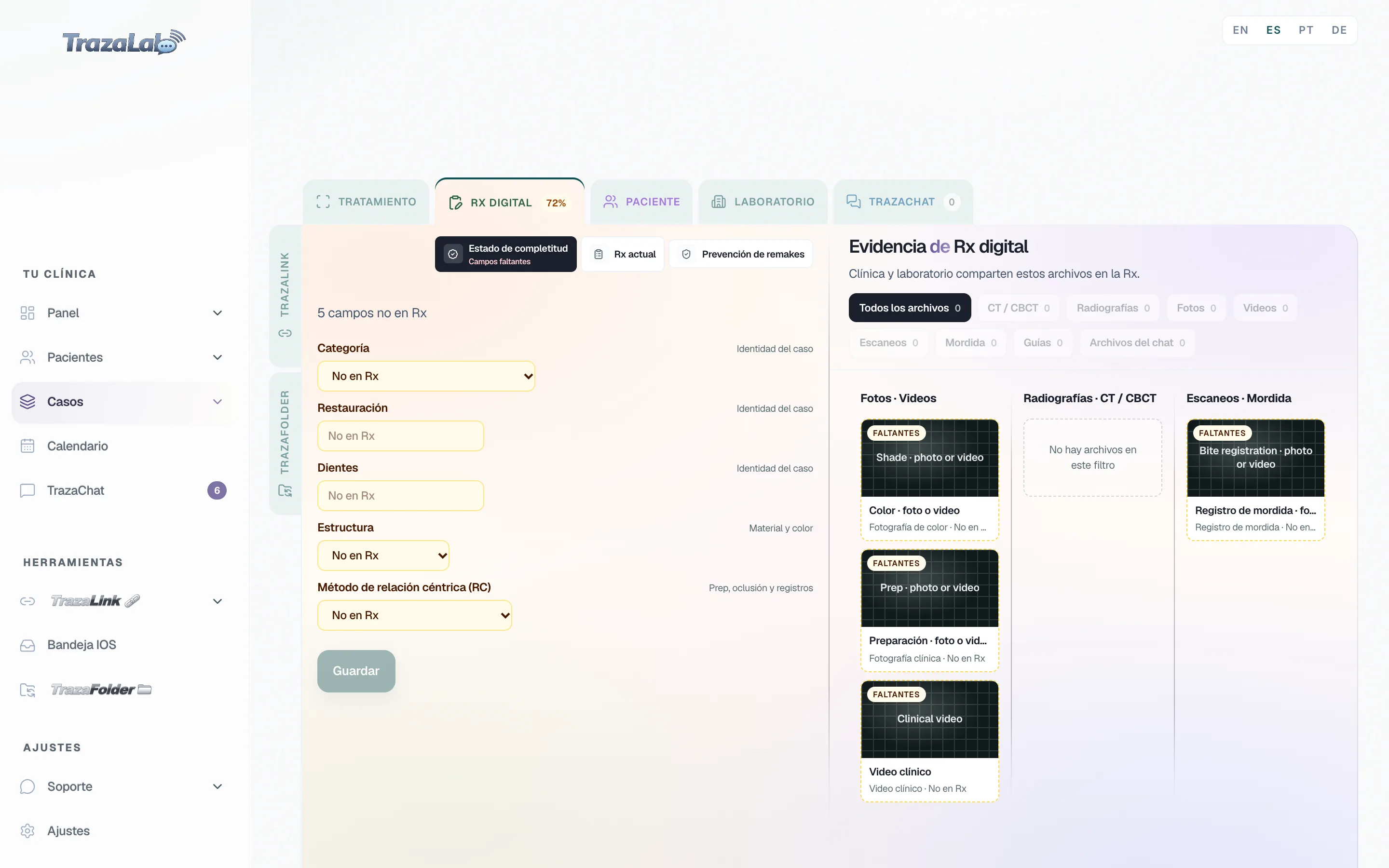
Case files
What is missing, in view.
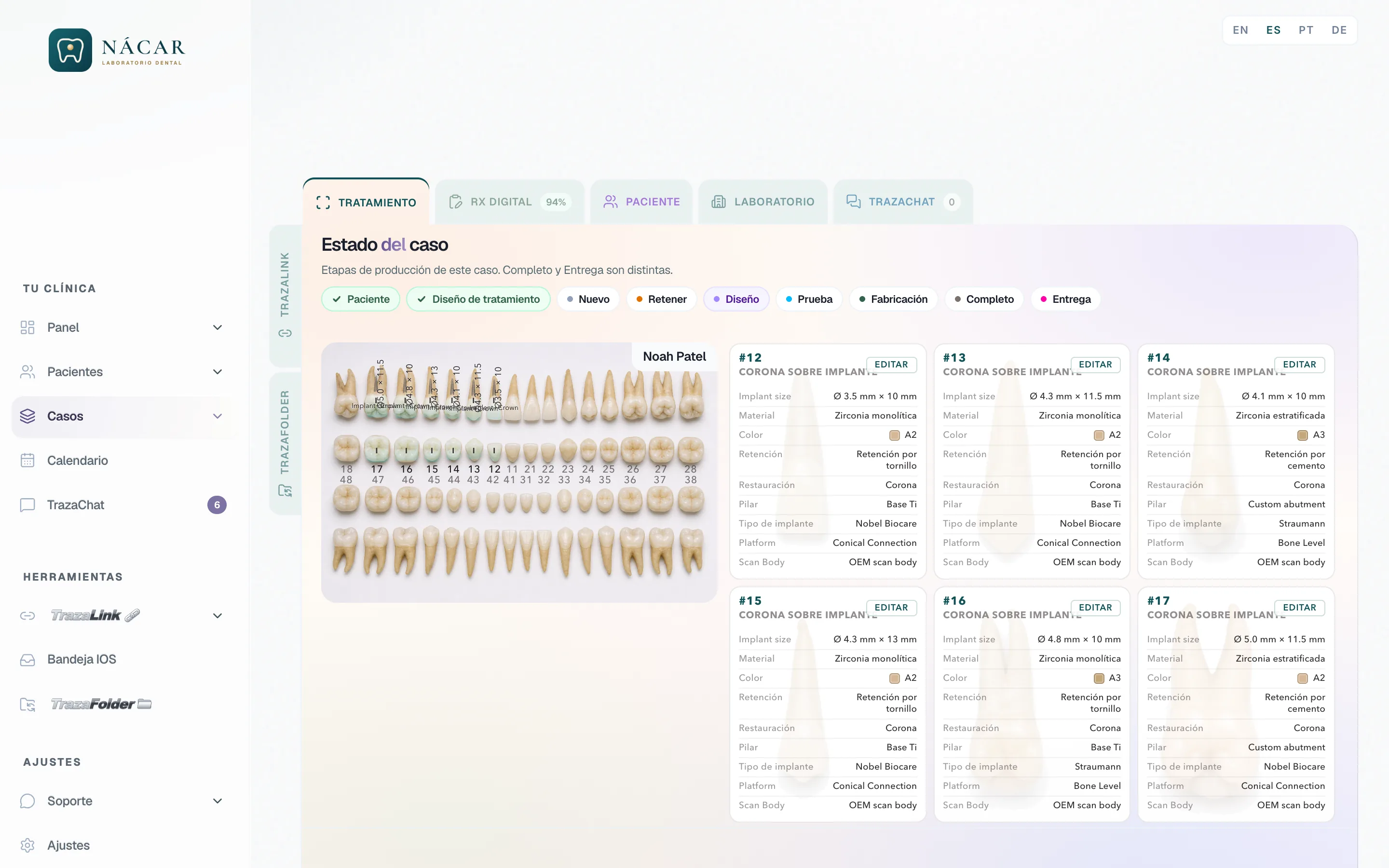
Videos, bite, radiographs, DICOM: each file has its place in the Digital Rx evidence, and what has not arrived stays marked as missing.
- Photos and videos.
Shade, preparation, and clinical video.
- Radiographs and CT / CBCT.
The DICOM studies, in their own group.
- Scans and bite.
Intraoral scan, STL, and bite registration.
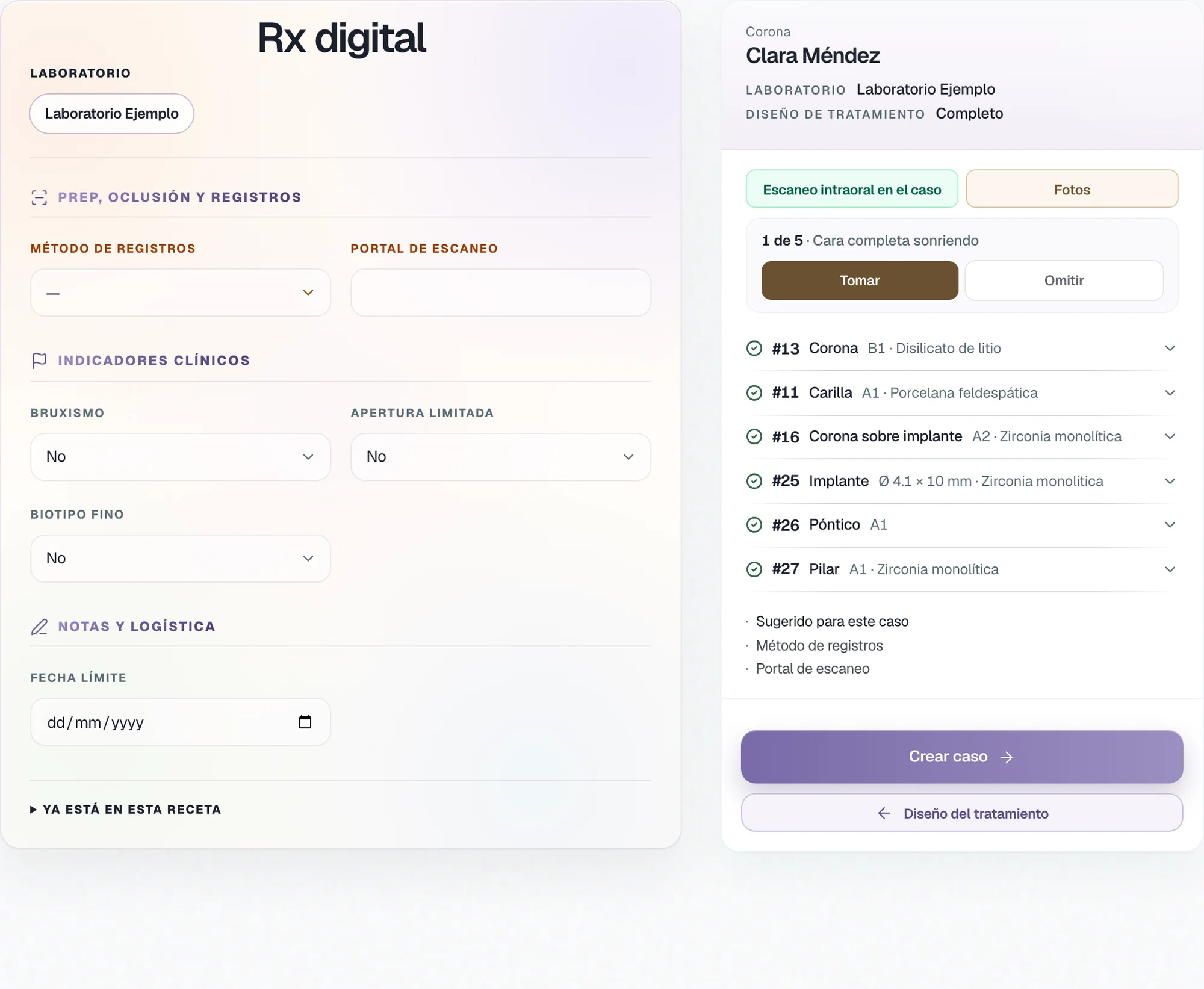
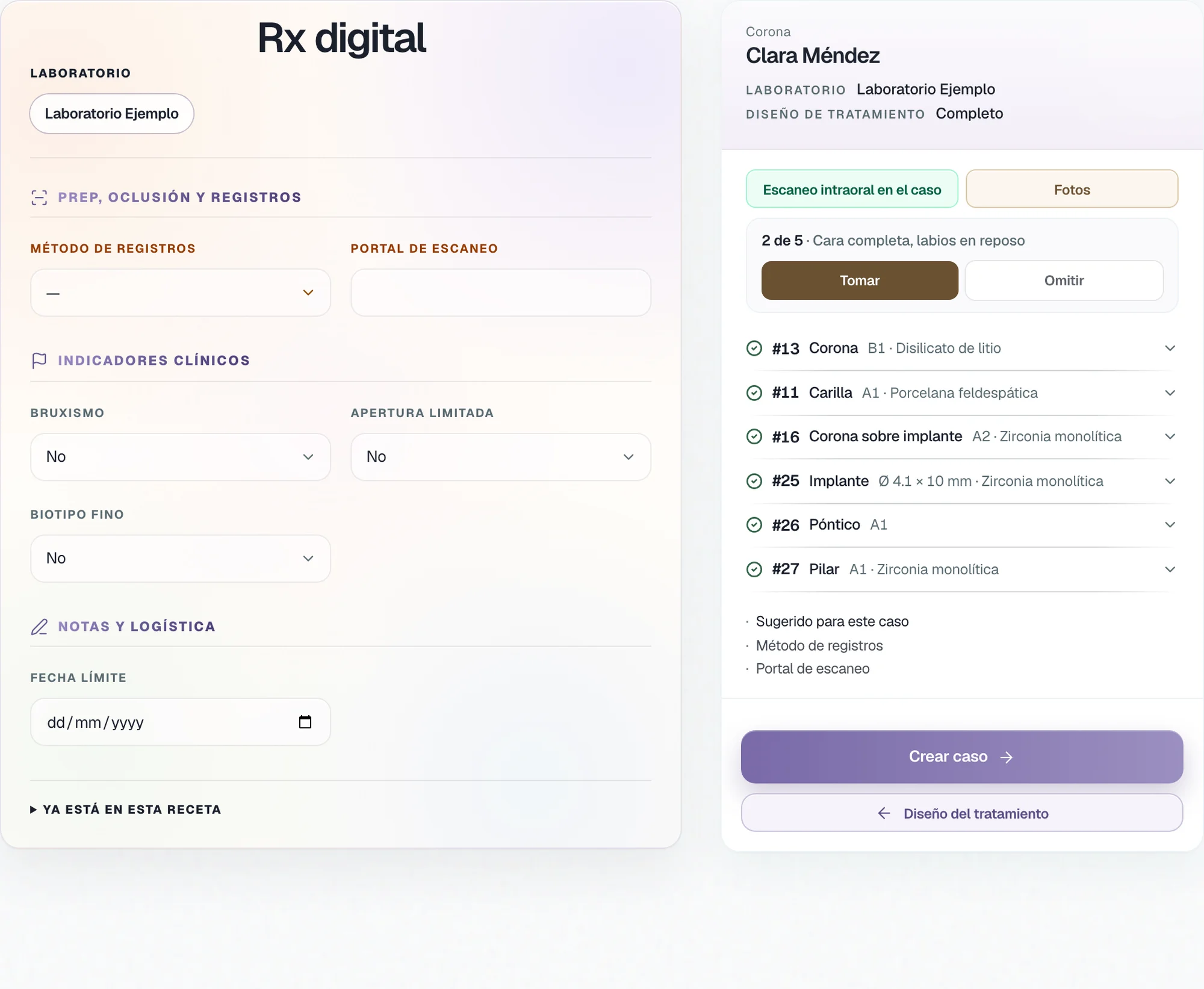
Photos
The photos, in your order.
You define which photos you need, how many, and from which angle. The Digital Rx asks the dentist for them one by one, in that sequence.
How they are requested
You write it. We program it.
The laboratory or the dentist sends us their rules, and the TrazaLab team programs them on that account.
Laboratory
For your dentists.Dentist
For your laboratory.When you need something specific to start fabrication.
When your laboratory requires a sequence or certain files.
The rules and the sequence for each case type.
The rules and the sequence your laboratory asks for.
Intraoral scan, STL, DICOM or CBCT, photos by angle, videos, bite, and treatment design.
Intraoral scan, STL, DICOM or CBCT, photos by angle, videos, bite, and treatment design.
The TrazaLab team, on your laboratory account.
The TrazaLab team, on your account.
On your dentists' Digital Rx, before Create case.
On your Digital Rx, before Create case.
Questions
Questions about the rules.
What a case must carry before the dentist can create it: intraoral scan, STL, DICOM or CBCT, photos at specific angles, videos, bite registration, or treatment-design data. If something is missing, the case is not created.
Intraoral scanYou send us what you need to start fabrication, by case type and in the order you want. The TrazaLab team programs it on your account, exactly as you asked.
How they are requestedThere is no rules editor in Settings. You tell us the rule and the TrazaLab team programs it on your account.
How they are requestedYes. An implant crown can ask for the scan and the CBCT, a veneer for its smile photos, and a surgical guide for the intraoral scan plus the DICOM.
What is missingYes. You define which photos you need, how many, and from which angle, and the Digital Rx asks for them one by one in that order.
PhotosYes, when your laboratory requires them. You send us the rules and the sequence your laboratory asks for, and we program them on your account so each case goes out as it needs to.
Laboratory and dentistThey are part of the Enterprise plan. Review the plans on Pricing, or book a demo to tell us your rules.
PricingNext step
Tell us your rules.
Take the tour and tell us what each case needs before fabrication can start.