
TrazaChat for laboratories
Each case, its conversation.
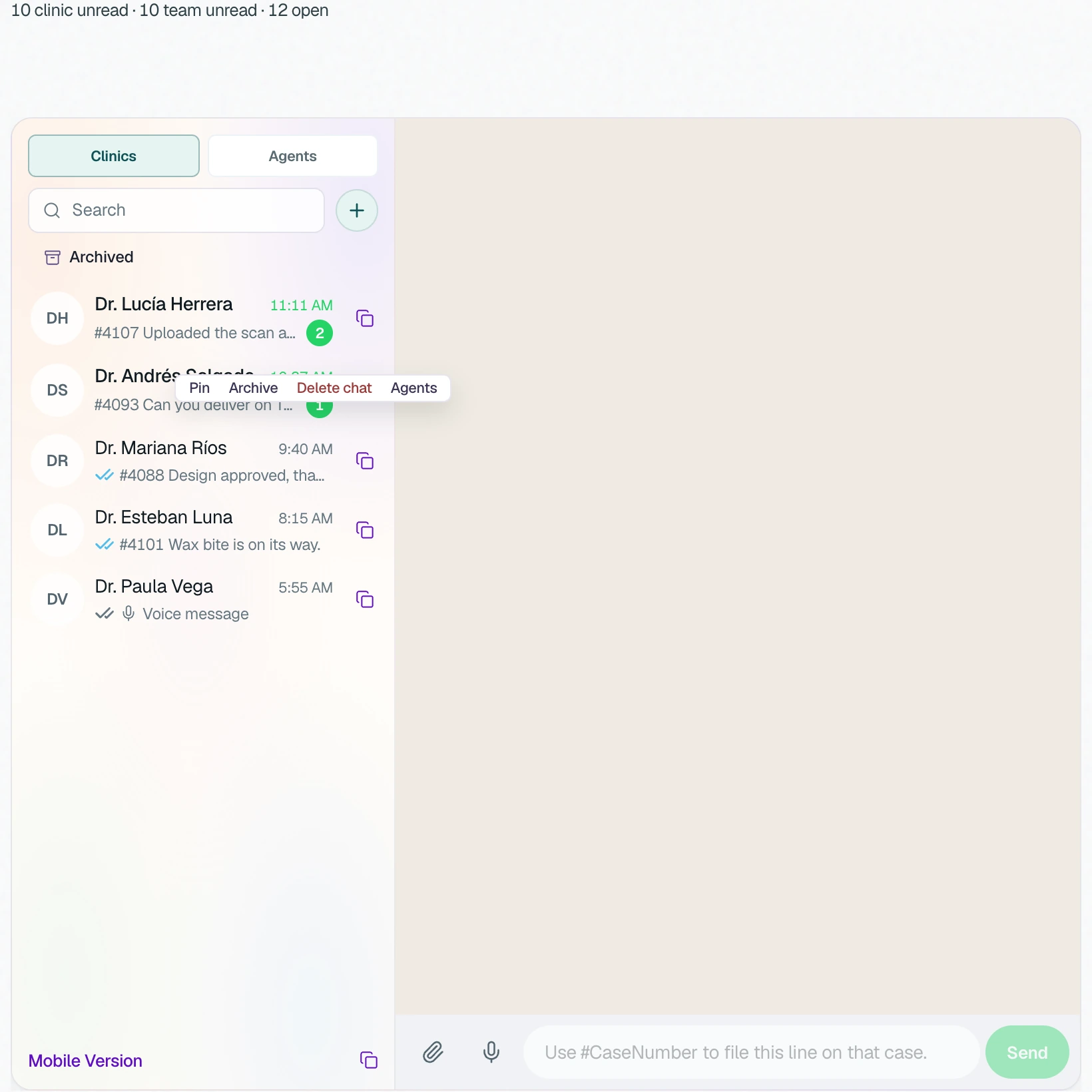
You talk with each clinic and with your team in separate threads. With # and the case number, the photo or file is filed on that case, and everyone replies from the desk or from the phone.
For laboratories that work with several clinics and a team
People
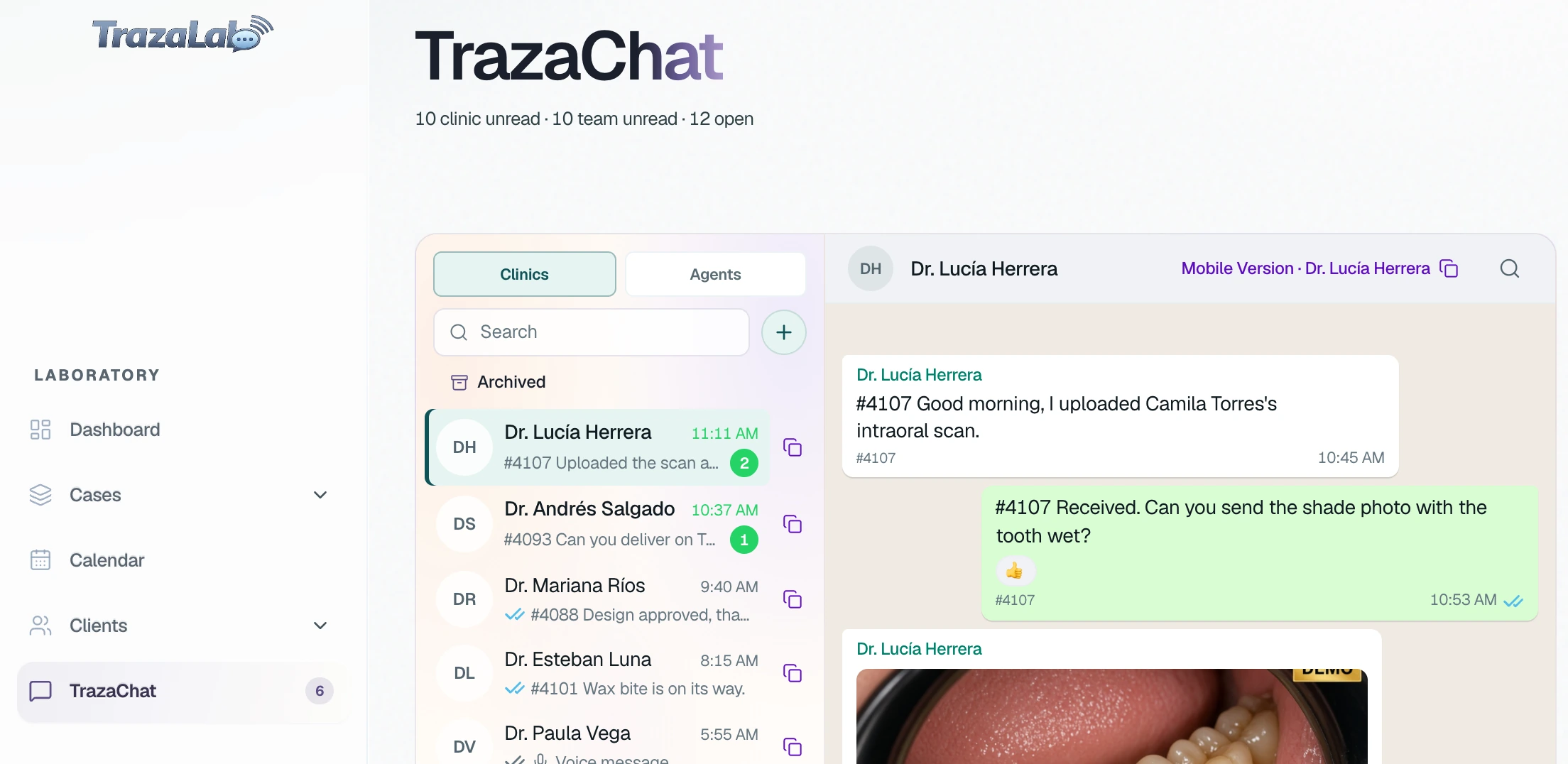
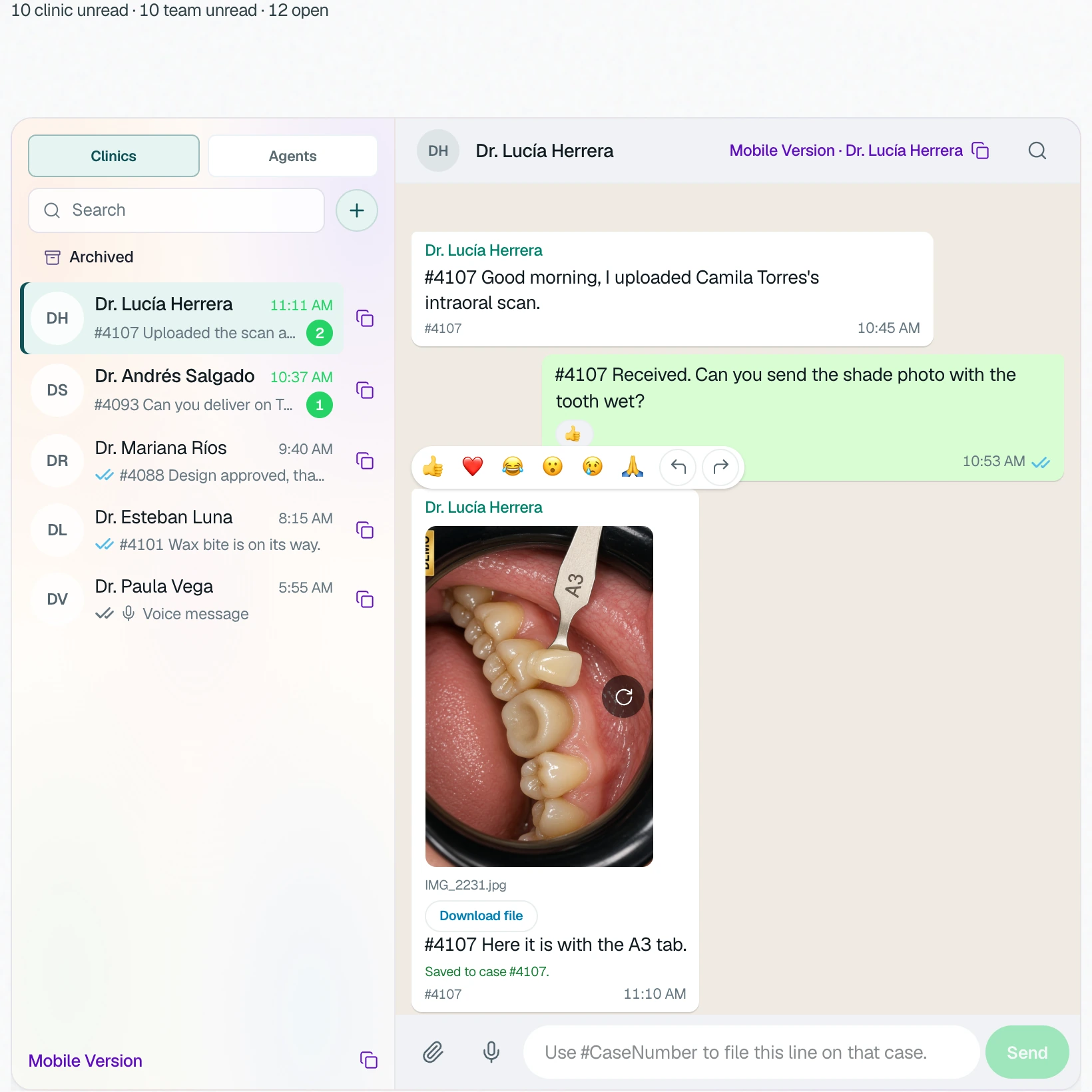
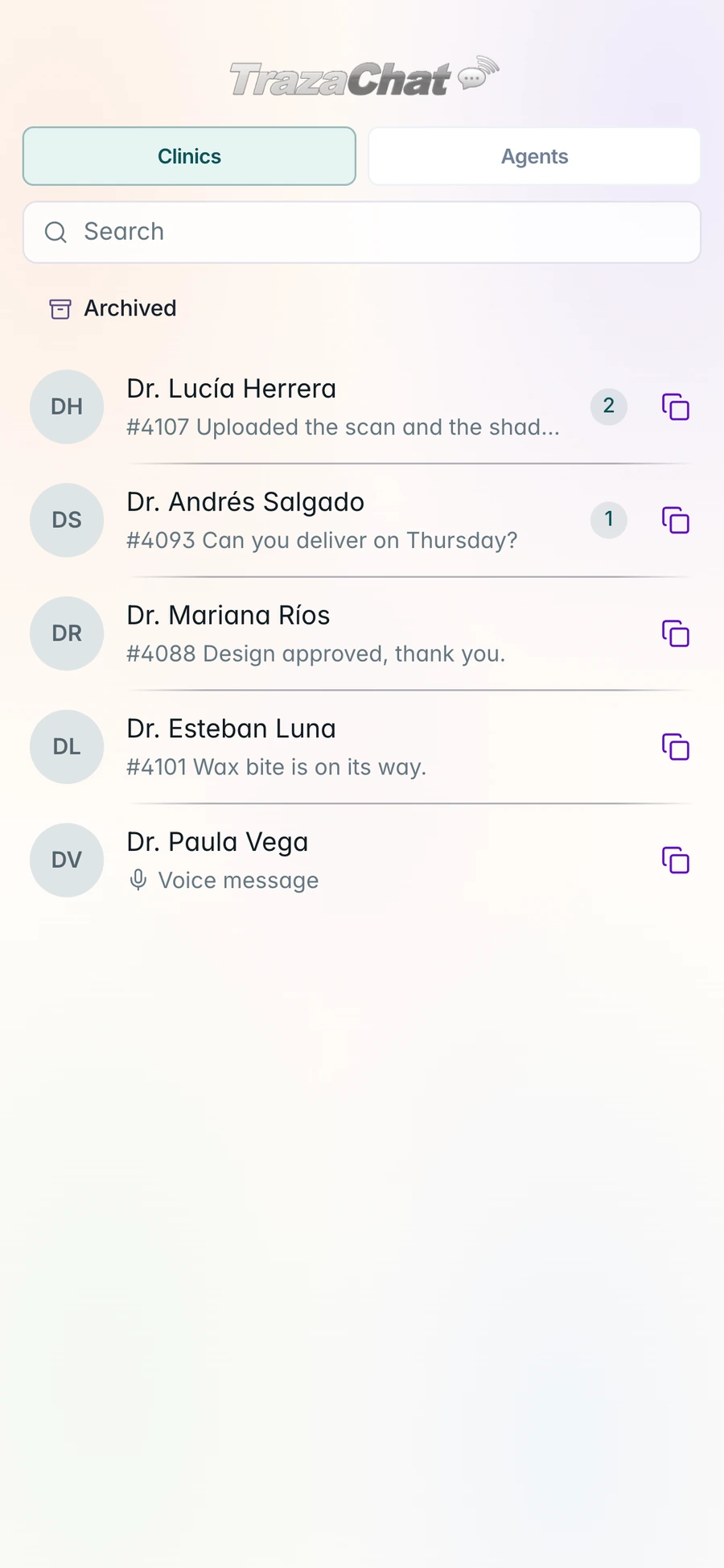
Clinics and team, in one list.
Each doctor and each person on your team has their own thread. The number next to the name is what is still unread.
One number, one case
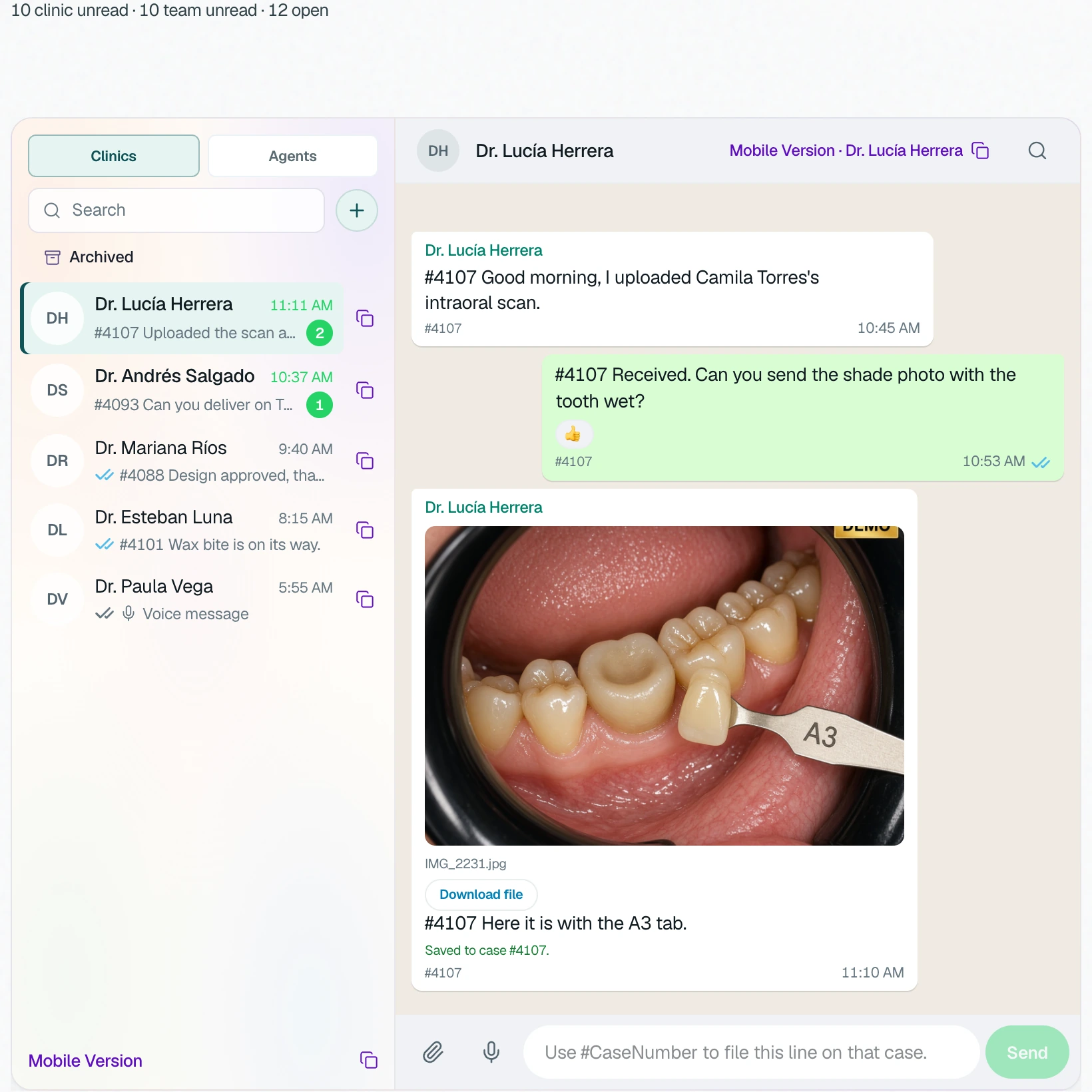
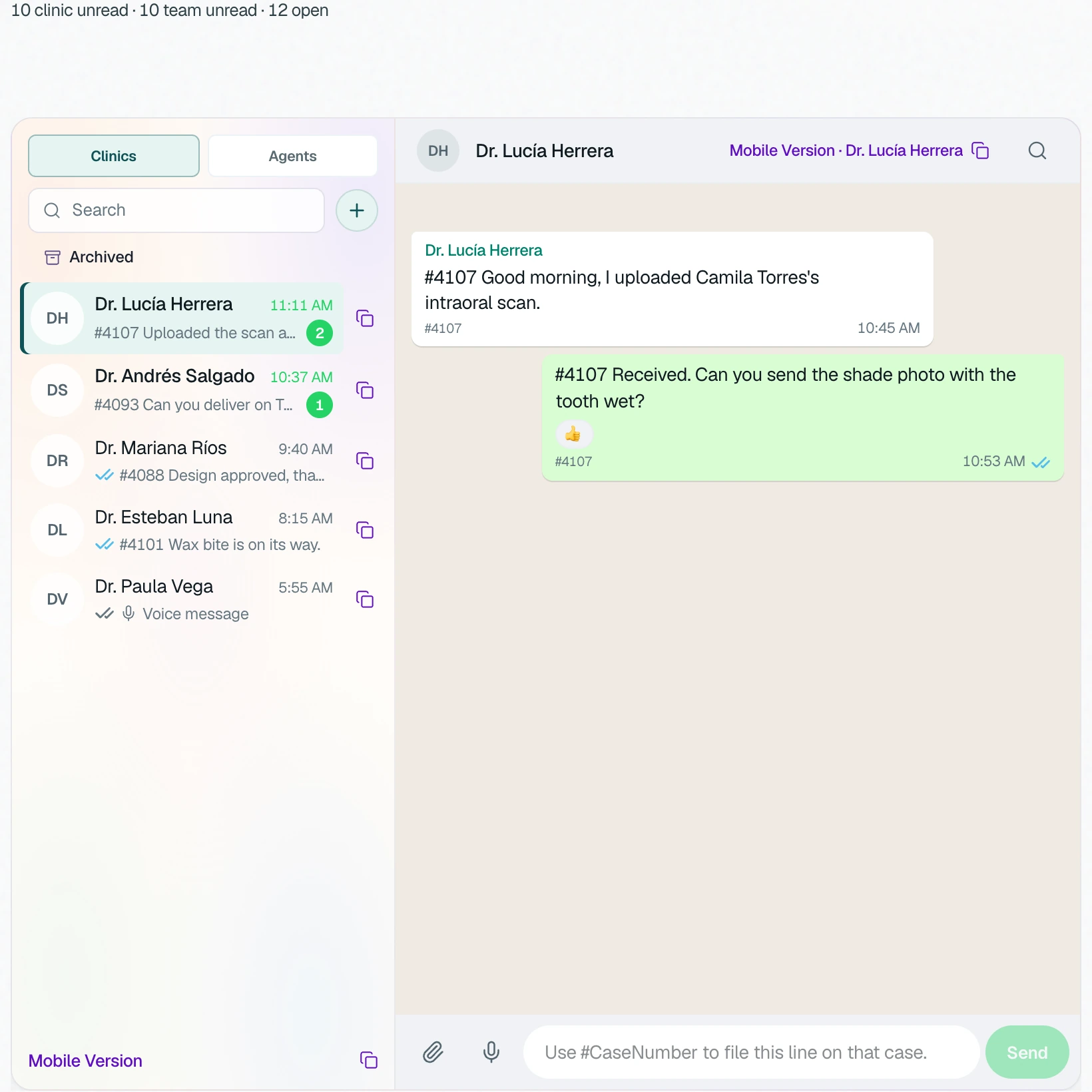
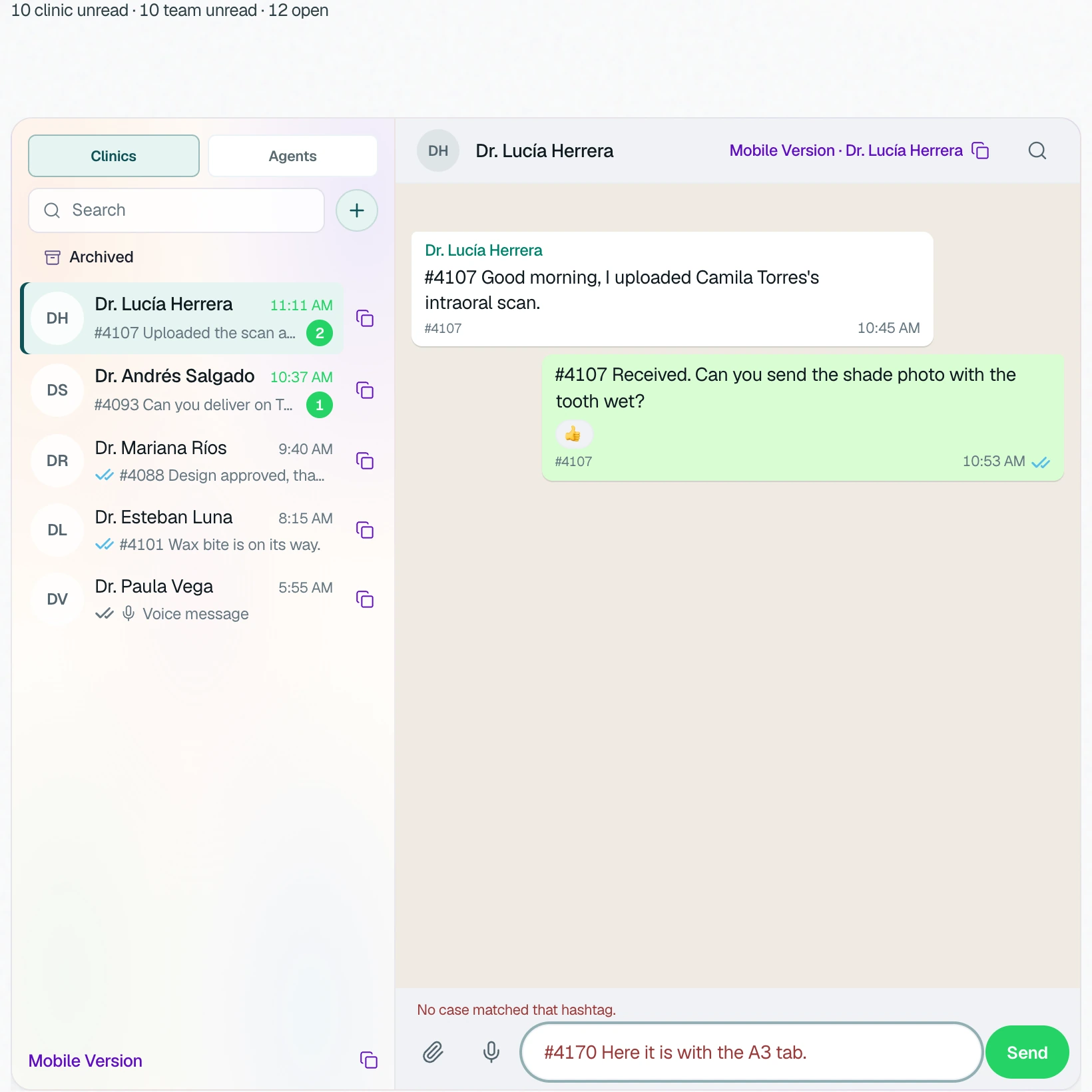
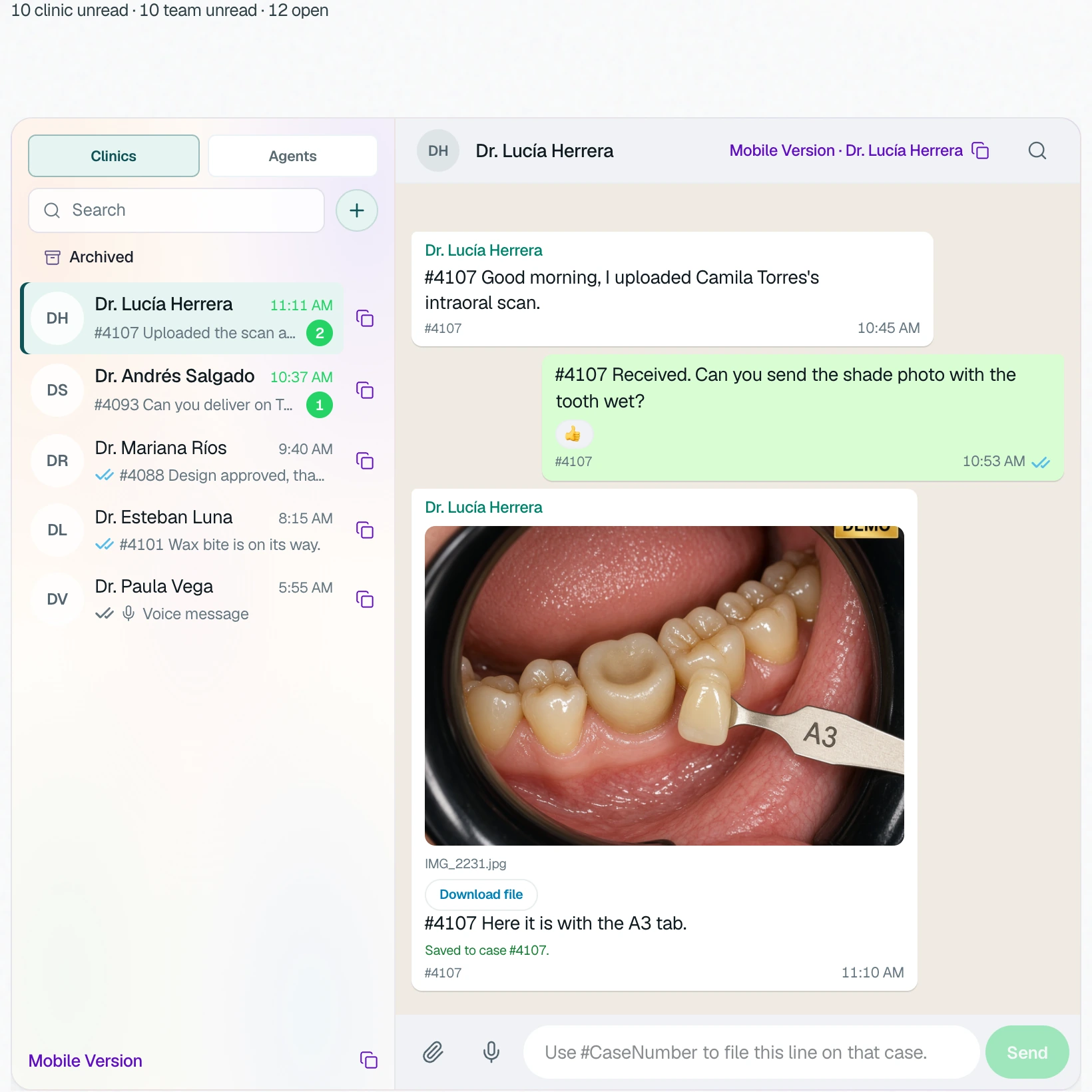
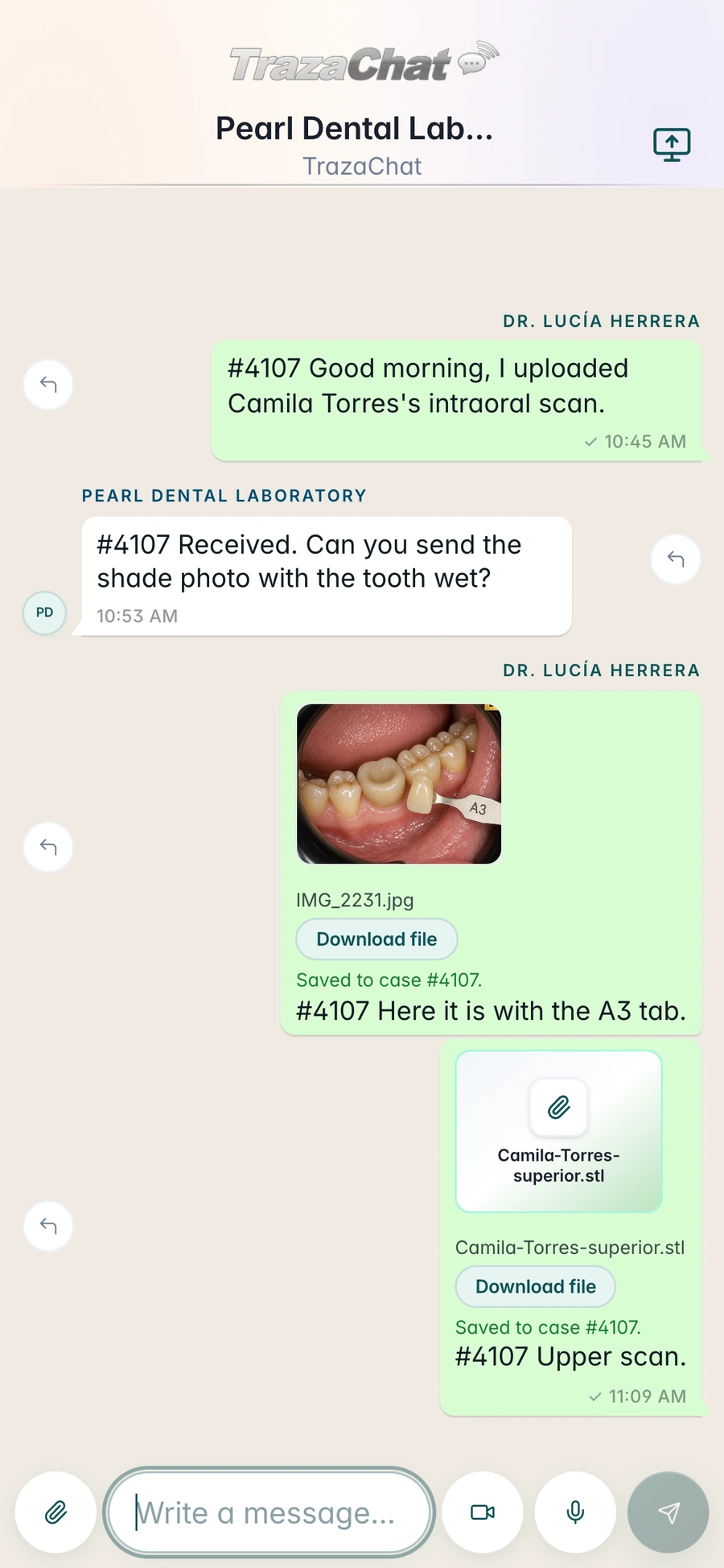
Type #4107 and it is on the case.
With # and the case number, the message and its files are filed on that case.
Photos
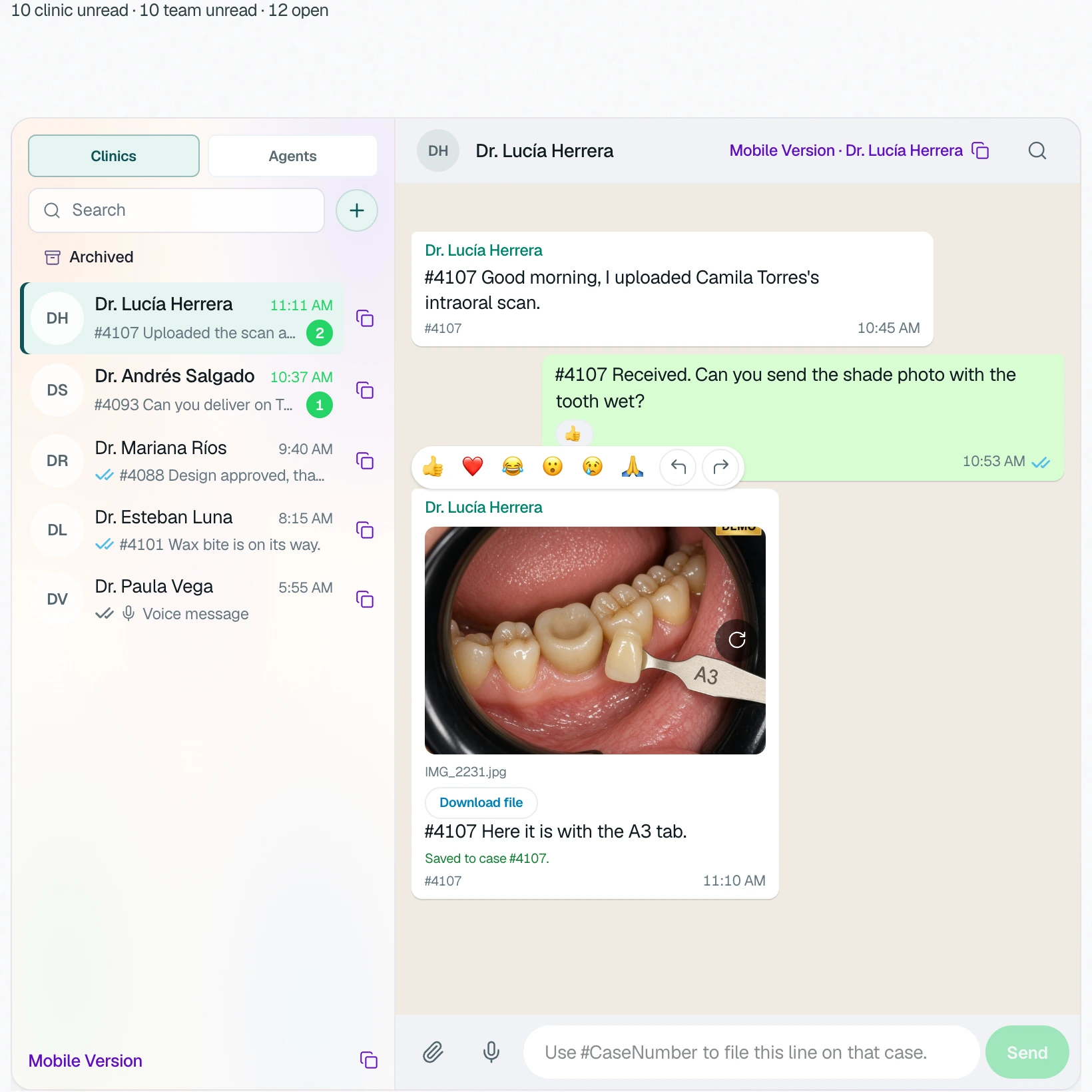
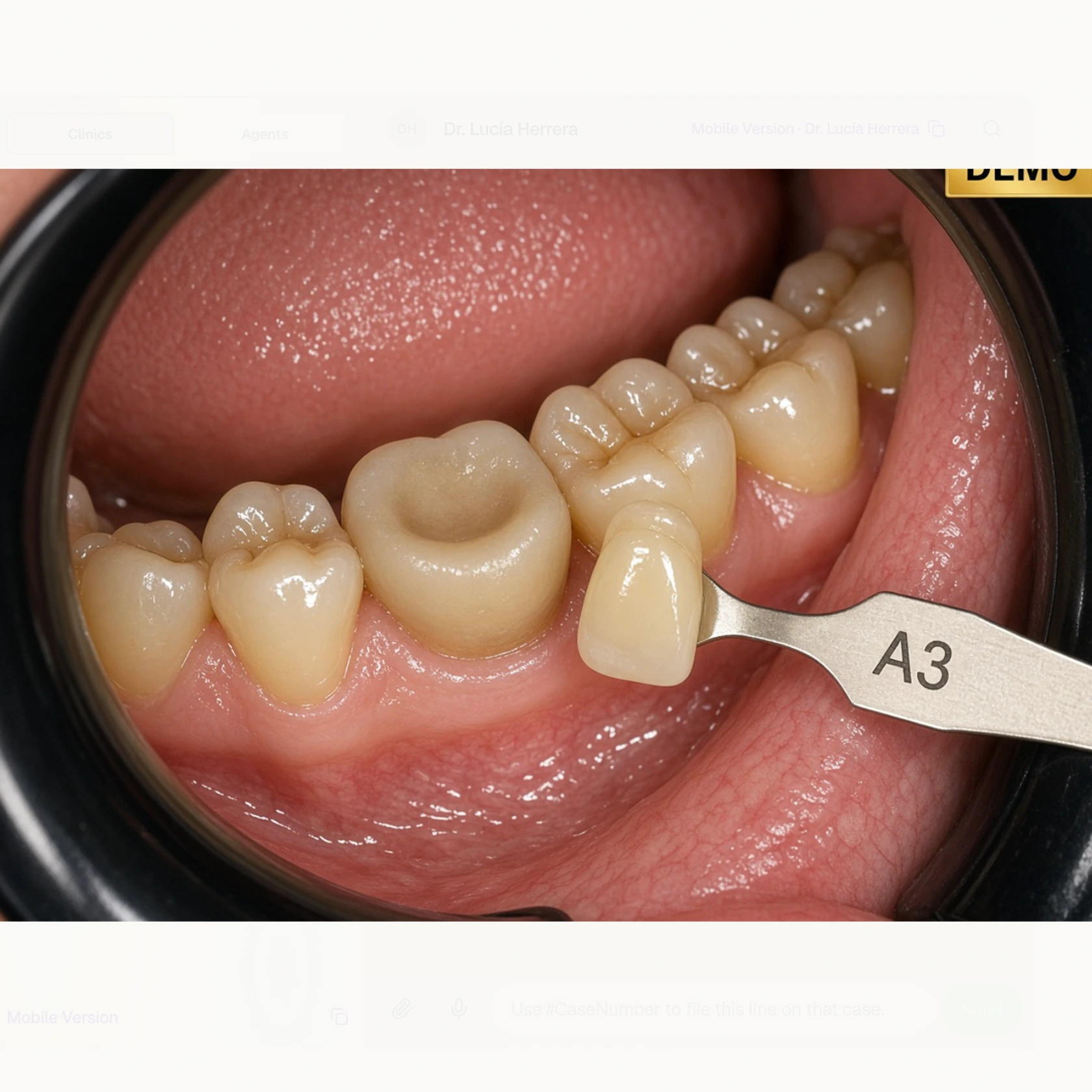
The sideways photo, upright.
You turn the photo in the chat and the turn is saved. The original file does not change.
From the phone
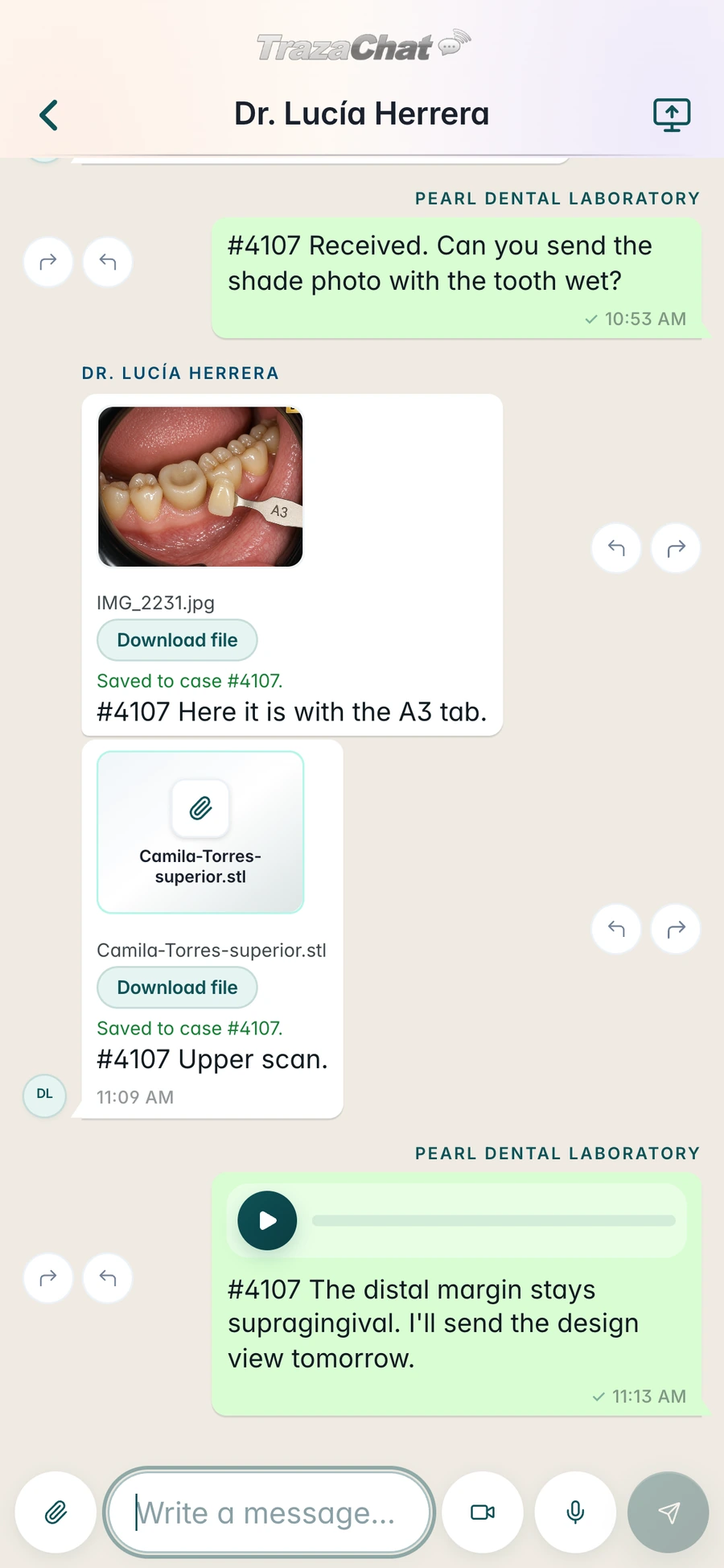
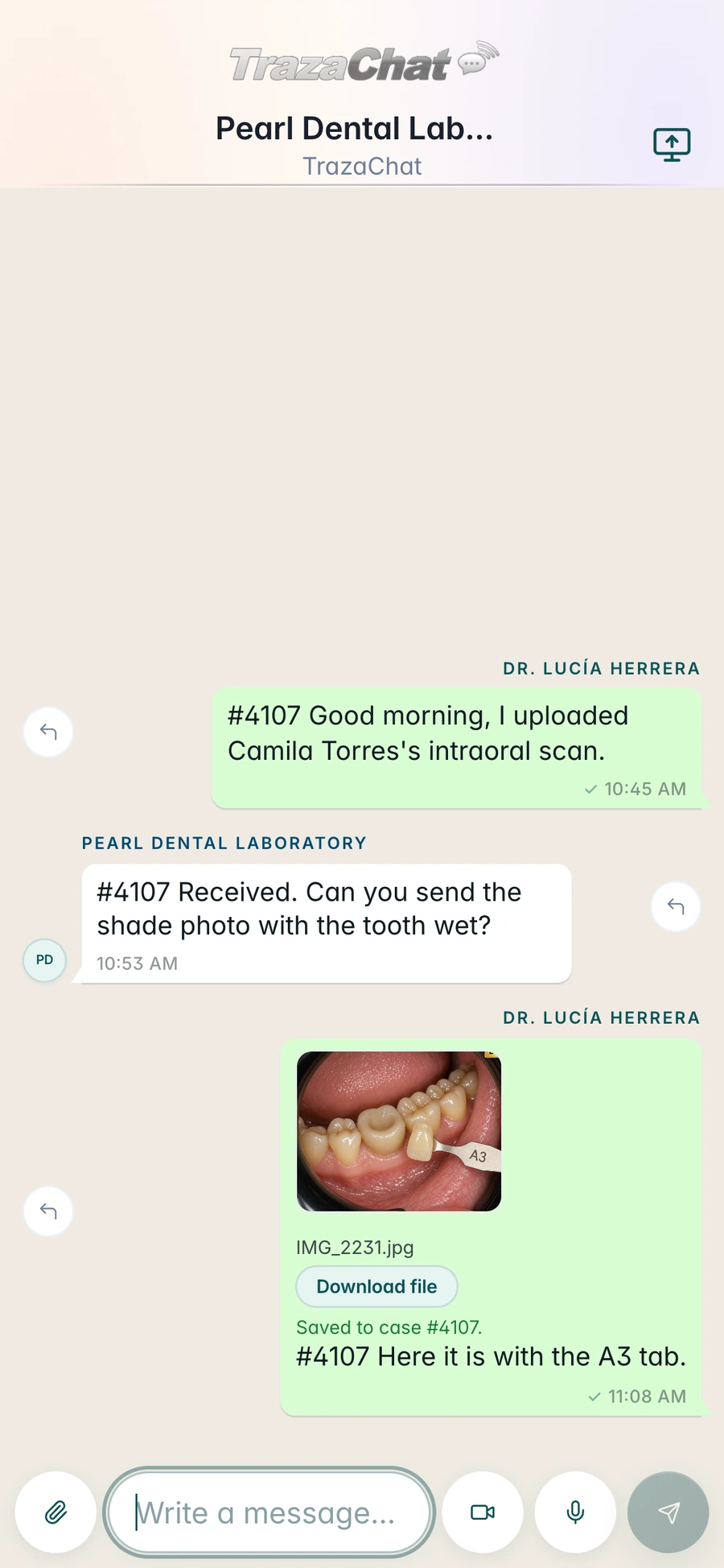
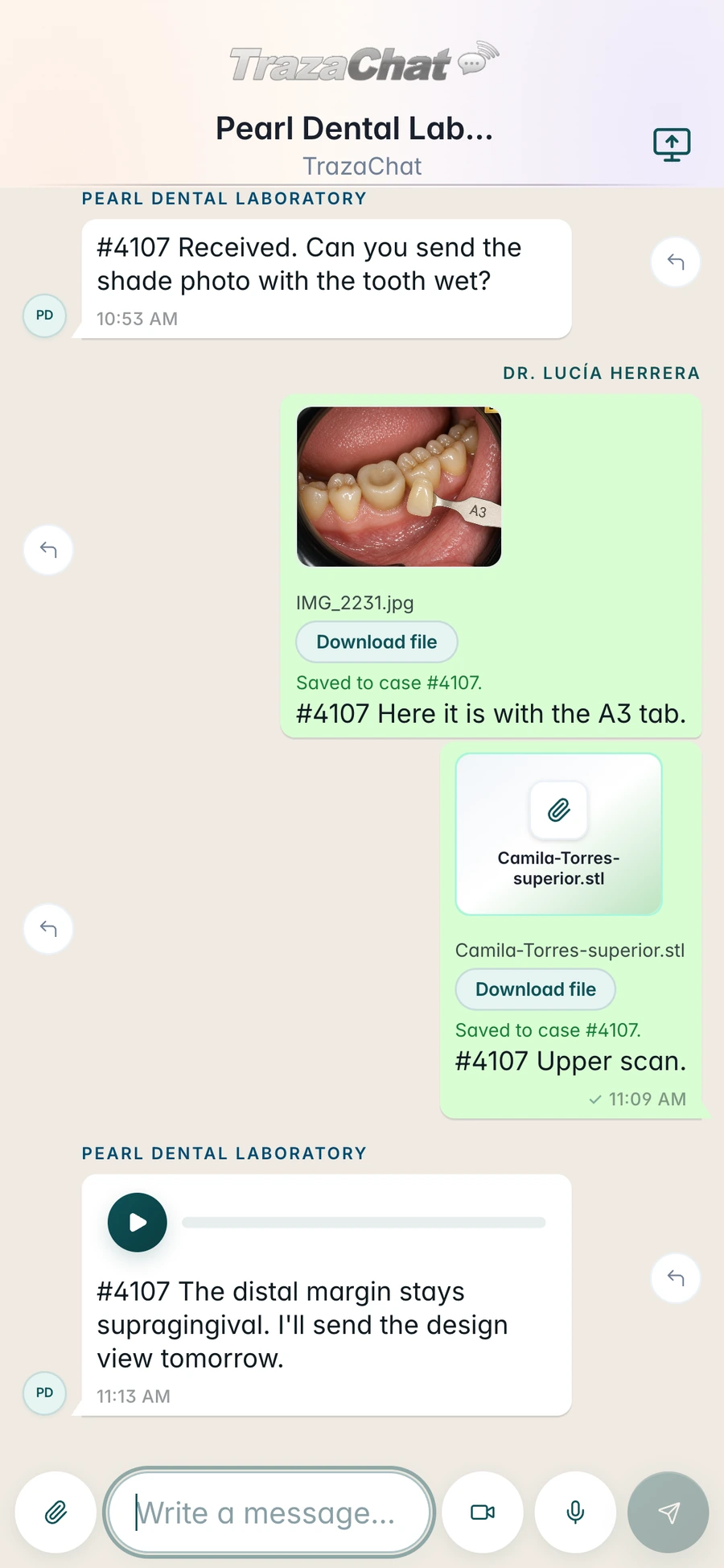
Photos, scans, and voice notes.
The doctor sends from their phone. With #4107, each file is on the case.
TrazaChat Mobile
Your whole inbox, on your phone.
As admin, you open all your clinics and agents from one link. Each person gets their own.
- Inbox link.
Opens all your clinics and agents. You pick who to talk to.
- One link per person.
The doctor opens only their chat, with no account. The icon turns green once they open it.
- Notifications.
TrazaChat messages notify on the phone.
With #4107
Each file, in its section.
The case section comes from the file type.
Photos go to the case's clinical photos; video goes to videos.
STL, PLY, OBJ and 3MF go to scans. DICOM goes to CBCT.
PDF, Word and TXT go to documents. Voice notes stay in the chat.
Two threads
Clinics and agents.
What each side sees and does in TrazaChat.
Clinics
They talk about the case with you.Agents
They talk about the case with their team.One per doctor, with the laboratory.
One per person on the team.
The clinic and the laboratory.
Your team. The clinic does not.
Files on a case of that clinic.
Files if that person has access to the case.
—
The lab admin sets them, agent by agent.
Their link opens only their chat.
Their link opens only their chat.
Questions
Questions from the laboratory.
Type # and the case number in the message. The message and its files are filed on that case, and the chat shows “Saved to case #4107.”
One number, one caseIt depends on the file type: photos go to clinical photos, video to videos, STL, PLY, OBJ and 3MF to scans, DICOM to CBCT, and PDF, Word and TXT to documents. Voice notes stay in the chat.
Each file, in its sectionBefore you send, the box warns in red: “No case matched that hashtag.” If you send anyway, the message stays in the chat. If the case belongs to another doctor, you see “Sent. That case belongs to another doctor.”
One number, one caseNo. It changes how the photo shows in the chat, 90° at a time, and the turn is saved. The original file stays the same.
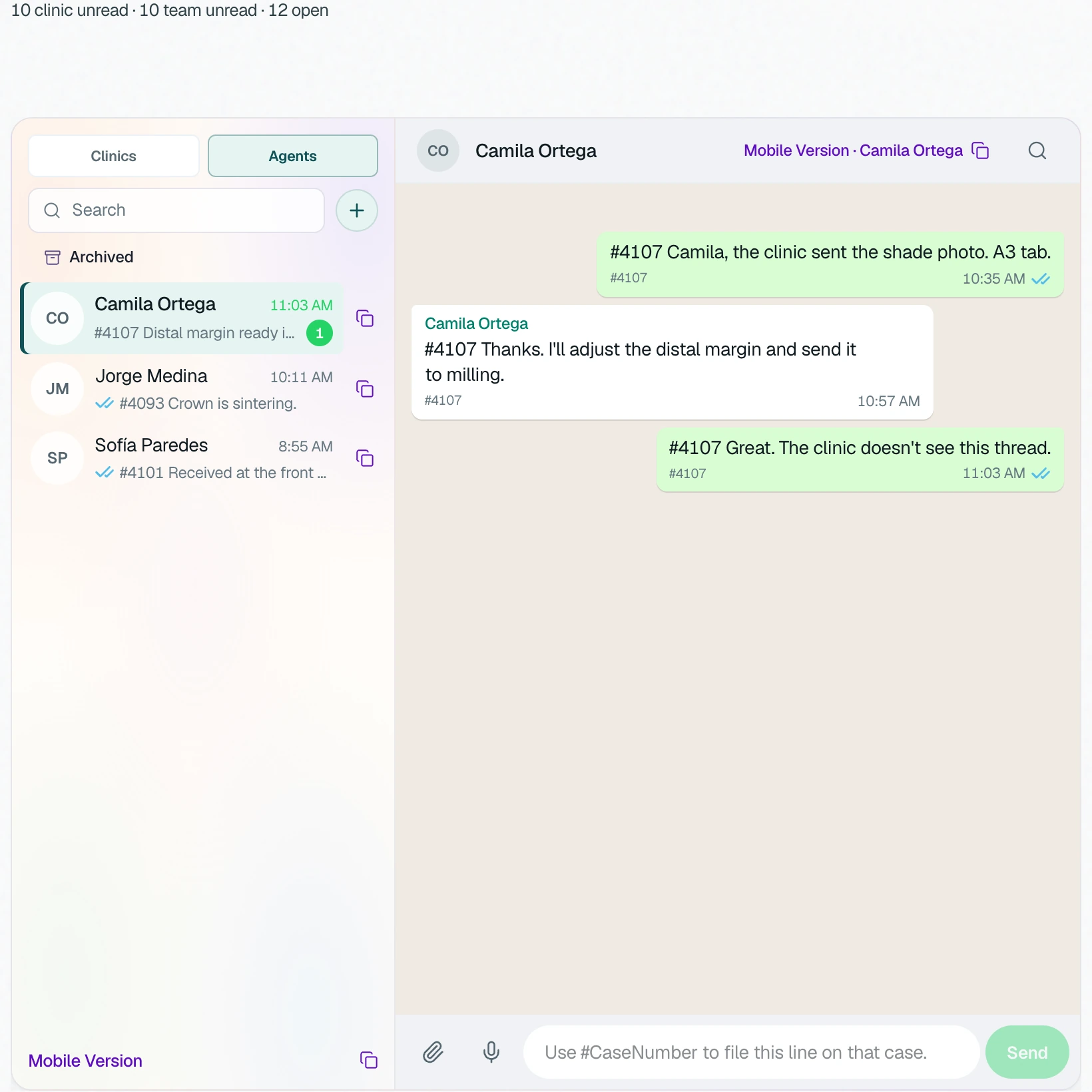
PhotosNo. Each agent's thread is separate from the clinic's thread, even when they talk about the same case.
PeopleYes. In Communication Permissions you mark, for each agent, whether they talk with the lab admin, with clinics and clients, or with the lab technicians.
PeopleYou copy their link from their row in People and send it to them. They open it in the phone's browser, with no account, and see only their chat with your laboratory.
TrazaChat Mobile