
White label
Your lab, on every screen.
Your clinics sign in through your login and work with your logo on their desk, in TrazaLink, in TrazaFolder, and in TrazaChat Mobile.
Sample logo: Nácar Laboratorio Dental
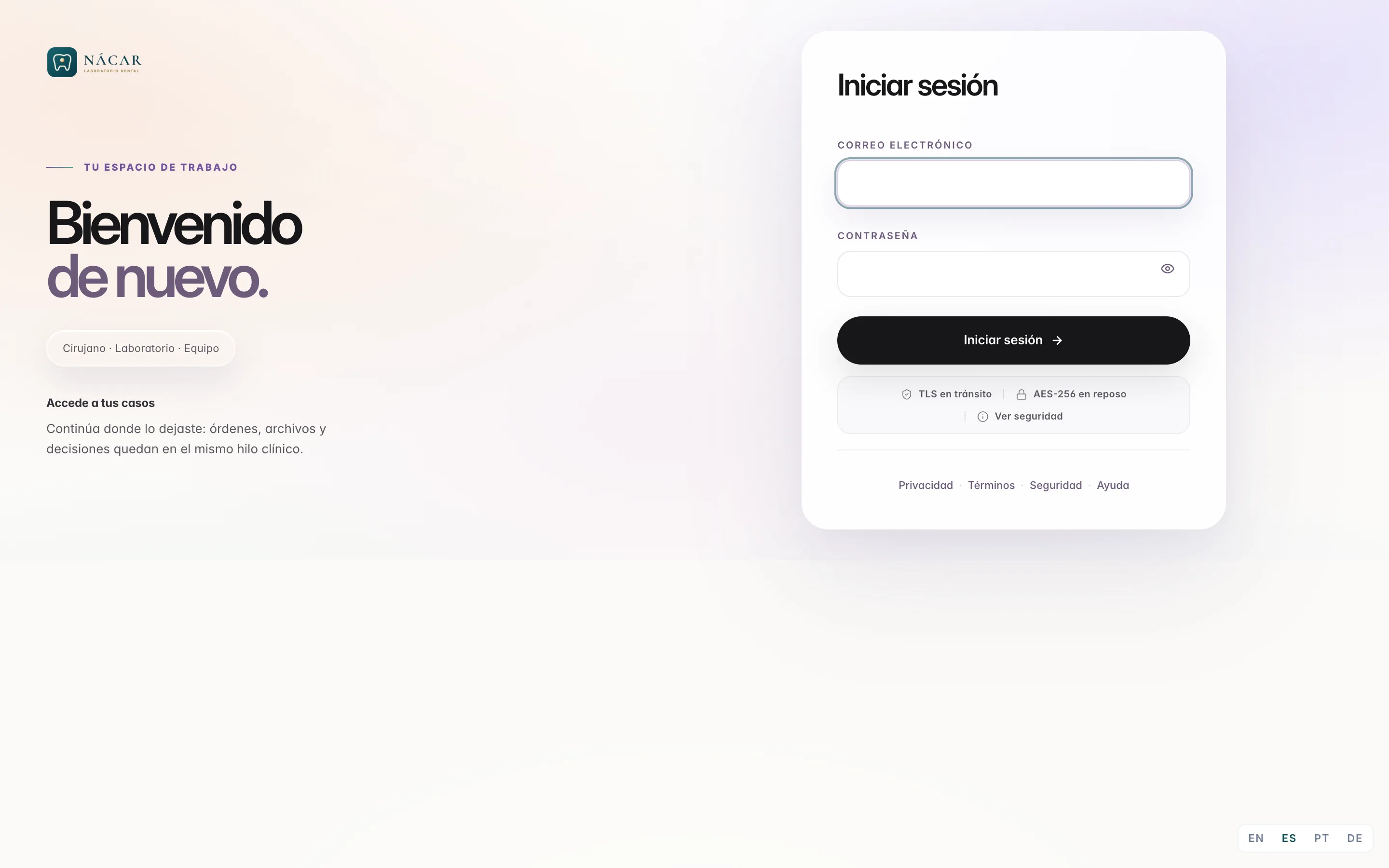
Branding
You set it up once.
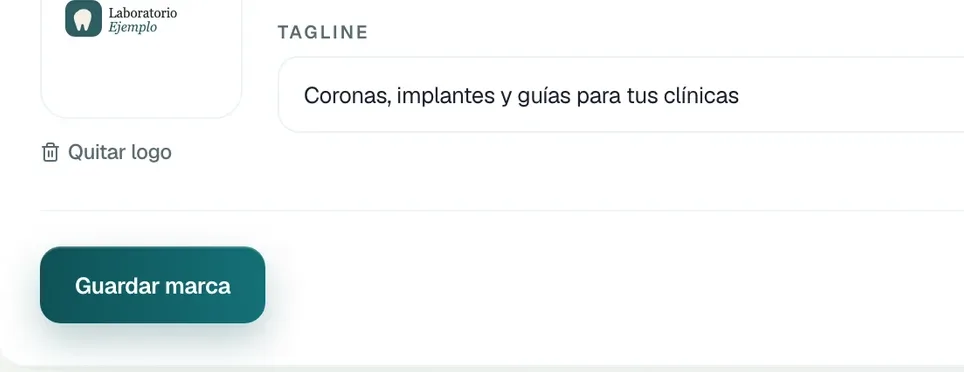
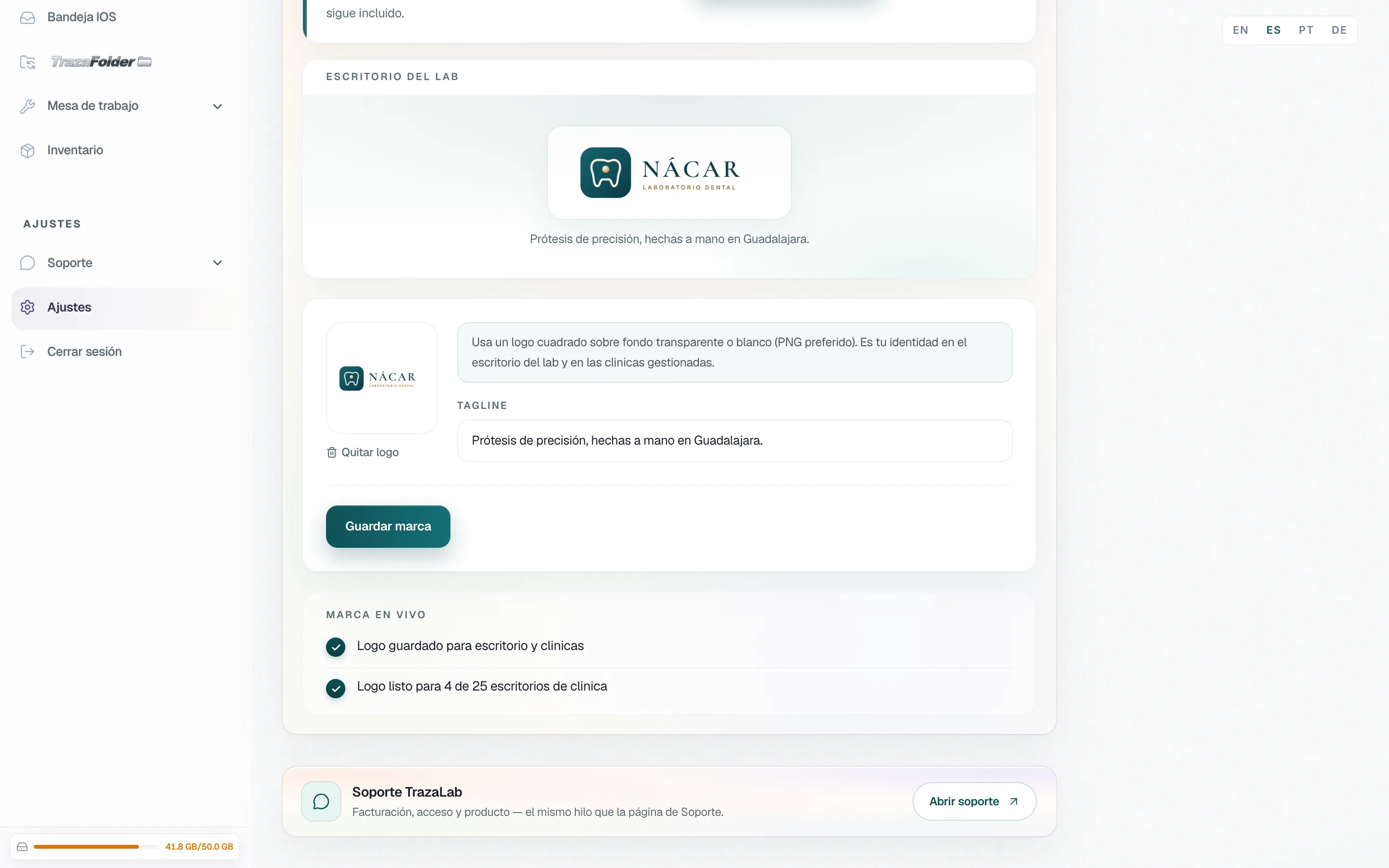
You upload your logo and your tagline in Settings → Branding. Your desk, TrazaLink, and the clinic portal take that identity.
Access
They come in through your door.
Your clinics open your login, see your logo, and sign in with the email and password you gave them.
- Path login.
login.trazalab.com/your-lab, included on every plan.
- Your subdomain.
your-lab.trazalab.com, with Lab Enterprise.
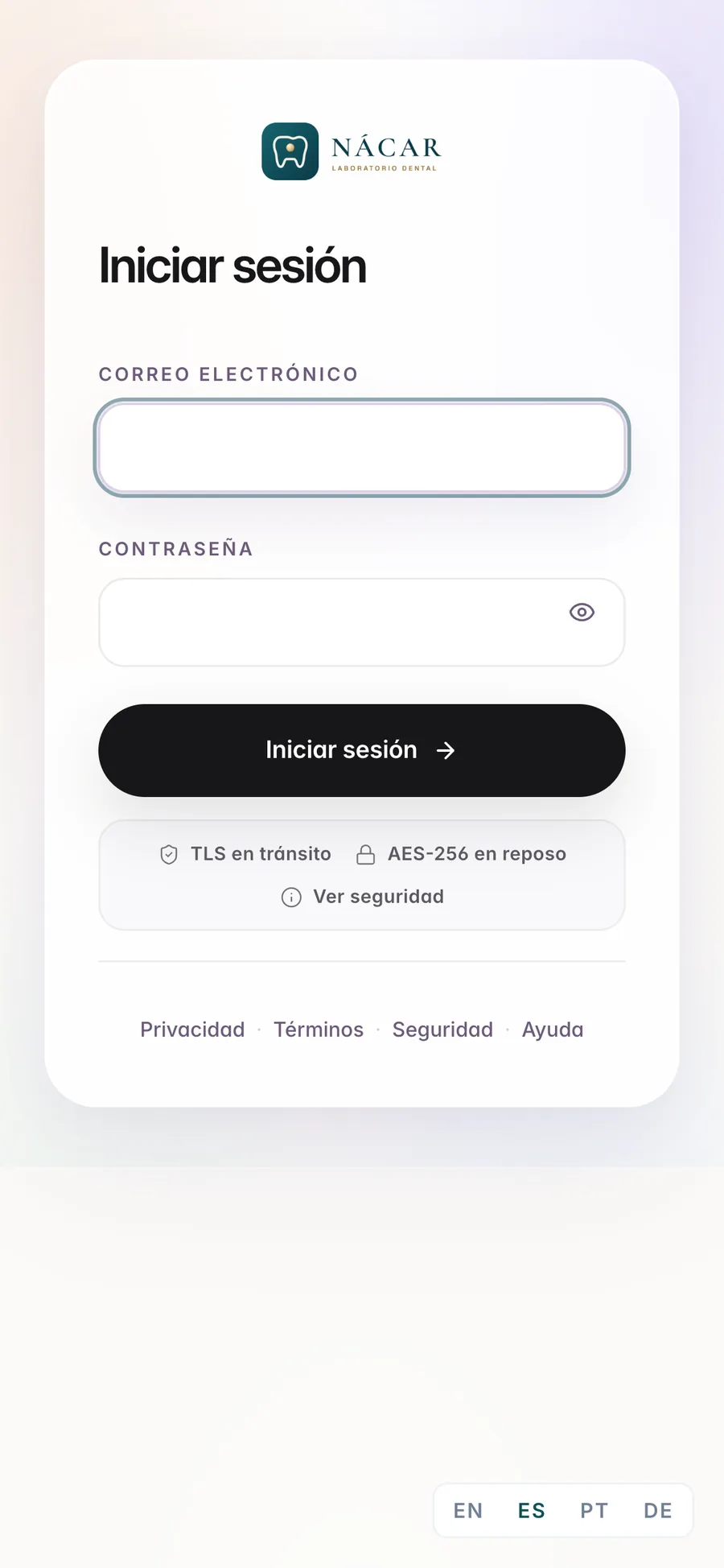
Dentist desk
Your logo on their desk.
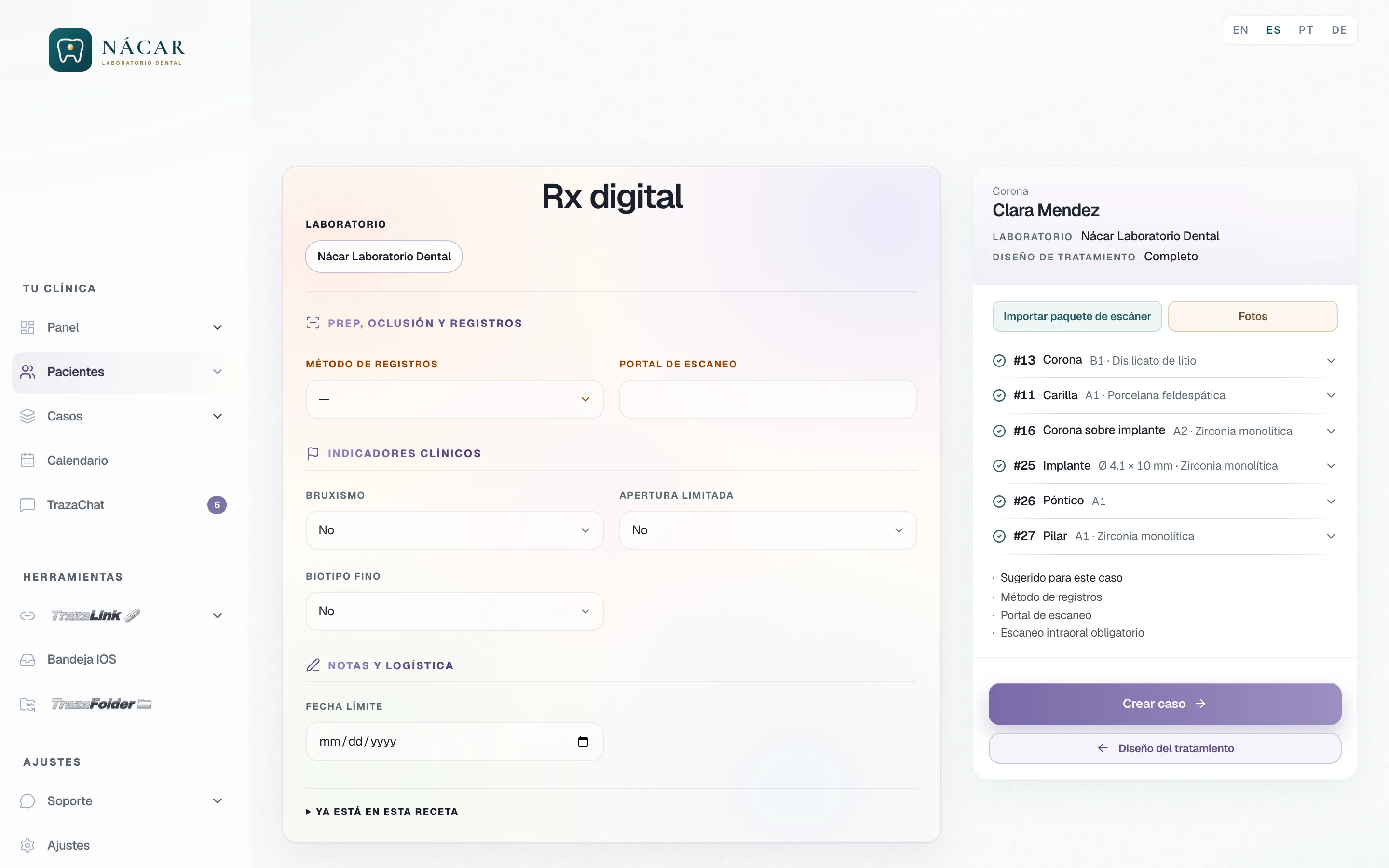
The clinic works on a desk with your logo at the top and your lab on every case.
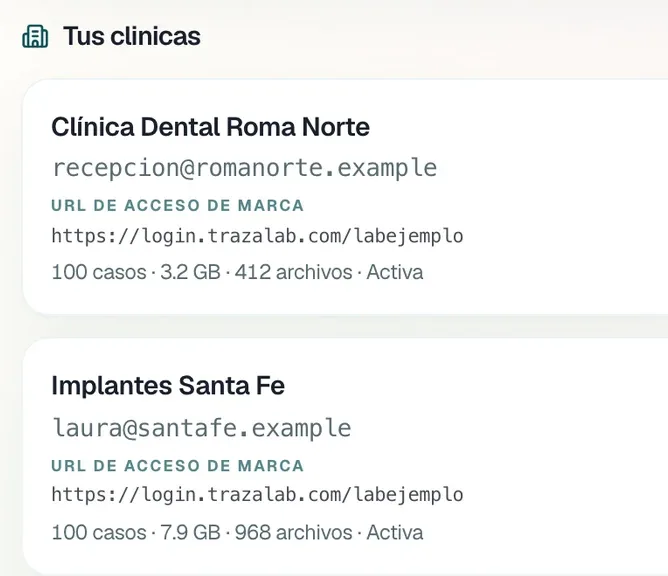
Clinic accounts
You create their accounts.
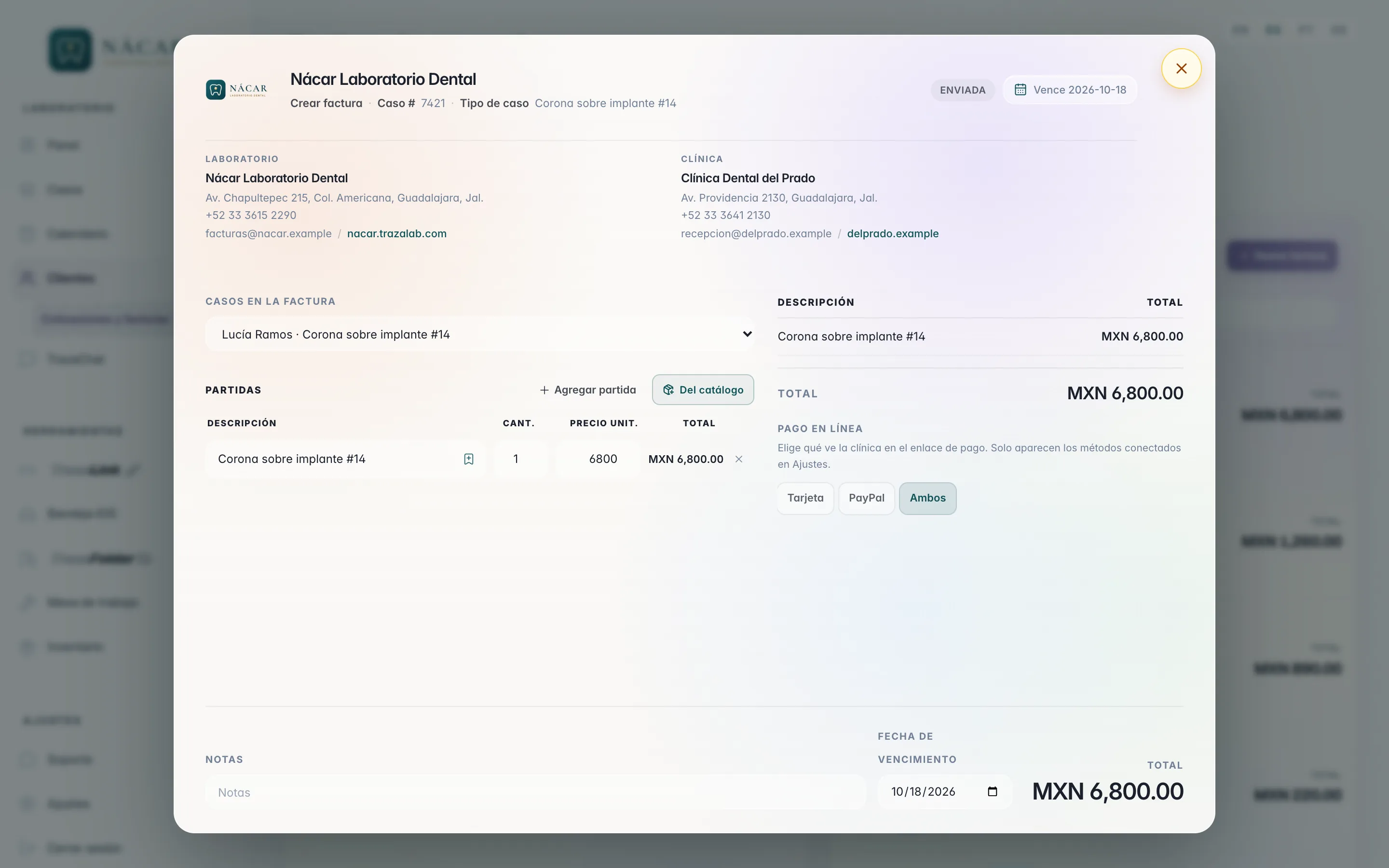
You set each clinic's email and password and hand them over. Each account comes with 100 cases.
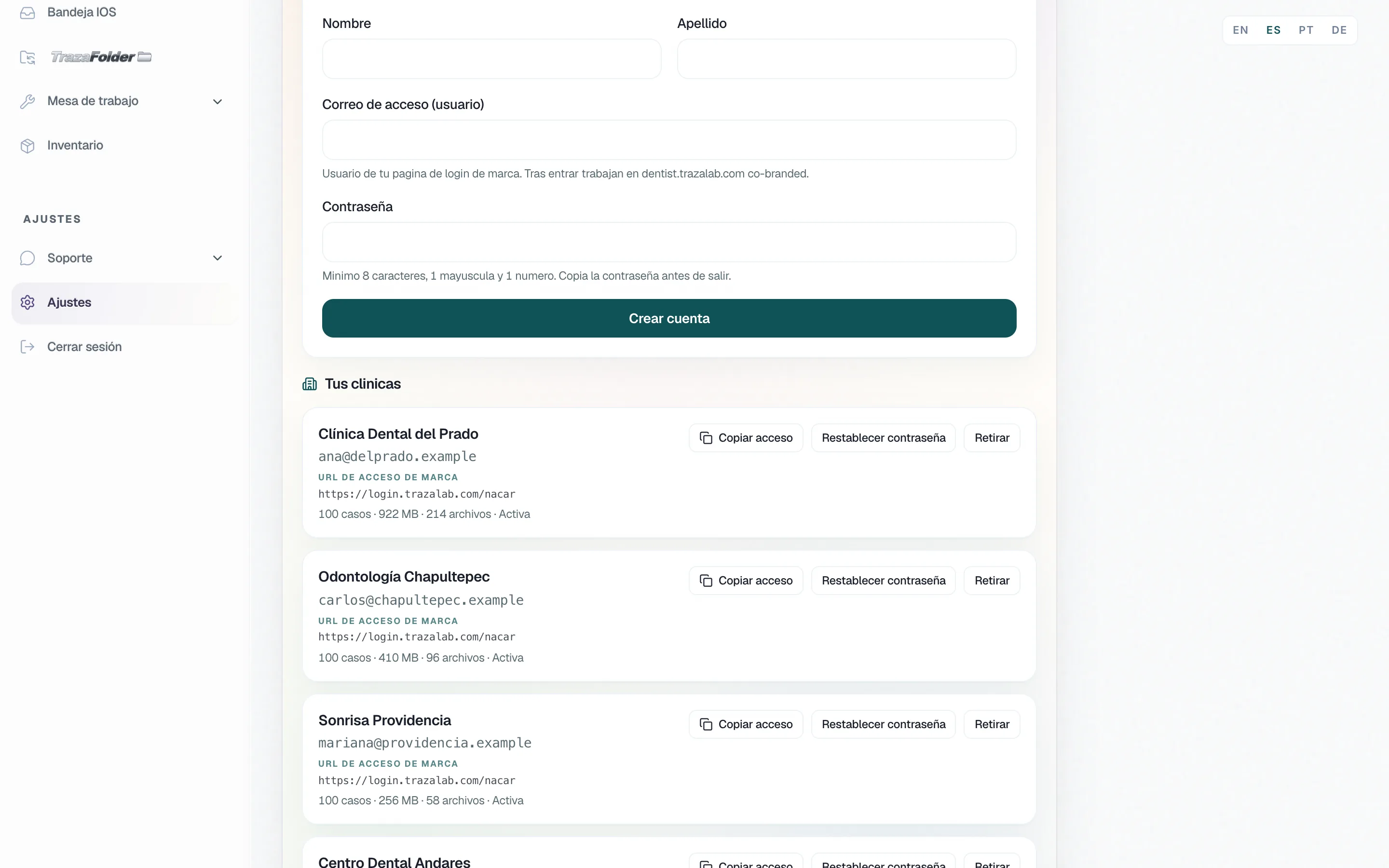
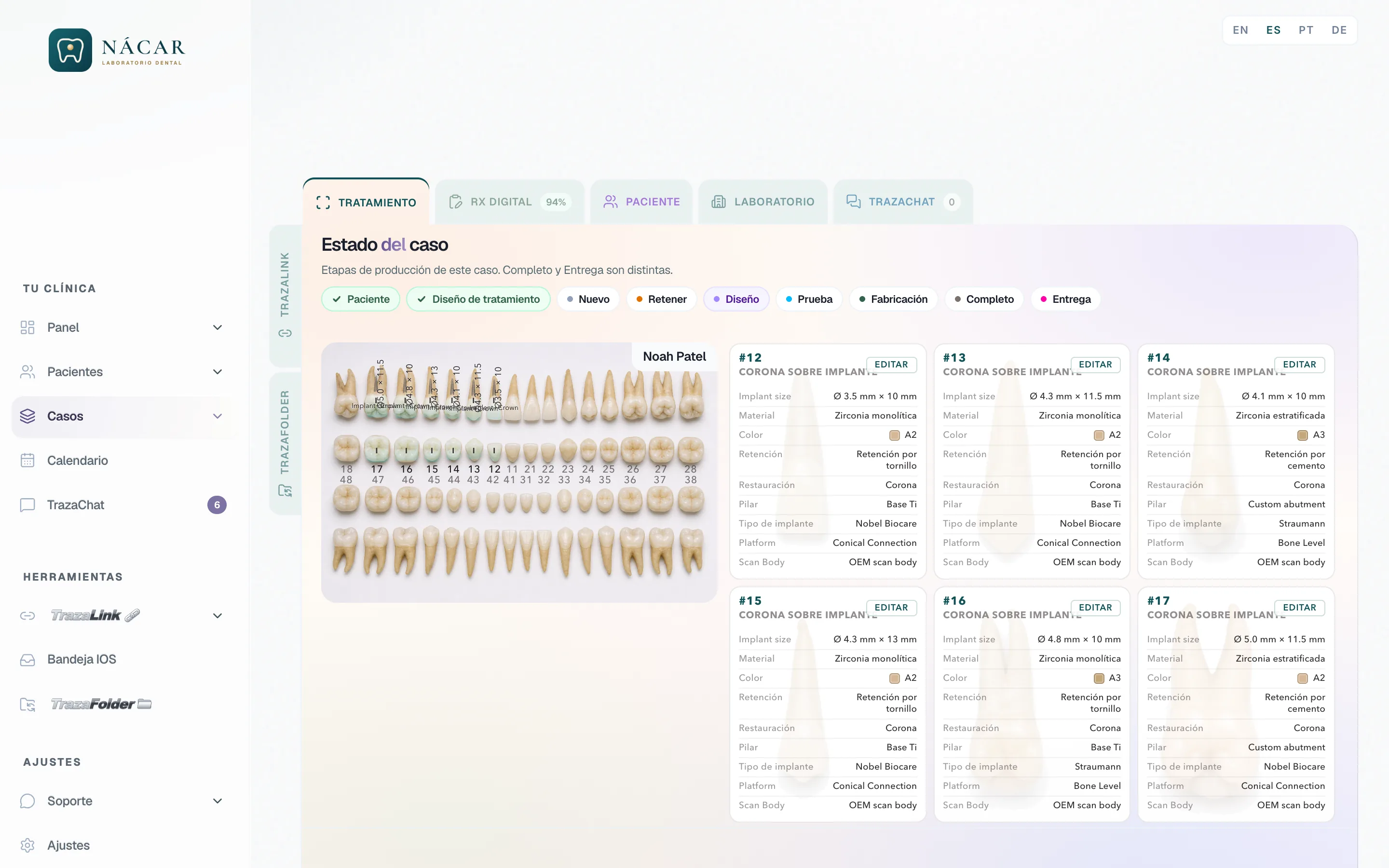
TrazaFolder
Their folder, with your name.
The clinic opens its folder in the browser: your logo at the top, their patients inside.
- Both ways.
What the clinic uploads reaches your desk. What you upload appears in their folder.
- Nothing to install.
It opens in Safari or Chrome with your invite code.
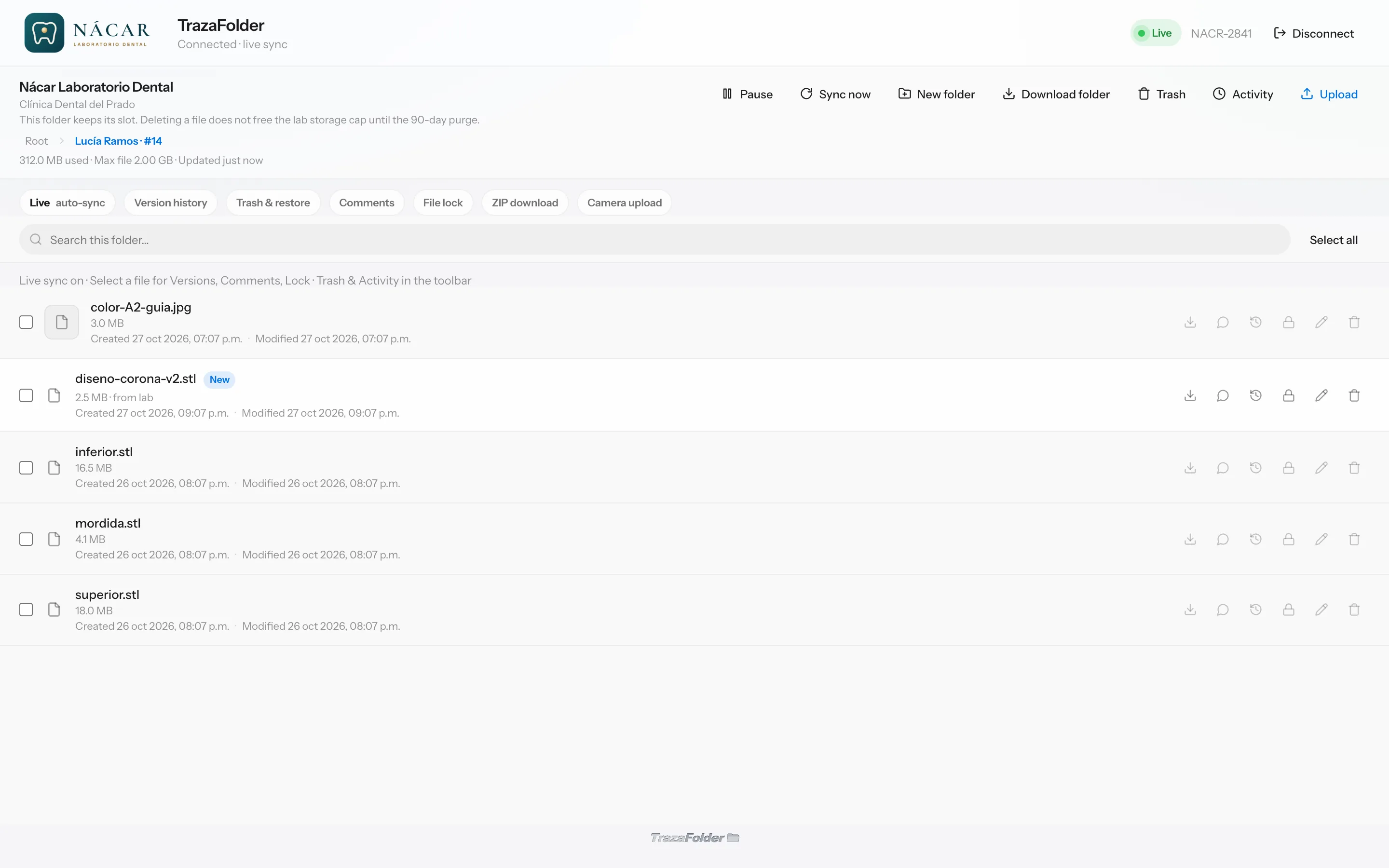
TrazaLink
The link arrives with your logo.
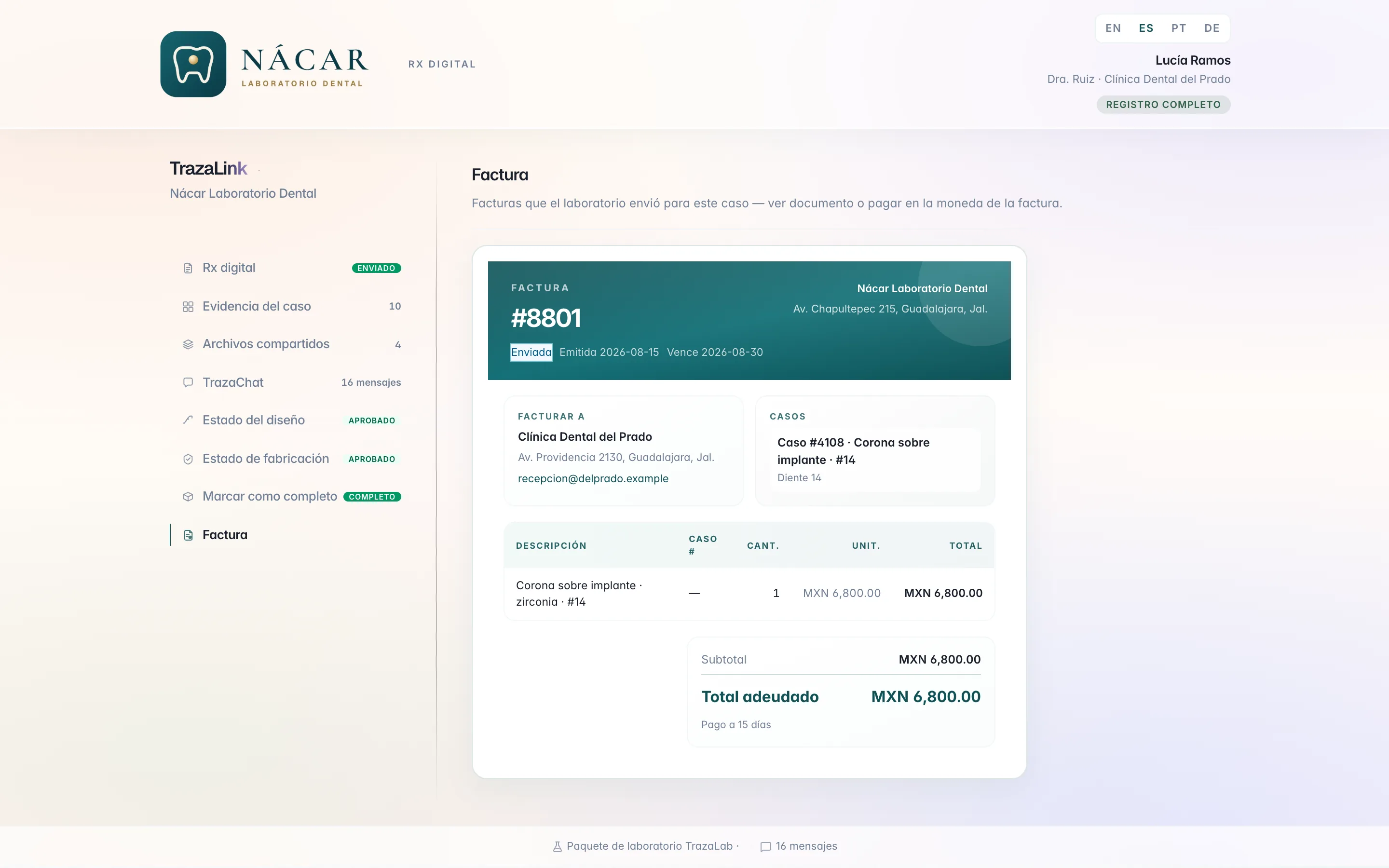
The doctor opens the TrazaLink in the browser, without an account, and sees your logo above the Digital Rx.
- The case in one link.
Digital Rx, evidence, shared files, and TrazaChat.
- Design and fabrication.
Approve the design and follow fabrication through to the invoice.
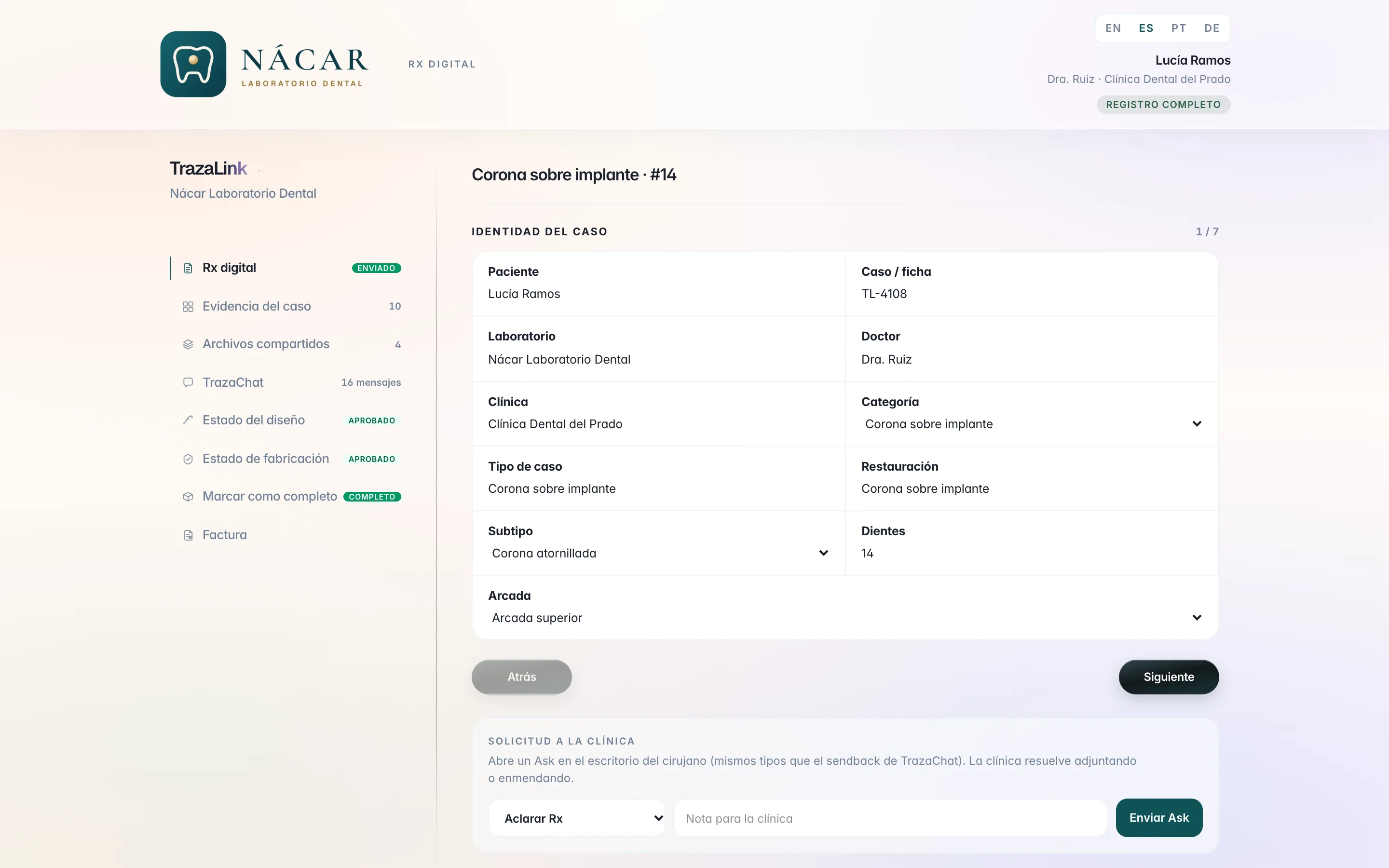
Quotes and invoices
Bill on your letterhead.
Your quotes and invoices go out with your logo and your details. The clinic pays from the link.
Made to measure
Made to your measure.
You ask for a change and the TrazaLab team programs it on your lab's account.
- Style.
How your brand looks on your clinics' desk and on what they receive.
- Features.
What your way of working needs and the product does not have yet.
- Tools.
How TrazaLink, TrazaFolder, and TrazaChat work for your team and your clinics.
- Case-creation rules.
What your dentists must attach before creating a case, such as the intraoral scan.
Agents
Each agent, with their permissions.
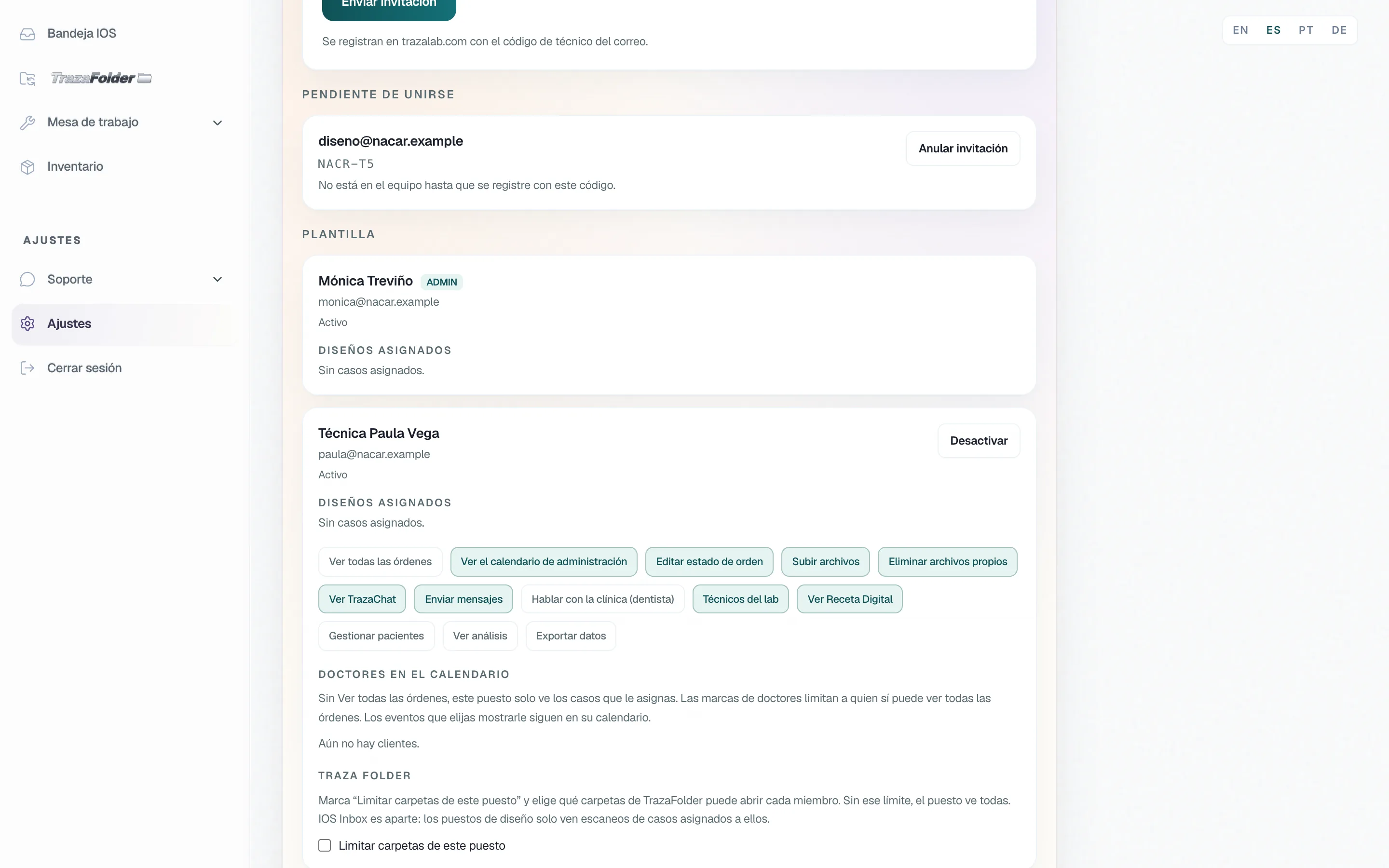
You invite your team and decide, person by person, what they see and what they can do.
- Permission by permission.
View all orders, upload files, talk to the clinic, view analytics, or export data: you turn each one on for each person.
- Only their cases.
Without "View all orders", the agent sees the cases you assign and the clinics on those cases.
- Folders, calendar, and chat.
You limit which TrazaFolder folders they open, which doctors they see on the calendar, and who they talk to in TrazaChat.
TrazaChat Mobile
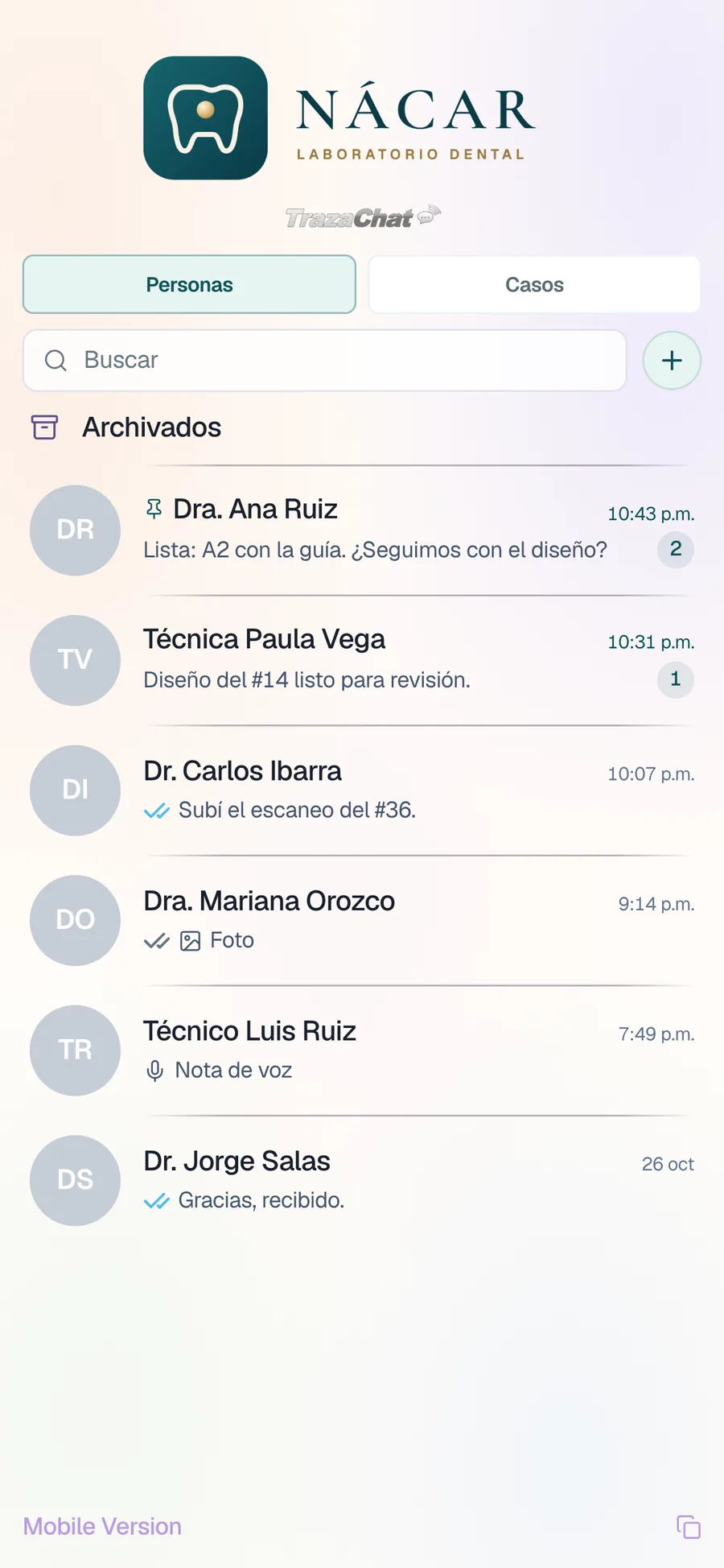
With your logo, on their phone.
Your clinics reply to your lab from the phone, under your brand.
TrazaChat for labs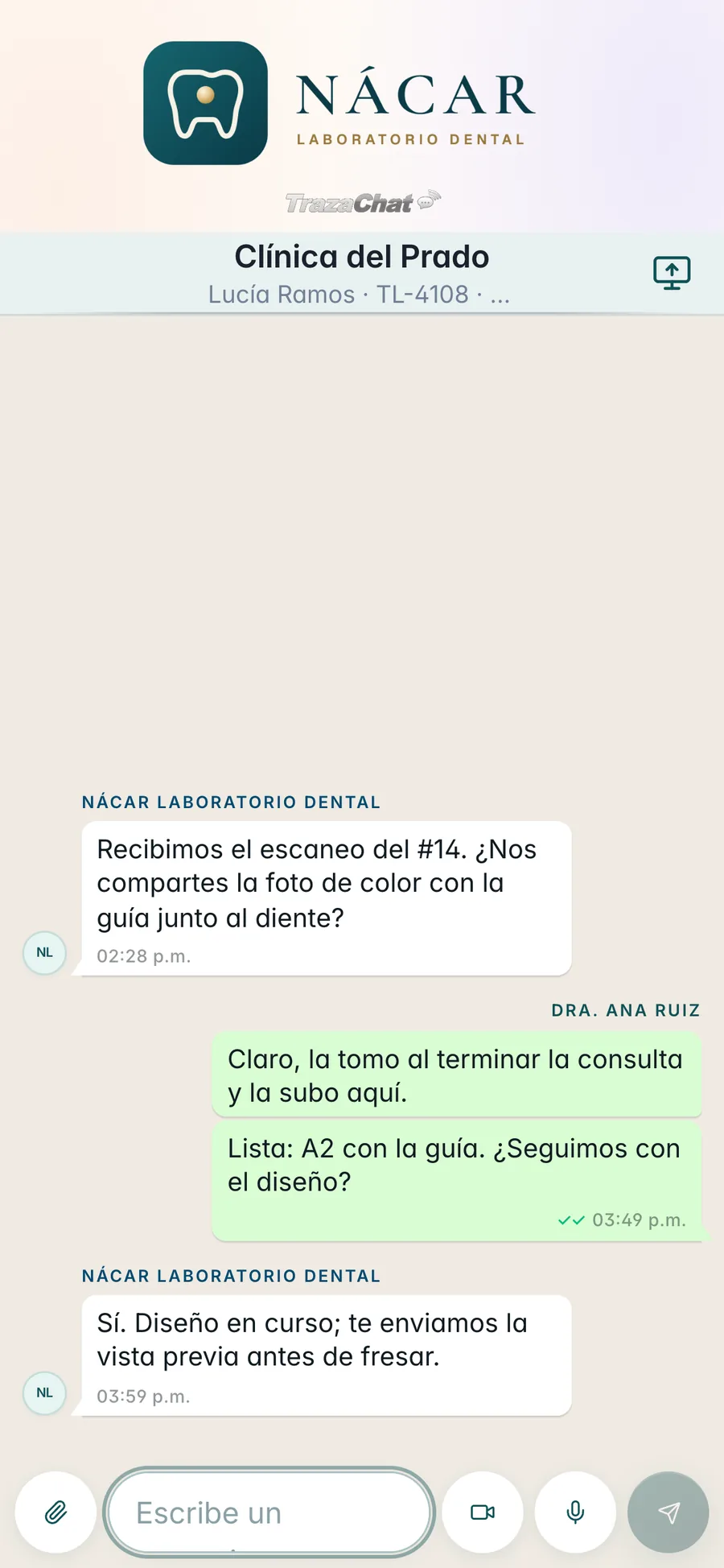
- From a link.
You copy the Mobile Version link and they open it on any phone.
- Your logo at the top.
TrazaChat Mobile opens with your lab's logo.
- Notices.
New messages notify on the phone.
What is included
Your brand, on your plan.
Logo and branded login on every plan. Your own subdomain, with Lab Enterprise.
Lab Network
Your brand, on your path.Lab Enterprise
Your brand, on your subdomain.Desk, TrazaLink, and clinic portal.
Desk, TrazaLink, and clinic portal.
login.trazalab.com/your-lab
login.trazalab.com/your-lab
—
your-lab.trazalab.com
10, with 100 cases each.
20, with 100 cases each.
Questions
Questions from the lab.
In Settings → Branding. You upload the logo and the tagline once, and your desk, TrazaLink, and the clinic portal take that identity.
BrandingThrough your branded login, login.trazalab.com/your-lab, included on every plan. They sign in with the email and password you give them.
AccessYes, with Lab Enterprise: your-lab.trazalab.com. It turns on when payment is received. The path login stays included.
What is includedLab Network includes 10 and Lab Enterprise 20, with 100 cases each.
Clinic accountsNo. The doctor opens it in the browser and sees your logo and your name above the Digital Rx.
TrazaLinkYes. Your quotes and invoices go out with your logo and your details, and the clinic views and pays the invoice in their TrazaLink, by card or PayPal.
Quotes and invoicesYes. In Settings → Team you turn their permissions on one by one. Without "View all orders", they only see the cases you assign them.
AgentsYes. You ask for style, features, tools, or case-creation rules for your dentists, and the TrazaLab team programs them on your lab's account.
Made to measureAt the top of each screen they see your logo and your name. The tools keep their names, such as TrazaLink, TrazaFolder, and TrazaChat.
Your brand on every screenNext step
Put your logo on today.
Upload it in Settings → Branding and send your login to your clinics.