
Says how to keep it.
STL, OBJ, PLY, DICOM, image, or proprietary package fall into different categories. The extension does not yet explain what it represents within the treatment.
Recognized · function pendingFILES AND SCANNERS · BEFORE THE LABORATORY
The extension says how to keep it. The case says what it represents, which site it belongs to, which version was reviewed, and who must decide before fabricating.
Synthetic case and images · TL-7316 · FDI 26 · posterior crown. No promise of universal compatibility.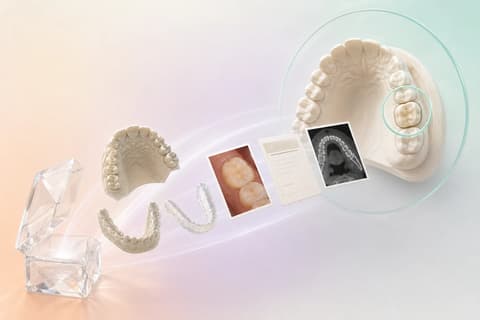 PACKAGERepresentative exportSITEFDI 26 · crownDECISIONHuman reviewEDITORIAL VISUALIZATION · SYNTHETIC OBJECTS
FIRST, A PACKAGE THAT LOOKS LIKE YOURS
Do not buy a promise of logos. Export a representative synthetic case, keep its structure, and check what is recognized, what can be shown, and what needs a human decision.
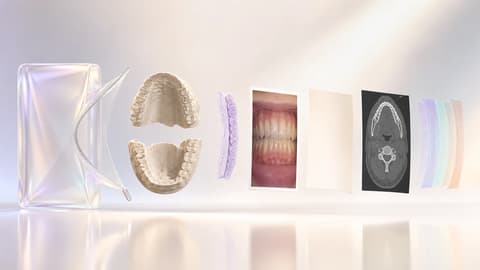
Recognizing a format does not certify a manufacturer, does not prove clinical sufficiency, and does not authorize fabrication.
THREE LEVELS THAT MUST NOT BE CONFUSED
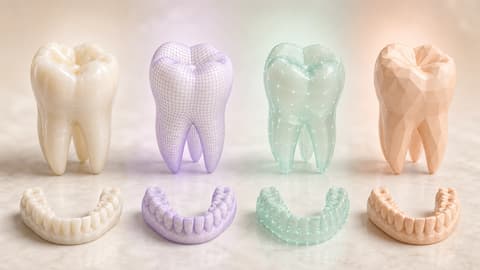
The extension organizes. The name suggests. A person confirms. Separating those three actions keeps a heuristic from looking like a clinical approval.
 EDITORIAL VISUALIZATION · SYNTHETIC OBJECTS
STL, OBJ, PLY, DICOM, image, or proprietary package fall into different categories. The extension does not yet explain what it represents within the treatment.
Recognized · function pendingONE PACKAGE · OBJECTS WITH DIFFERENT JOBS
The working arch, the antagonist, the bite, and the evidence are not four interchangeable thumbnails. Each object answers a different question of the same treatment.
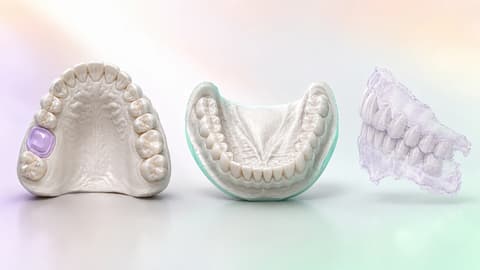
Main geometry of the posterior preparation that the laboratory will use as the working reference.
The person confirmsTHE FILE ENTERS THE CASE THROUGH A SITE
FDI 26 is not a decorative label. It connects the posterior preparation, the crown, the photograph, the version, and the owner who must answer.
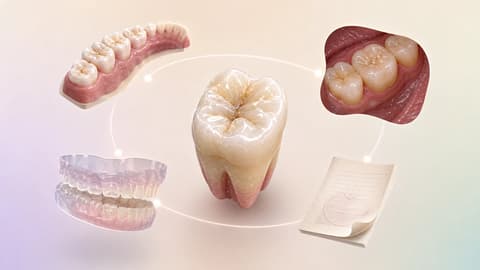 SITE OF ORIGINFDI 26Universal #14EDITORIAL VISUALIZATION
WHAT DID NOT ARRIVE ALSO BELONGS TO THE CASE
A missing bite is not filled in with an assumption. The workflow compares the package with what is required, keeps the question, and returns it to whoever can resolve it.
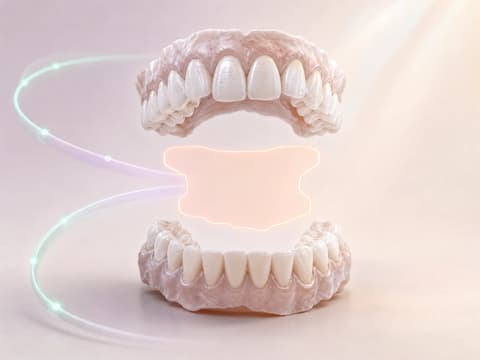 MISSING BITE · EDITORIAL VISUALIZATION
Classification by name helps to organize; it does not prove that the bite exists, belongs to the case, or is sufficient.
VISIBLE FORMAT · DECLARED LIMIT
A preview is for inspecting. A preserved package is for transferring. Neither action decides that the case is ready to fabricate.
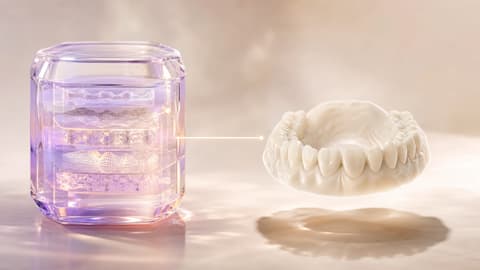 SYNTHETIC OBJECTS · READING LIMIT
Visible does not mean repaired, correct, or manufacturable.
Travels with the case without inventing an interpretation.
The professional decides to accept, return, or request another file.
TWO TEAMS · THE SAME PACKAGE
The clinic reviews what it will send. The laboratory reviews what it received. The second reading does not disappear because the first one already happened.
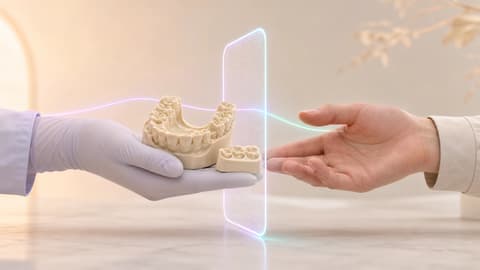
The surgeon or their team checks site, treatment, working arch, antagonist, bite, and evidence before handing over the case.
PROVENANCE THAT CAN BE READ AGAIN
The original package and the accepted objects remain related to the case after human confirmation. That memory explains what was reviewed; it does not certify fabrication or create an immutable signature.
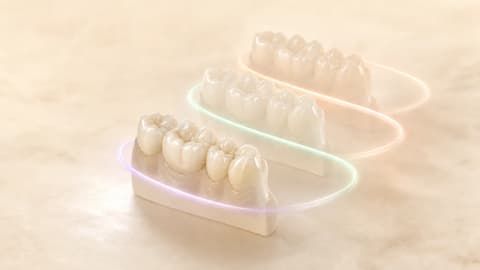
TrazaLab keeps the relationships and decisions of the workflow. It does not diagnose, does not automatically repair meshes, and does not declare that a file or treatment is clinically correct.
RESPONSIBLE COMPATIBILITY TEST
Bring a representative synthetic export. Check input, classification, preview, function, missing items, review, and handoff before changing the operation of your clinic or laboratory.
VISIBLE SCOPE, NO FINE PRINT
The following categories describe the audited behavior and keep classification, preview, and approval separate.
Can prepare a preview; the person still confirms function and sufficiency.
Remains a case file without promising a universal view or decoder.
Is kept; its name can guide classification, but it is not declared decoded.
Can be related to the site and the treatment after human review.
Is separated into a review workspace with its own reading limits.
QUESTIONS ABOUT FILES AND SCANNERS
These answers delimit what was verified locally, the operational limits, and the decisions that still belong to the clinic or the laboratory.
It is not presented as universal compatibility or as a certified integration with every manufacturer. The audited import recognizes a broad set of extensions and can infer a probable origin from the file name or path. That inference is a classification aid, not a reading of the proprietary schema or a guarantee of interoperability. The responsible way to check a workflow is to test a representative package from the scanner, the design software, and the export route your team uses. The synthetic case TL-7316 on this page shows that method without attributing certification to any specific vendor.
The audited ZIP route can accept 3D and scanner files, clinical images, PDFs, and auxiliary documents within an allow list. Recognized extensions include STL, PLY, OBJ, 3MF, DCM/DICOM, and several proprietary containers or projects, plus JPG, PNG, WEBP, HEIC, TIFF, PDF, TXT, JSON, XML, CSV, and MTL. Recognizing the extension determines how the file is kept and initially classified; it does not prove that the content is clinically correct, that every geometry can be previewed, or that a proprietary package has been decoded.
It means the extension and some signals in the name allow it to be placed in an initial category. It does not mean the file has been accepted for fabrication. The clinical function — working arch, antagonist, bite, preparation, scan body, photograph, or document — can be suggested by name heuristics, but a person must confirm it. TrazaLab keeps that difference visible: recognizing organizes the package; reviewing establishes its function; approving or returning remains a human decision inside the case.
In the audited journey, direct preparation for preview is limited to STL, OBJ, and PLY. Other formats can be kept as case files without becoming visible geometry. STL can receive basic, sampled statistics within concrete limits, but that reading is not mesh repair, clinical analysis, automatic margin detection, or validation for fabrication. An OBJ may need its MTL and related textures; recognizing the files does not guarantee that every material or relationship is rebuilt perfectly.
The implementation can keep recognized proprietary containers and projects and has specific heuristic-based routes for some package types. That is not equivalent to decoding all of their internal objects through a manufacturer-certified schema. The page deliberately separates keeping from interpreting: the package can travel with the case and remain available for the appropriate application, while the interface avoids inventing a preview or claiming to have understood every proprietary datum.
DICOM files are classified as a separate category and their review belongs to the DICOM workspace with its own scope. A file ending in DCM or DICOM does not prove that any transfer syntax, compression, color, device, or study is compatible. This page does not promise complete anonymization, diagnosis, PACS interoperability, DICOM-to-STL conversion, or universal reconstruction. The goal of the package is to keep the relationship with the case; reading capability must be confirmed in the corresponding DICOM workspace.
It must not be presented as automatic clinical validation. Names can help propose functions such as upper arch, lower arch, bite, preparation, or antagonist, but the result depends on how the package was exported and needs human review. The missing-bite scene on this page explains a process control: compare what was received with what the treatment requires, flag the missing item, and return a question to the owner. TrazaLab structures the verification; it does not by itself declare that the occlusion, the margin, or the case are correct.
The verified generic ZIP route uses a top-level ZIP file, with a configured maximum of 2 GB, up to 5,000 entries, and up to 8 GB uncompressed. The separate smart-import route for loose files applies other limits: up to 60 files, under 900 MB per batch, and 220 MB per file. These numbers describe the audited implementation, not a promise that every package within the limit is safe, readable, or acceptable. No anti-malware scanning, universal quarantine, resumable upload, or clinical content validation is attributed.
After human confirmation, the audited route keeps the original ZIP and the accepted files, relates them to the case, and records the import event. The page represents that provenance as a visible chain between package, function, site FDI 26, treatment, version, and owner. Keeping that relationship helps explain what the laboratory received and which version was reviewed; it does not turn the history into an immutable signature, does not certify that the file is manufacturable, and does not replace the access control, privacy, or retention each organization must apply.
Editorial preview of the audited import routes and product parity. Synthetic case and images; no patient data.