
Clinic management
Your clinics, your rules.
You create each clinic's access and decide what it sends and what it does with its files.
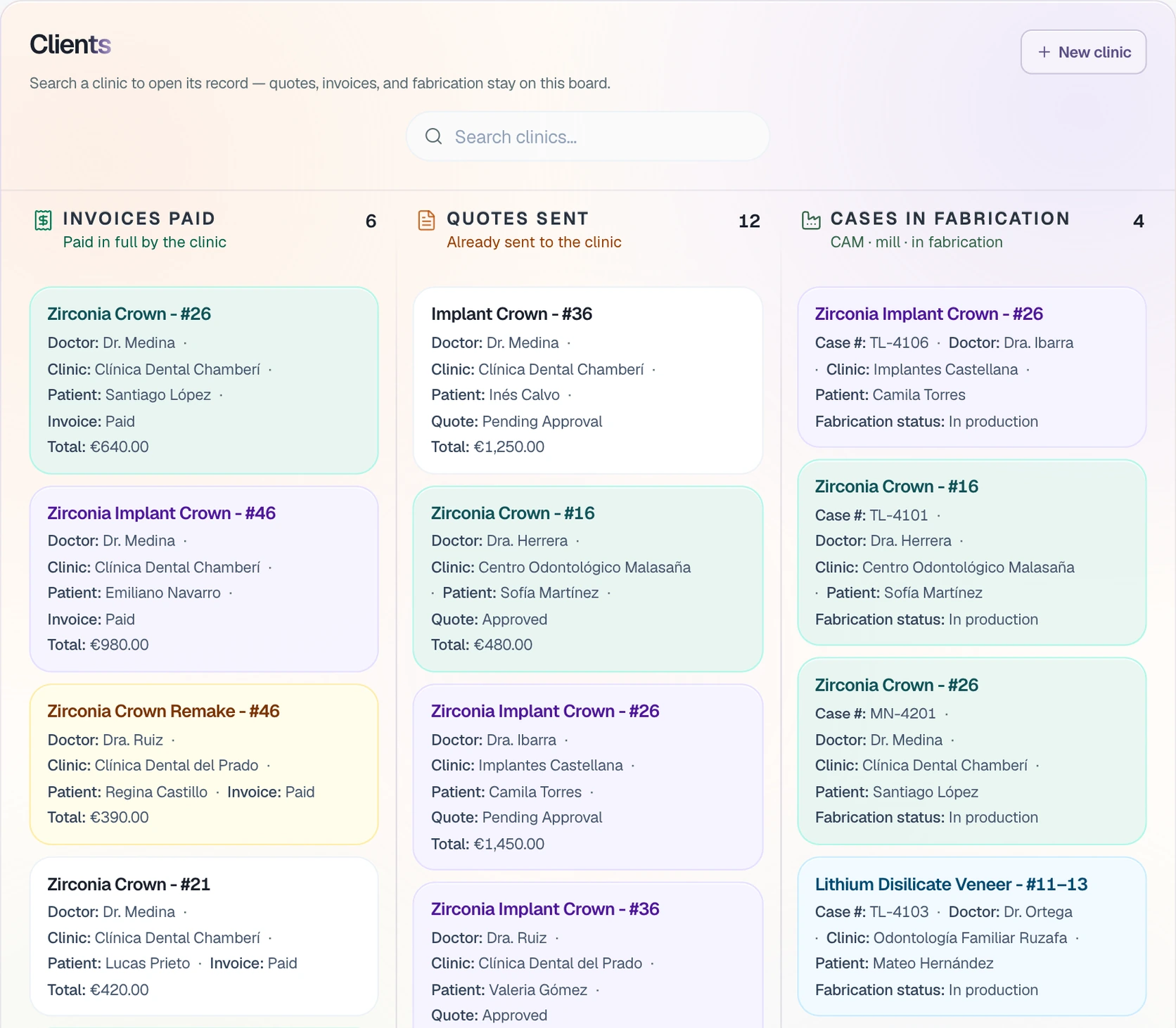
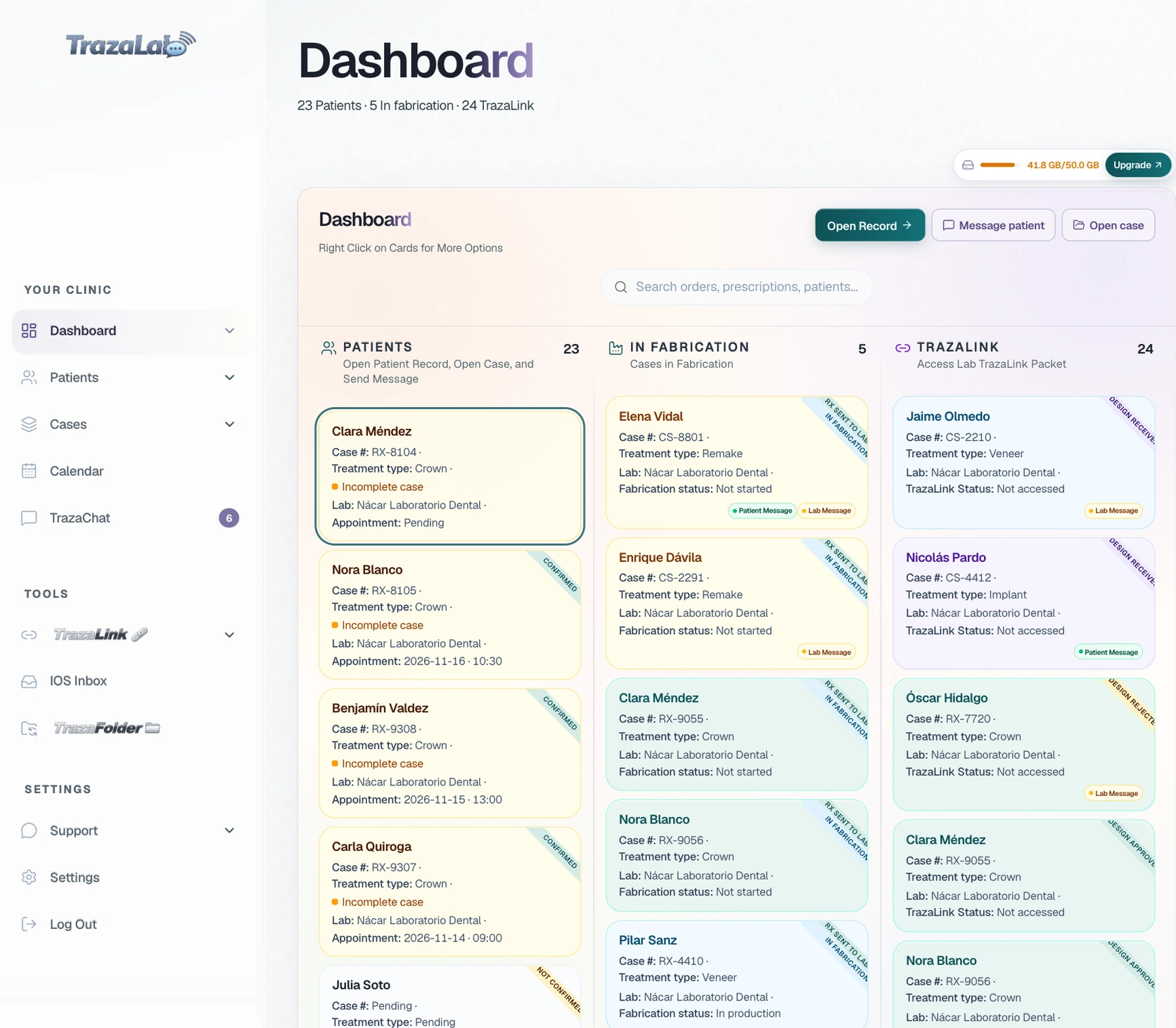
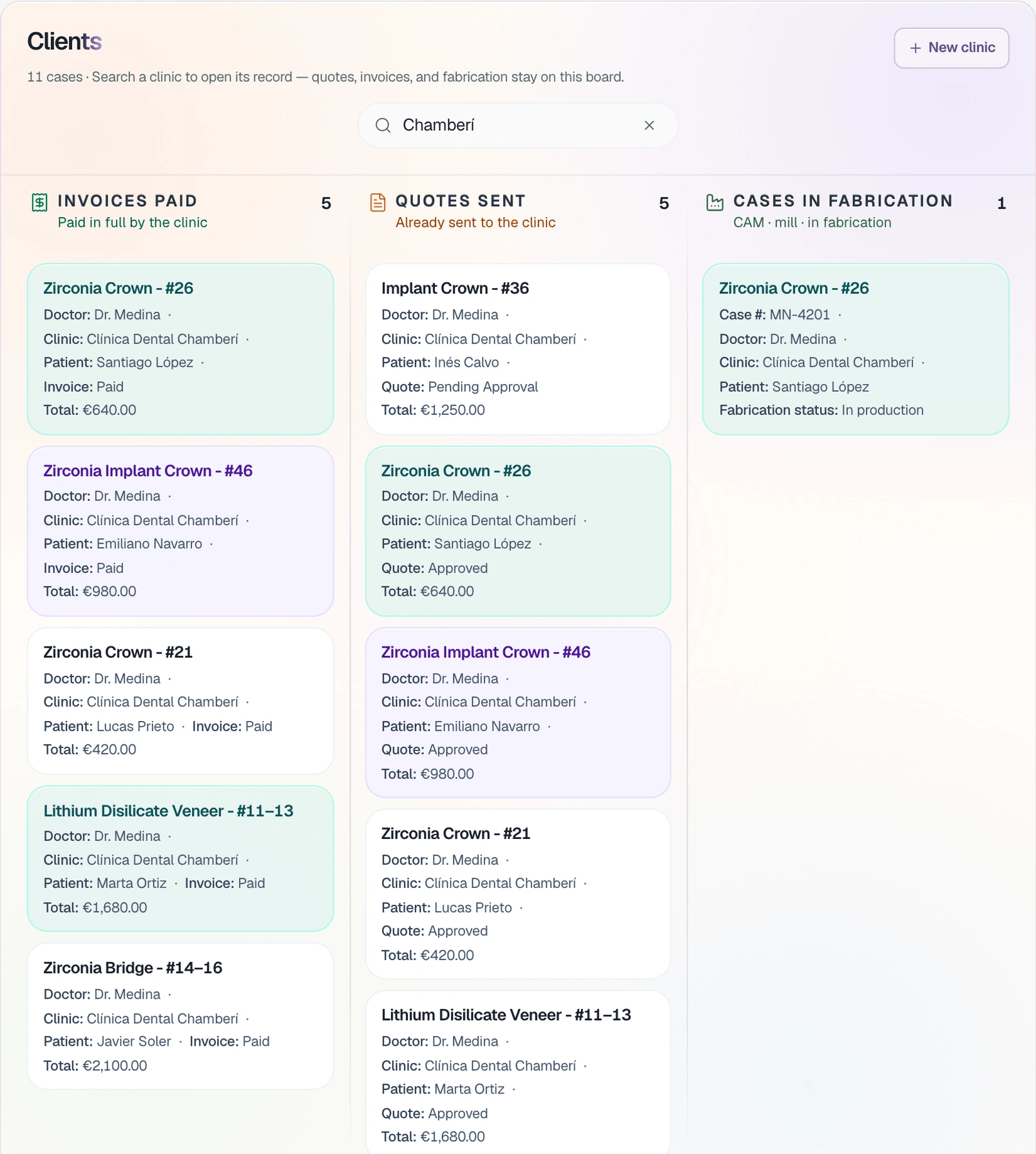
Clients
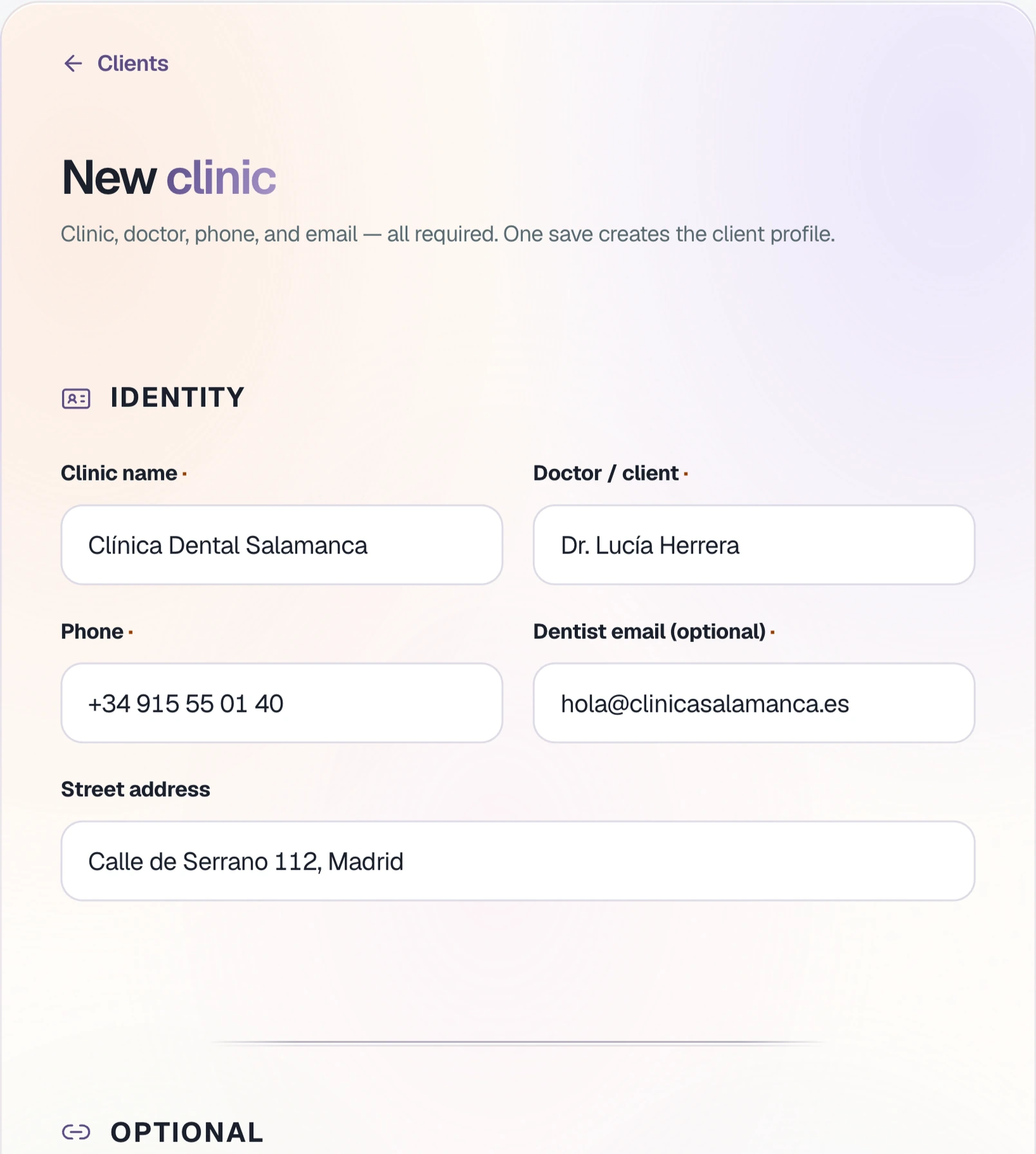
Sign up each clinic.
Clinic, doctor, phone, and email. When you save, the clinic has its client record.
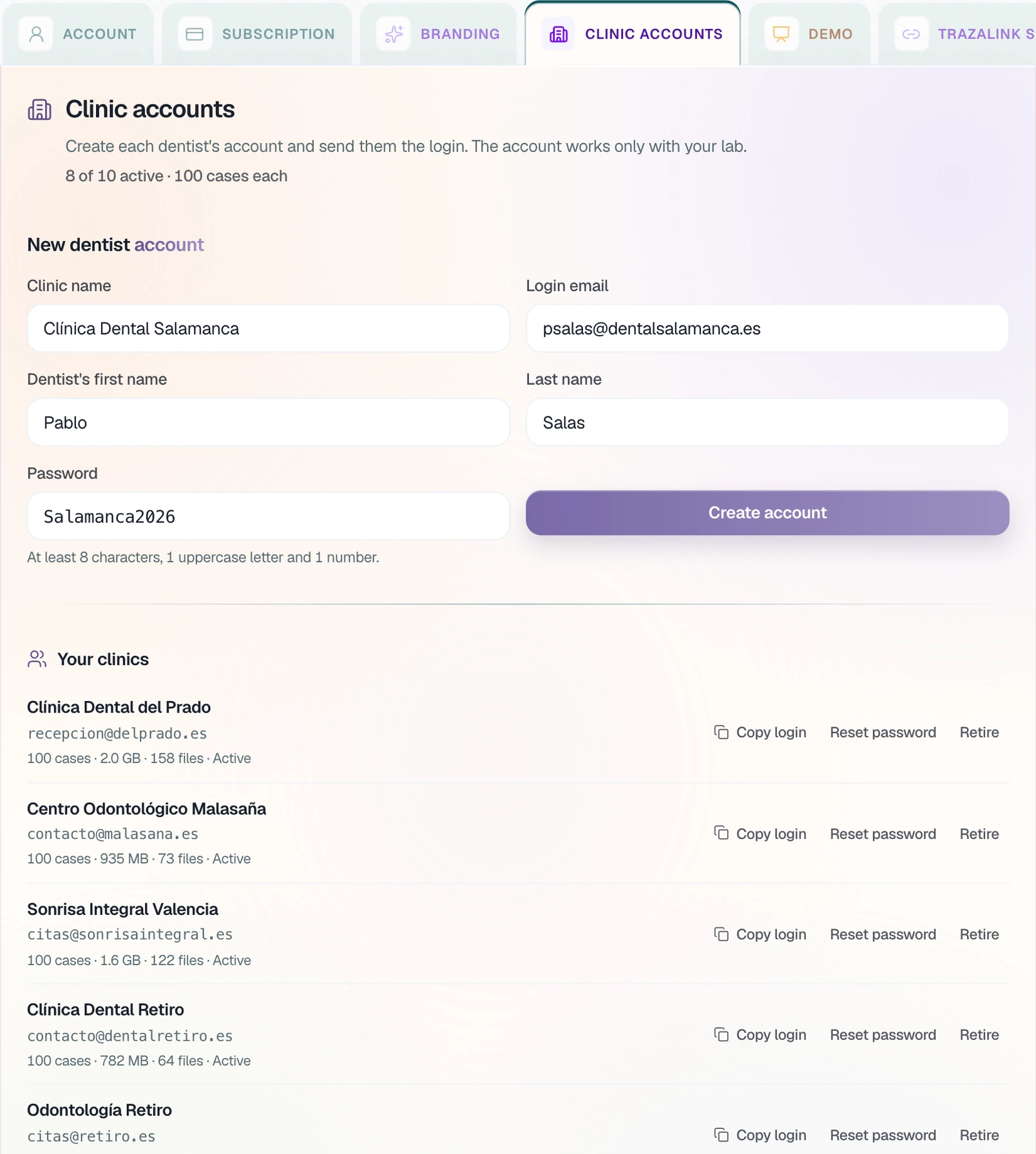
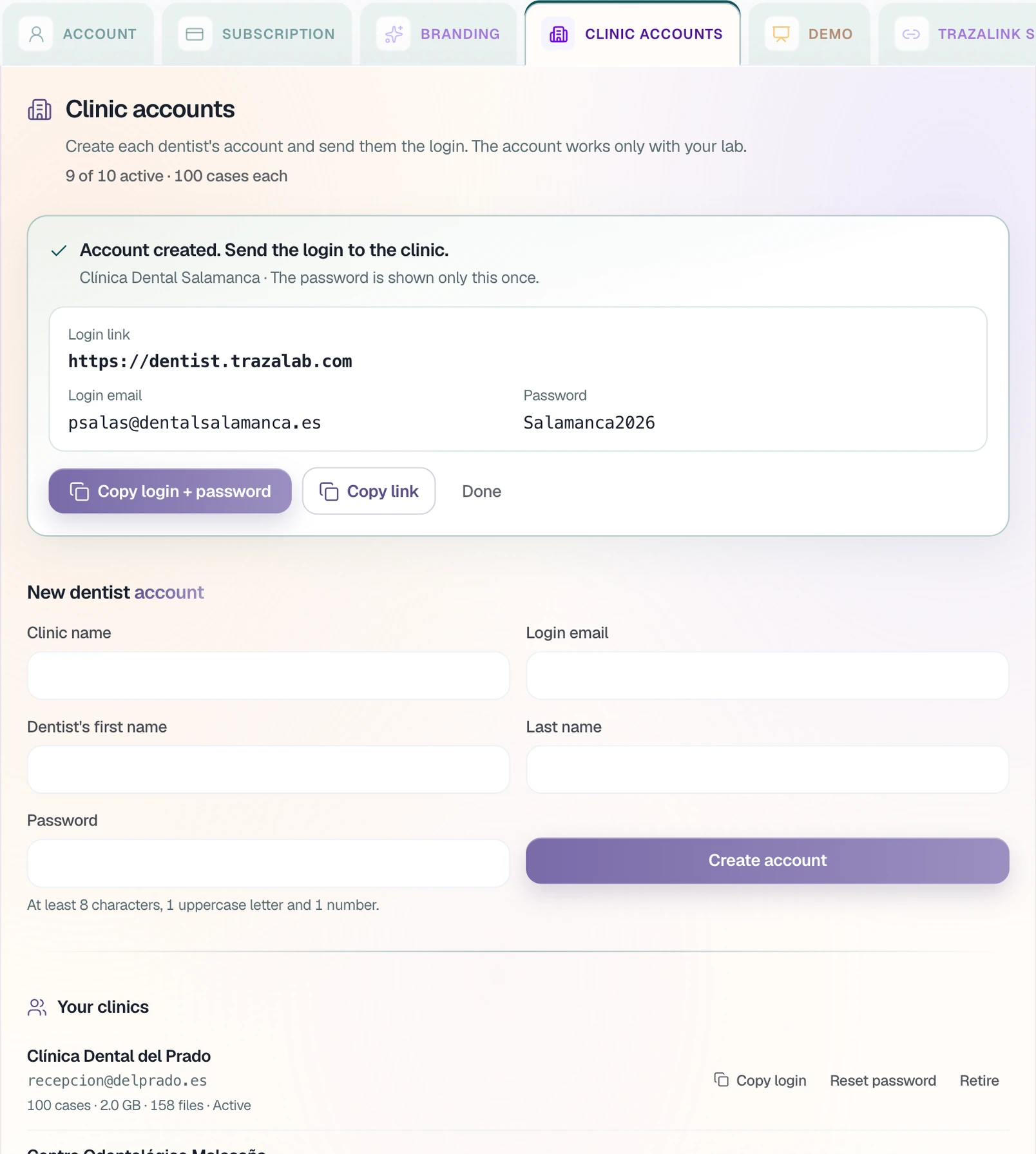
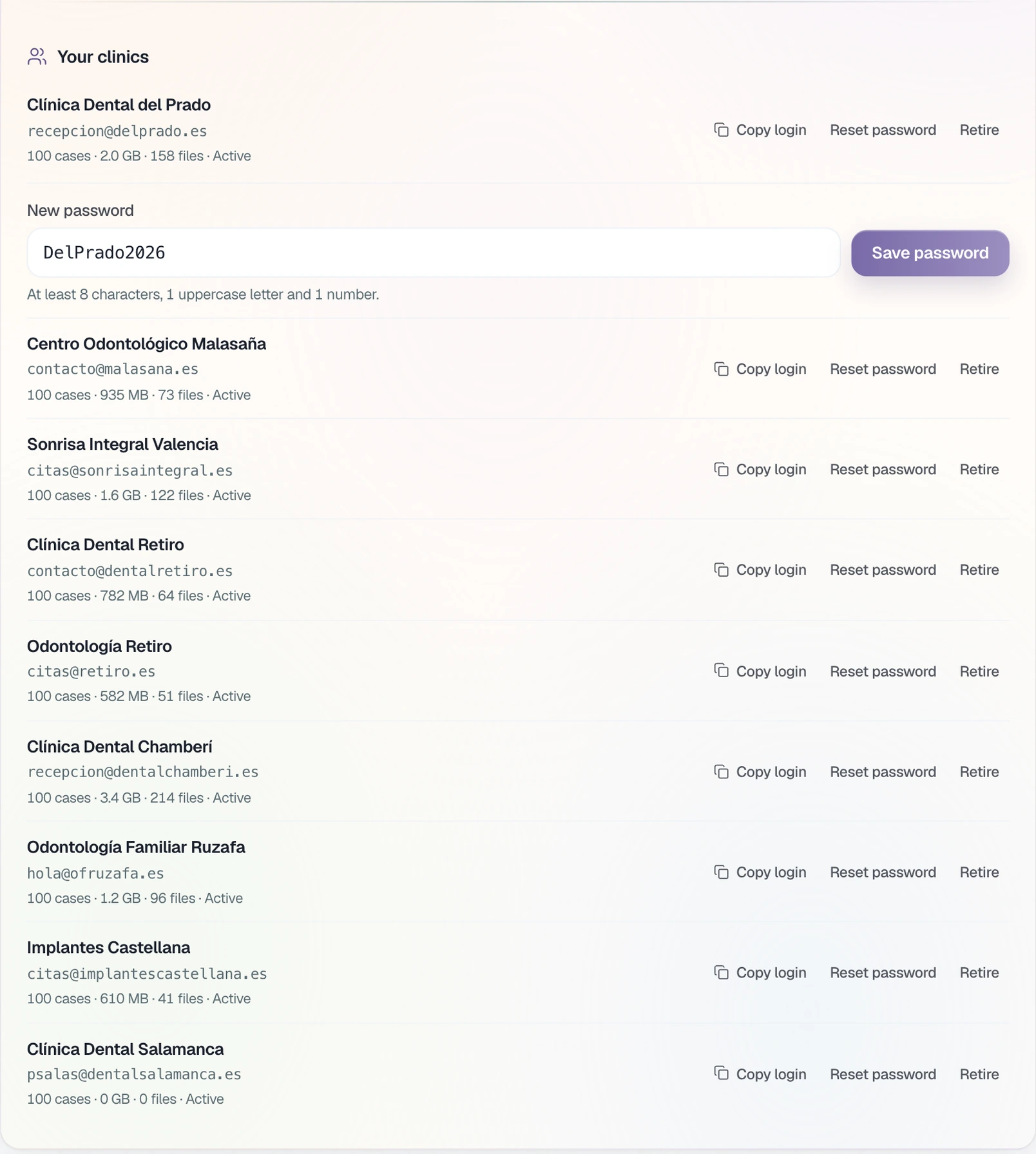
Clinic accounts
You create their access.
The dentist's account, with the email and password you choose. Each account comes with 100 cases.
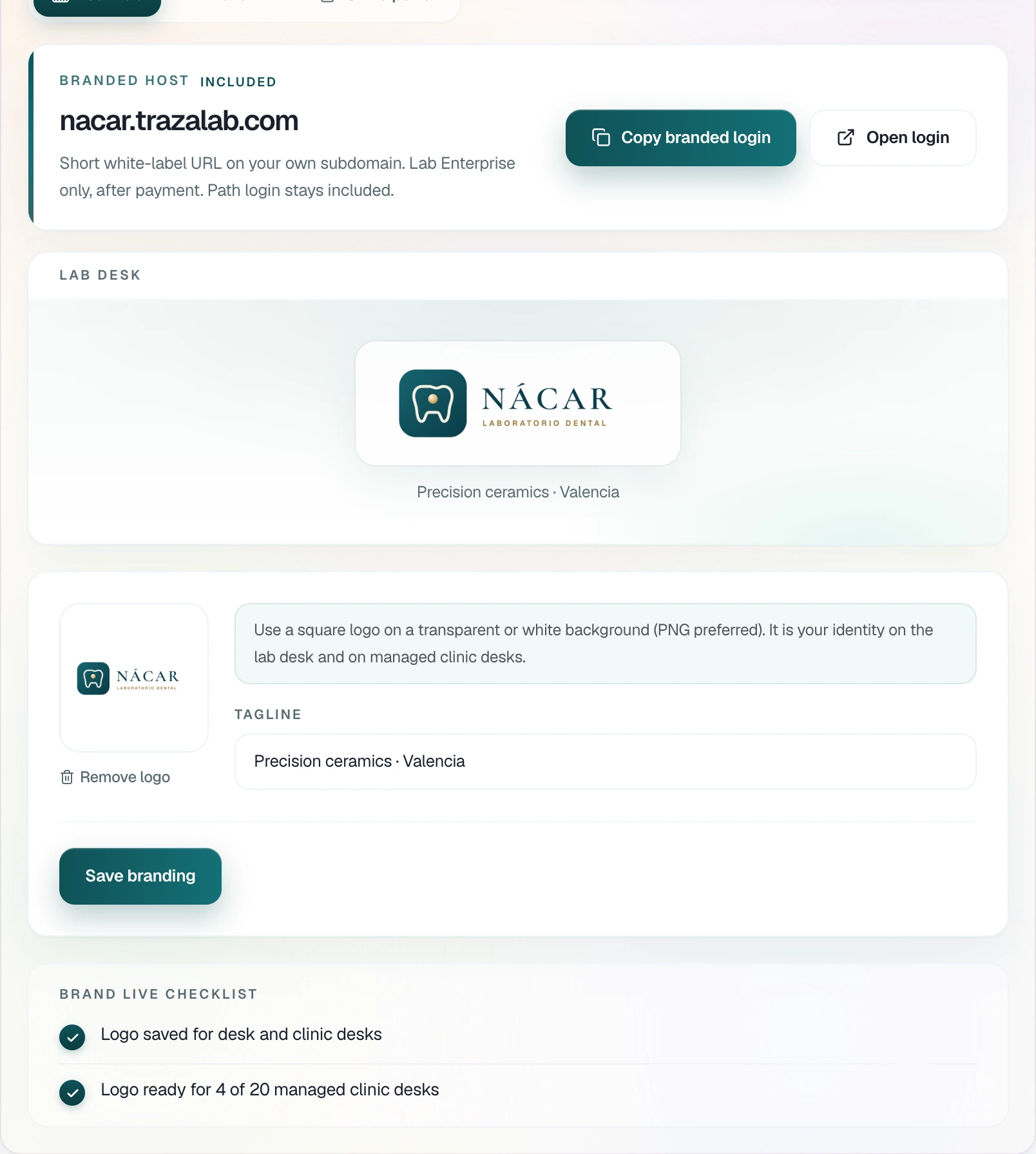
Your brand · Lab Enterprise
Your logo, on their desk.
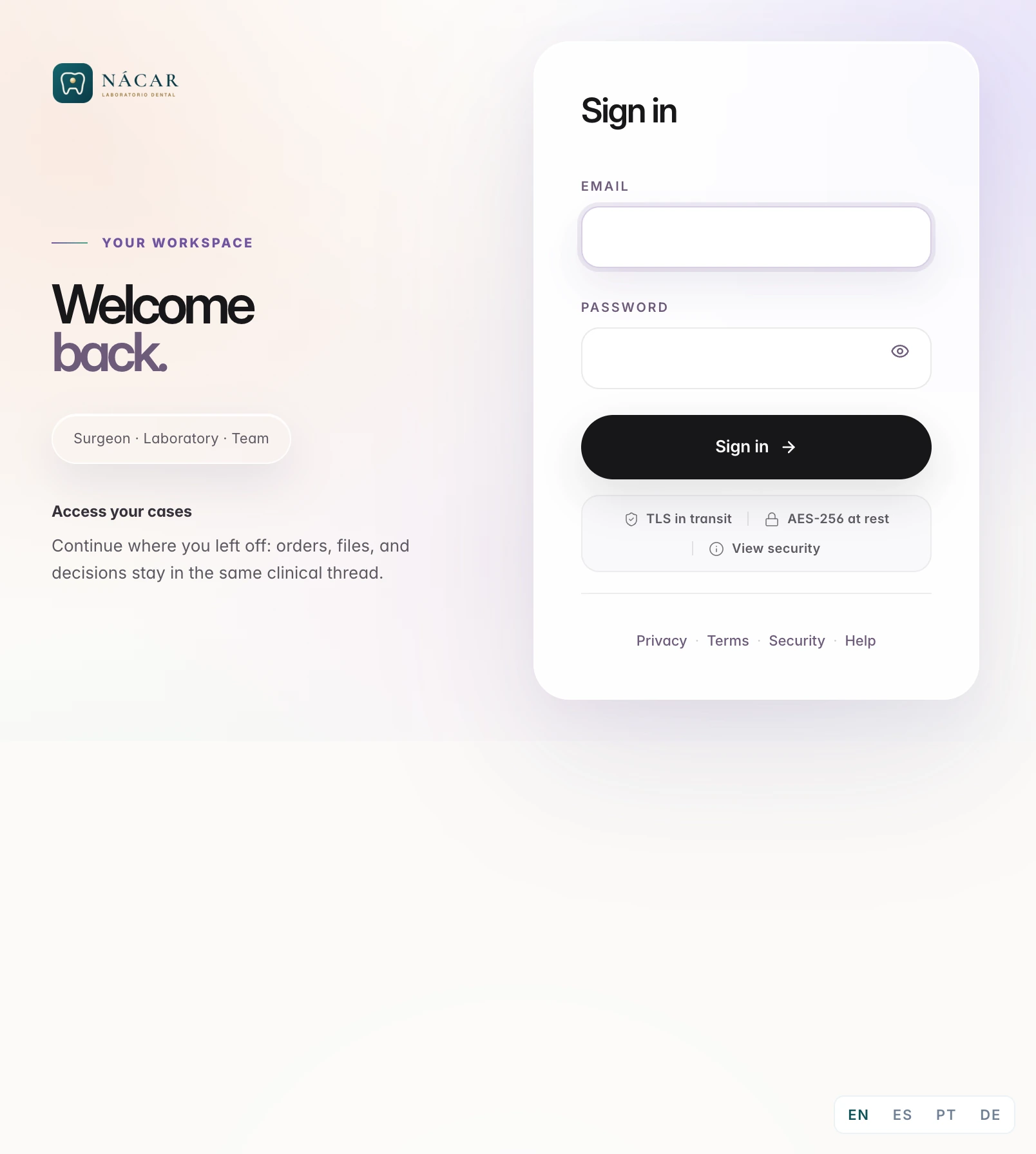
With Lab Enterprise, you upload the logo and the tagline once. The clinic sees them when it signs in and on its desk.
Creation rules
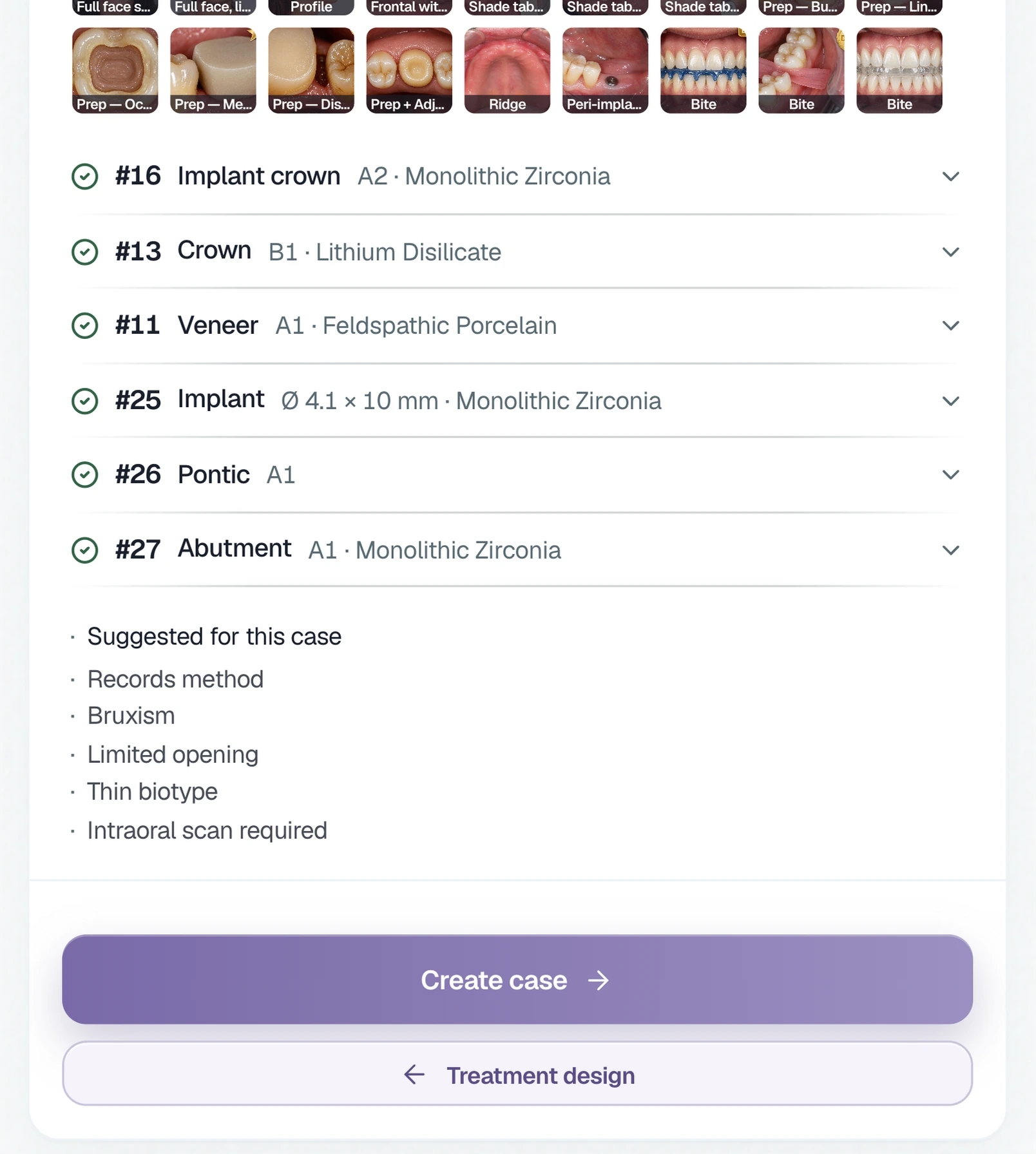
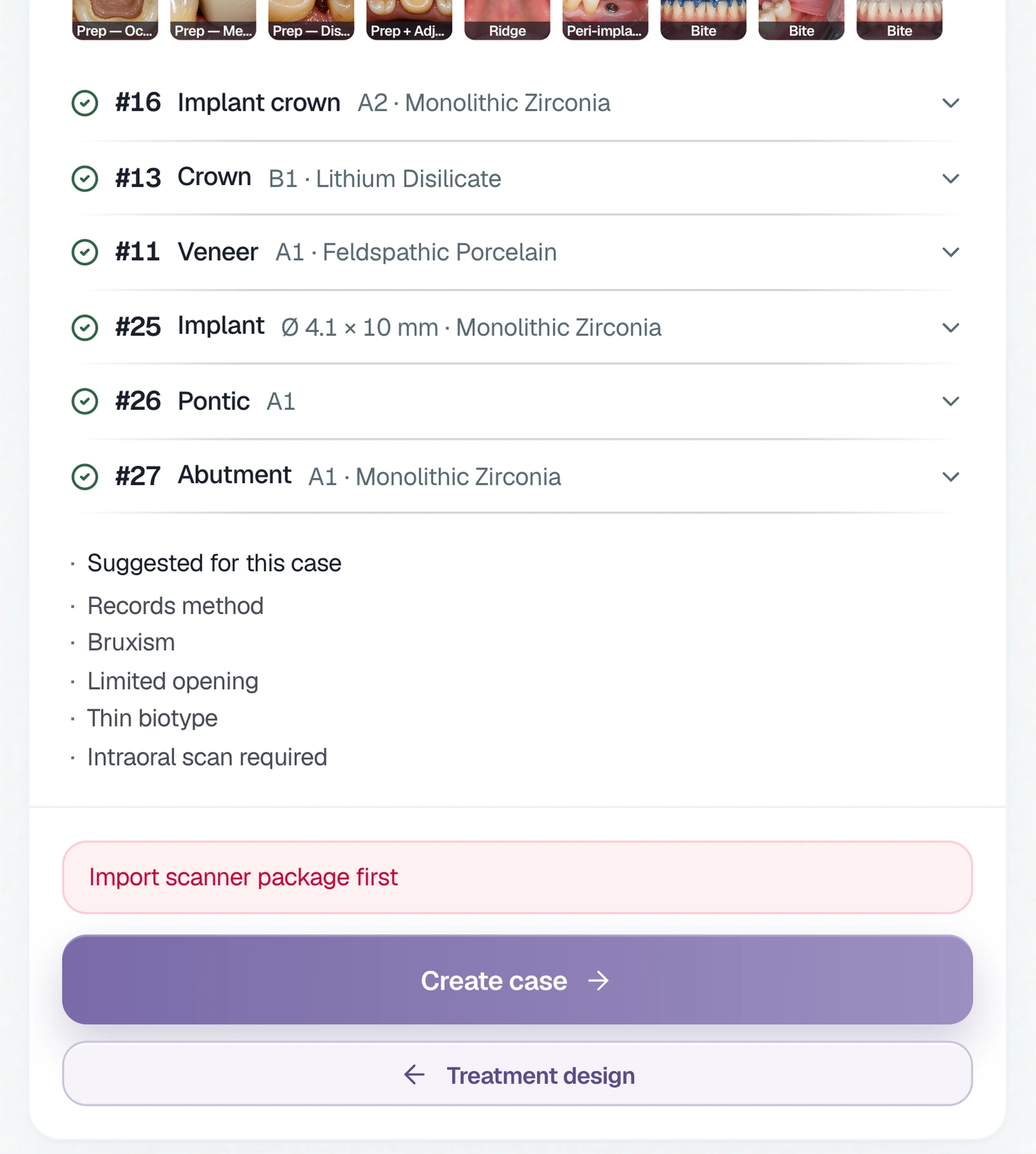
Your rules, before the case.
Intraoral scan, CBCT, or photos: you tell us what each case type requires and we set it up in your account.
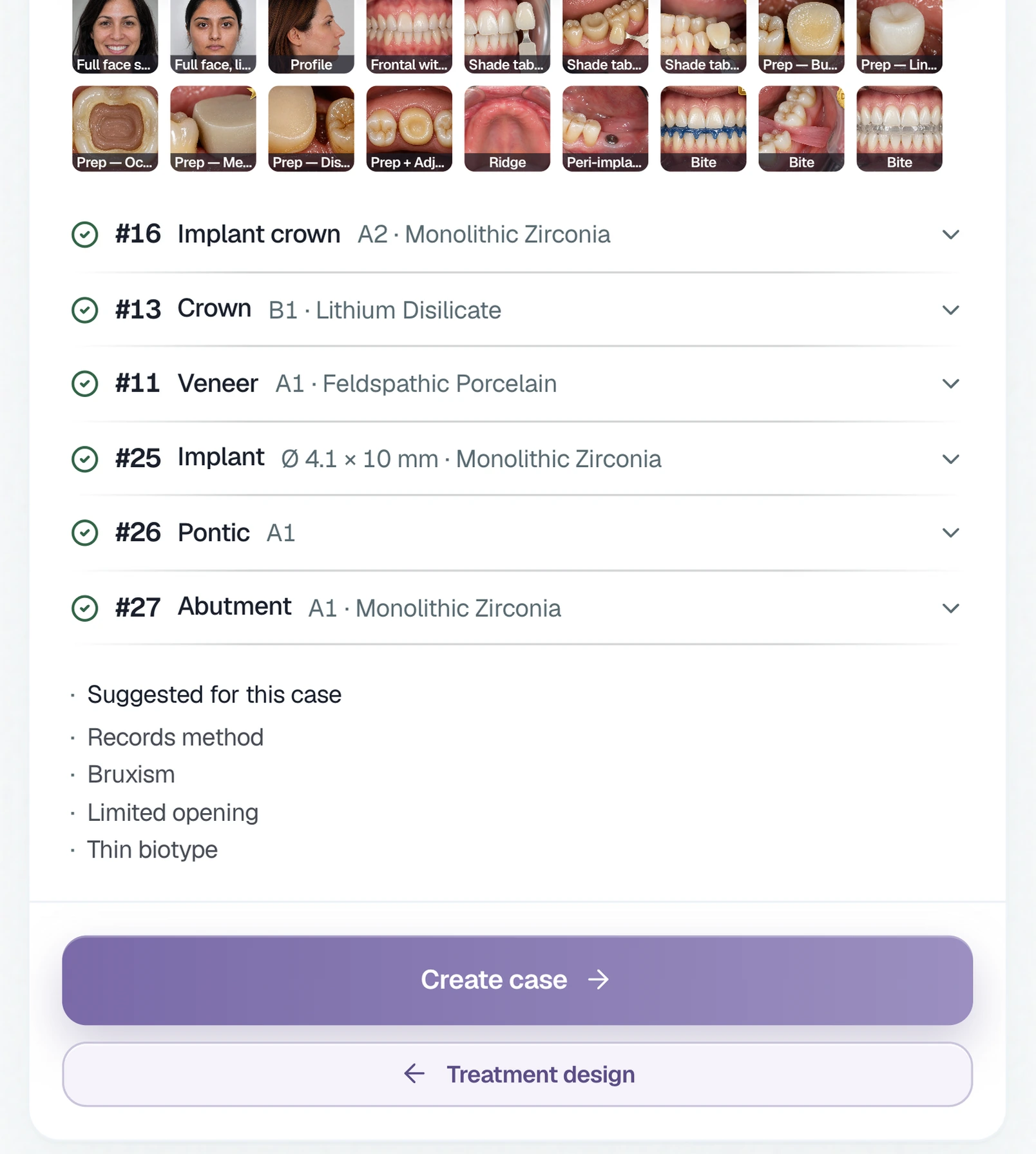
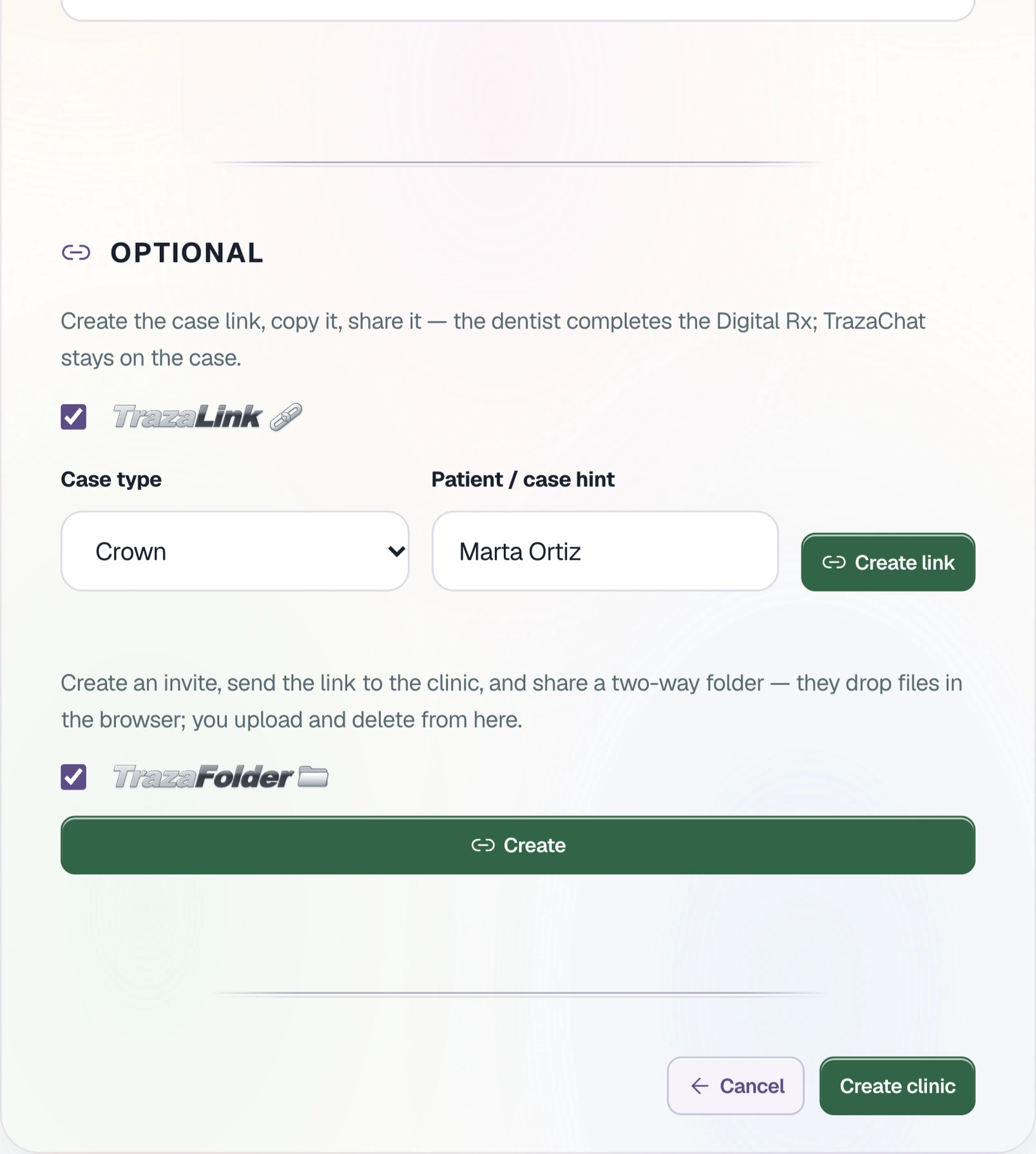
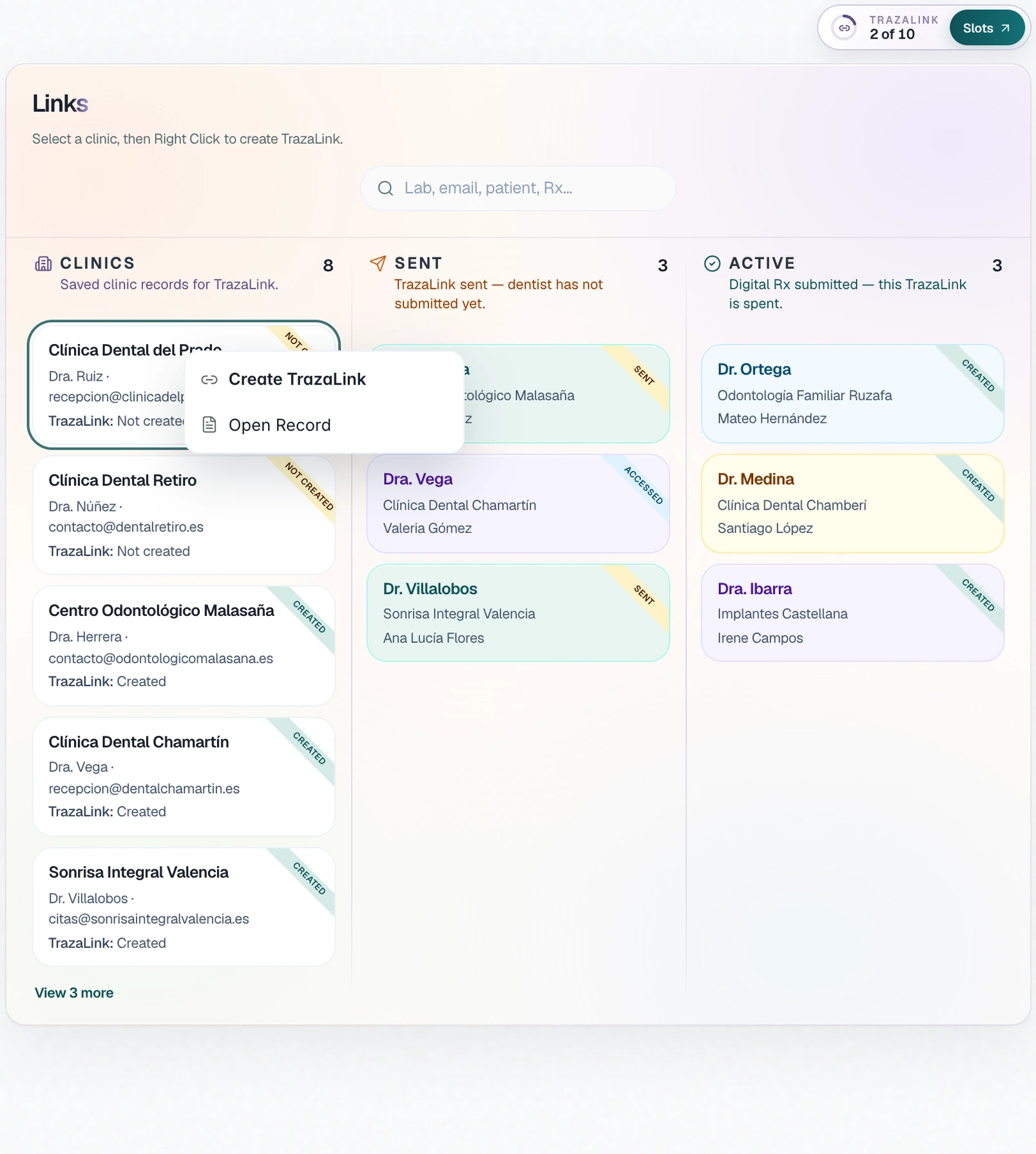
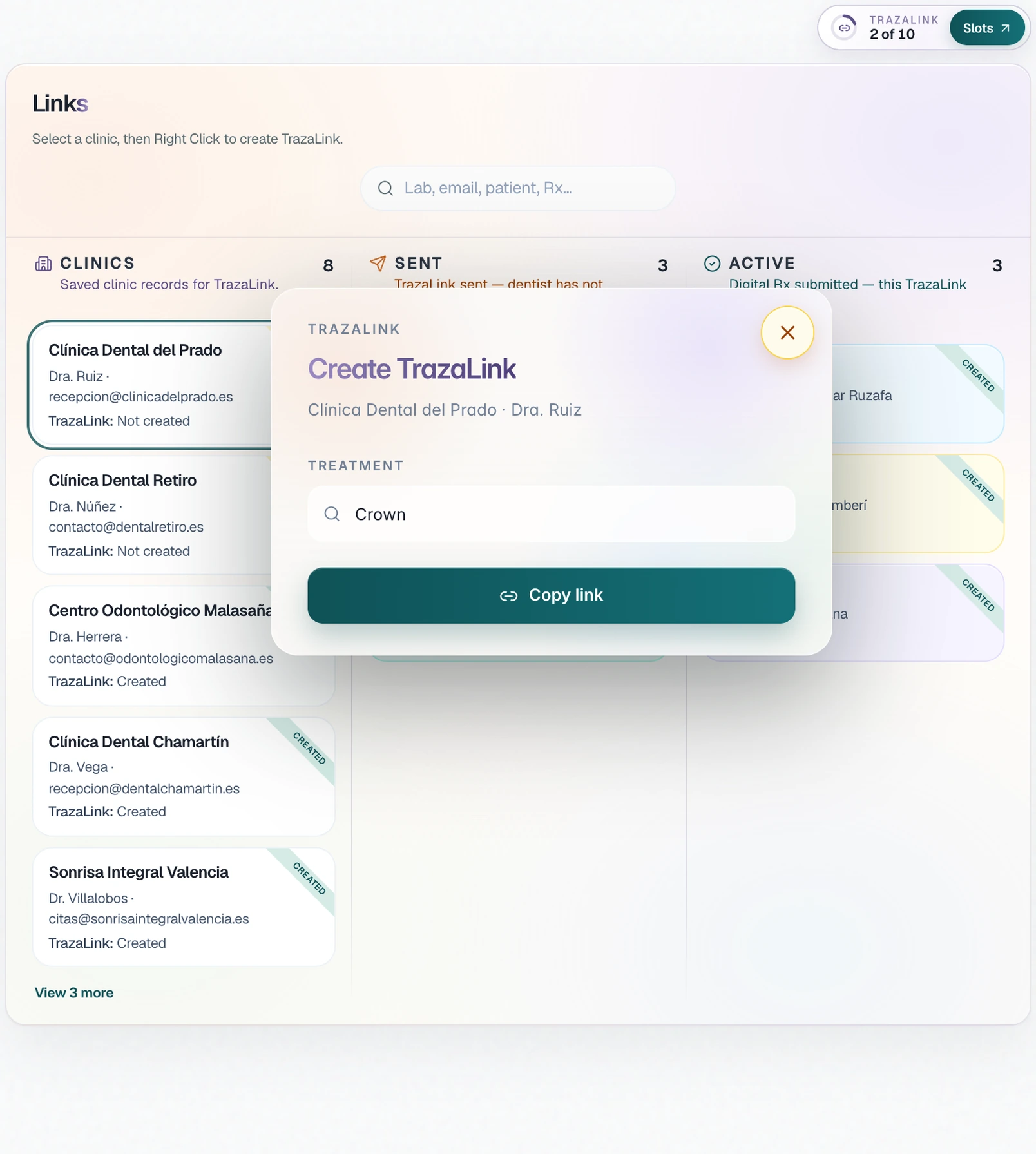
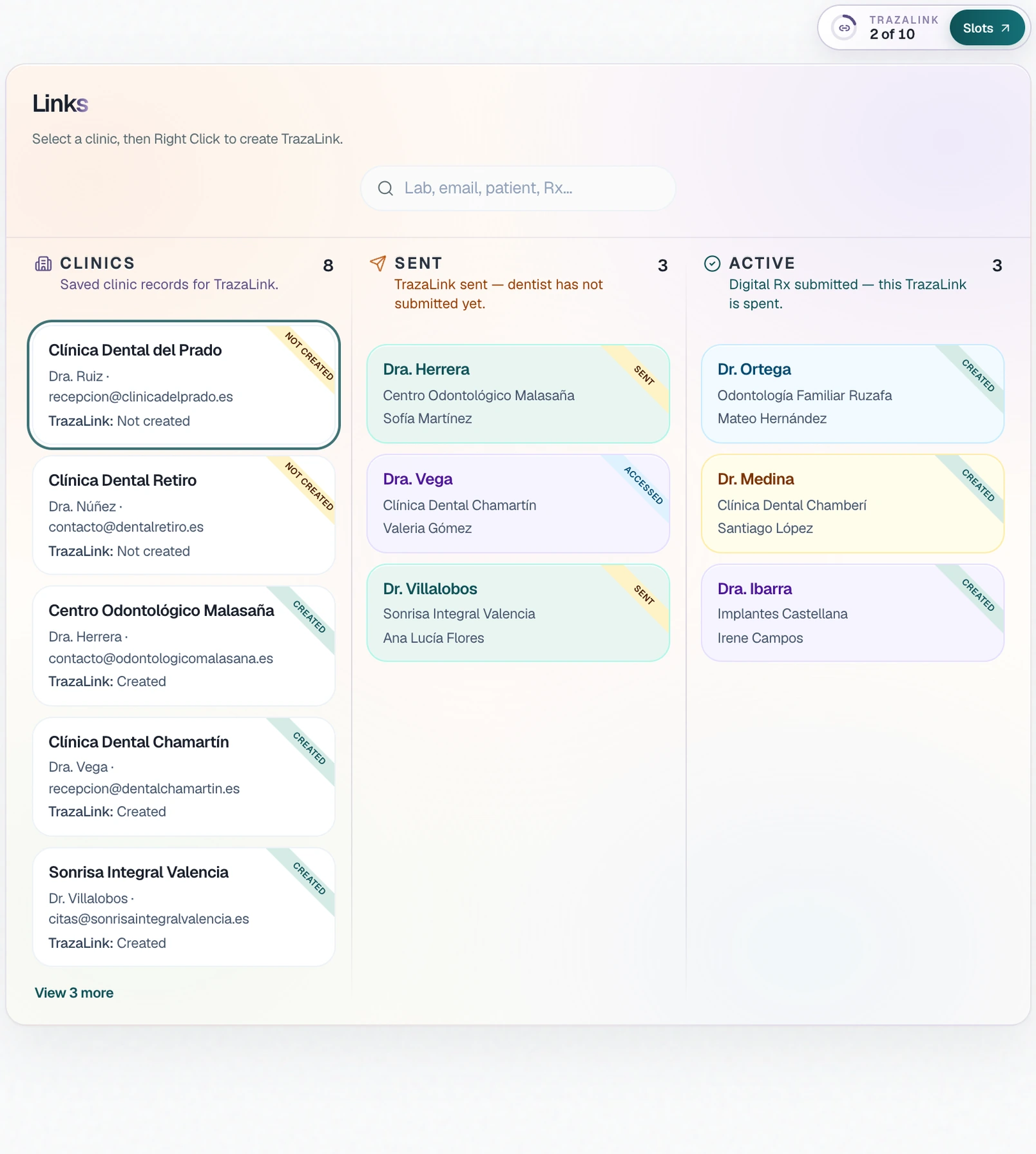
TrazaLink
One case, one link.
For the clinic without an account: the dentist fills in the Digital Rx for that case from the link.
TrazaFolder
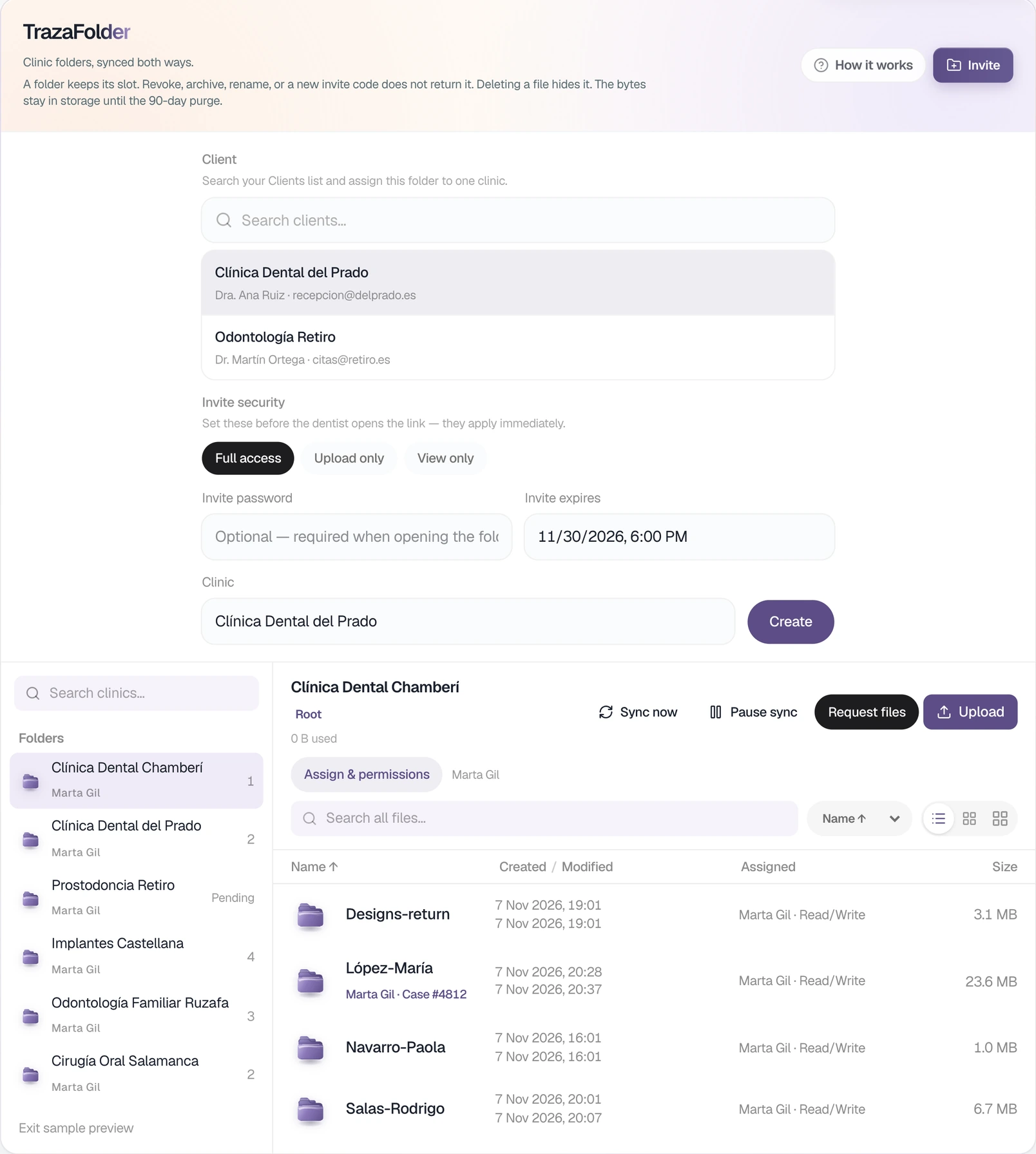
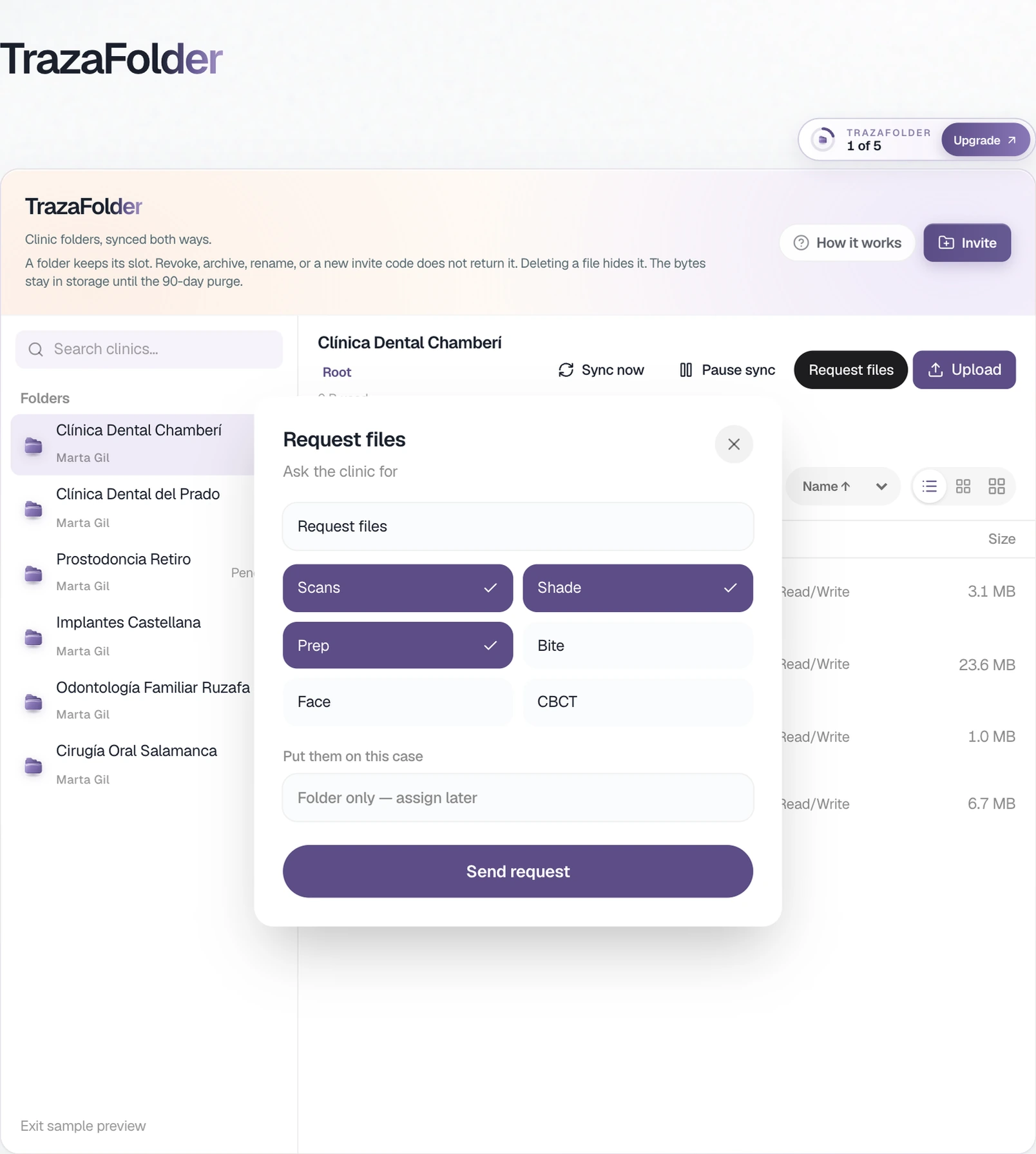
One folder per clinic.
The clinic drops scans, photos, and files from the browser. You see them by patient on your desk.
Permissions
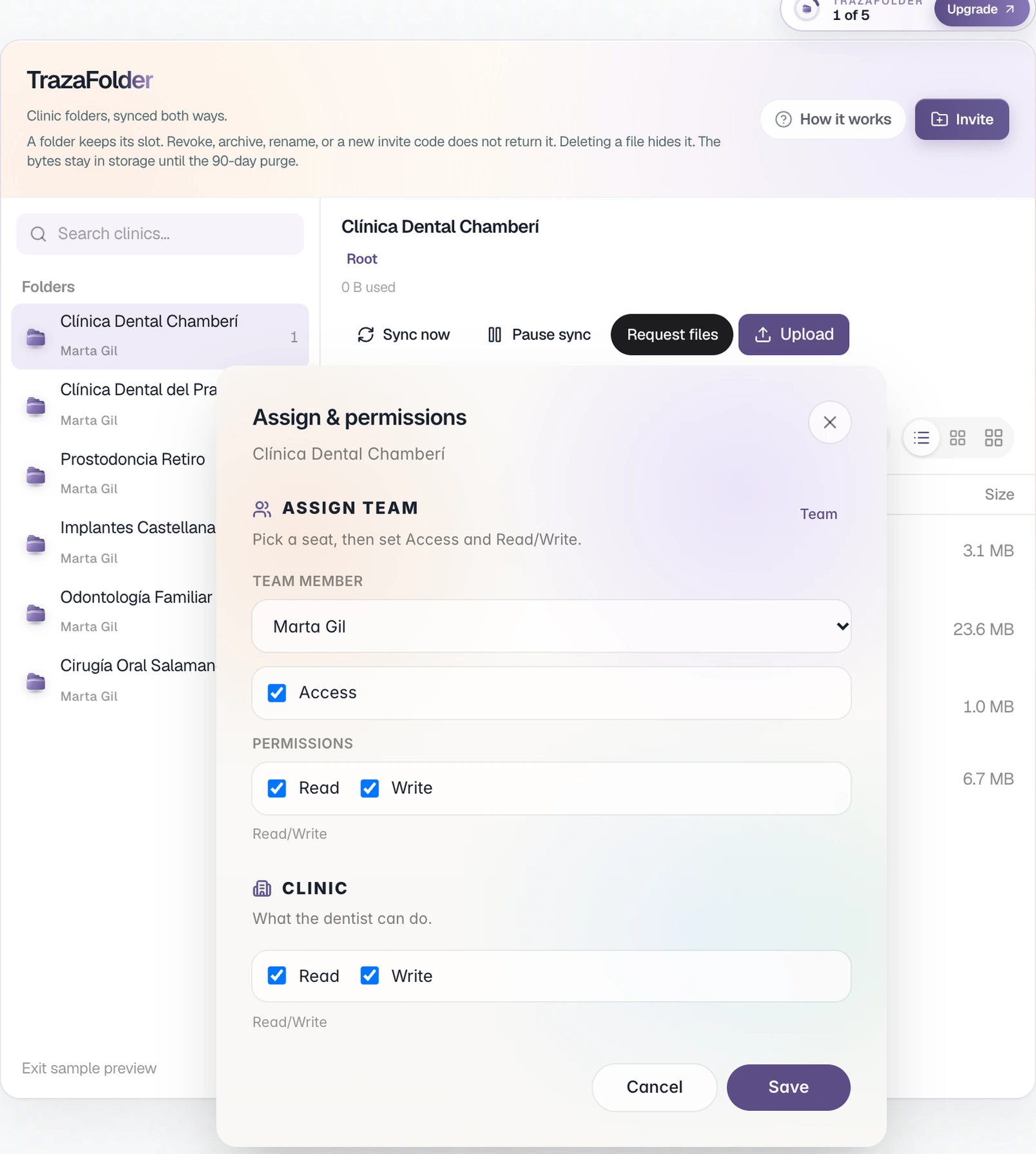
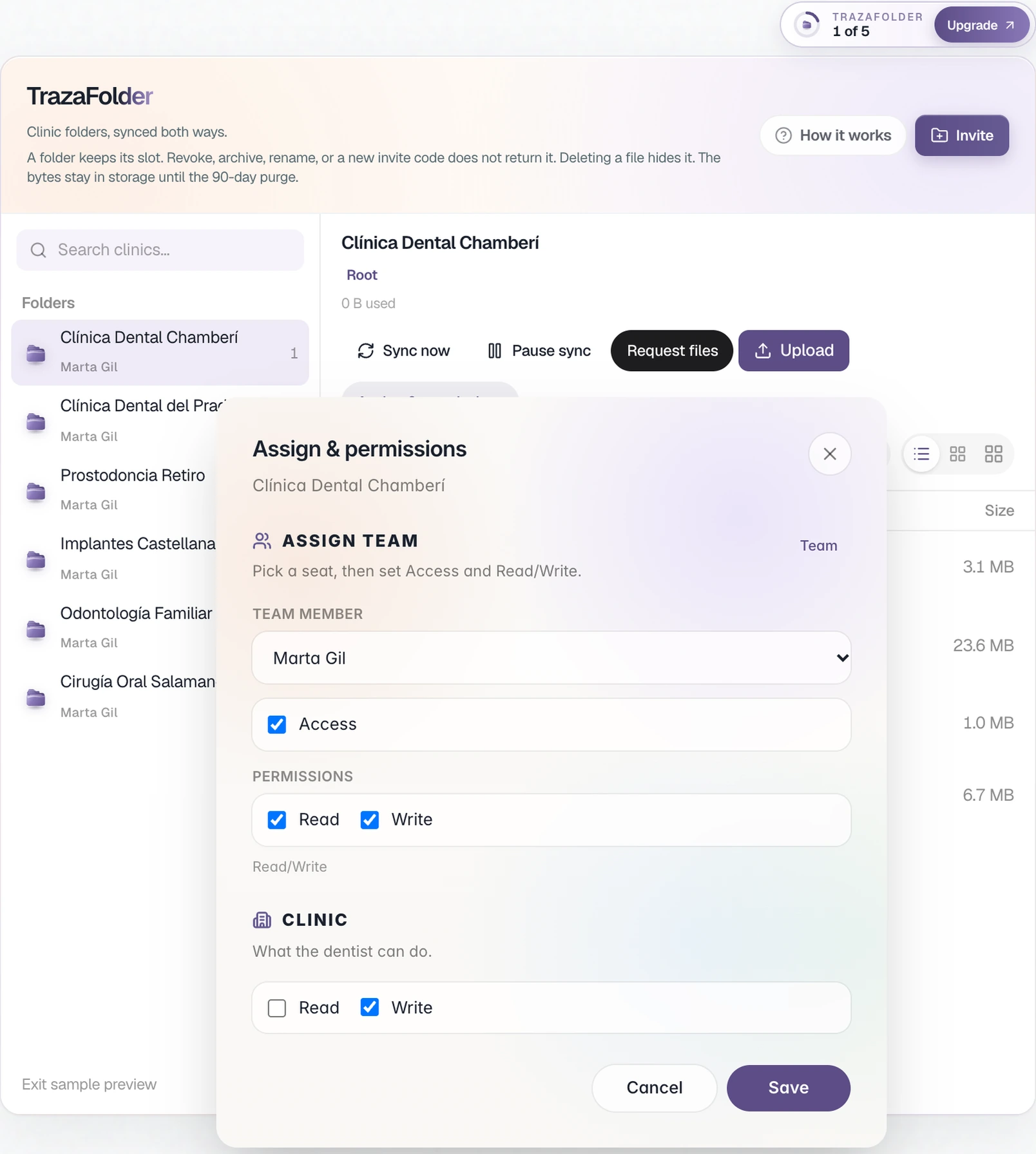
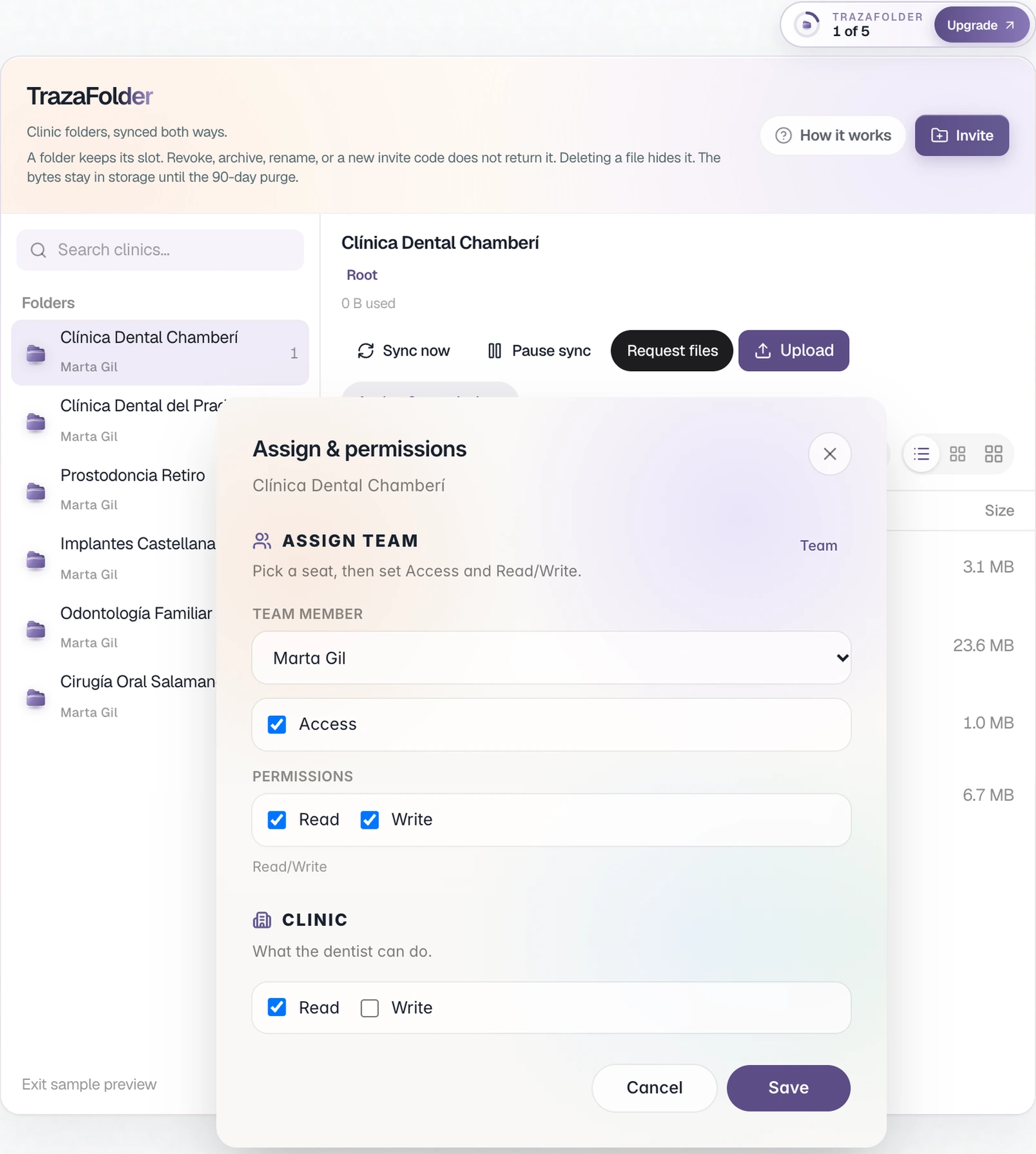
You decide what it can do.
In Assign & permissions you choose what each technician does and what the clinic does in its folder.
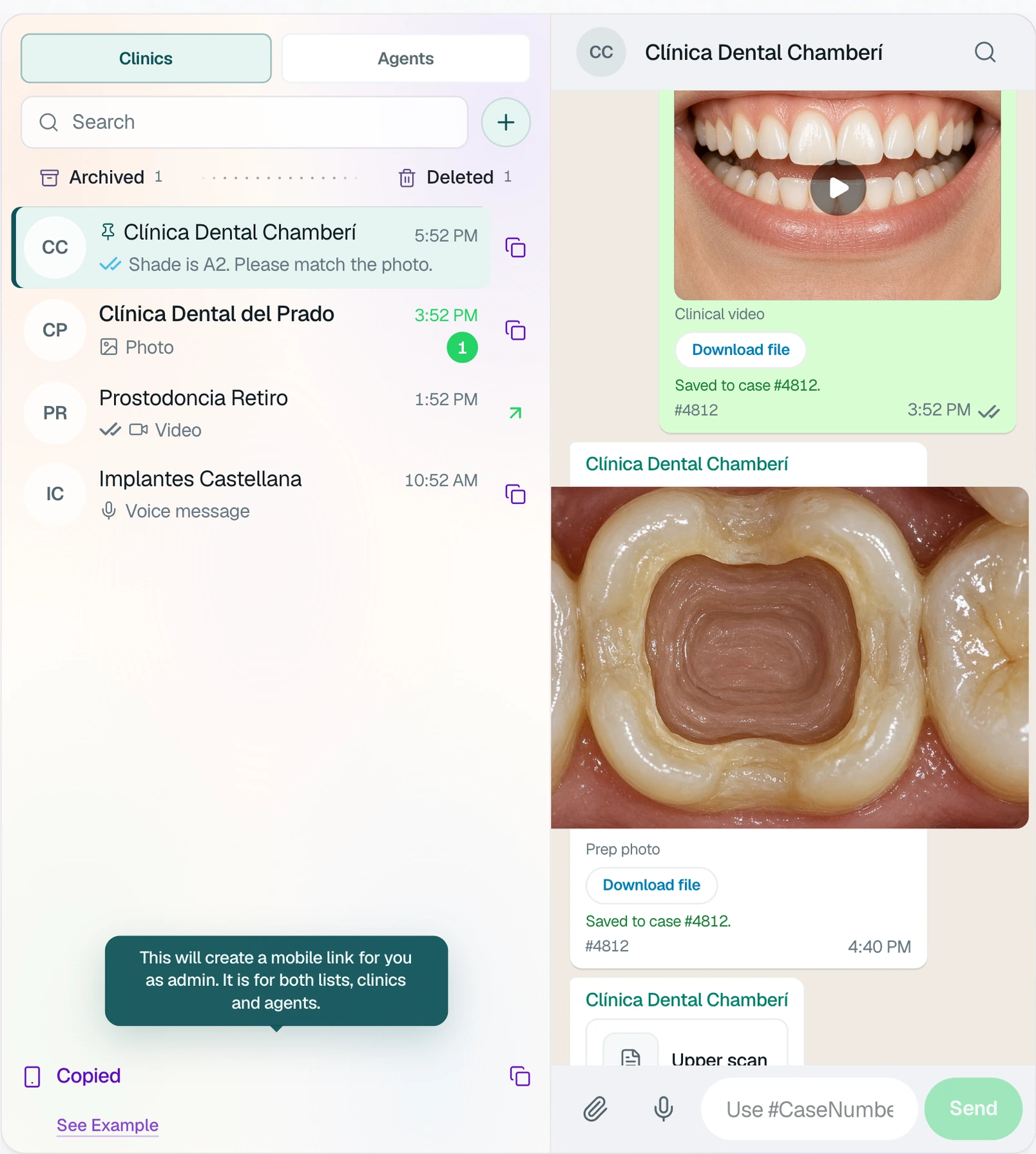
TrazaChat
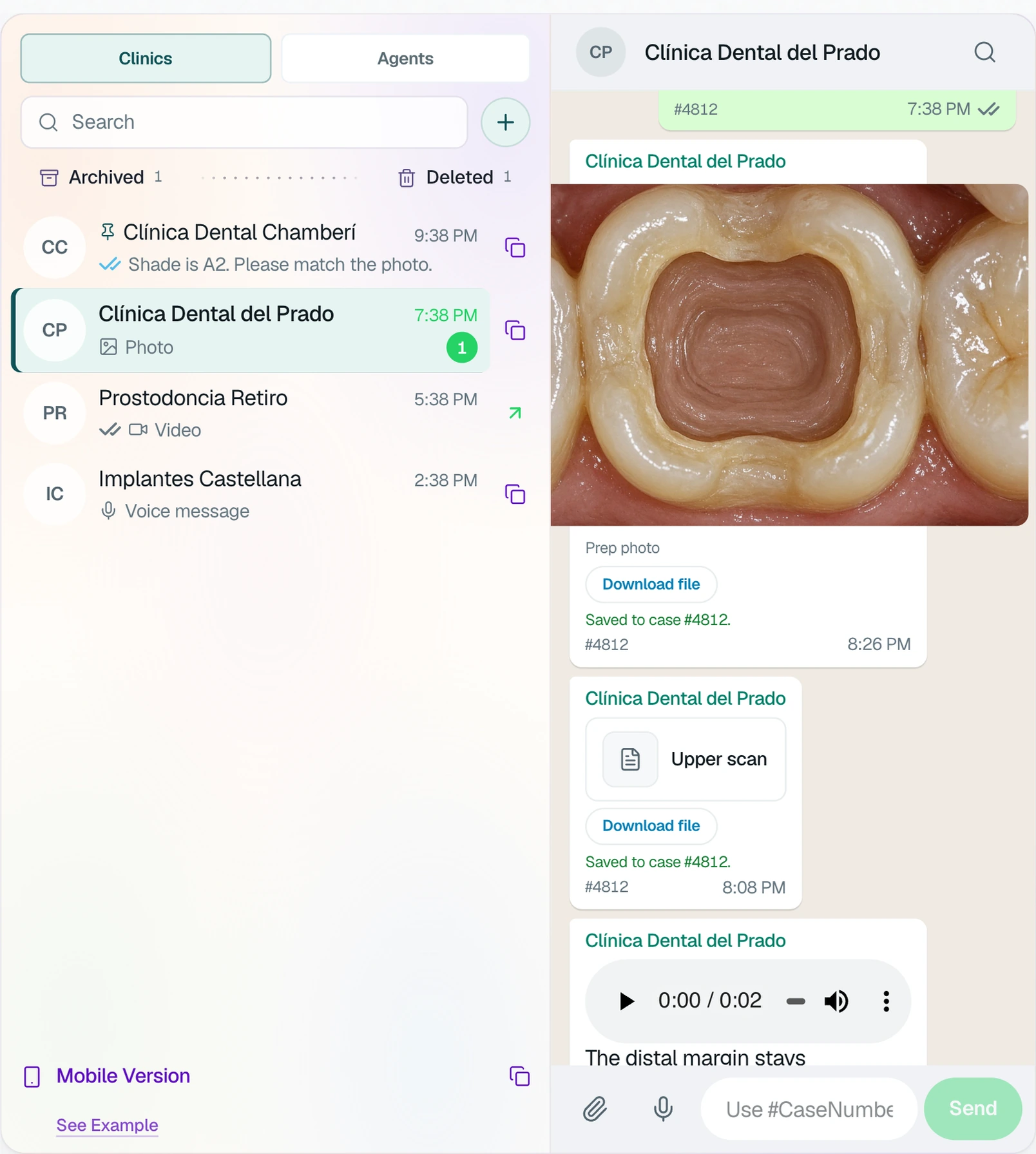
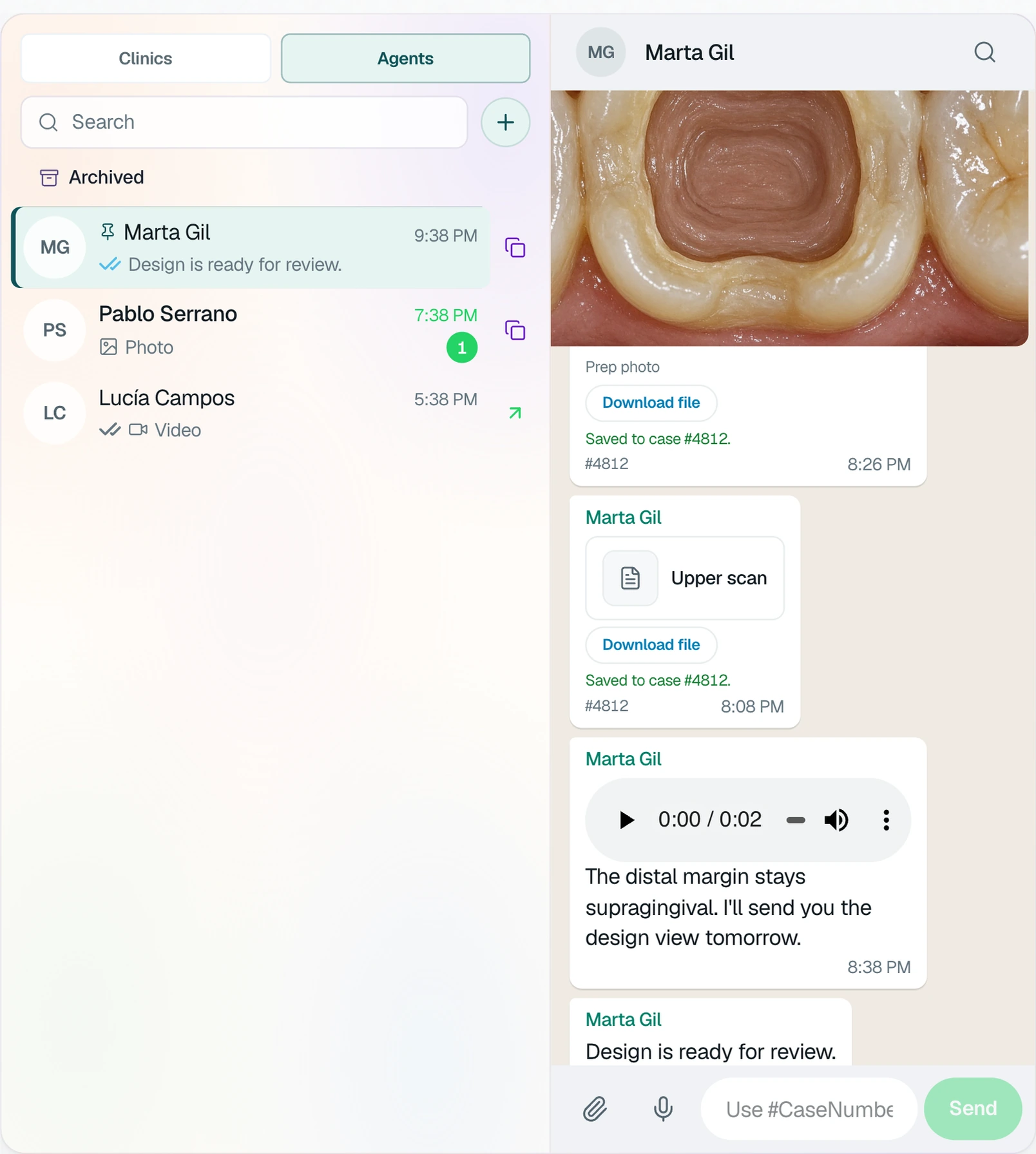
Every thread, on its case.
You talk to each clinic and to your team in separate threads. With the case number, the file is saved on that case.
TrazaChat Mobile
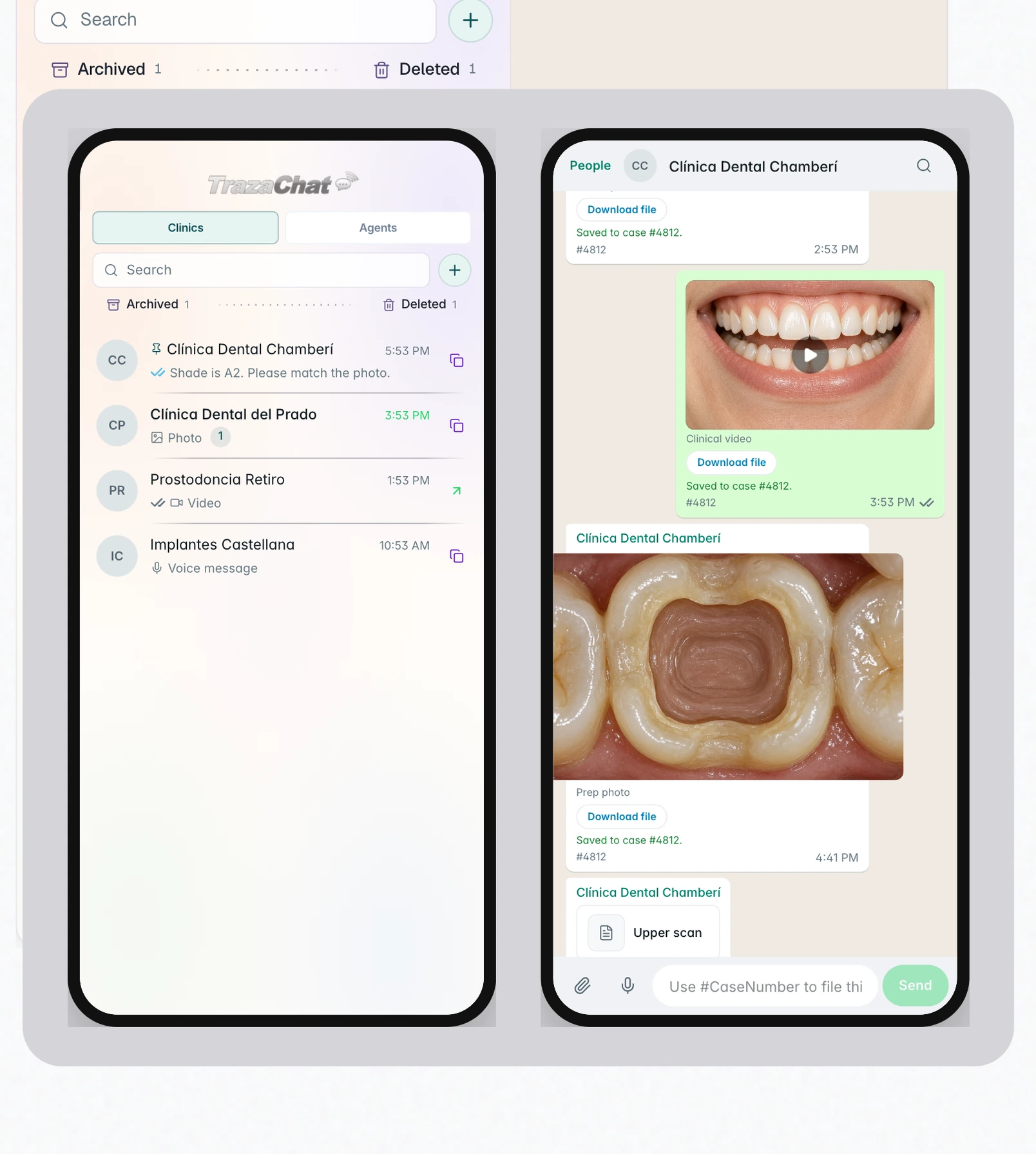
Their messages, on their phone.
Clinics and technicians get TrazaChat messages on their phone, with a notification, and reply from there.
Two sides
Lab and clinic.
What you set up and what the clinic does.
Lab
Set up and decide.
- Account
You create the access with email and password.
- Brand
With Lab Enterprise, you upload your logo and tagline.
- Rules
You tell us your rules and we set them up.
- TrazaLink
You send a link for one case.
- TrazaFolder
You create the folder and set the permissions.
- TrazaChat
You talk to the clinic and to your team.
Clinic
Sign in and send.
- Account
Signs in with the email and password you created.
- Brand
With Lab Enterprise, sees your logo on its desk.
- Rules
Sees what is missing before creating the case.
- TrazaLink
Fills in the Digital Rx without an account.
- TrazaFolder
Drops files from the browser.
- TrazaChat
Replies from the desk or the phone.
Questions
Questions from labs.
You tell us what your lab requires for each case type: intraoral scan, DICOM / CBCT, or photos. Our team sets them up in your account. Then the clinic sees what is missing before it creates the case.
Case creation rulesLab Network includes 10 clinic accounts and Lab Enterprise 20. Each account has 100 cases.
See plansNo. With TrazaLink you send a link for one case. The dentist fills in the Digital Rx and the case reaches your desk.
TrazaLinkNo. The clinic drops its files from the browser. You see them on your desk, in that clinic's folder.
TrazaFolderYes. In Assign & permissions you give it Write only: it uploads files, but cannot delete, rename, or replace the lab's.
PermissionsYes. In TrazaChat Mobile, under Cases, you choose who each agent talks to: lab admin, clinics, or lab technicians.
TrazaChatYes, with Lab Enterprise. The mobile version opens with your lab's logo, above the clinic list and the case thread.
TrazaChat Mobile