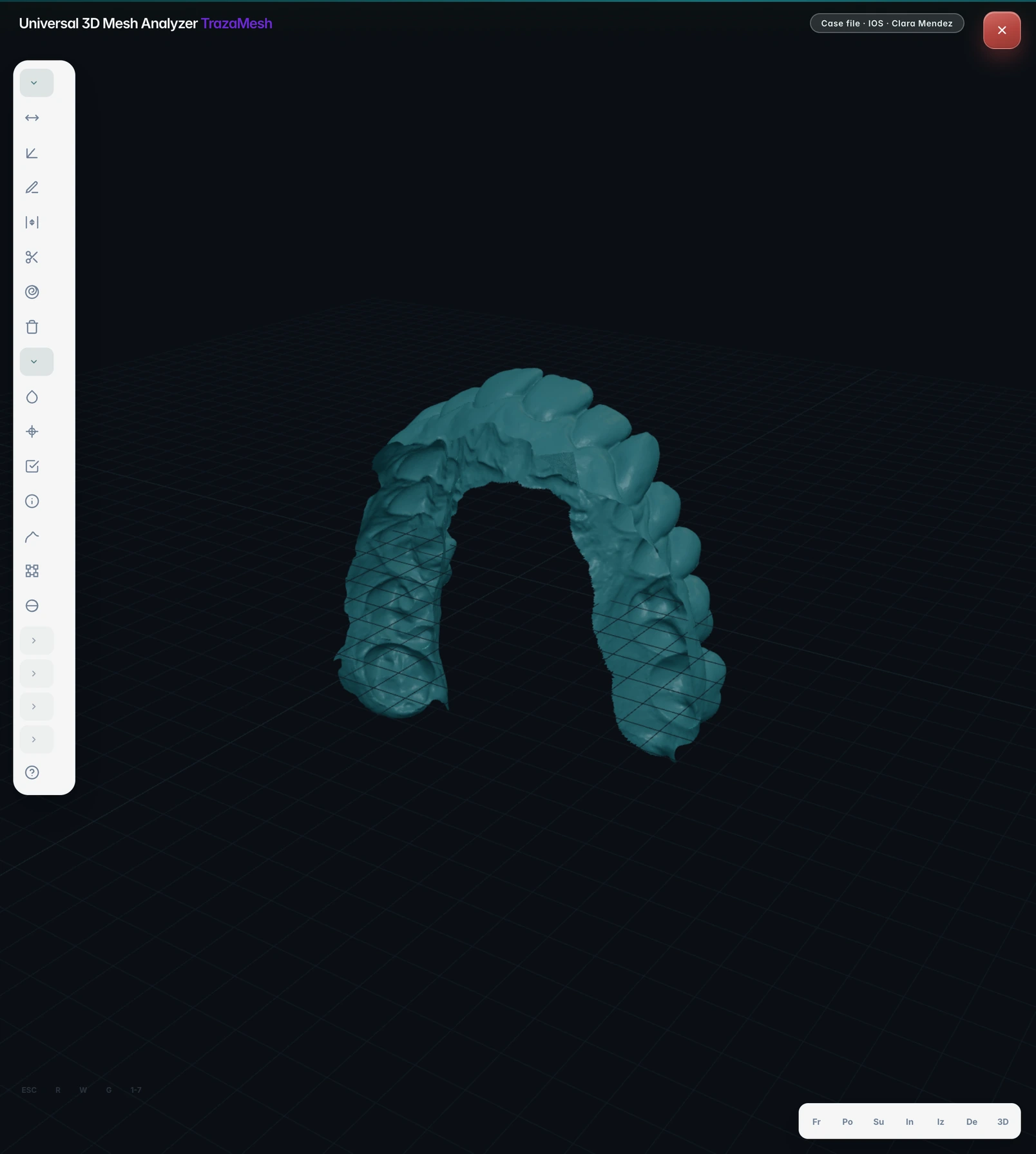
Free tool
Convert STL, OBJ and PLY.
Open a mesh, pick the format you need, and download it. The points stay put, and the page tells you what the new format cannot hold.
STL, OBJ or PLY, up to 75 MB. The file stays on this device.
Before you convert
What each format holds.
| STL | OBJ | PLY | |
|---|---|---|---|
| Geometry | Yes | Yes | Yes |
| Vertex color | — | — | Yes |
| Texture coordinates | — | Yes | — |
| Object and material names | — | Yes | — |
| Units | — | — | — |
As this page reads and writes them.
What it does not do
01A new format does not fix the mesh.
A conversion rewrites the container. A hole in the scan is still a hole in the new file.
Open edges and damaged faces belong to the repair tools.
Questions about converting
Does the file leave the browser?
No. Reading, converting and checking all happen on this device. Nothing is uploaded.
Do the points move?
No. Corners with identical coordinates become one vertex, with no rounding. In OBJ, which is text, coordinates are written to six decimals.
How do I know the file is right?
Before offering the download, the page reopens the file it just wrote and compares every triangle with the original. If they do not match, there is no download.
What is lost in a conversion?
Whatever the new format does not hold. STL has no color, names or textures. The page tells you what applies to your file after converting.
Does it also repair the mesh?
No. It changes the format and nothing else. The repair pages review open edges and damaged faces.
Can I convert a .dcm?
Not here. A .dcm can be a DICOM or a 3Shape mesh, and neither is converted on this page. The identifier tells you which one you have and what to do.
Is there a size limit?
75 MB in this browser. A larger file is not sent anywhere.
When the mesh belongs to a case.
In TrazaLab, STL, OBJ and PLY files are reviewed inside the case, without moving it to another message thread.