
Free tool
Dental lab prescription form.Ready to print.
Fill it in your browser and take it out on paper or as a PDF. Anything you leave empty prints as a line to write on by hand.
Free, no account, for dental labs and practices.
The generator
Write on the page.
Choose a mark and tap each tooth. What you see is what prints.
Still blank 9
None of it is required. It is what the lab will not have in writing.
Saving it, adding your logo or sending it takes an account. Create an account
The form, block by block
What to write in each part.
The same form works for a practice preparing a case and for a lab that wants a blank form for its clients.
- Who sends and who receives
- Lab, practice and dentist, with a direct contact in case something does not add up.
- Case identity
- If the form will pass through many hands, use a code instead of the patient's name.
- Teeth and work
- Mark each tooth with its letter and make clear whether you number in Universal or FDI.
- Material and shade
- Material, shade guide, tooth and stump shade, and by zone when the case calls for it.
- Prep and records
- Margin, contacts, occlusion and what comes with the Rx: scan, impression, bite, photos or CBCT.
- Implant
- System, platform, abutment and retention. It joins the form only when you turn it on or mark an implant.
Digital Rx
Paper does not flag what is missing.
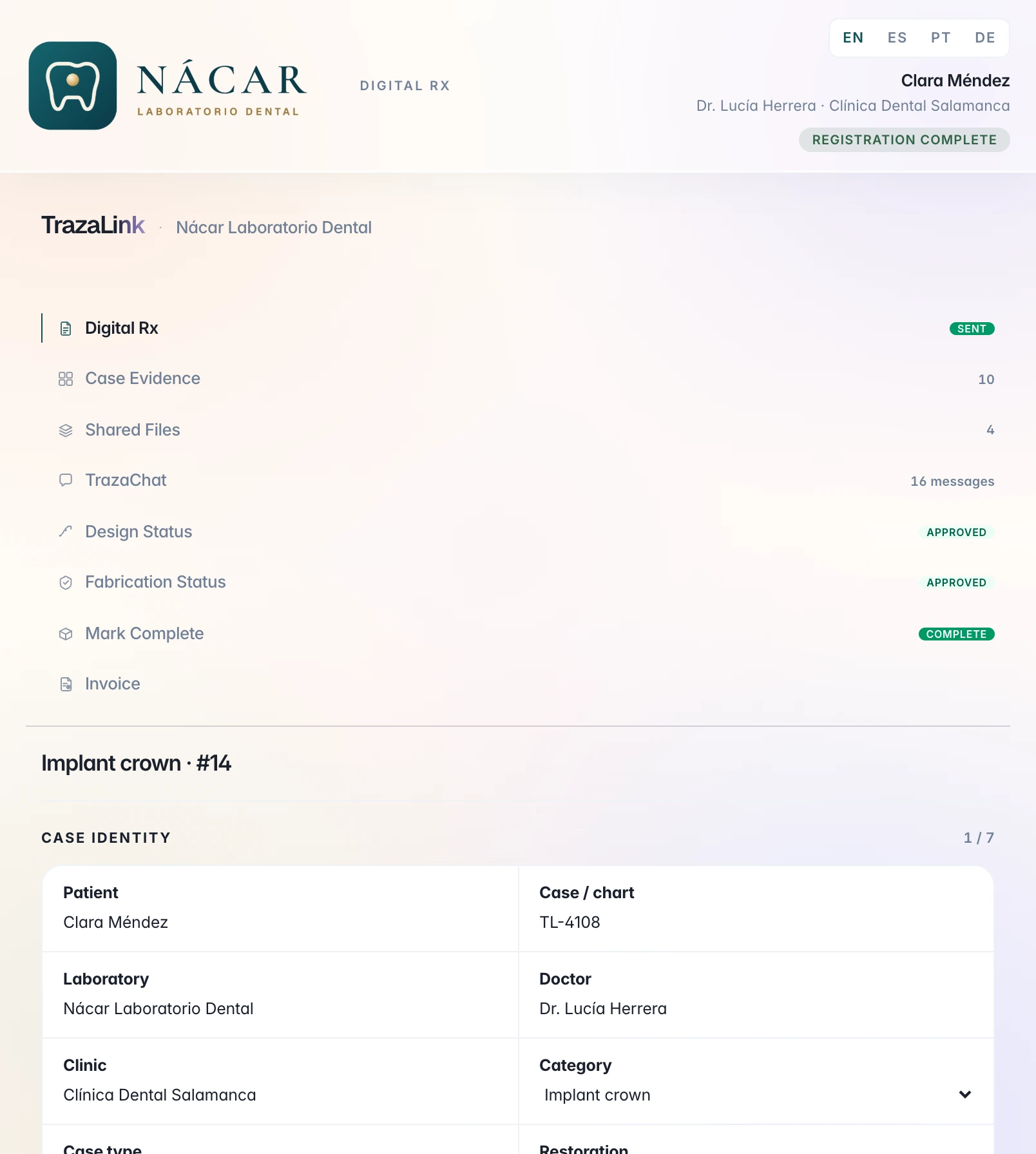
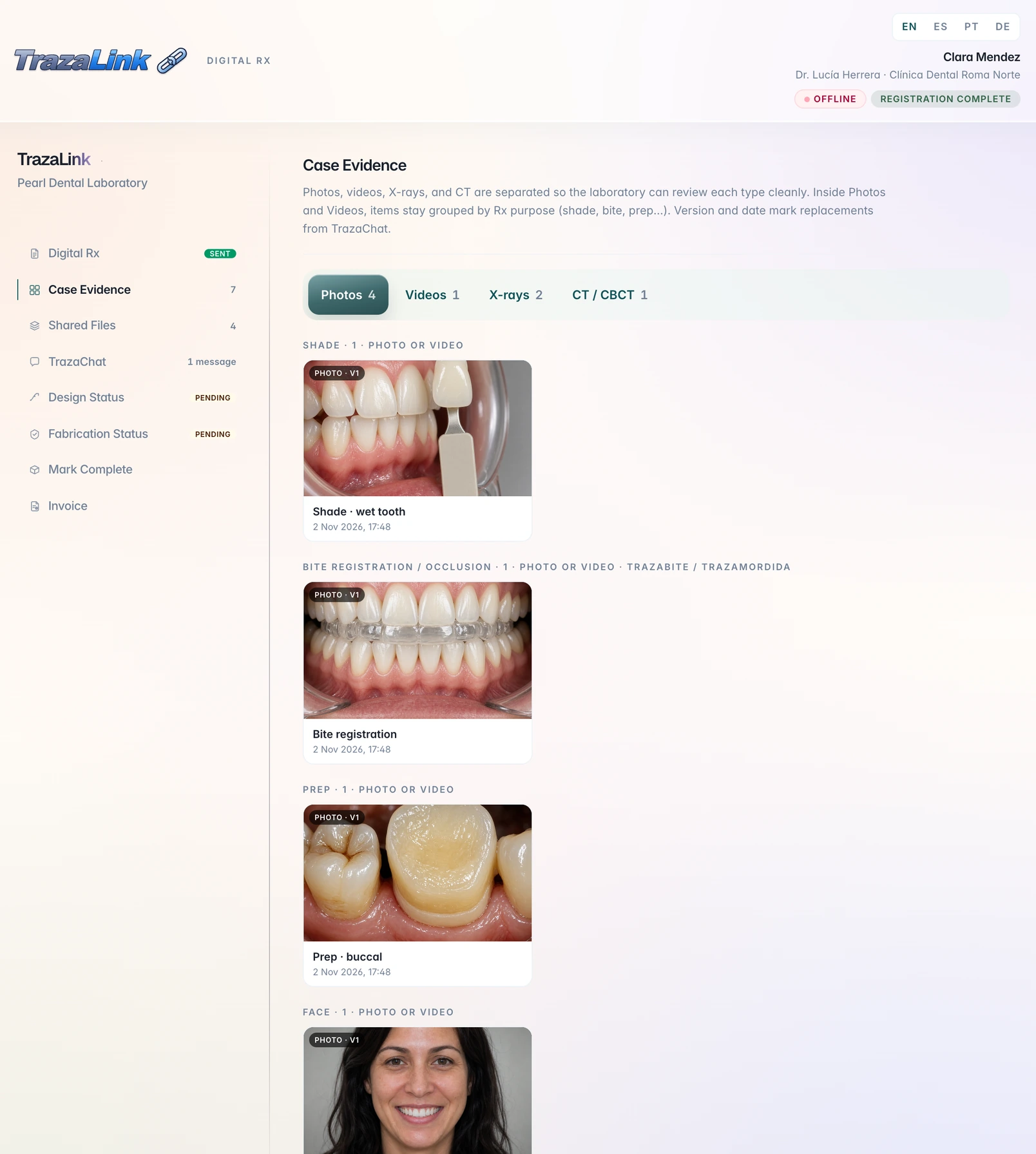
With an account, the order is a Digital Rx joined to the case, and TrazaLab detects missing clinical information before fabrication starts.
What you write on this form does not carry over to an account. The Digital Rx is filled in inside the case.
See Digital Rx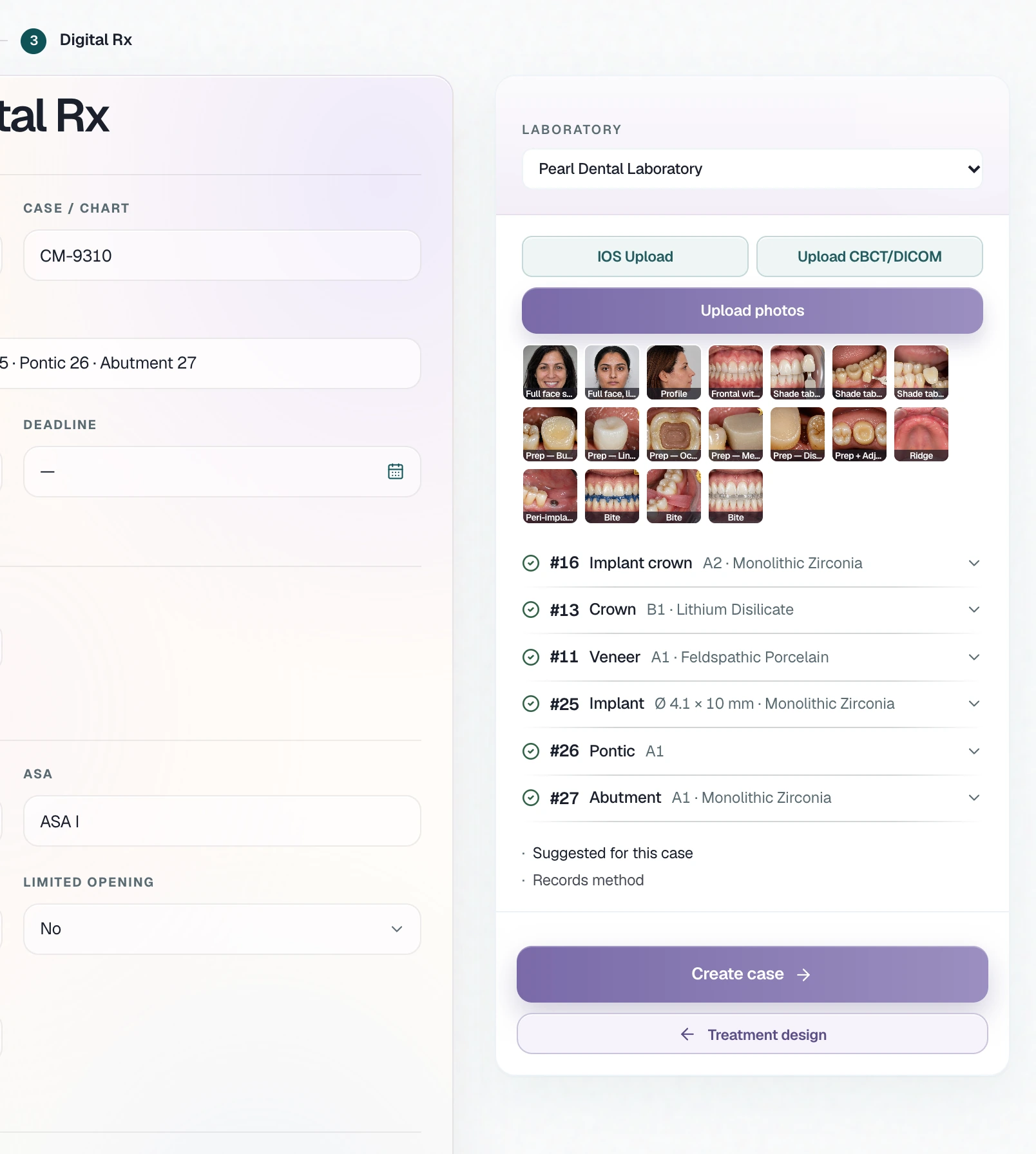
Questions
Before you print it.
It is free and works without an account. You only need one to save the order, add your brand or send it.
Press Print or save PDF and, in the print window, choose Save as PDF as the destination. The form comes out on a single page, in Letter or A4.
Yes. Enter your lab's details, leave the rest empty and print it: each field comes out as a line to write on by hand. Print a blank form gives you the page with no data at all.
No. The form is built in your browser, what you type is not sent to TrazaLab, and it is cleared when you reload the page. If the order includes a patient's details, you can use a code instead of the name.
The form leaves a line to sign by hand. TrazaLab does not verify or validate that signature, and this generator does not include an electronic signature.
TrazaLab does not certify that this form meets any rule. What a prescription must include depends on your state or country and your lab, so check with your adviser.
The form is paper. Digital Rx lives on the case, with the odontogram and the files, and the lab opens it from the case or through TrazaLink.
See Digital RxWhen paper is not enough.
Create an account to save, brand or send the order from the case.