Periapical X-ray viewer.
Calibrated measurements. CLAHE. Side-by-side comparison. Nothing to install.
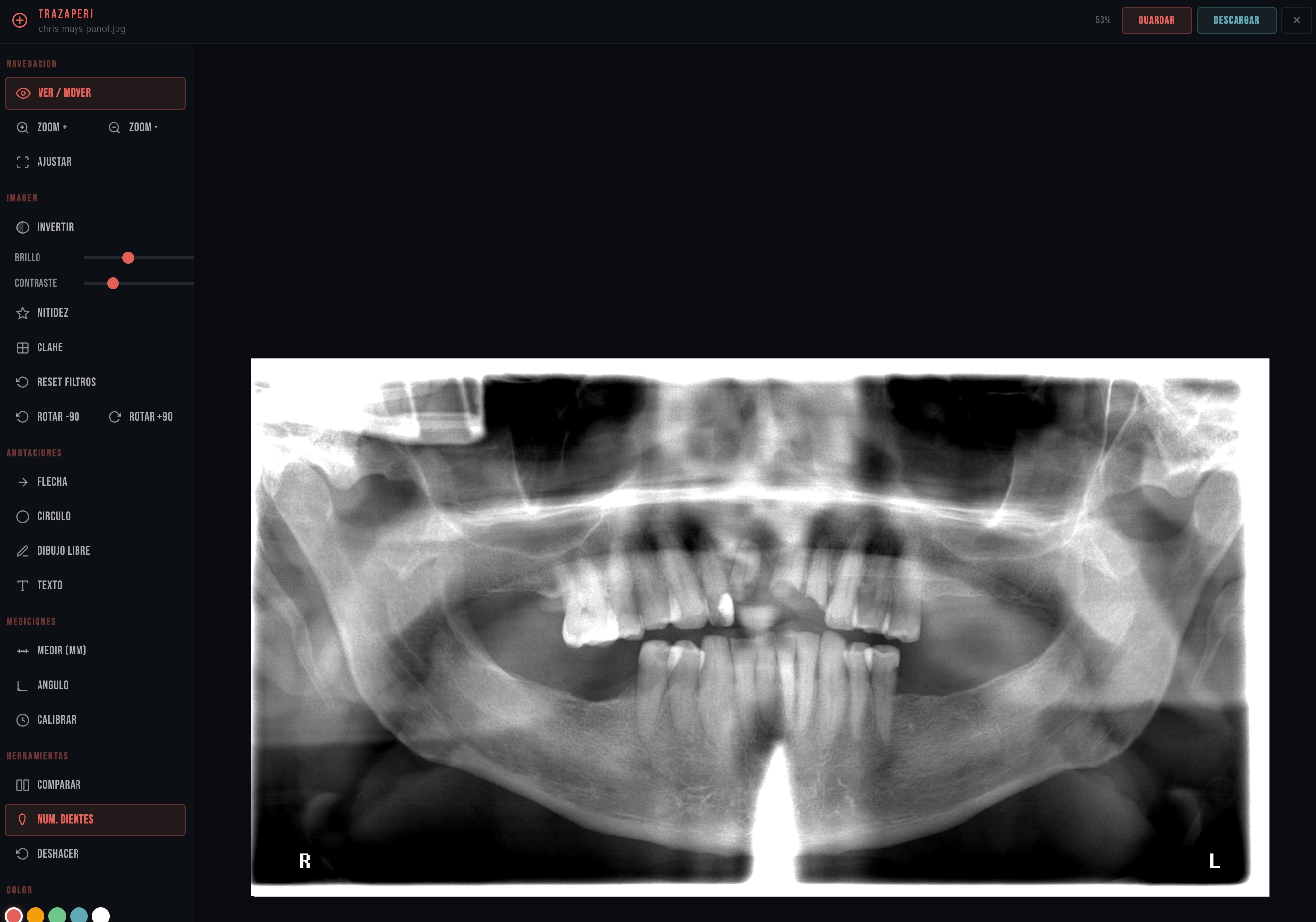
Calibrated measurements. CLAHE. Side-by-side comparison. Nothing to install.
You need to measure, compare, annotate. Your viewer can't. So you open Dexis, Carestream, or worse — you send a screenshot on WhatsApp.
This isn't a prototype. It's the foundation everything else is built on.
Calibrated distance in mm. Exact angles in degrees. Automatic DICOM calibration. What Dexis charges $350/month for.
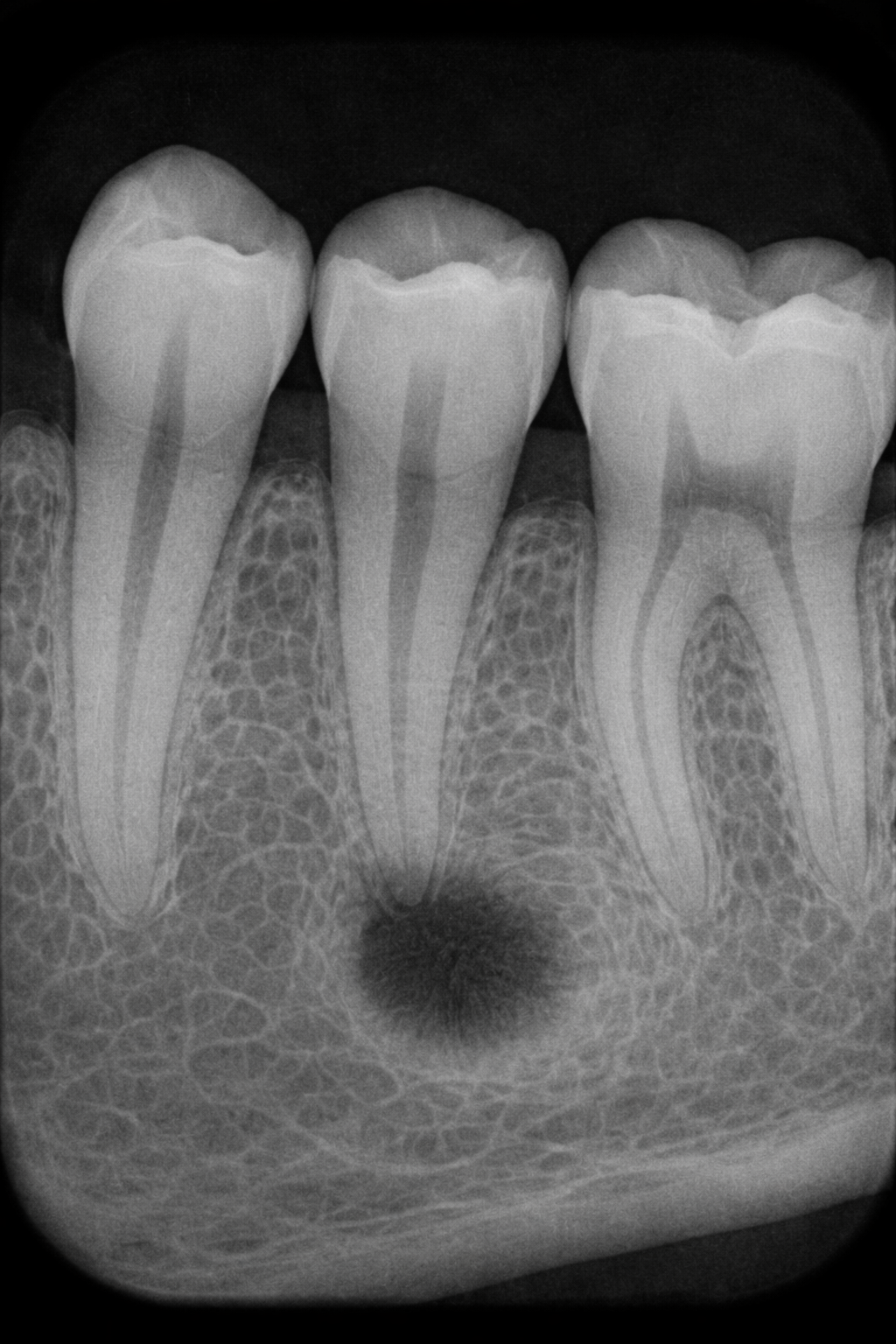
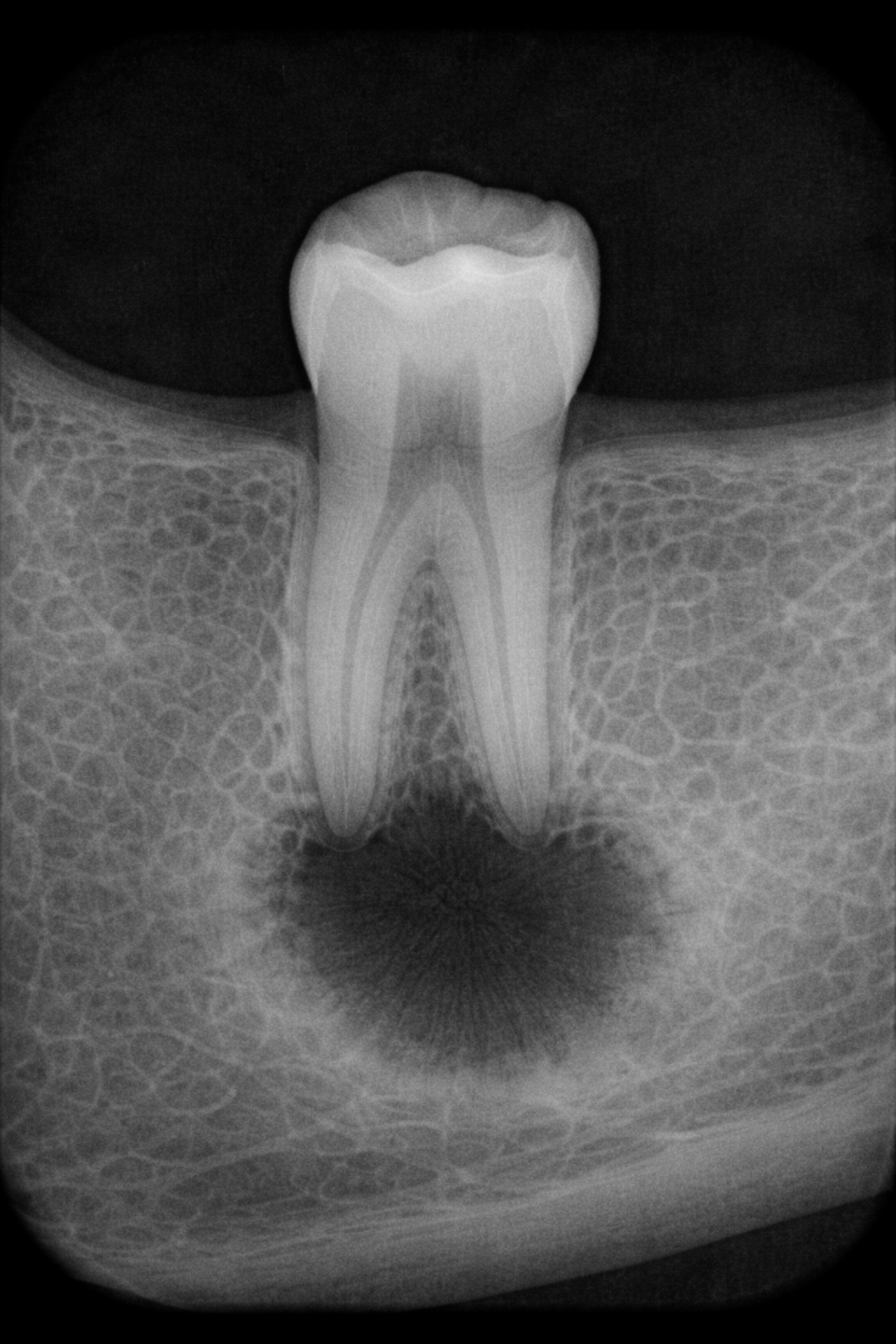
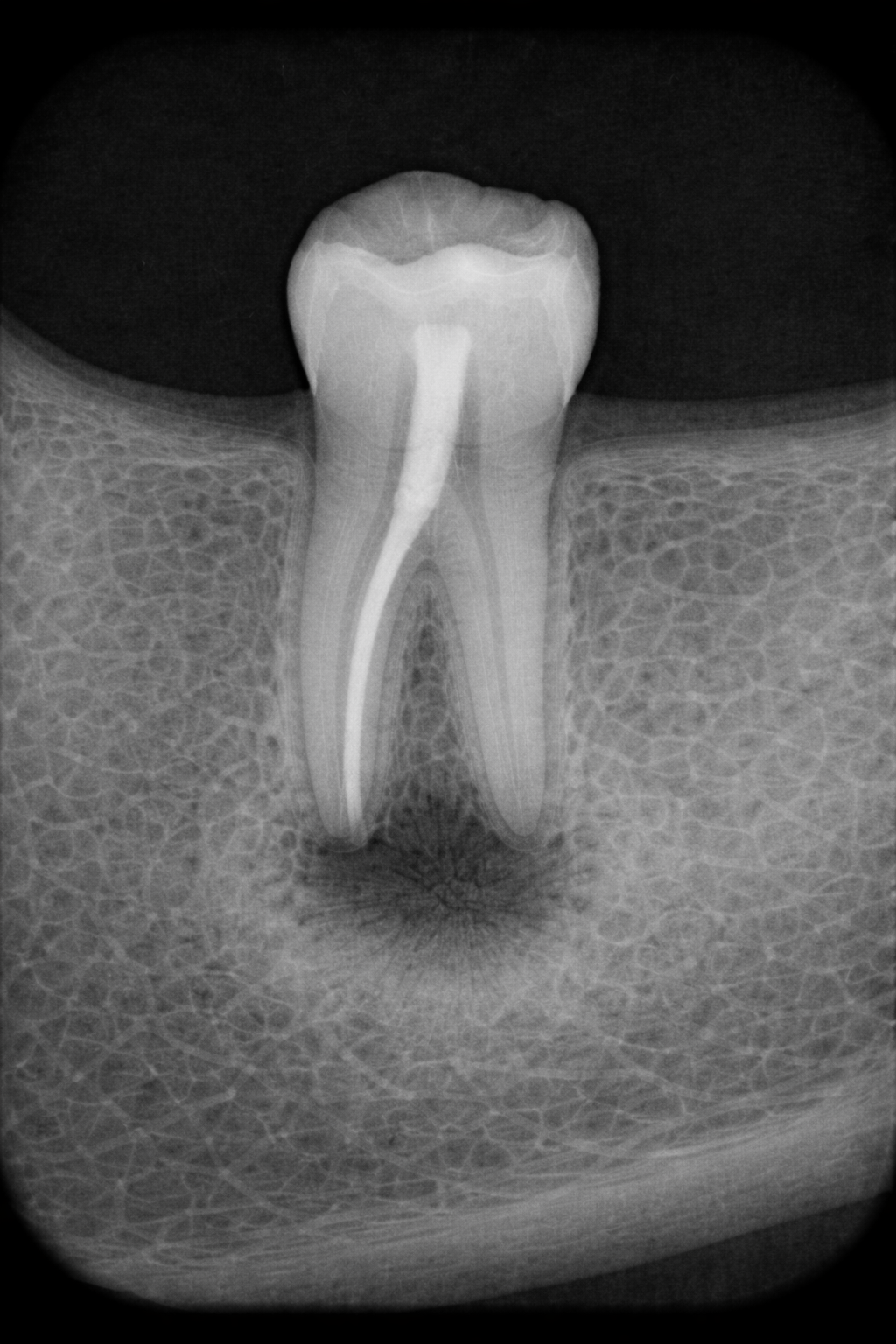
Two periapicals, same tooth, synced zoom. See the progression without opening two windows.
CLAHE improves local contrast without destroying information. Reveals trabeculae, lesion borders, and canals. The same algorithm Carestream uses — non-destructive, toggle on/off.
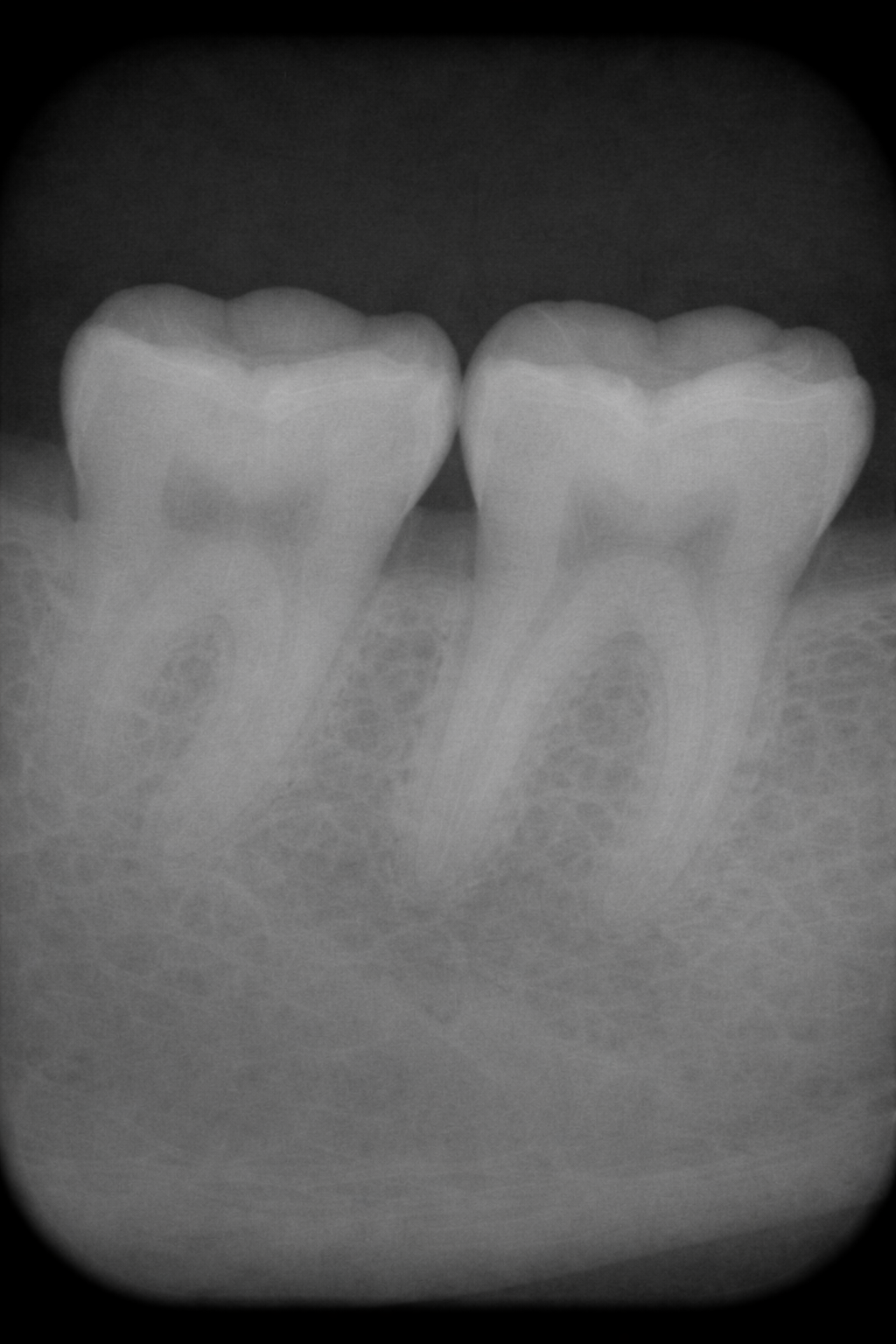
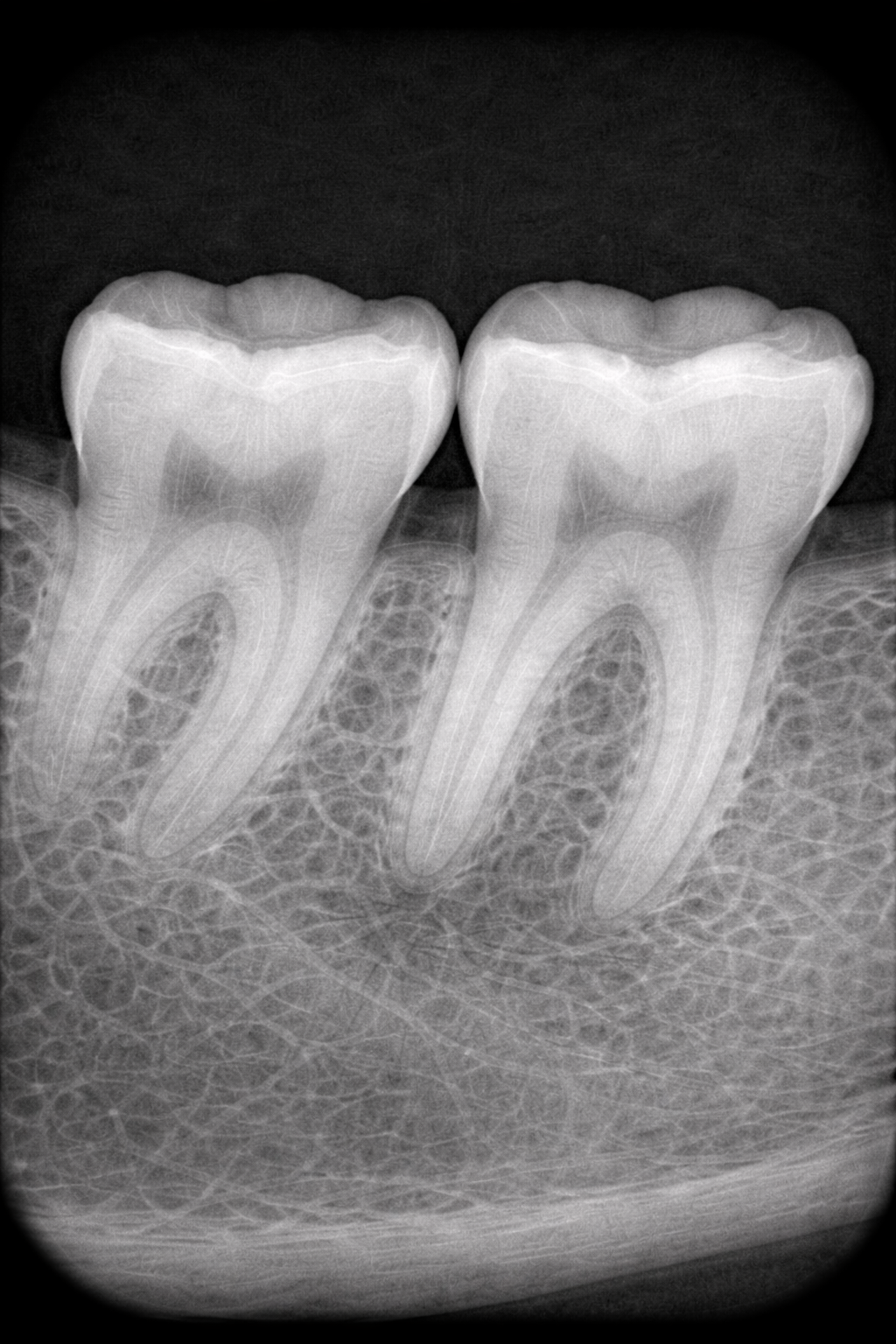
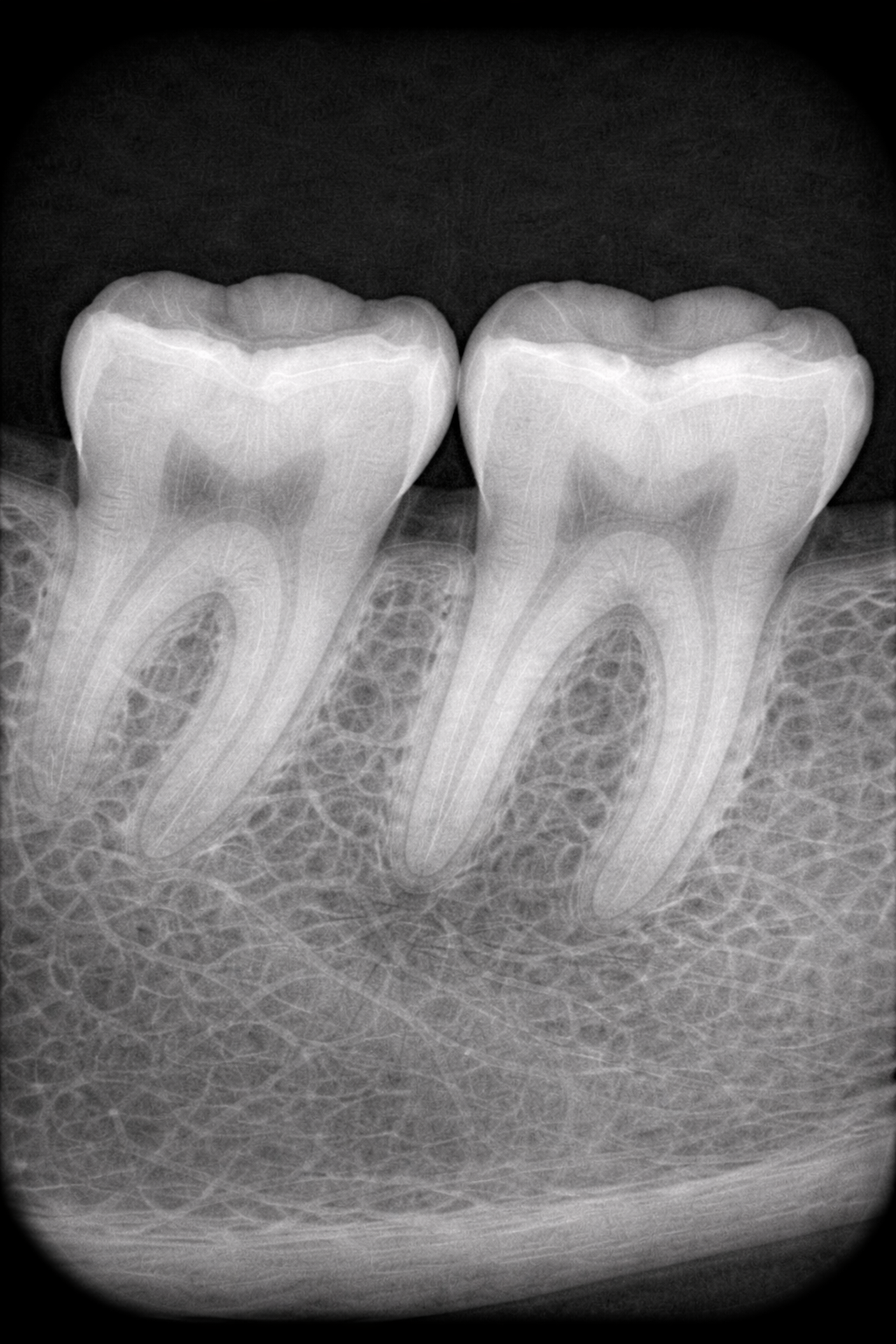
Auto FDI or Universal numbering. Every annotation on its own layer. Toggle visibility, adjust opacity, export only what you need.
Every row is a real feature. Every price is a real cost. You decide.
| Feature | TrazaPeri | Dexis | Carestream | Apteryx |
|---|---|---|---|---|
| Zoom / Pan / Fit | ||||
| Brightness / Contrast / Invert | ||||
| Annotations (arrow, circle, freehand) | ||||
| Export annotated image | ||||
| Calibrated linear measurement (mm) | Soon | |||
| Angular measurement | Soon | |||
| Side-by-side comparison | Soon | |||
| CLAHE / Sharpen | Soon | |||
| Dental numbering overlay | Soon | |||
| Non-destructive layers | Soon | |||
| Browser-based | ||||
| Annual cost | Included | $4,200 | $3,800 | $2,400 |
| Install required | None | Local software | Local software | Local software |
AI applied to periapical radiography. Not marketing — real functionality no traditional viewer has.
No. TrazaPeri is built into TrazaLab. When you open a periapical from the case, it opens in TrazaPeri automatically. No install, no extra license, no friction.
Yes. TrazaPeri uses the DICOM metadata to calibrate measurements in real millimeters. If the image has no scale metadata, you can calibrate manually against a known reference (e.g., a 5mm sphere).
Yes. TrazaPeri accepts DICOM, JPEG, PNG, and TIFF. Annotation, enhancement, and comparison work with any format. Auto-calibrated measurements require DICOM or manual calibration.
No. CLAHE improves local contrast — it reveals bone-density differences in zones that a linear adjustment flattens. Sharpen boosts edges and fine detail. They're complementary. Both non-destructive — toggle on/off.
Yes. Annotation layers auto-save to the case inside TrazaLab. Reopen, edit, or export the image with or without annotations visible. All traceable, all in the history.
Phase 1 (measurements, comparison, CLAHE, layers, numbering) ships first and ships clean. Phase 2 (AI detection, temporal overlay, virtual implants) builds on that base. No specific date — Phase 1 perfect first.
TrazaPeri ships with TrazaLab. Measurements, CLAHE, comparison, layers — all inside the case flow. No installs. No extra licenses.