TrazaVideo · Product

The lab approves with evidence,
not with what you said.

Clinical video capture with guided sequence and frame-by-frame validation. Eight canonical modes. Three clips per case. A quality score before upload. If the video doesn't clear the threshold, it doesn't leave the phone — and the lab doesn't get something it would have to guess at.

8
Canonical modes
60+
Min score to upload
35%
Remakes from impressions
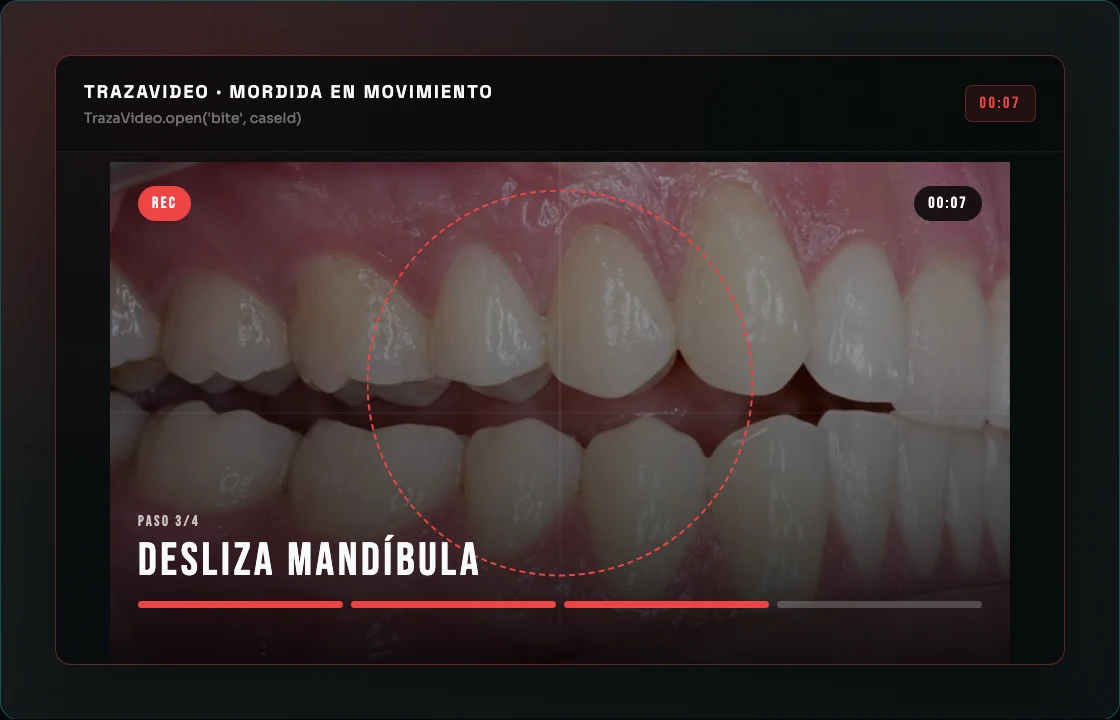
TRAZAVIDEO · BITE
×
REC
00:07 / 10
MOTION STABLE LIGHT
SCENE 3 / 4
SLIDE JAW LEFT →
01.5s
2.5s
MODE: BITE IN MOTION
Record 4 short moments: close, open, lateral left, lateral right.
Hold the camera ~15cm from the mouth
Stabilize the camera; the patient moves
Every phase is guided step by step
The 8 modes

Eight modes. Each with its own sequence, validators, and color.

Not a generic "shoot a one-minute video." Every mode has a specific clinical purpose, directed scenes, and real-time quality checks before upload to the lab is allowed.

Bite In Motion
4 scenes · ~10s
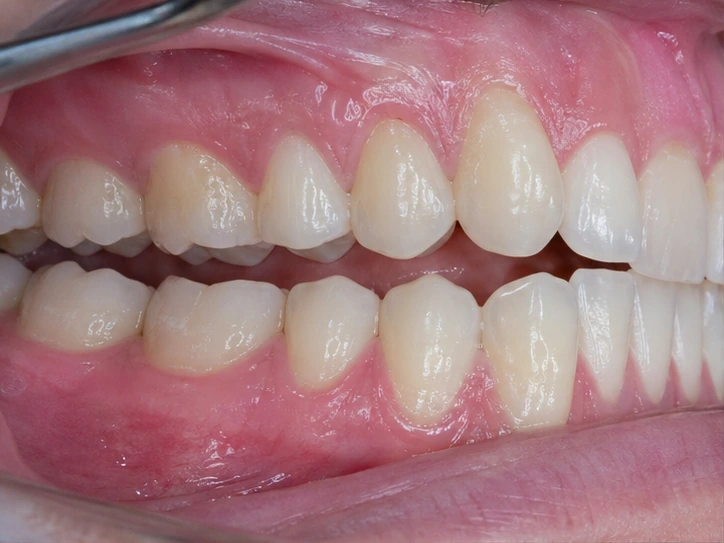
Close, open, slide left, slide right. To verify occlusal dynamics and laterality.
Margin In Rotation
2 scenes · ~10s
Move in close, then slowly rotate 360° around the prepared tooth. Cover mesial, buccal, distal, lingual.
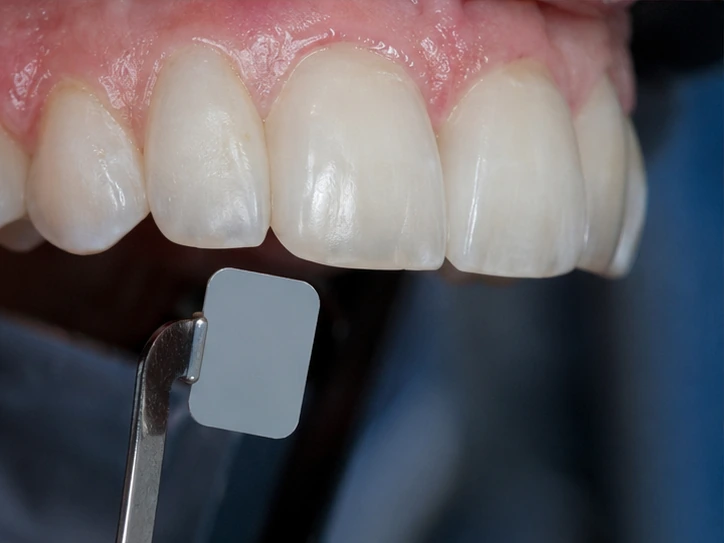
Shade In Motion
4 scenes · ~8s
Tilt the head in 4 directions with the TrazaTono card in frame. Light plays off the color.
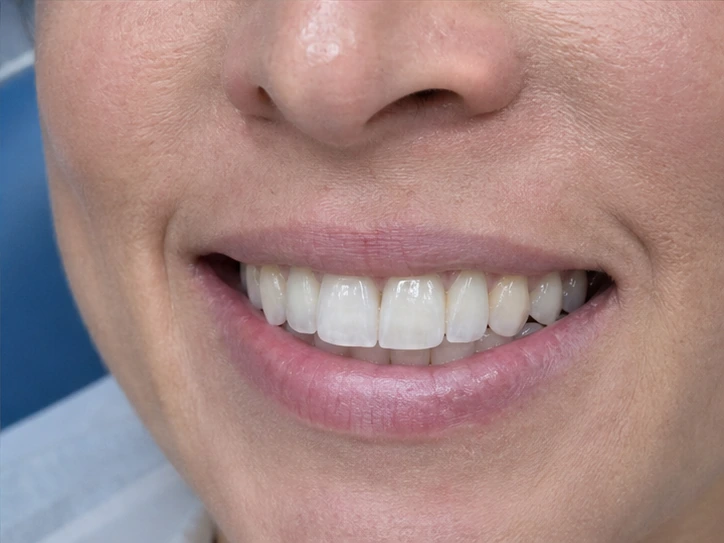
Dynamic Smile
3 scenes · ~8s
Natural smile, wide "E", lips at rest. How the teeth frame the face.
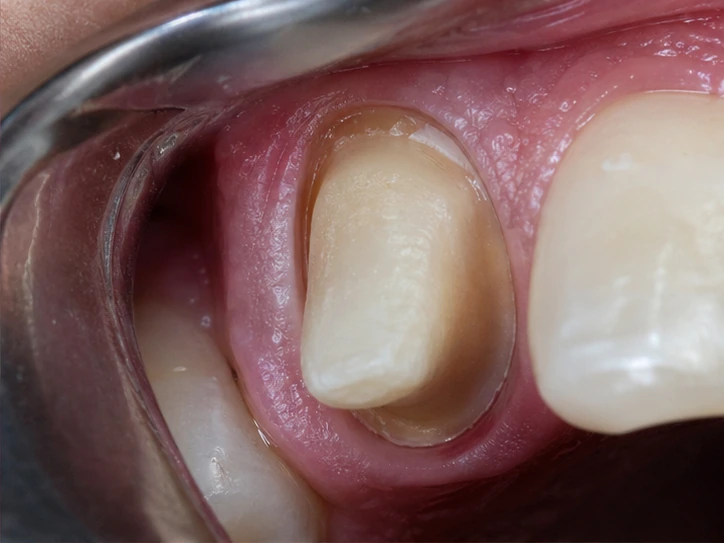
Stump Shade
2 scenes · ~7s
Prepared stump next to the TrazaTono card with a slight rotation. Records chromatic variation.
Ridge / Surgical Site
2 scenes · ~7s
Edentulous ridge or surgical site with adjacent teeth. Slow lateral pan.
Full Face
2 scenes · ~6s
Face at rest and smiling. Reference for VDO, lip support, smile line.
Profile View
2 scenes · ~6s
Lateral profile with lip support, nose-to-chin ratio, lip line at rest.
Frame-by-frame validation

The camera decides if the video is good — before it leaves the phone.

Every scene gets validated frame by frame with computer-vision heuristics running locally in the browser. No servers. No waiting. If a scene fails, the system tells you exactly what to redo.

MOTION DIRECTION OK LIGHT STABLE COVERAGE 72% CARD OUT
  • 01
    Motion

    Canvas frame-diff detects whether real movement is happening. Static camera is rejected.

  • 02
    Direction

    Optical flow heuristic detects whether the pan is left→right, continuous rotation, etc.

  • 03
    Close-up

    Color histogram detects whether the tooth fills the frame before rotation begins.

  • 04
    Continuous rotation

    Counts cycles to confirm mesial, buccal, distal, and lingual were all covered.

  • 05
    Card present

    In shade and stump modes, verifies the TrazaTono card stays in frame the whole time.

  • 06
    Light stability

    Monitors abrupt exposure changes that would invalidate the chromatic reference.

The threshold

Aggregate score. Hard gate. If it doesn't clear 60, it doesn't upload.

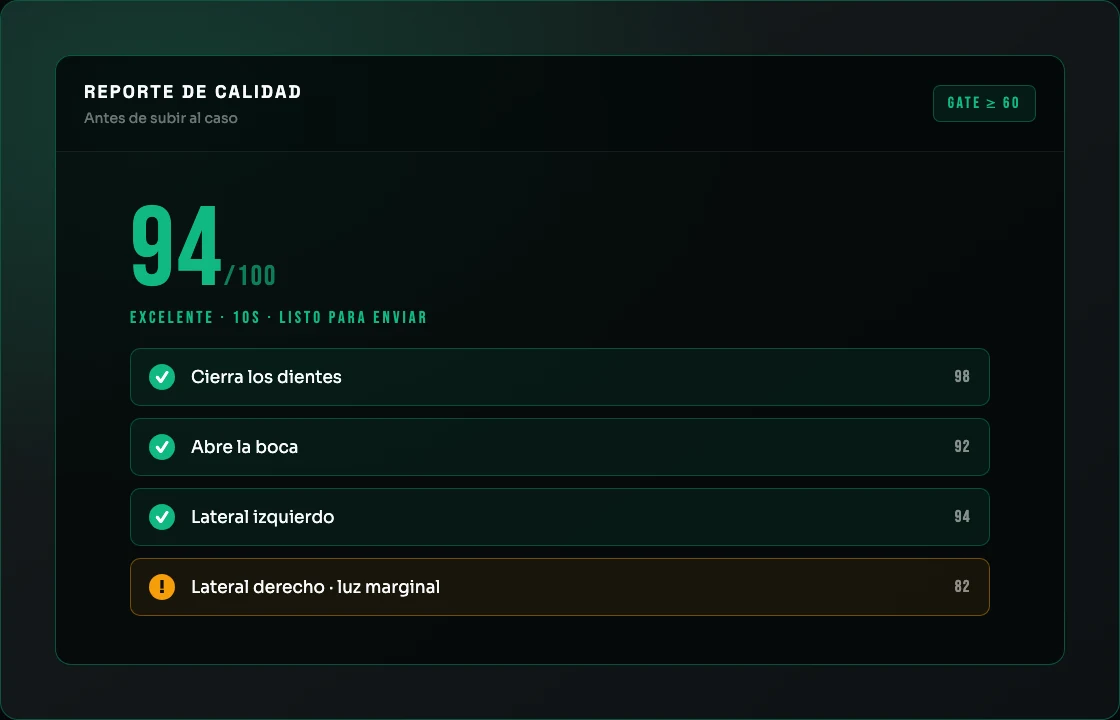
At the end of the sequence, each scene adds points based on its validators. The score aggregates 0–100. Below 60, the system blocks the upload — because a video under 60 costs the lab more time than it saves.

88
EXCELLENT
Close the teeth
100 · motion.ok
Open the mouth
95 · motion.ok
!
Slide jaw left
72 · coverage 72%
Slide jaw right
90 · motion.ok
ALLOW UPLOAD · THRESHOLD CLEARED

Four quality tiers

The same framework lab techs use to decide whether to trust the video or request a redo. No guessing.

80–100
EXCELLENT
All scenes pass. Immediate upload.
60–79
ACCEPTABLE
Some warnings, no errors. Uploads, but the lab knows what to watch.
40–59
MARGINAL
Blocked. The system flags the scenes to redo.
0–39
POOR
Full block. Restart the whole capture.
For the lab

The lab sees everything — in a single panel.

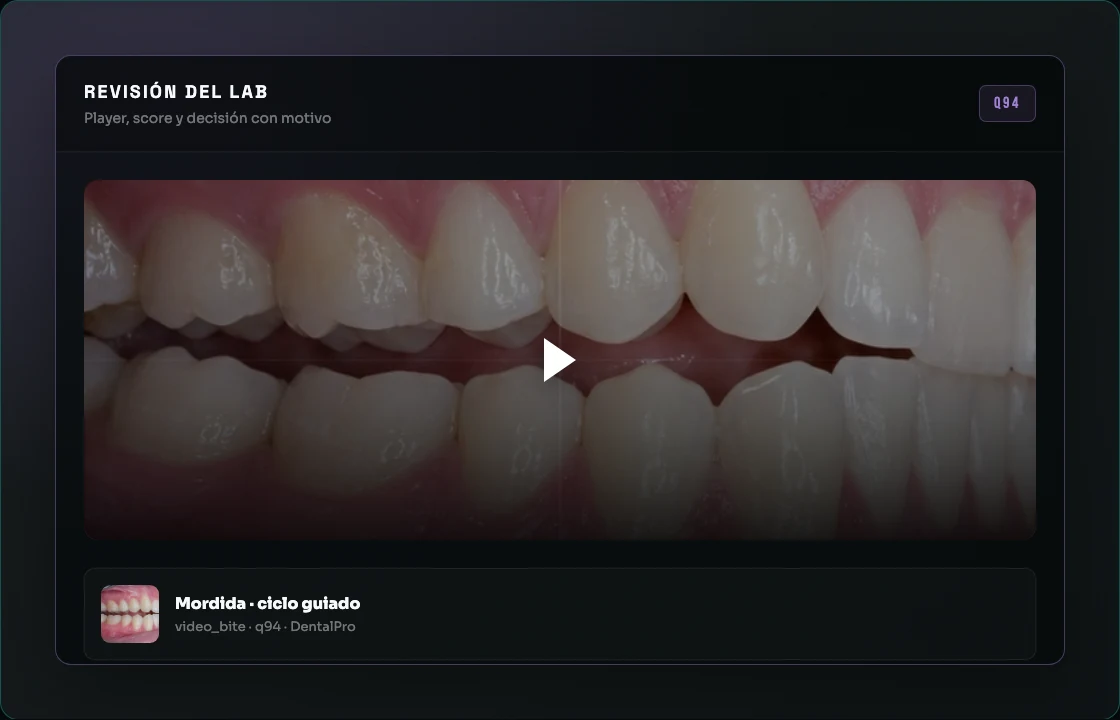
Every captured video arrives with its score, its per-scene metadata, and its rejection reason if one applied. The telemetry dashboard shows approval/rejection rates per mode, frequent causes, and recent rejections with reasons.

TRAZAVIDEO · ANALYTICS
← BACK TO PANEL
Approved
248
81% approval rate
Rejected
58
306 decided
MODE
CAPT.
SENT
QUALITY
Bite
94
88
79
9
84
Margin
71
64
52
12
78
Shade
58
54
48
6
88
Smile
44
41
36
5
86
Ridge
33
31
28
3
82
Recent rejections · with reason
MARGIN Incomplete rotation — lingual face missing 12m ago
SHADE TrazaTono card out of frame in scene 2 34m ago
BITE Insufficient motion on right laterality 1h ago
The surgeon captures with intention. The lab validates with evidence. No one is left guessing in between.
The evidence

What TrazaVideo prevents — in dollars, in remakes, in chair time.

Every metric comes from the TrazaLab research report on the global cost of dental remakes. Peer-reviewed, citable.

35%
Remakes from impressions
Of total remake spend, 35% comes from impression and documentation errors that a validated video eliminates at the source.
Source: TrazaLab Report · Analysis of 12 studies
45–60%
Preventable before the lab
Of dental remakes, 45–60% originate before the lab opens the box. Dominant cause: incomplete or ambiguous information.
Source: PMC Info-Tech 2024
$23K
Per lab / year recoverable
One remake avoided per week per lab ≈ $23,000/year recovered. TrazaVideo is built to attack exactly that remake.
Questions

What the surgeon and the lab ask first.

What exactly does TrazaVideo capture?
Three canonical clinical clips per case — bite, margin, and shade — with scene-by-scene sequence validated in real time. Eight total modes: bite, margin, shade, smile, prepared stump, ridge/surgical site, full face, and profile. Each mode has its own specific clinical purpose and its own set of validators.
Does the lab need to install anything?
No. The lab receives each video with per-scene quality metadata, aggregate 0–100 score, and a telemetry dashboard with approval and rejection rates per mode. All web-based. No install.
How does it validate quality without heavy AI?
Vanilla Canvas ImageData frame-diff running in the browser: motion detection, direction heuristic, cycle counting, color histogram for close-up, rotation continuity, and (for shade mode) TrazaTono card detection as chromatic reference. All local — nothing shipped to a server.
Why a score of 60 to allow upload?
Below 60, the lab would have to guess — and that is exactly what TrazaVideo exists to prevent. 35% of total dental remake spend comes from impression and documentation errors. A hard gate at the source eliminates that percentage before it ever reaches the lab.
What if the score is low?
The system shows you scene by scene what failed — insufficient motion, close-up not detected, card out of frame, unstable light — and suggests redoing only the blocking scenes. Not the whole sequence.
Do I need constant connection during capture?
No. Capture and validation are 100% local to the browser. Upload happens at the end, with each scene's metadata. Useful when clinic connection is unstable.
Does it work on iPhone and Android?
Yes. TrazaVideo runs in the phone's browser — Safari iOS and Chrome Android — with no app to install. Uses the rear or front camera depending on the mode (face and profile use front; the rest use rear).
Can I plug it into my current workflow?
TrazaVideo is invoked from surgeon.php via TrazaVideo.open('bite', caseId, callback). Every video is linked to the case in TrazaLab and available in the pipeline you already use. The lab sees it in its own panel alongside the rest of the case documentation.

Start with the cases where clarity can't fail.

Full arch, implants, aesthetic cases. The ones that can't afford a remake. TrazaVideo covers them from day one.