Free DICOM viewer — no install required

View CBCT & DICOM Files Online — Free Medical Imaging Viewer

Load CBCT, CT, panoramic, and periapical DICOM files in your browser. Window/level presets, calibrated measurements, annotations, and multi-slice navigation — with zero server uploads.

8 Features That Make TrazaLab the Best Free DICOM Viewer

Designed for dental and medical professionals who need fast, private imaging access.

💡

Window/Level Presets

Bone, soft tissue, lung, brain, abdomen, and custom dental CBCT presets. Manually adjust window width and center with real-time visual feedback for optimal contrast.

📏

Calibrated Measurements

Distance, angle, ellipse area, and freehand ROI tools. All measurements use DICOM pixel spacing metadata for accurate real-world dimensions in millimeters.

🗂

Multi-Slice Navigation

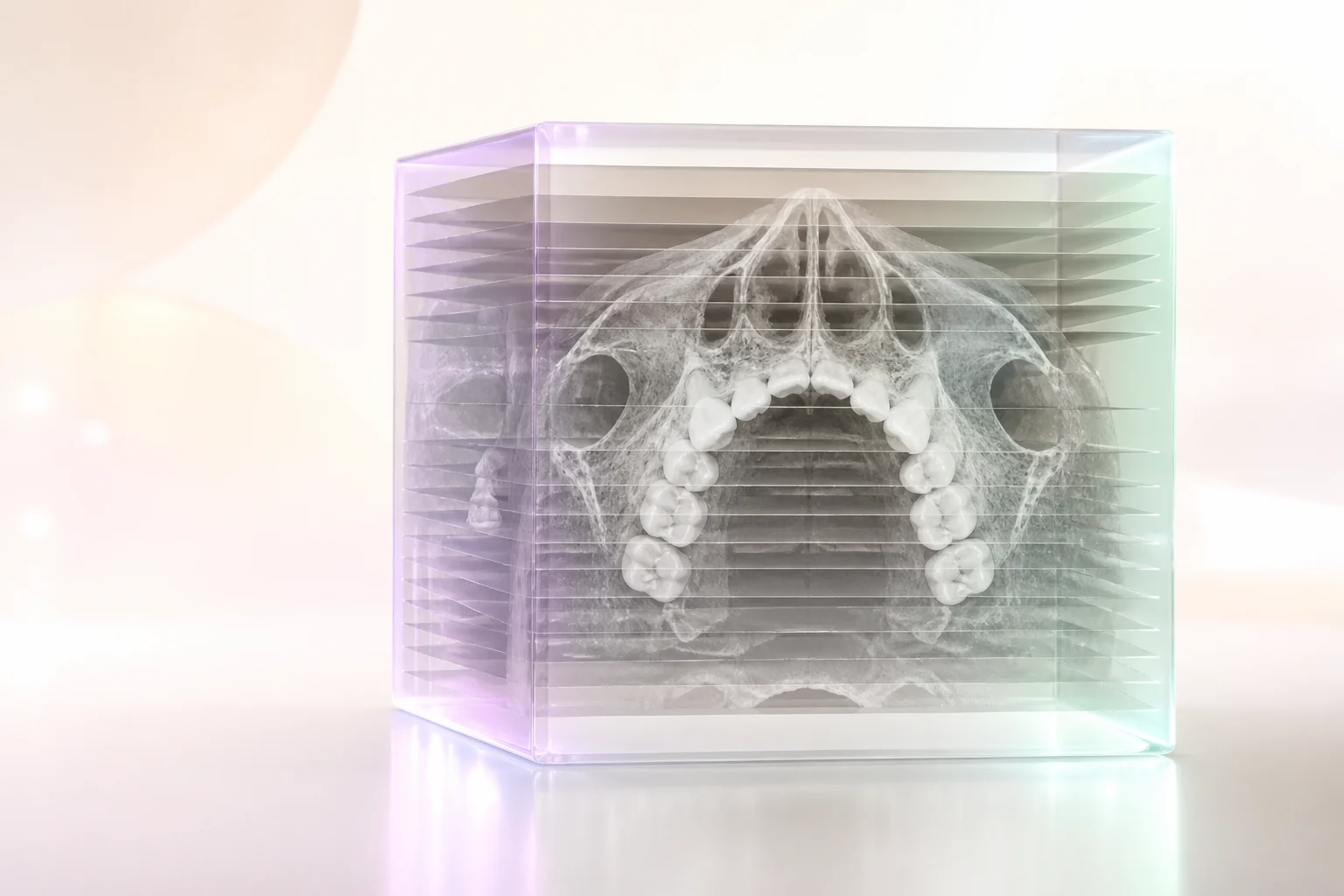
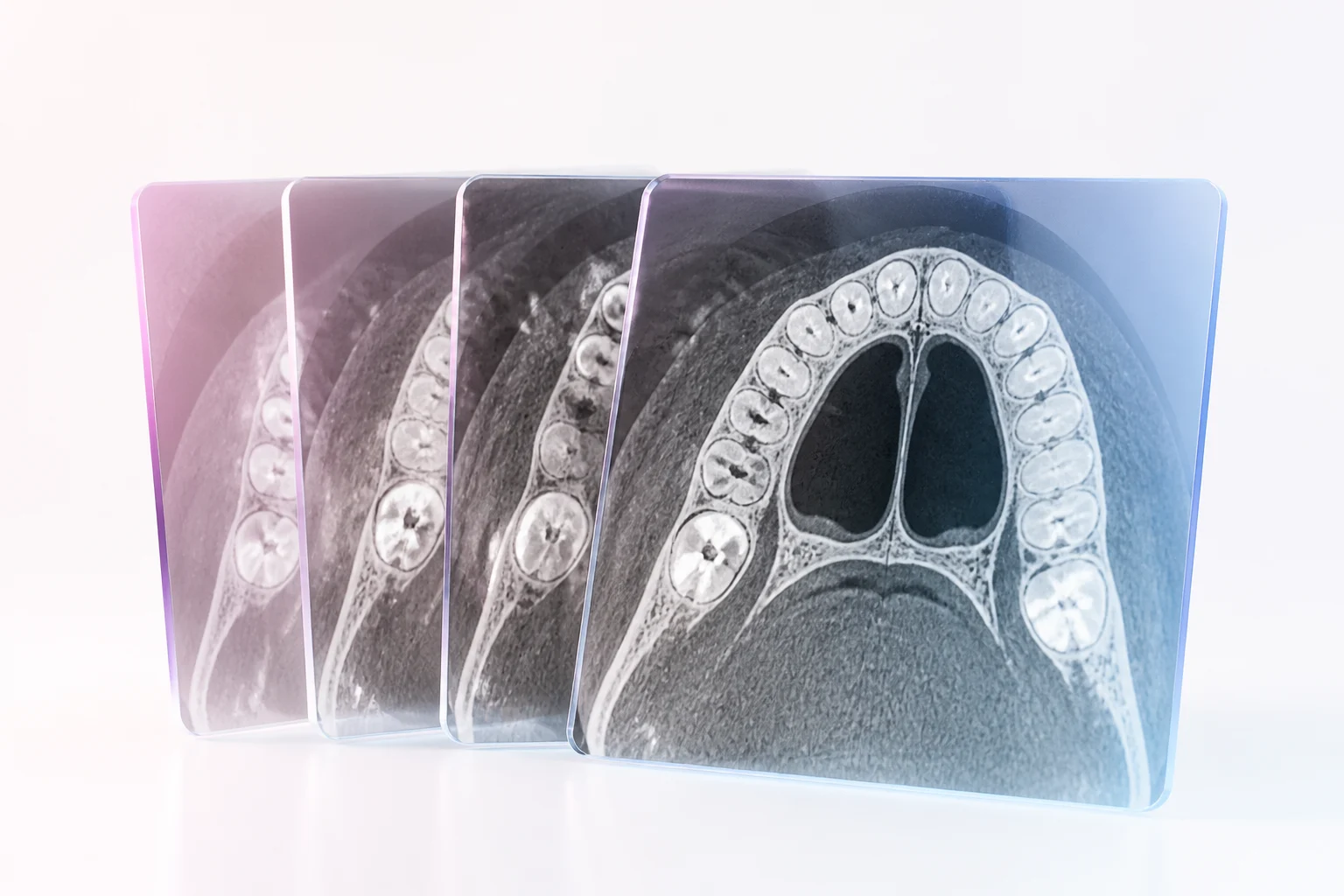
Load complete DICOM series and scroll through axial, coronal, and sagittal slices. Synchronized crosshair navigation lets you track a point across all three planes.

📝

Annotations & Markup

Add text labels, arrows, freehand drawings, and region markers directly on any slice. Annotations persist as you navigate through the series and export with screenshots.

🧪

Hounsfield Unit Sampling

Click any pixel to read its Hounsfield unit value. Draw an ROI to get mean, min, max, and standard deviation HU statistics for bone density assessment.

📋

DICOM Metadata Viewer

Browse the full DICOM tag tree including patient info, study parameters, acquisition settings, and equipment details. Search and filter tags instantly.

🔒

100% Client-Side Privacy

All DICOM parsing and rendering happens locally in your browser. Files are never uploaded to any server. HIPAA-friendly architecture with no BAA required.

📷

Screenshot & Export

Export individual slices or annotated series as high-resolution PNG images. Window/level settings and measurements are baked into the exported files.

From DICOM File to Clinical Insight in 3 Steps

1

Load Your DICOM Files

Drag a single DICOM file or an entire series folder. Supports .dcm files and folder-based series from any CBCT, CT, or X-ray system.

2

Adjust & Analyze

Apply window/level presets, navigate slices, measure distances and angles, sample Hounsfield units, and annotate regions of interest.

3

Export & Share

Save annotated screenshots, export measurement data, and share findings with colleagues. All exports are de-identified by default.

TrazaLab vs. Other Free DICOM Viewers

No install, no account, no data leaving your device.

FeatureTrazaLabRadiAntHorosPostDICOM
Runs in browser (no install)
100% client-side (no upload)
Dental CBCT presets
Calibrated measurements
Hounsfield unit sampling
Annotations & markup
No account required
Works on Mac, Windows, Linux

Why Dental Professionals Need a Browser-Based DICOM Viewer

DICOM files are the universal format for medical imaging, but viewing them has always required specialized software. Desktop DICOM viewers like RadiAnt, Horos, and OsiriX are powerful, but they come with constraints: platform lock-in (Horos is macOS only, RadiAnt is Windows only), installation requirements, licensing complexity, and the overhead of maintaining software updates across a practice's workstations.

For dental professionals, these constraints are amplified. Most dental practices do not have a dedicated IT department managing DICOM infrastructure. The dentist, the front desk, and the lab all need occasional access to CBCT scans, panoramic images, or periapical X-rays — but none of them need a full radiology workstation. What they need is fast, occasional access that works on whatever device is available.

The DICOM Format in Dental Imaging

DICOM (Digital Imaging and Communications in Medicine) is not just an image format — it is a complete framework for storing, transmitting, and managing medical images. A single DICOM file contains the pixel data (the image itself) along with a rich metadata tree that describes the patient, the study, the acquisition parameters, and the equipment used.

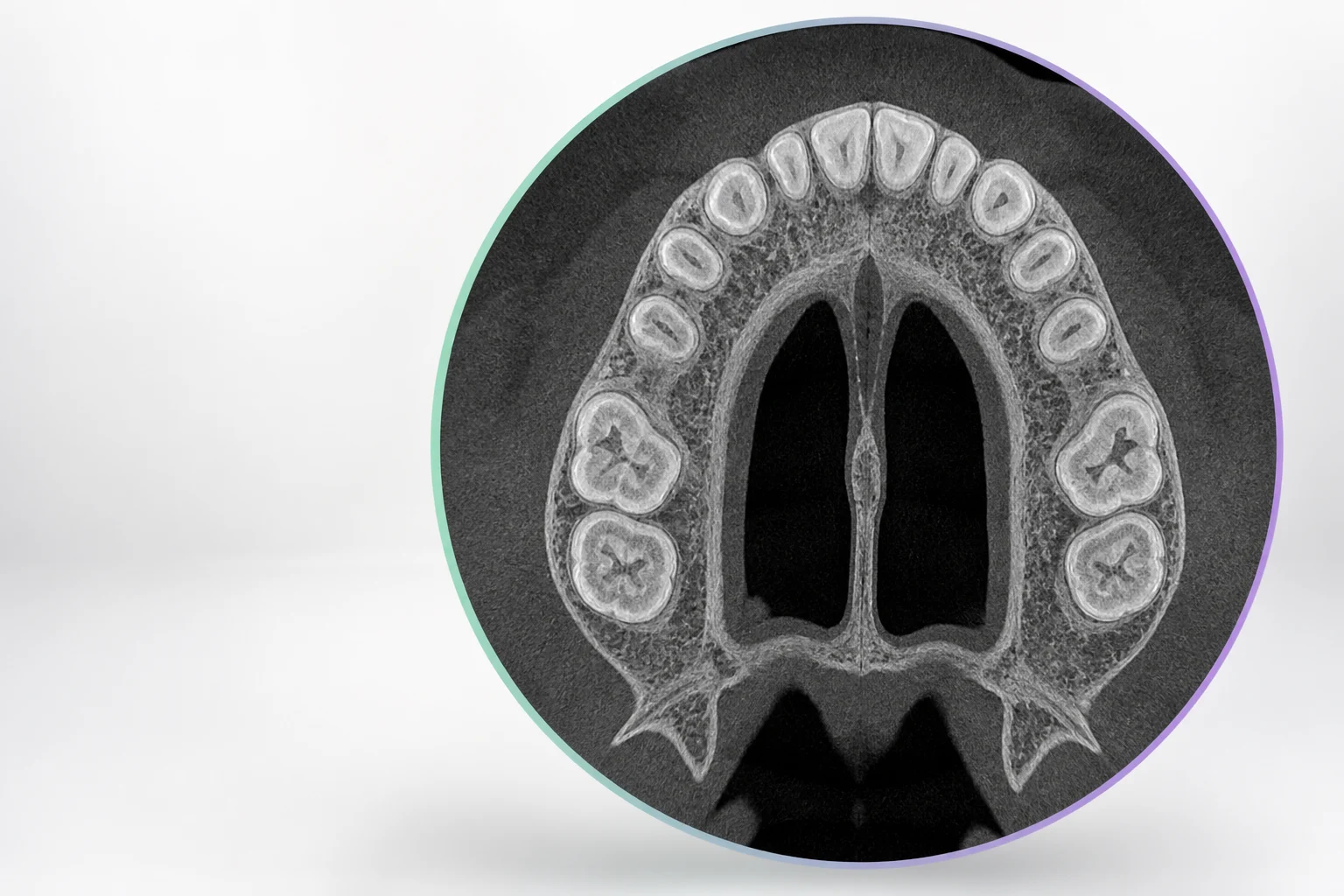
In dental imaging, DICOM files come from several sources. CBCT scanners (like Planmeca, Carestream, Vatech, and Sirona) produce volumetric datasets as DICOM series — hundreds of individual slices that together form a 3D volume. Panoramic units produce single-frame DICOM files. Intraoral X-ray sensors produce periapical and bitewing DICOMs. Each modality has different pixel spacing, bit depth, and metadata structure, and a viewer must handle all of them correctly.

Window/Level: The Key to Seeing What Matters

DICOM images typically store pixel values in Hounsfield units (HU) for CT/CBCT, or in raw detector values for conventional radiographs. The human eye can only distinguish about 900 shades of gray, but a CBCT scan may contain HU values from -1000 (air) to +3000 (dense bone or metal). The window/level control maps a specific range of these values to the visible grayscale spectrum.

For dental applications, the most useful presets are bone window (WW: 2000, WL: 350), which maximizes contrast in cortical and cancellous bone for implant planning; soft tissue window (WW: 400, WL: 40), which reveals mucosal and gingival detail; and a custom dental preset (WW: 3500, WL: 600) that balances bone detail with root canal visibility. TrazaLab includes all of these as one-click presets, plus a manual slider for fine-tuning.

Calibrated Measurements: Trust the Numbers

Every measurement on a DICOM image must account for the pixel spacing encoded in the file metadata. A millimeter on one CBCT scan may correspond to 4 pixels, while on another scanner it may be 8 pixels. If the viewer ignores this metadata and measures in raw pixels, the resulting dimensions are meaningless.

TrazaLab reads the DICOM tags for pixel spacing (0028,0030), slice thickness (0018,0050), and image orientation (0020,0037) to ensure that every measurement — distance, angle, and area — reflects accurate real-world dimensions. When planning implant sites on a CBCT, the difference between 10mm and 12mm of available bone height is the difference between a standard fixture and a short implant. Measurement accuracy is not a nice-to-have; it is a clinical necessity.

Hounsfield Unit Analysis for Bone Density Assessment

Bone density at the planned implant site is a critical factor in treatment planning. Misch's bone density classification (D1-D4) correlates with Hounsfield unit ranges, and many implant protocols adjust surgical technique based on density. D1 bone (dense cortical, >1250 HU) requires different drilling speeds and torque than D4 bone (fine trabecular, 150-350 HU).

TrazaLab's HU sampling tool lets you click any point to read its value, or draw a region of interest to get statistical measures (mean, min, max, standard deviation). This provides a quick bone density screening that helps the clinician anticipate surgical conditions before the patient is in the chair.

Privacy-First Architecture

Medical images contain protected health information (PHI). The DICOM metadata includes patient name, date of birth, medical record number, and referring physician. Uploading these files to a cloud-based viewer creates regulatory risk under HIPAA, GDPR, and similar frameworks.

TrazaLab eliminates this risk entirely. The DICOM parser runs in JavaScript within your browser. Image rendering uses HTML5 Canvas. No data is transmitted over the network. You can verify this by opening your browser's developer tools and monitoring the Network tab while using the viewer — zero requests are made after the initial page load. This is not just a privacy claim; it is a verifiable architectural fact.

For practices that need to share images with referral partners, TrazaLab's export function creates de-identified PNG screenshots by default, stripping all DICOM metadata from the output. You get the clinical image without the PHI.

Multi-Slice Navigation for CBCT Volumes

A typical dental CBCT scan produces 200-600 individual slices. Navigating this volume requires more than clicking "next" repeatedly. TrazaLab provides scroll-wheel slice navigation, a scrub bar for rapid jumping, and synchronized multi-plane views (axial, coronal, sagittal) with linked crosshairs. Click a point of interest in one plane, and the other two planes update to show that exact location.

This tri-planar navigation is standard in radiology workstations but rare in free online viewers. For dental applications, it is essential for evaluating impacted teeth, assessing the proximity of the inferior alveolar nerve, and planning sinus lift procedures where the relationship between the ridge crest and sinus floor must be evaluated in all three dimensions.

Who Benefits From a Free Online DICOM Viewer?

General dentists who receive CBCT referral reports but want to view the actual images themselves. Oral surgeons who need to pull up a patient's scan on a tablet in the operatory. Dental labs that receive CBCT-derived data for implant case planning. Orthodontists reviewing cephalometric images from external imaging centers. And dental educators who need to share anonymized cases with students without requiring everyone to install desktop software.

Frequently Asked Questions

TrazaLab supports CBCT (Cone Beam CT), conventional CT, panoramic radiographs, cephalometric images, intraoral periapical and bitewing X-rays, and MRI DICOM files. Any standard DICOM file with valid metadata will load.

Yes. All files are processed locally in your browser. No DICOM data is uploaded to any server. TrazaLab never has access to patient information, eliminating the need for a BAA.

Yes. The measurement toolkit includes calibrated distance, angle, area (ellipse and freehand), and Hounsfield unit sampling tools. All measurements use the pixel spacing from the DICOM metadata for accurate real-world dimensions.

Presets include Bone, Soft Tissue, Lung, Brain, Abdomen, and custom dental presets optimized for CBCT scans. You can also manually adjust window width and level with real-time feedback.

Yes. Load an entire DICOM series folder and navigate through slices with a scroll wheel or slider. Axial, coronal, and sagittal views are supported with synchronized crosshair navigation.

Yes. Export individual slices or the entire annotated series as PNG images. Annotations, measurements, and window/level settings are preserved in the exported images.

RadiAnt and Horos are desktop applications that require installation. TrazaLab runs in any modern browser with no install. While desktop viewers offer advanced features like MPR reconstruction and 3D volume rendering, TrazaLab provides fast, accessible viewing with dental-specific presets and measurement tools.

View Your DICOM Files Right Now

No install, no signup, no server upload. Load CBCT, CT, and X-ray files directly in your browser with clinical-grade tools.