1. Home
  2. Implant compatibility

IMPLANT COMPATIBILITY · NINE SYSTEMS

Is that abutment for this implant?

Pick the brand and the line. Read the connection family, the platform codes, the listed abutments, and the screw note — then confirm the manufacturer IFU before you design or mill.

Reference guide for connection family and published notes. Confirm the manufacturer catalog and IFU for the component and lot in your hand.
SYSTEMSNine systems on this page
WHAT YOU READConnection · platform · abutments · screw note
TrazaLabCompatibility instrument Nobel BiocareReference ready
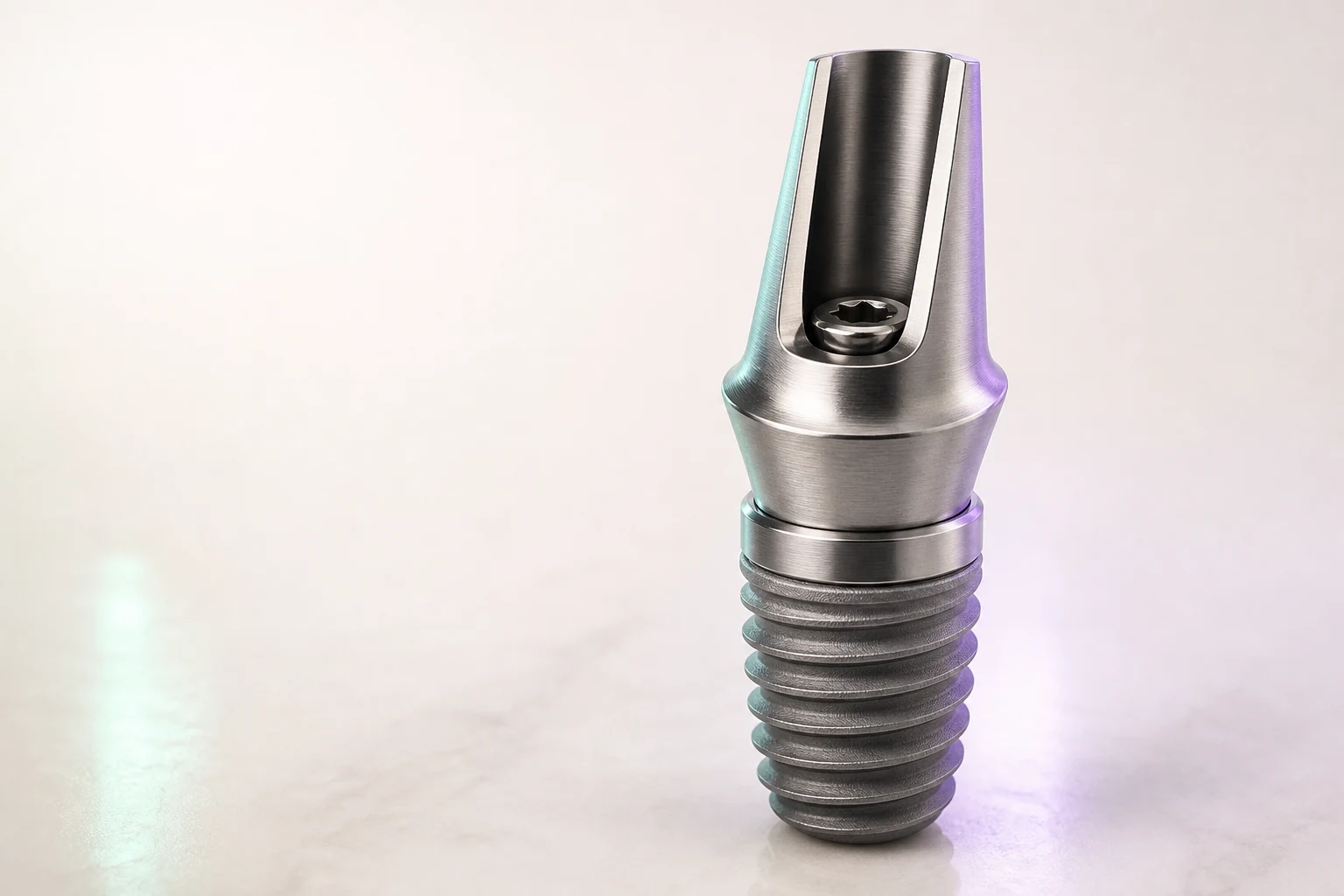
EDITORIAL VISUALIZATION
CONNECTIONConical (Internal Tri-Channel)
PLATFORMNP/RP/WP
LISTED ABUTMENTSSnappy Abutment · Multi-unit Abutment · Esthetic Abutment · On1 Base · Procera Abutment
SCREW / DRIVERUnigrip / Gold-Tite · .050" Hex / Unigrip

Published torque note: 15 Ncm (prosthetic), 35 Ncm (abutment)

SCAN BODY NOTENobel Procera Scan Body
COMPATIBILITY NOTE

Reference notes for OEM Nobel components and Tri-Channel/External Hex connections. Confirm the IFU for any aftermarket part.

WARNINGS
  • Verify platform (NP/RP/WP) before ordering
  • Procera abutments require a specific scanner
  • Aftermarket parts do not guarantee passive fit on multi-unit
THIRD-PARTY MENTIONSSirona · Amann Girrbach · Zirkonzahn · Exocad (digital library)
EDITORIAL VISUALIZATION

WHY THE JOIN MATTERS

A look-alike connection is not the same connection.

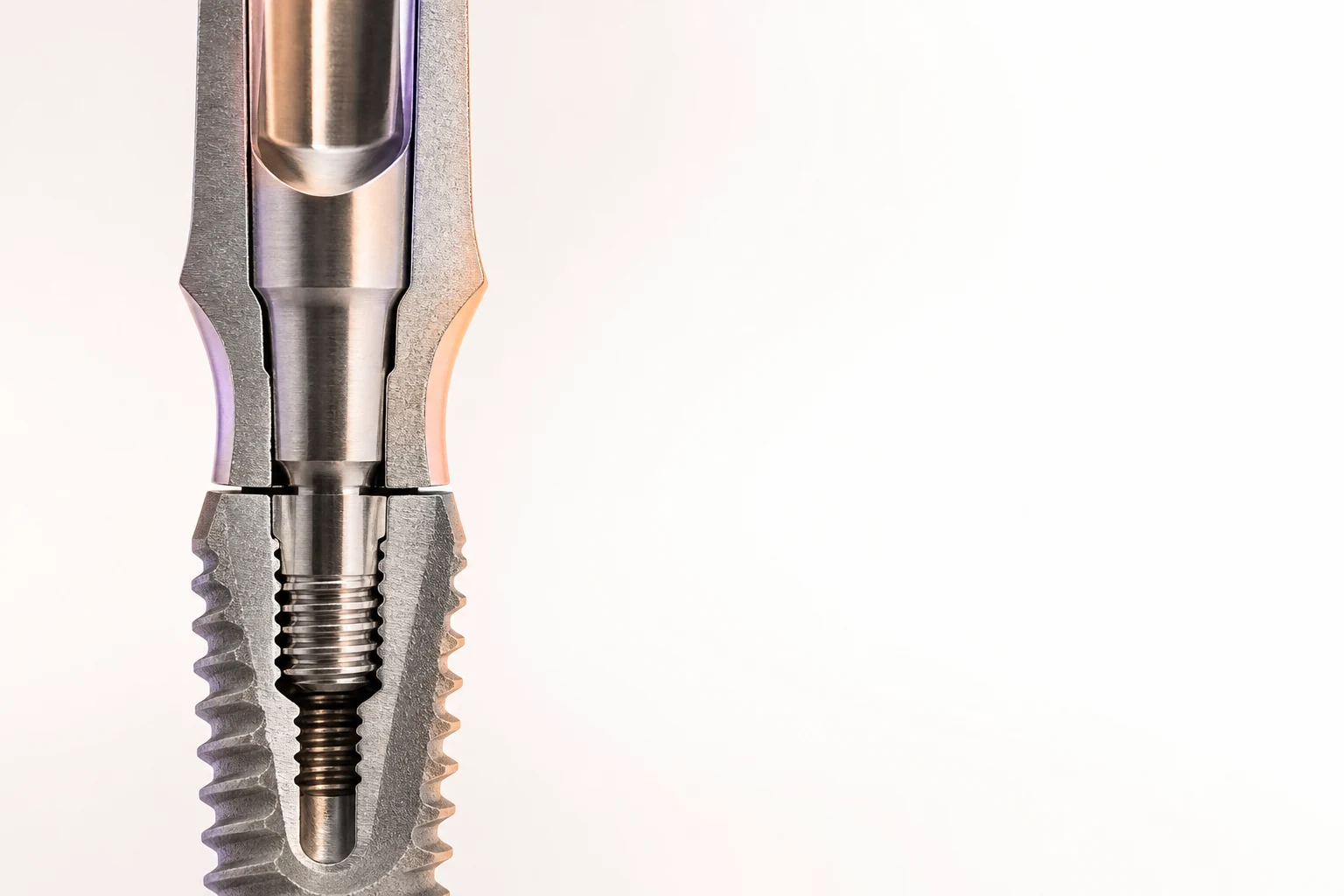
The implant–abutment interface carries the restoration. When the geometry does not match the fixture, the join can leave a gap, lose preload, or force the framework. This page is a reference for the nine systems below — not a substitute for the manufacturer catalog.

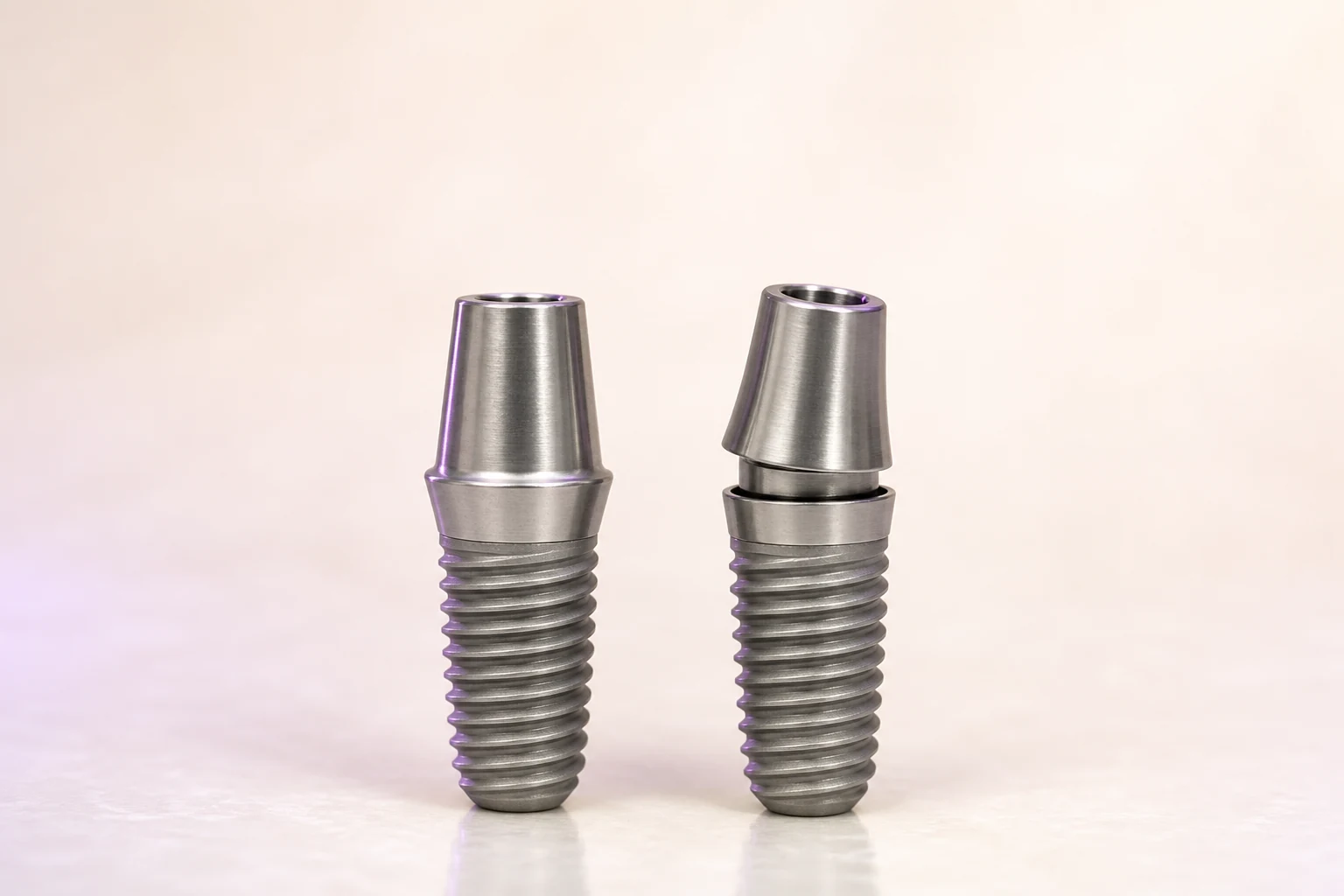
OEM SEAT VS MISMATCH

Flush seat on the left. Proud seat on the right.

If the abutment does not seat flush on the platform, stop and confirm the exact system, platform and component against the manufacturer documentation before you continue.

EDITORIAL VISUALIZATION

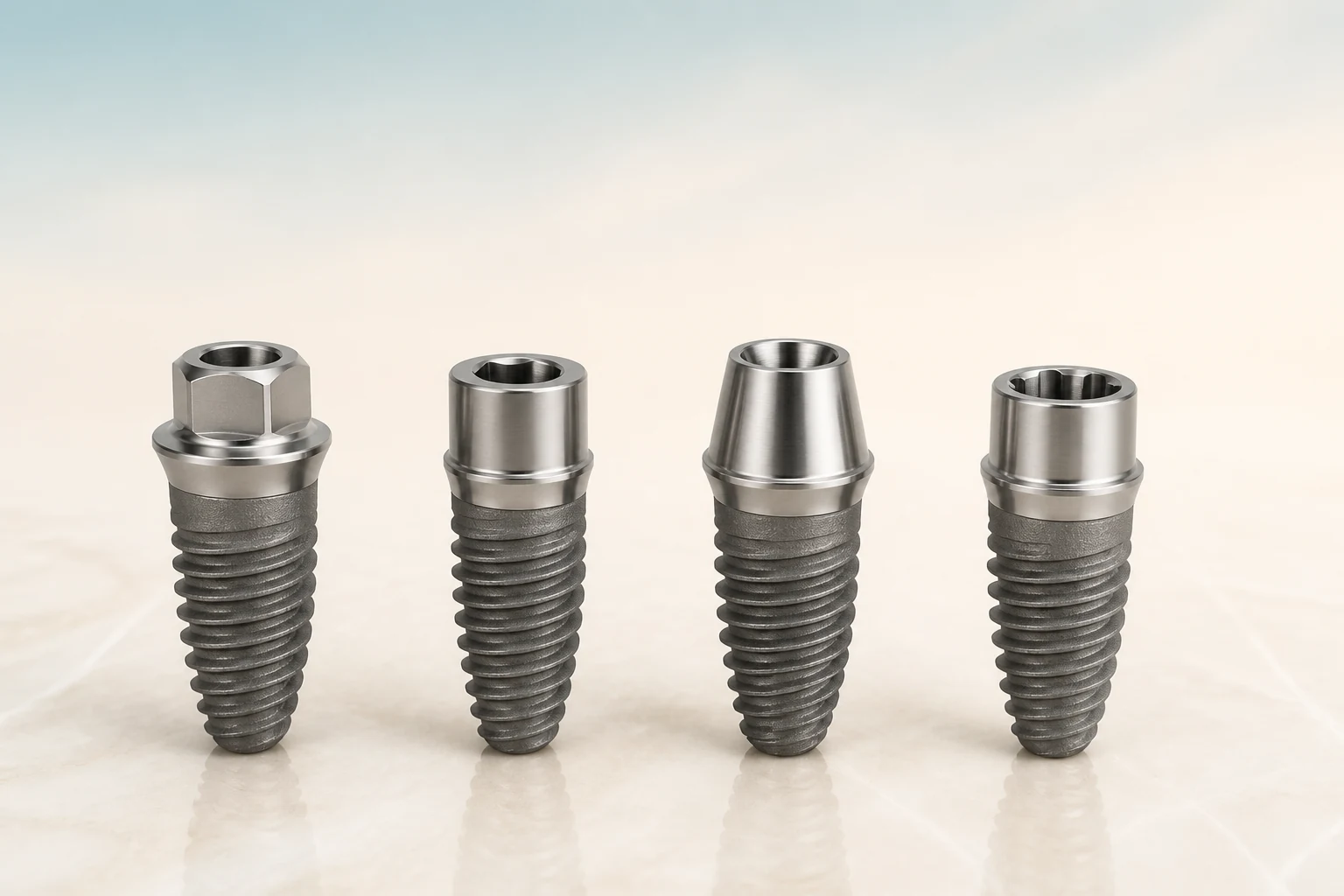
CONNECTION FAMILIES

Four geometries clinicians read on a radiograph.

External hex, internal hex, conical / Morse-style taper, and tri-channel internals are families — not universal fits. Channel angle and platform codes stay brand-specific.

EDITORIAL VISUALIZATION
  1. 01External hex
  2. 02Internal hex
  3. 03Conical / Morse
  4. 04Tri-channel

AFTER THE CHECK

The system you confirmed is the system the laboratory should read.

In TrazaLab the implant line on a tooth site keeps implant system and abutment together. It travels into the Digital Rx. An empty implant system on the lab sheet reads as Not on Rx — remake prevention, not decoration.

Keep the implant line in the case
TrazaLabTooth 36 · implant crownReference ready
TOOTH 36 · IMPLANT CROWN
IMPLANT SYSTEMNobel Biocare · NobelActive
ABUTMENT / SLEEVEMulti-unit abutment
CONNECTIONConical (Internal Tri-Channel)
TORQUE35 Ncm · confirm IFU

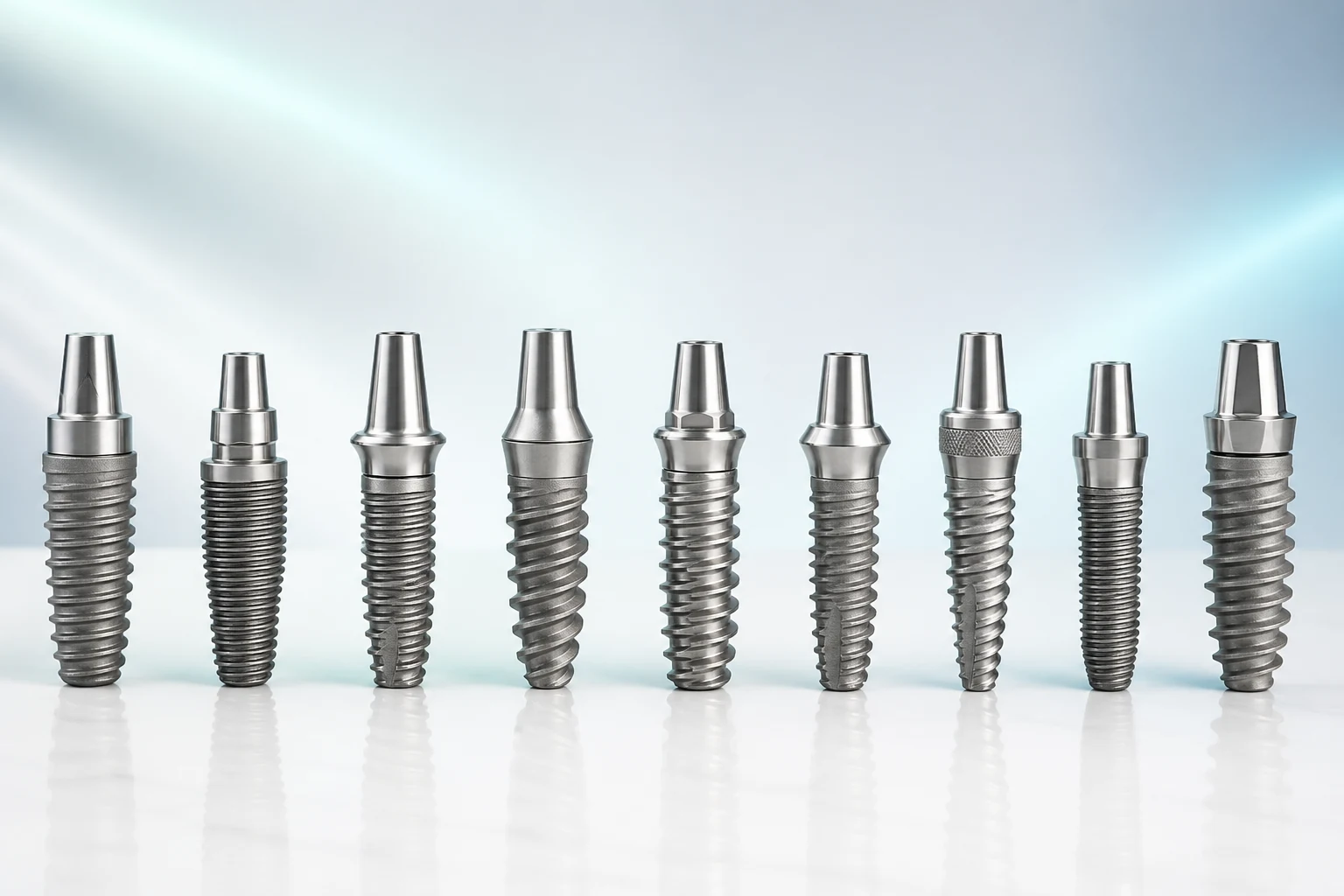
NINE SYSTEMS

Same checker. Distinct connections.

Each row opens the instrument on that brand. Torque values for the same nine systems live on the implant-torque family.

EDITORIAL VISUALIZATION

Reference guide for connection family and published notes. Confirm the manufacturer catalog and IFU for the component and lot in your hand.

QUESTIONS

Asked before the abutment is ordered.

Reference guide for connection family and published notes. Confirm the manufacturer catalog and IFU for the component and lot in your hand.

01Does this tool prove an aftermarket abutment is safe?+

No. It is a reference guide for connection family and published notes on nine systems. Always verify against the manufacturer catalog and clinically before cementation.

02Can I mix brands in the same arch?+

Each implant keeps its own components and scan bodies. On a bar or bridge spanning different brands, use multi-unit abutments from each respective system and confirm passive fit.

03Where do torque numbers live?+

On the TrazaLab implant-torque pages for the same nine brands, quoted from manufacturer documentation with source labels. This checker links you there after you identify the system.

04What if I do not know which implant the patient has?+

Ask for the implant card first. If it is missing, use a high-contrast periapical to read shape, connection cues and threads, then confirm with the treating dentist or the manufacturer identification resources — this page does not identify unknown implants from a radiograph.

05How does this connect to remake prevention?+

An unconfirmed implant system or abutment on the case leaves a gap the laboratory reads as Not on Rx. Recording the line after this check is the product handoff.

VERIFY · THEN RECORD

Read the connection here. Keep it in the case.

TrazaLab holds implant system and abutment on the tooth site, writes them into the Digital Rx, and shows the laboratory exactly what was confirmed — or exactly what was not.

Choose the right next step

Start with one case.

Create an account now or walk through a complete case before deciding. Both paths are available today.

Already using TrazaLab? Log in

Choose based on what you need

ACCOUNTStart nowCreate an account through the functioning TrazaLab signup journey.
TOURUnderstand before decidingFollow the complete self-guided case without registration or a sales conversation.
CASECompare it with your flowUse the tour as a guide and activate TrazaLab when the process fits your team.